
Maximum Zoom is a free photography application for Android devices developed by Measure Sports Loop. This app distinguishes itself through its exceptional zoom capabilities, allowing users to capture highly magnified images of distant subjects. While its effectiveness is inherently linked to the capabilities of the device’s camera hardware, Maximum Zoom offers a simple and intuitive interface to access its powerful magnification features. This in-depth review will explore the app’s functionality, strengths, weaknesses, and overall user experience.
Unpacking the Maximum Zoom App: Interface and Functionality
Upon launching Maximum Zoom, users are greeted with a familiar camera viewfinder interface, designed for simplicity and ease of use. The layout is clean and uncluttered, focusing on the essential elements for image capture. The prominent shutter button dominates the interface, making it effortless to take pictures. This minimalist design ensures a streamlined user experience, especially beneficial for those unfamiliar with more complex camera applications.
The app’s core feature is, unsurprisingly, its zoom functionality. Users can adjust the zoom level using intuitive controls, though the precise range available will depend on the device’s camera hardware. Maximum Zoom boasts support for up to 150x magnification, a claim that needs qualification, as the actual achievable magnification will vary significantly based on factors like the camera sensor size, lens quality, and image stabilization technology present in the user’s phone. Attempting 150x zoom on a low-end smartphone will likely result in a highly pixelated and blurry image, a stark contrast to the potential clarity achievable with a high-end device featuring a powerful telephoto lens.
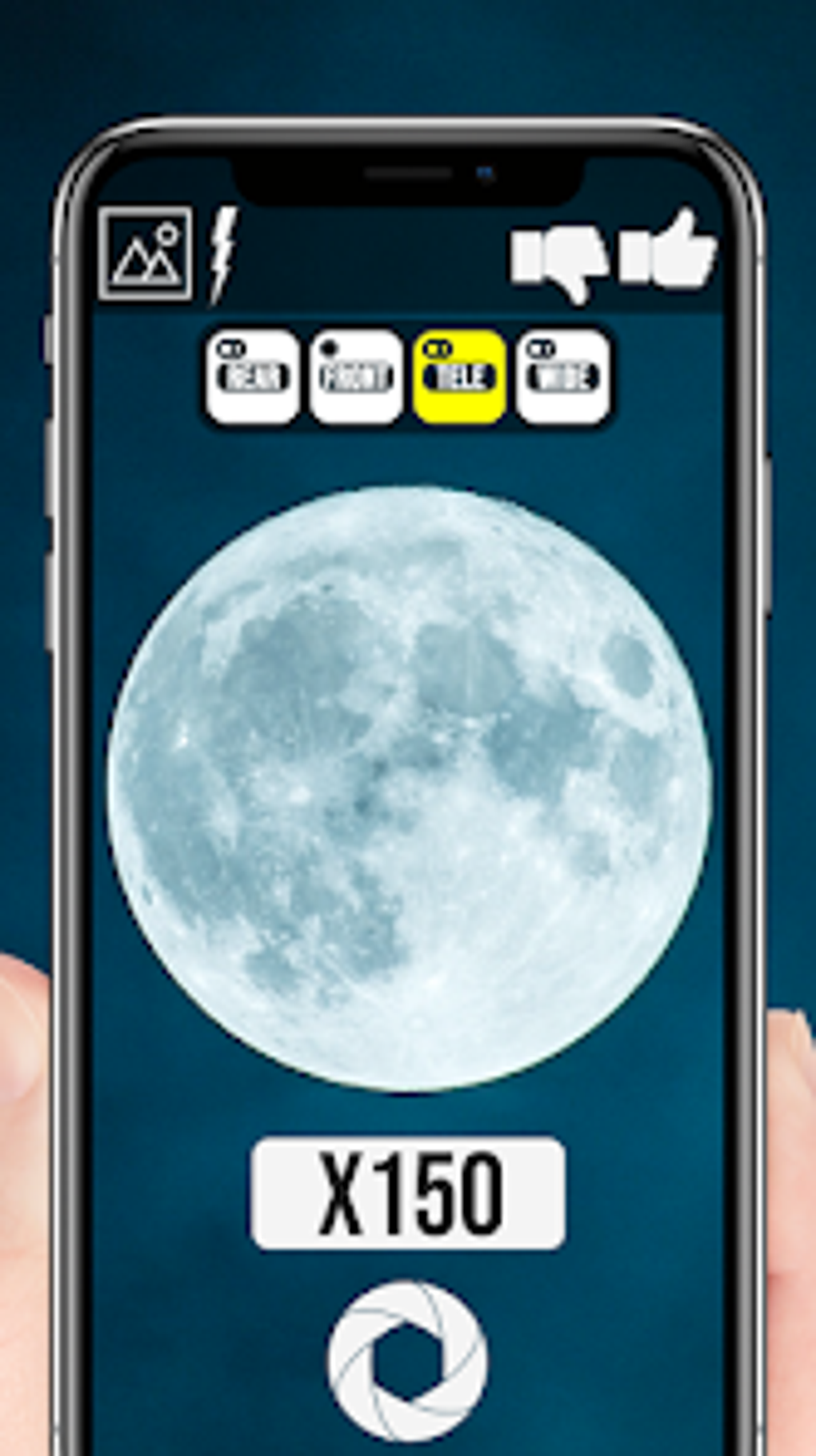
Beyond the primary zoom function, Maximum Zoom supports multiple camera lenses, provided they are available on the device. This includes wide-angle, ultrawide, and telephoto lenses, offering users a variety of perspectives and zoom options. Additionally, the app supports front-facing cameras, facilitating selfies and close-up shots. This adaptability to different camera configurations is a significant strength, catering to a wide range of mobile devices.
Performance and Image Quality: The Hardware Dependency
It’s crucial to emphasize the significant dependency of Maximum Zoom on the hardware capabilities of the device. While the app promises up to 150x magnification, the quality of the resulting image will be directly correlated with the camera hardware’s ability to handle such extreme zoom levels. High-end smartphones with sophisticated camera systems and powerful image processing capabilities will produce significantly better results than budget devices with less capable cameras.
At lower zoom levels, image quality is generally acceptable, particularly on devices with better cameras. However, as the magnification increases, image noise, blurring, and loss of detail become increasingly prominent, especially on less capable devices. This highlights a critical caveat: Maximum Zoom’s advertised magnification is a theoretical maximum, and users should manage their expectations based on their device’s camera specifications. While the app provides access to high magnification levels, the resulting images might not always be usable for anything beyond casual viewing, particularly at the extreme end of the zoom range.
User Interface and Experience: Simplicity and Ease of Use
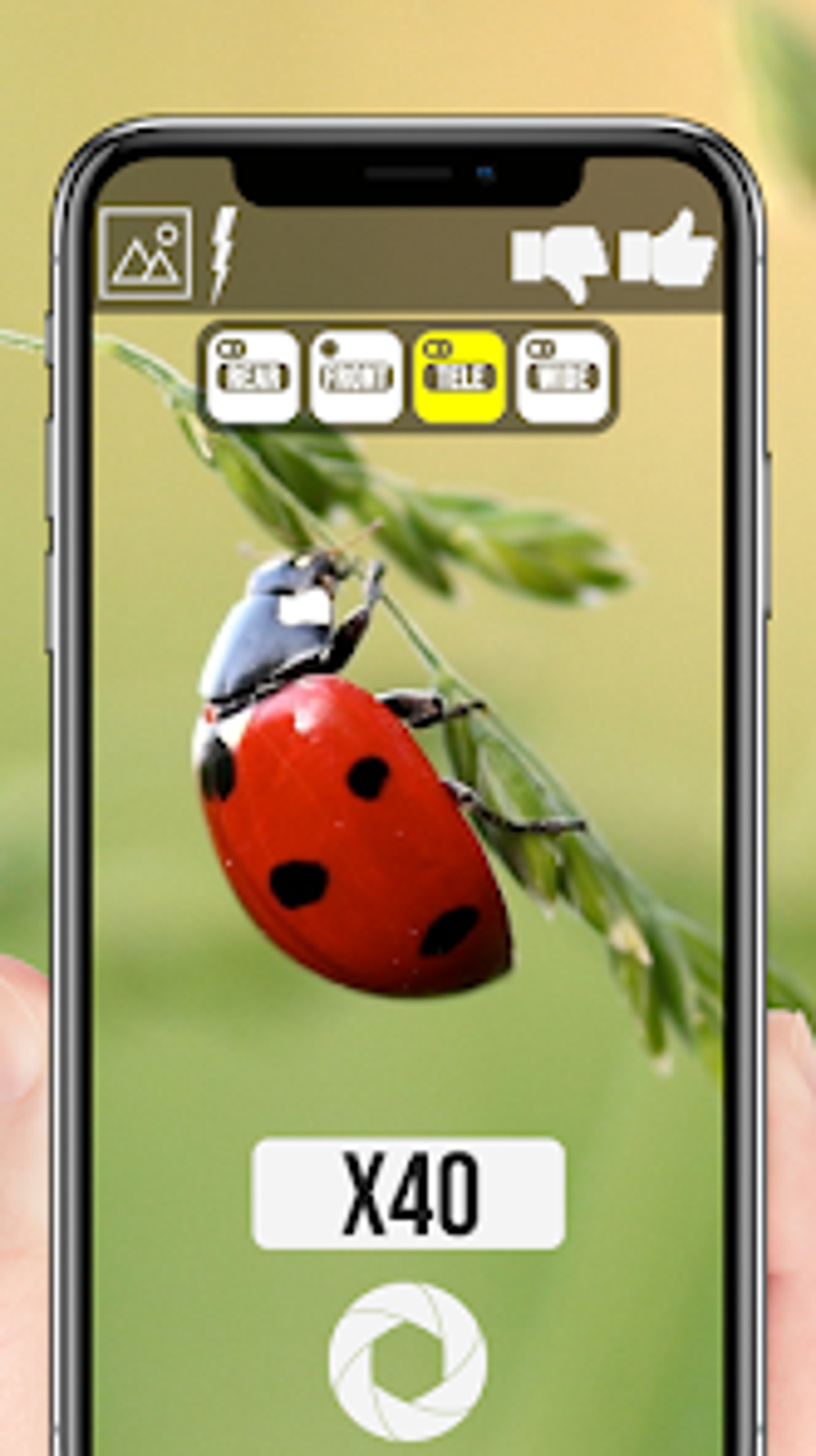
Maximum Zoom prioritizes a user-friendly experience. The intuitive interface is uncluttered and straightforward, making it easy for users of all technical skill levels to navigate. The minimal design avoids overwhelming users with unnecessary controls or options. The large shutter button is highly accessible, and the zoom controls are responsive and easy to adjust. The app’s focus on simplicity is commendable, offering a refreshing alternative to some overly complex camera applications available on the market.
The app’s learning curve is practically nonexistent. Users can start capturing images immediately with minimal interaction, making it an ideal choice for those seeking a quick and easy way to utilize the high zoom capabilities of their mobile device’s camera. The simplicity of the app’s design allows users to concentrate on the act of photography rather than navigating a complex interface.
Pros and Cons: Weighing the Advantages and Disadvantages
Pros:
- Intuitive and Familiar UI: The clean and user-friendly interface makes the app accessible to users of all technical backgrounds. The simple layout prioritizes ease of use, minimizing any learning curve.
- Multiple Zoom Levels: The app supports a wide range of zoom levels, allowing users to adjust magnification to their specific needs. While the maximum zoom level is impressive, users should understand the limitations imposed by their device’s hardware.
- Support for Various Lens Types: Maximum Zoom leverages multiple camera lenses when available on the device. This versatility allows users to choose the optimal lens for their subject and desired perspective.
- Front-Facing Camera Support: The inclusion of front-facing camera support expands the app’s functionality, catering to users who wish to capture close-up selfies or use the high zoom capabilities for different applications.
- Free to Use: The application is entirely free, making it accessible to a wide range of users without any financial barriers to entry.
Cons:
- Highly Hardware-Dependent: The app’s performance and image quality are heavily reliant on the capabilities of the device’s camera hardware. Users with low-end smartphones should temper their expectations regarding image quality at high zoom levels.
- Image Quality at High Zoom Levels: While the high zoom levels are a key selling point, the resulting images may be significantly degraded by noise, blurring, and loss of detail, particularly at the maximum magnification setting. This limitation is unavoidable due to the physical constraints of smartphone camera technology.
- Limited Features: The app focuses primarily on its zoom capabilities. While this simplicity is a positive aspect for some users, it lacks additional features found in more comprehensive photography apps, such as editing tools or filters.
Conclusion: A Specialized Tool for Specific Needs
Maximum Zoom is a niche application catering to users who prioritize high magnification capabilities above all else. While its simplicity and intuitive interface are strengths, the significant dependence on device hardware is a critical factor to consider. Users with high-end smartphones possessing advanced camera systems will likely find Maximum Zoom a valuable tool for capturing highly magnified images. However, users with less capable devices might find the image quality at high zoom levels unsatisfactory.
Ultimately, Maximum Zoom’s success hinges on the user’s understanding of its limitations. It’s not a replacement for a full-featured photography app; rather, it’s a specialized tool designed for a specific purpose: achieving exceptionally high magnification on a mobile device. Its value lies in its simplicity and the potential to achieve remarkable close-ups when used with suitable hardware. Therefore, potential users should carefully consider their device’s camera capabilities before downloading and using this application.
File Information
- License: “Free”
- Version: “1.0.18”
- Latest update: “May 2, 2024”
- Platform: “Android”
- OS: “Android 6.0”
- Language: “English”
- Downloads: “882.7K”
- Size: “17.52 MB”
- Download Options: “APK, Google Play”
- Filename: “Maximum_Zoom_v1.0.18.apk”


