
MasteryConnect Student, or MC Student, is a free Chrome application designed to streamline the assessment process for students and educators. This application offers a focused environment for students to complete assignments, tests, quizzes, and formative assessments, eliminating distractions typically associated with standard web browsers. This guide delves into the features, benefits, and functionalities of MC Student, providing a comprehensive overview for both students and educators looking to leverage this powerful tool.
Apps: MC Student – A Distraction-Free Assessment Environment
MC Student excels by creating a dedicated space for assessment activities. By removing the complexities and distractions of a full web browser, the application focuses students entirely on the task at hand. This minimalist approach is particularly beneficial for students who might be easily sidetracked, ensuring they can concentrate on accurately and efficiently completing their assessments. The clean interface minimizes potential disruptions, allowing for a more productive and focused learning experience. This feature is crucial for fostering better concentration and improved academic performance, especially in the increasingly digital learning environment. The app’s functionality is designed to be intuitive and easy to navigate, ensuring students can easily access and complete assessments without requiring extensive technical assistance.
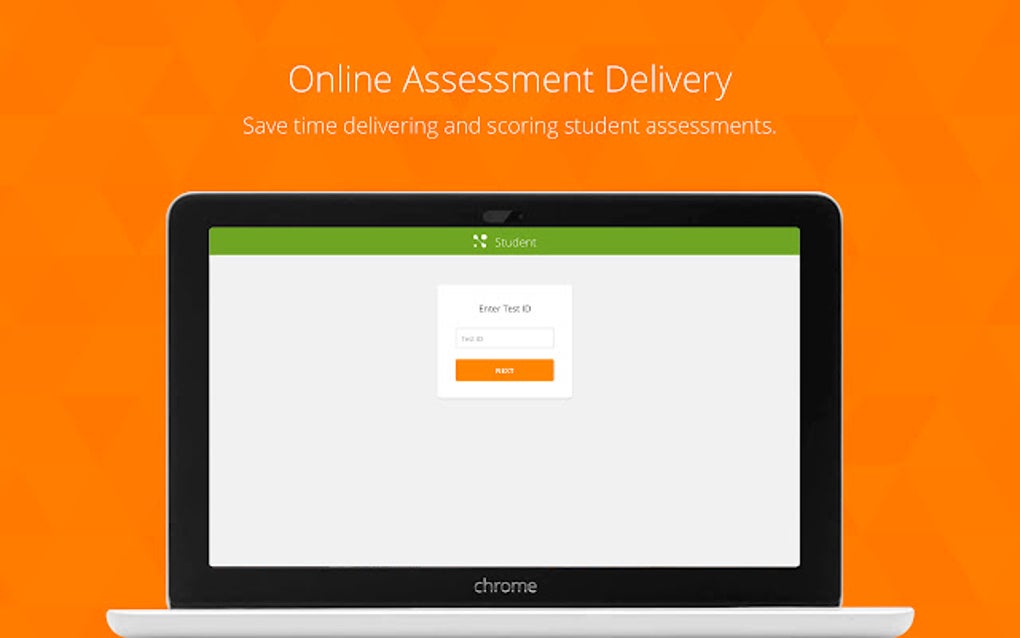
The application’s simplicity also extends to its interface. The straightforward design eliminates any unnecessary elements that could divert a student’s attention. This thoughtful design prioritizes ease of use and accessibility, making the assessment process smoother for students of all technical abilities. Features are clearly labeled and easily accessible, minimizing any confusion that might arise from a cluttered or overly complex interface. The goal is straightforward: to provide a distraction-free environment that supports student success.
Games: Integrating MC Student into Educational Games and Activities
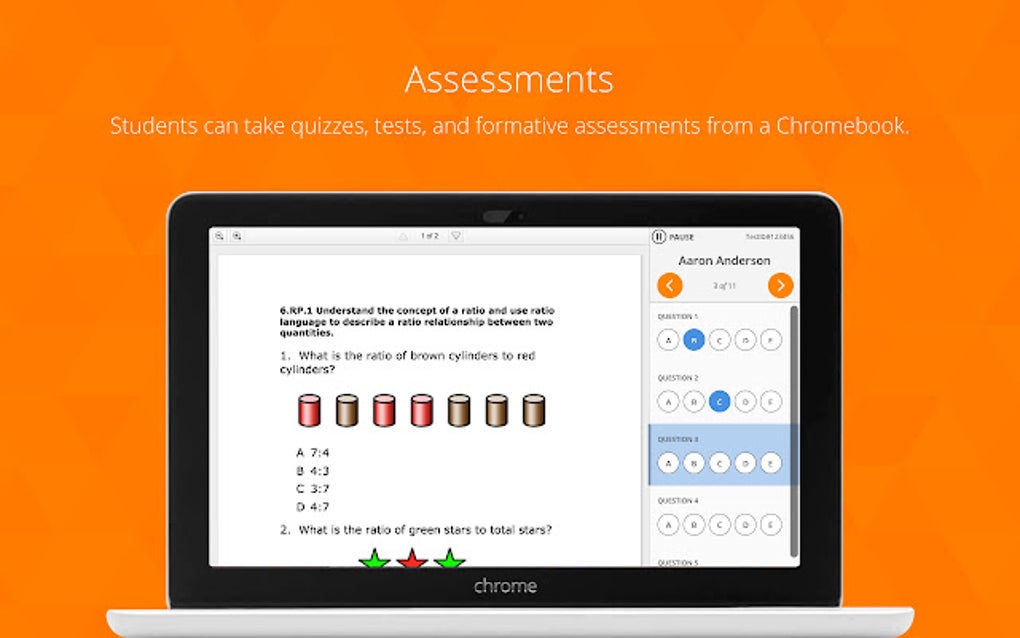
While MC Student is primarily designed for formal assessment, its features can be creatively incorporated into educational games and activities. The ability to create and upload assessments in diverse formats (like Word or PDF) opens possibilities for designing engaging interactive exercises. For instance, teachers could design quizzes disguised as interactive challenges within a broader game or lesson plan. The application’s ability to handle various question types—multiple choice, short answer, and technology-enhanced items—adds further versatility to this approach.
Imagine a history lesson culminating in a quiz presented through MC Student, disguised as a final “boss battle” within a historical simulation game. Or perhaps a science lesson incorporates a series of MC Student-based challenges where students answer questions to unlock new elements or progress through a virtual experiment. The possibilities are limited only by the teacher’s creativity. This integration allows for a seamless transition between learning and assessment, making the assessment process a natural extension of the learning experience rather than a separate, often dreaded event. The key lies in leveraging the application’s versatility to enhance, rather than interrupt, the learning process.
News: Staying Updated with MasteryConnect and MC Student Developments
MasteryConnect regularly releases updates and improvements to its platform and applications, including MC Student. Staying informed about these developments is crucial for educators and students to maximize the benefits of using the app. The MasteryConnect website and potentially social media channels serve as prime sources for updates on new features, bug fixes, and any changes to the application’s functionality. These updates might introduce new assessment types, improved user interface elements, or enhanced security features.
Keeping abreast of these changes ensures that teachers and students can fully utilize the latest capabilities, ensuring optimal performance and a seamless user experience. Regular updates also contribute to a more secure and efficient application, reducing the likelihood of technical glitches or security vulnerabilities that could disrupt the assessment process. By actively seeking out and implementing updates, educational institutions and individual users can ensure they are always using the most current and robust version of MC Student.
For Business: The Benefits of MC Student in Corporate Training
While primarily aimed at the education sector, MC Student’s features offer potential benefits for businesses involved in corporate training and employee development. The application’s ability to create and deliver assessments in various formats and question types can be adapted to evaluate employee knowledge and skills acquisition in various professional contexts. For instance, businesses can utilize MC Student to assess employee comprehension of training materials, evaluate proficiency in specific software applications, or gauge understanding of new company policies.
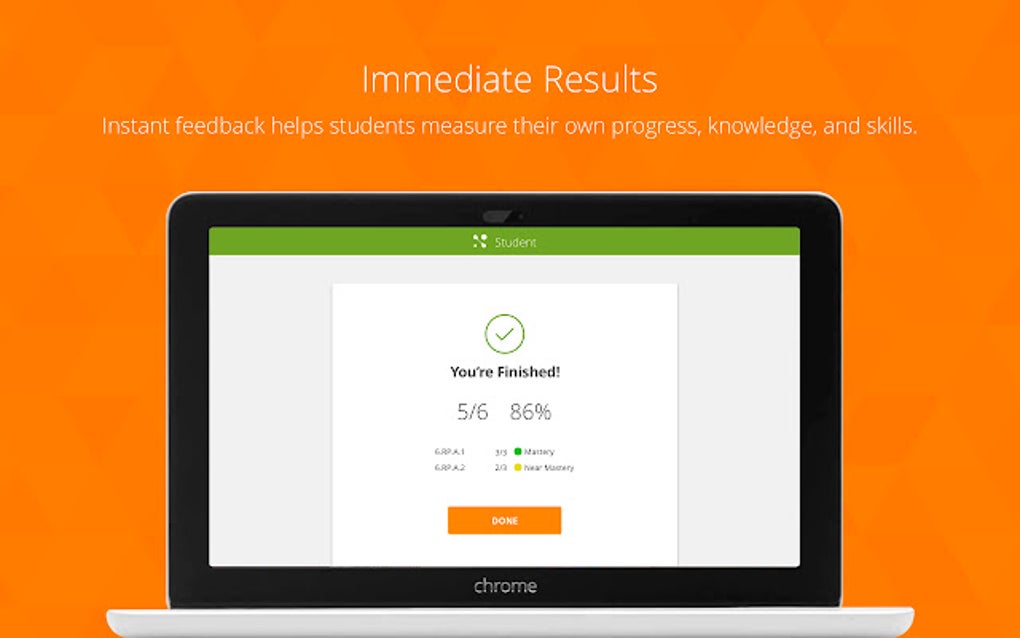
The ability to automate the grading process, a core feature of MasteryConnect, is particularly valuable in a corporate setting. Automating assessment scoring saves significant time and resources compared to manual grading, allowing training managers to focus on other aspects of employee development. The distraction-free environment fostered by MC Student also ensures that employee assessments are conducted fairly and accurately, without external distractions impacting performance. The potential for incorporating technology-enhanced questions allows for more nuanced and effective assessments, better reflecting real-world tasks and scenarios.
Browsers: MC Student’s Compatibility and Integration with Google Chrome
MC Student is specifically designed as a Google Chrome extension, highlighting its close integration with the browser. This design choice ensures seamless compatibility and effortless functionality within the Chrome environment. The application is readily accessible through the Chrome Web Store, making installation a straightforward process for both educators and students. The streamlined integration with Chrome guarantees a smooth user experience, avoiding any compatibility issues that could arise from using the app on alternative browsers.
This optimized compatibility fosters a more efficient and reliable assessment experience. Users can seamlessly transition between the application and other Chrome-based resources without encountering interruptions or difficulties. The dedicated nature of the application within Chrome also contributes to a secure assessment environment, minimizing the risk of access to unintended resources during the assessment process. In essence, this design choice reflects a commitment to user-friendliness and seamless integration within a widely used educational platform.
Google Chrome: A Deep Dive into MC Student’s Chrome Extension Functionality
MC Student’s status as a Google Chrome extension offers several distinct advantages. Firstly, the app’s integration within the Chrome browser eliminates the need for separate software installations or downloads, streamlining the setup process. Secondly, the Chrome extension ensures the application remains readily accessible, directly integrated into the user’s workspace, rather than requiring separate launches or file searches. This streamlined access is especially beneficial for students who might be juggling multiple applications and tasks during their studies.
Furthermore, the Chrome extension format contributes to a more secure assessment environment. Since MC Student operates within the secure Chrome ecosystem, it inherits the inherent security protocols and safeguards provided by the browser itself, minimizing risks of unauthorized access or data breaches. This robust security framework is particularly critical in the context of sensitive educational data. The user-friendly interface of the Chrome extension further enhances the overall experience, making the application accessible to users of all technical skill levels.
The seamless integration with Google Chrome ultimately contributes to the app’s effectiveness and user-friendliness. By eliminating installation complexities, providing immediate access, and leveraging the security of the Chrome environment, MC Student’s Chrome extension format enhances the entire assessment process for both students and educators.
Conclusion: MC Student – Empowering Educators and Students
MC Student offers a valuable contribution to the modern digital learning landscape. Its focus on creating a distraction-free assessment environment, its versatility in handling diverse question types, and its seamless integration with Google Chrome combine to create a powerful tool for both educators and students. The potential for creative integration into educational games and activities, alongside the automated grading feature for teachers, further enhances its practicality and appeal. The ongoing updates and improvements provided by MasteryConnect ensure that MC Student remains a current and relevant tool within the ever-evolving field of educational technology. For those seeking a streamlined and effective solution for online assessments, MC Student represents a valuable asset in the quest for better learning outcomes.
File Information
- License: “Free”
- Version: “0.2”
- Latest update: “July 17, 2023”
- Platform: “chrome”
- Language: “English”
- Downloads: “7”


