
McAfee Total Protection is a comprehensive security suite designed to provide all-around protection for Windows computers. This in-depth review explores its features, interface, benefits, and drawbacks, helping you determine if it’s the right choice for your needs. The software goes beyond basic antivirus functionality, offering a wide array of tools to safeguard your digital life, from protecting your identity to securing your online browsing. This detailed analysis will delve into the specifics of McAfee Total Protection, comparing it to other leading security solutions and clarifying its value proposition.
A User-Friendly Interface for Enhanced Security
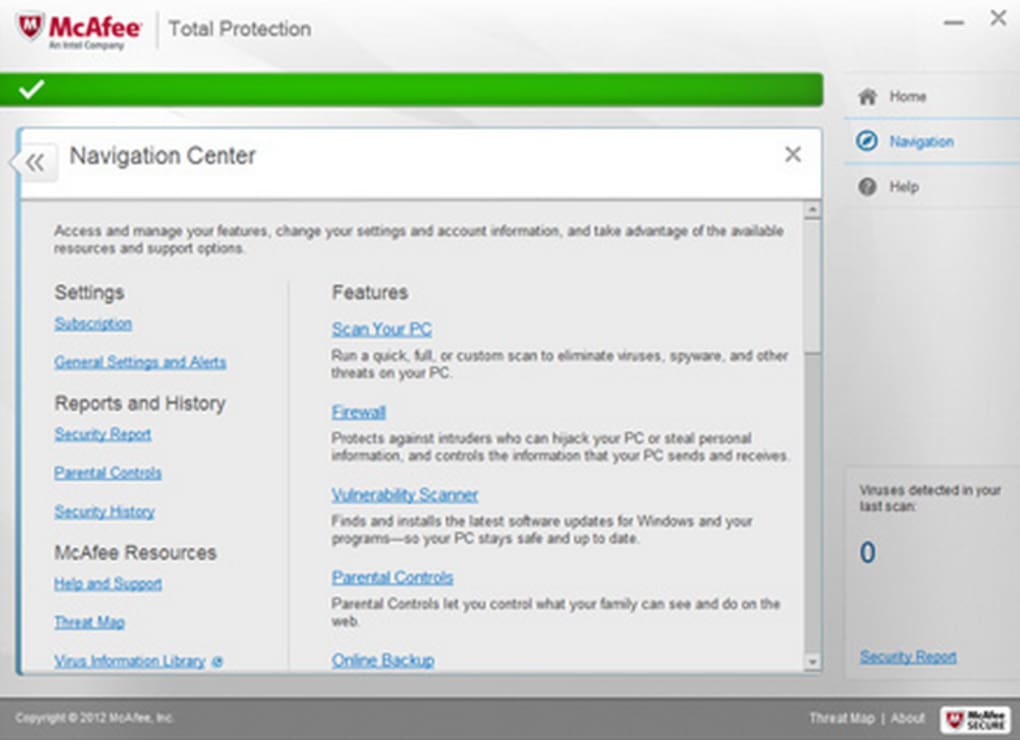
One of the standout features of McAfee Total Protection is its intuitive and user-friendly interface. The software eschews complex technical jargon, presenting a clean and organized layout that’s easily navigable even for users with limited technical expertise. The main dashboard is categorized into three primary sections: PC, Web, and Identity. This clear structure simplifies access to the various security features, allowing users to quickly locate and utilize the tools they need.
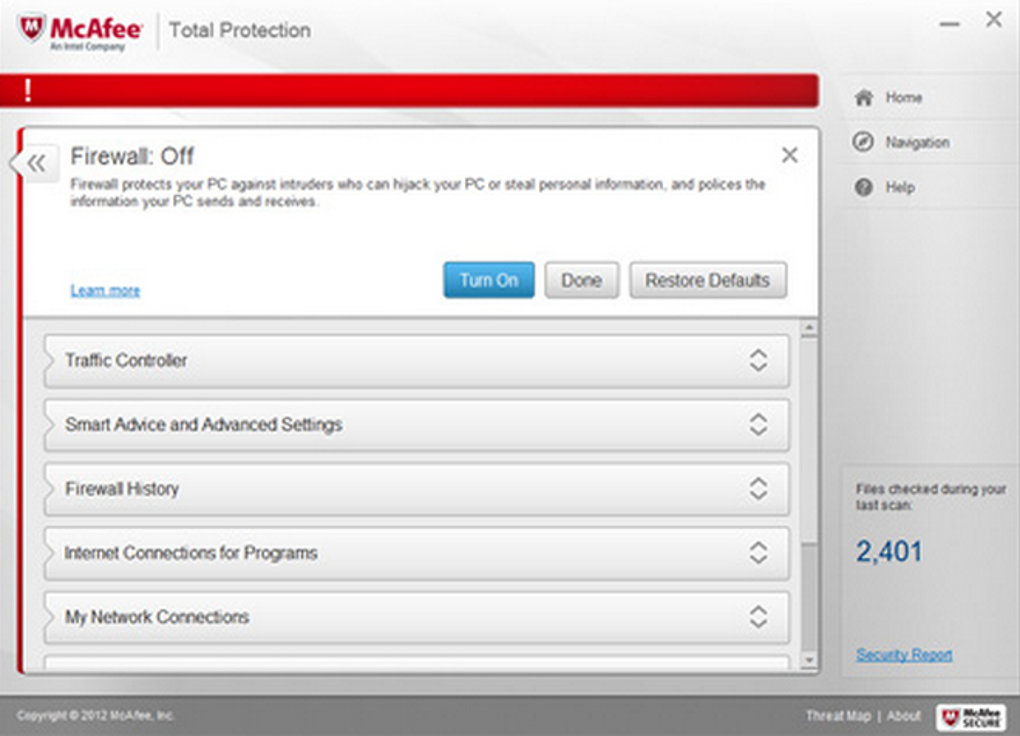
The PC section offers a comprehensive set of tools dedicated to protecting your computer’s operating system and files. This includes robust antivirus scanning capabilities (quick scan, full system scan, and custom scan options), a secure app manager to identify and manage potentially unsafe applications, and a firewall that controls network access, preventing unauthorized connections. Further features within this section include an application booster to optimize system performance and advanced settings for fine-tuning your security configurations.
The Web section focuses on enhancing your online security. This encompasses a powerful anti-tracker feature to prevent websites from tracking your browsing activity, a safe browsing tool to block malicious websites and phishing attempts, and a web booster to optimize your internet speed. Crucially, this section also includes the integrated Safe Connect VPN, which provides secure and encrypted access to the internet, masking your IP address and safeguarding your online privacy.
Finally, the Identity section provides tools to protect your personal information. Features here include a robust file lock function, enabling you to encrypt and protect sensitive files stored on your computer. A password manager helps securely store and manage your various online passwords, simplifying account management while strengthening your overall digital security. In addition, a file shredder provides secure deletion of sensitive documents, ensuring that they can’t be recovered. Note that some identity-related features, like identity protection monitoring services, may be region-specific and primarily available in the United States.
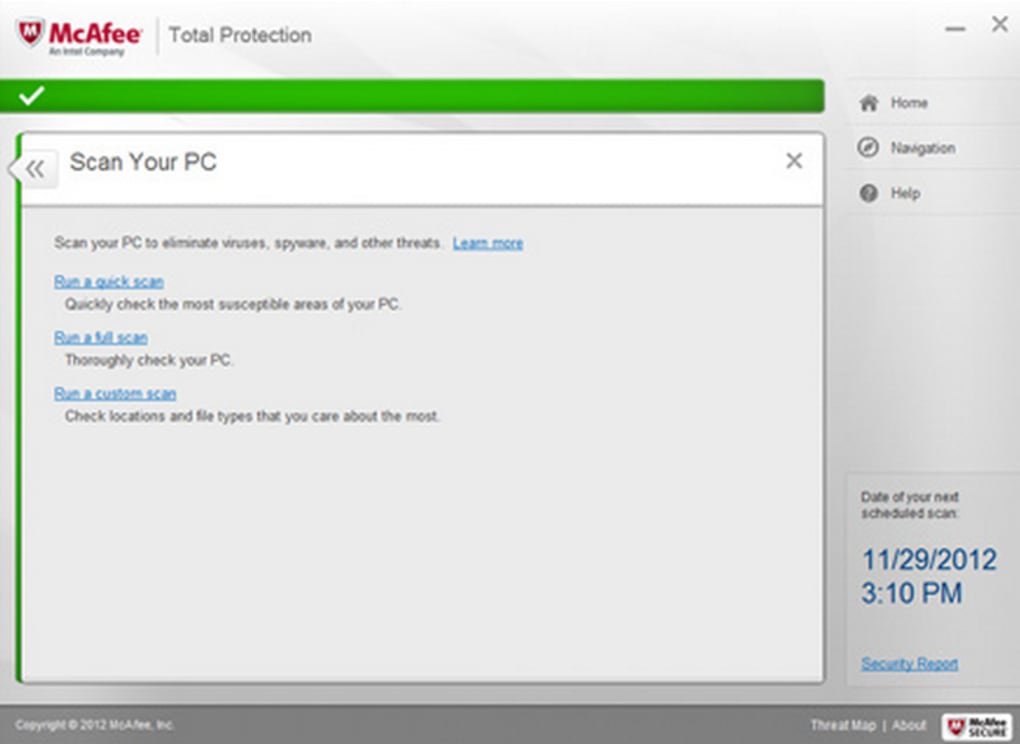
Beyond these main sections, McAfee Total Protection features a comprehensive settings menu, offering granular control over various aspects of the software. This includes an adjustable spam filter to minimize unwanted emails, a network analyzer to monitor your network activity, and additional scanning options to tailor the security checks to your specific needs. The software also provides a clear status report on your device’s security, highlighting any potential vulnerabilities or necessary actions.
Comprehensive Features for Holistic Protection
McAfee Total Protection offers a wide array of features designed to provide complete security against various online and offline threats. Its core functionality revolves around robust antivirus protection, utilizing advanced detection engines to identify and remove viruses, malware, ransomware, spyware, and other malicious software. Real-time protection is a key component, actively scanning files and processes as they occur, ensuring immediate response to potential threats.
The software’s ransomware protection extends beyond basic virus detection. Its file lock function enables the creation of encrypted vaults, safeguarding sensitive data from unauthorized access, even in the event of a ransomware attack. This added layer of security is invaluable for protecting critical documents, financial information, and other private files.
The integration of a password manager simplifies password management, offering a centralized platform to store and manage your various online passwords across multiple devices. This feature supports multi-factor authentication for enhanced security, strengthening your overall digital security posture.
VPN Integration and Enhanced Privacy
McAfee Total Protection includes a built-in VPN service, Safe Connect, which offers unlimited data usage across the devices covered by your subscription plan. Users can select from a list of countries to connect through, enjoying the benefits of encrypted internet access and enhanced privacy. This VPN ensures that your online activities remain private and secure, especially when using public Wi-Fi networks.
However, it’s important to note that the VPN implementation lacks a kill switch, a feature that automatically disconnects your internet connection if the VPN connection is lost. This omission slightly reduces the overall security provided by the VPN, as it leaves a window for potential data exposure in case of an unexpected VPN disconnect.
Beyond the VPN, McAfee Total Protection includes an anti-spam filter to prevent unwanted emails from reaching your inbox. It also features a URL filter that identifies and blocks unsafe websites, protecting you from phishing attempts and malicious downloads. For users in the United States, an identity protection feature monitors linked accounts for any suspicious activity, providing timely alerts to potential threats.
Addressing Specific Needs: Windows 10 Compatibility and Overall Value
McAfee Total Protection is fully compatible with Windows 10 and earlier versions, providing comprehensive security across various Windows operating systems. The software’s range of features and user-friendly interface make it an excellent choice for both novice and experienced users seeking robust protection for their computers. The multiple subscription plans cater to diverse needs, allowing users to purchase a plan that covers multiple devices simultaneously.
While the simplified interface is a strength for ease of use, it also presents a minor drawback. For users requiring detailed security information or advanced customization options, the simplified presentation may not offer the granularity desired for fine-tuning their security setup. This is a trade-off between ease of use and comprehensive control.
In terms of its overall value, McAfee Total Protection delivers strong security features at a competitive price point. The combination of robust antivirus protection, a user-friendly interface, integrated VPN, password manager, and other privacy tools provides a holistic security solution for your Windows system. The 30-day money-back guarantee offers further reassurance, allowing you to test the software risk-free.
Conclusion: McAfee Total Protection – Pros and Cons
McAfee Total Protection represents a solid choice for individuals and families seeking a comprehensive and user-friendly security solution. Its strengths lie in its intuitive interface, broad feature set, and competitive pricing. The integrated VPN and password manager add significant value, enhancing both security and online privacy.
Pros:
- Beginner-friendly interface
- Unlimited VPN access (Safe Connect)
- File encryption for sensitive data
- Wide range of useful features (antivirus, anti-spam, URL filtering, etc.)
- Password manager
- Multiple subscription plans to suit varying needs
- 30-day money-back guarantee
Cons:
- Simplified interface may lack detail for advanced users
- VPN lacks a kill switch
- Some identity protection features are US-specific
Ultimately, the decision of whether or not to use McAfee Total Protection depends on individual needs and priorities. However, its comprehensive feature set, intuitive design, and strong reputation make it a strong contender in the crowded antivirus market. Weighing the pros and cons outlined above will help determine if it is the ideal security solution for your specific requirements.
File Information
- License: “Free”
- Latest update: “October 7, 2024”
- Platform: “Windows”
- OS: “Windows 8”
- Language: “English”
- Downloads: “571.8K”


