
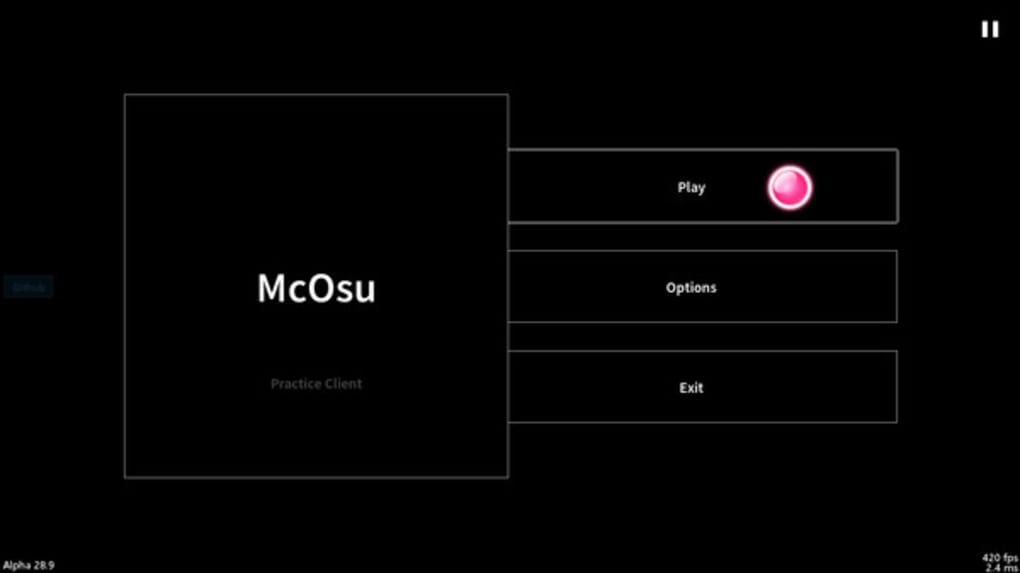
McOsu is a free and open-source rhythm game client developed by McKay, designed as a practice tool for the popular rhythm game, osu!. While not officially affiliated with osu!, McOsu faithfully replicates its core gameplay mechanics, providing a dedicated space for players to hone their skills and experiment with various customization options. This in-depth review will explore McOsu’s features, advantages, disadvantages, and overall suitability for both seasoned osu! players and newcomers.
Understanding McOsu’s Core Functionality
At its heart, McOsu is a practice tool. It allows players to load the same beatmaps (the song charts) used in the official osu! game, enabling focused practice on specific sections of a song or challenging passages. The game mirrors the note patterns, sliders, and spinners found in osu!, providing a consistent experience for those already familiar with the core gameplay. However, unlike the official osu! game, McOsu lacks a built-in tutorial. Therefore, it is crucial to have prior experience with osu! to effectively utilize McOsu’s features. The lack of a tutorial can be a significant barrier for entry for those completely new to the rhythm game genre.
The game’s strength lies in its extensive customization options. Players can manipulate various gameplay parameters, including:
-
Speed Adjustment: McOsu allows independent control over the song’s speed (BPM - Beats Per Minute) and approach rate (AR), offering a fine-grained approach to practice. Players can slow down challenging sections without altering the approach rate, giving them more time to react to notes. Conversely, they can increase the speed gradually to improve their reaction time and rhythm.
-
Note Closing Speed: The speed at which the circles representing notes close in on themselves can also be adjusted. This feature is beneficial for players who find the standard closing speed too fast or too slow.
-
Song Scrubbing: McOsu incorporates a song scrubbing feature, allowing players to easily skip to specific sections of a song. This is invaluable for isolating particularly difficult parts and focusing practice efforts where needed.
-
Visual Customization: Beyond functional changes, McOsu provides various visual customization options. These include the ability to change the color scheme of the notes, offering options like turning them all rainbow-colored. This feature can be particularly useful for players who wish to focus on visual cues and rhythmic patterns without relying on muscle memory.
-
Unique Game Modes: Perhaps the most striking features are McOsu’s inclusion of VR and first-person 3D modes. While these are unique and experimental, their practical value for improving osu! gameplay is debatable, serving more as fun additions than core practice tools.
McOsu’s Strengths and Weaknesses
McOsu’s strengths are undeniably its extensive customization options and its ability to seamlessly load osu! beatmaps. This empowers players to tailor their practice experience to suit their individual needs and skill levels, focusing on areas where they struggle and progressively increasing the difficulty as they improve. The ability to manipulate speed independently of approach rate is a particularly valuable tool for mastering challenging rhythm patterns.
However, McOsu’s limitations are equally important to consider. The most significant drawback is the lack of a tutorial and its overall lack of polish compared to the official osu! game. Newcomers will find themselves at a severe disadvantage due to the absence of guidance. Furthermore, while offering several visual customization choices, some might find the overall aesthetic less polished than the original.
The absence of online features like leaderboards and multiplayer modes is also a significant limitation. These features are a key component of the osu! experience, motivating players and providing social interaction. In McOsu, the practice is entirely self-directed, which can be demotivating for some players who rely on competitive elements to maintain engagement. The game essentially functions as a solo practice tool without the competitive and community aspects that define the main osu! game.
Comparing McOsu to the Official osu! Game
McOsu serves as a supplementary practice tool rather than a replacement for the official osu! game. The official game offers a polished and complete experience with online leaderboards, multiplayer functionality, a robust tutorial, and a vast community. McOsu excels in providing granular control over practice parameters, but lacks the social and competitive elements that make osu! so engaging.

Choosing between McOsu and the main osu! game is not a matter of choosing one over the other. They serve different purposes. Osu! is the complete package, offering a full gameplay experience, while McOsu offers an isolated, customizable practice environment. Think of McOsu as a training ground, a place to refine specific skills, and not as the main arena where you play the game competitively.
Should You Use McOsu?
The answer to whether or not you should use McOsu depends largely on your experience with osu! and your practice goals. If you’re a seasoned osu! player looking for a tool to refine your skills and experiment with different gameplay settings, then McOsu is a valuable asset. Its extensive customization options provide unmatched flexibility in targeting areas for improvement.
However, if you’re new to rhythm games or osu!, McOsu is not recommended as your first point of contact. The absence of a tutorial and its starkly different interface compared to osu! will likely lead to frustration and hinder your progress. Beginners are strongly encouraged to start with the official osu! game to learn the basics before using McOsu as a specialized practice tool.
Conclusion
McOsu fills a specific niche within the osu! ecosystem. It offers a powerful, highly customizable practice environment for seasoned players to refine their techniques and experiment with various gameplay adjustments. However, its lack of a tutorial, online features, and generally less polished aesthetic make it unsuitable for beginners or those seeking a complete gameplay experience. It is a valuable tool for those who understand the core mechanics of osu! and wish to hone their skills in a targeted and controlled environment, but it is not a substitute for the full-fledged experience provided by the official osu! client. Its unique features, like VR and first-person modes, add an interesting dimension, but should be considered secondary to its core function as a practice tool. In summary, McOsu is a useful supplement to the official osu! experience but is not a replacement for it.
File Information
- License: “Free”
- Version: “varies-with-devices”
- Latest update: “June 24, 2022”
- Platform: “Windows”
- OS: “Windows 11”
- Language: “English”
- Downloads: “1.5K”


