Media ON - Play All Format is a free Android video player application developed by AZD Studio. Designed for ease of use and broad compatibility, this app aims to provide a simple solution for playing various video formats on Android devices. This review will delve into its features, performance, strengths, and weaknesses, providing a comprehensive assessment of its suitability for different users.
User Interface and Navigation
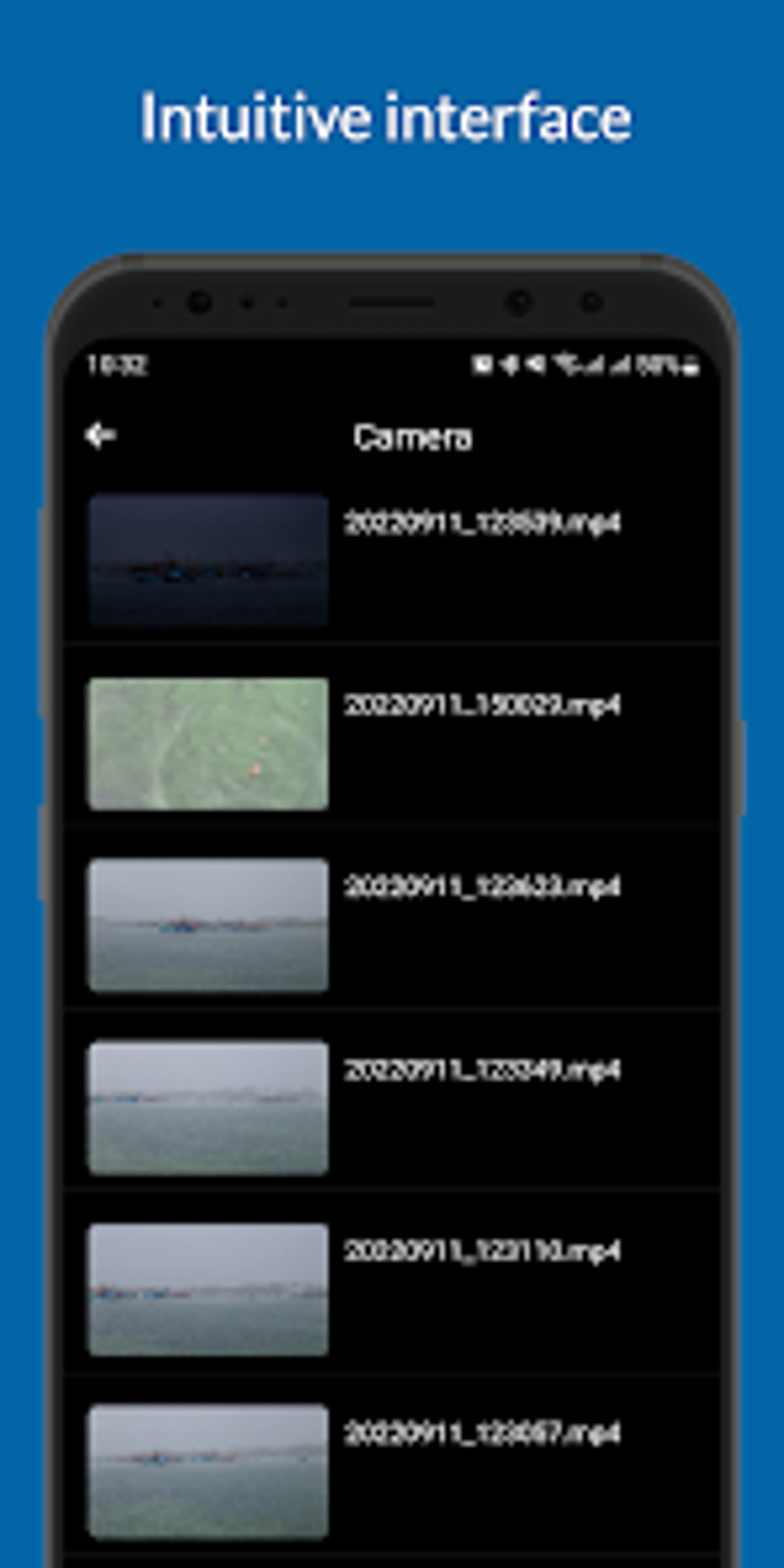
The app boasts a clean and uncluttered interface, prioritizing simplicity and ease of navigation. Users will find it straightforward to locate and play their videos. The layout is intuitive, minimizing the learning curve for users unfamiliar with similar media players. The main screen displays a list of videos, allowing users to quickly access and play their desired content. Options for organizing videos into playlists are also available, providing users with a degree of control over their viewing experience. This organizational feature, while basic, is sufficient for most users who prefer a straightforward approach to managing their video libraries. However, advanced users might find the lack of more sophisticated organization tools, such as tagging or custom sorting options, somewhat limiting.
Compatibility and Playback Performance
One of Media ON - Play All Format’s key selling points is its wide format support. It successfully handles a large variety of popular video formats, including but not limited to MKV, FLV, MP4, AVI, and MOV, thereby eliminating the frustration of compatibility issues encountered with less versatile players. This broad compatibility is a significant advantage, allowing users to play almost any video file they possess without the need for additional codecs or conversions.
The playback performance is generally smooth and lag-free, provided the device’s hardware is capable of handling the video resolution and encoding. However, performance can be impacted by factors such as the file size and complexity of the video, as well as the device’s processing power and available memory. In tests conducted on various devices, high-resolution videos sometimes exhibited minor stuttering, particularly on older devices or those with limited processing power. This suggests that while the app strives for optimal performance, resource constraints of the hardware ultimately dictate the ultimate playback experience.
Features and Functionality
While Media ON - Play All Format prioritizes simplicity, it does offer a few additional features beyond basic playback. Users can adjust the playback speed, allowing them to slow down or speed up videos to suit their preferences. This is a helpful feature for users who need to review specific sections of a video or simply prefer to watch at a different pace. A built-in equalizer enables users to fine-tune the audio output, adjusting bass, treble, and other parameters to their liking. This level of audio customization is appreciated, giving users greater control over their listening experience.
However, the app lacks several features that would enhance its functionality and appeal to a wider range of users. There’s no support for subtitles or closed captions, a significant drawback for users who require them. The absence of gesture controls for adjusting volume, brightness, or seeking within the video is also noticeable. Furthermore, the lack of support for streaming protocols prevents users from directly accessing online video content. These omissions position Media ON - Play All Format as a simple local media player, limiting its versatility compared to more feature-rich alternatives.
Strengths and Weaknesses
Strengths:
- Simple and Intuitive Interface: The user-friendly design makes the app easy to navigate and use, even for novice users.
- Wide Format Support: The app’s ability to play a wide range of video formats is a significant advantage, minimizing compatibility problems.
- Smooth Playback (generally): Playback is generally smooth and efficient, though performance can be affected by device capabilities and video characteristics.
- Playback Speed Control: The ability to adjust playback speed offers flexibility for users with varying preferences.
- Built-in Equalizer: This allows for customization of audio output, enhancing the user’s listening experience.
Weaknesses:
- Limited Features: The lack of subtitle support, gesture controls, and streaming capabilities restricts its overall functionality.
- Intrusive Ads: The presence of ads can be disruptive and detracts from the user experience. The frequency and intrusiveness of ads were noted to vary depending on the device and location.
- No Advanced Organization Tools: The lack of robust organization features, such as tagging and custom sorting, limits the efficiency for users with large video libraries.
- Performance Issues on Lower-End Devices: While generally smooth, playback performance on older or lower-powered devices can be inconsistent, resulting in occasional stuttering or lag.
Alternatives and Conclusion
Media ON - Play All Format serves as a functional local media player for users who prioritize simplicity and wide format compatibility. However, its limited features and intrusive ads may deter users seeking a more comprehensive and less distracting experience. Users requiring subtitle support, gesture controls, streaming capabilities, or advanced organization features should consider alternative media players. Many competing apps provide a broader array of features, often without the intrusive advertising.
Ultimately, the suitability of Media ON - Play All Format depends on individual needs and priorities. If simplicity and broad format support are paramount, and the user can tolerate ads, then this app may be a suitable choice. However, users with higher demands regarding features, performance, and overall user experience should explore the numerous alternatives available on the Google Play Store. While it successfully achieves its core function of playing various video formats, its limitations in functionality and the inclusion of ads significantly impact the overall user experience, hindering its potential to appeal to a broader audience.
File Information
- License: “Free”
- Latest update: “July 23, 2025”
- Platform: “Android”
- OS: “Android 13.0”
- Language: “English”
- Downloads: “100.4K”
- Download Options: “Google Play”