
MediaFire is a popular cloud storage and file-sharing service offering users a straightforward method for uploading, storing, and sharing files. Available with both free and paid subscription options, it caters to individuals and small businesses seeking a user-friendly solution for online file management. Boasting over 150 million registered users, the MediaFire mobile app provides a compelling option for those needing accessible cloud storage. This review delves into the platform’s features, performance, security, and overall value proposition, helping you determine if MediaFire aligns with your needs.
MediaFire’s Storage, Performance, and Accessibility
MediaFire’s free plan offers a generous 10GB of cloud storage, expandable up to 50GB through referral programs and bonuses. This is significantly more than many competing free services offer. For users needing more substantial storage capacity, MediaFire provides paid plans offering up to 1TB, making it a viable choice for individuals or businesses with larger file storage requirements.
Upload and download speeds generally prove fast and reliable, although free users might encounter slower speeds during peak usage periods. One notable shortcoming is the absence of real-time backup and file synchronization features, a capability many rival services integrate. This lack of real-time functionality means users need to manually upload and manage file versions.
File Sharing and Collaboration Capabilities
.webp)
One of MediaFire’s standout strengths is its streamlined file-sharing system. Users can easily generate direct download links, enabling recipients to access files quickly and efficiently without needing to navigate the MediaFire interface. This simple sharing mechanism is particularly valuable when sharing large files, such as videos, software installers, or extensive documents. Unlike some competitors that impose strict file size limitations, MediaFire’s flexibility in handling large files sets it apart.
While MediaFire supports collaboration through link sharing, it falls short of providing more advanced features commonly found in other cloud storage platforms. Advanced team management tools, real-time co-editing capabilities, and shared folder structures are absent. This limits its efficacy for complex collaborative projects involving multiple users working concurrently on documents or files.
Security and Privacy Considerations
MediaFire incorporates basic security measures. For Pro users, password-protected links enhance security by restricting access to shared files. However, a crucial limitation is the absence of end-to-end encryption. This means that files stored on the MediaFire platform are not fully shielded from unauthorized access, raising concerns for users dealing with sensitive data. This lack of end-to-end encryption is a significant drawback compared to cloud services emphasizing stronger data protection.
Furthermore, MediaFire has faced criticism concerning its data policies and transparency regarding data handling practices. Users handling confidential information may find the security provisions insufficient and opt for services providing robust end-to-end encryption and more stringent privacy guarantees. Free users also report encountering frequent ads and captchas during file downloads, which can be disruptive to the user experience.
MediaFire’s Mobile App: Functionality and User Experience
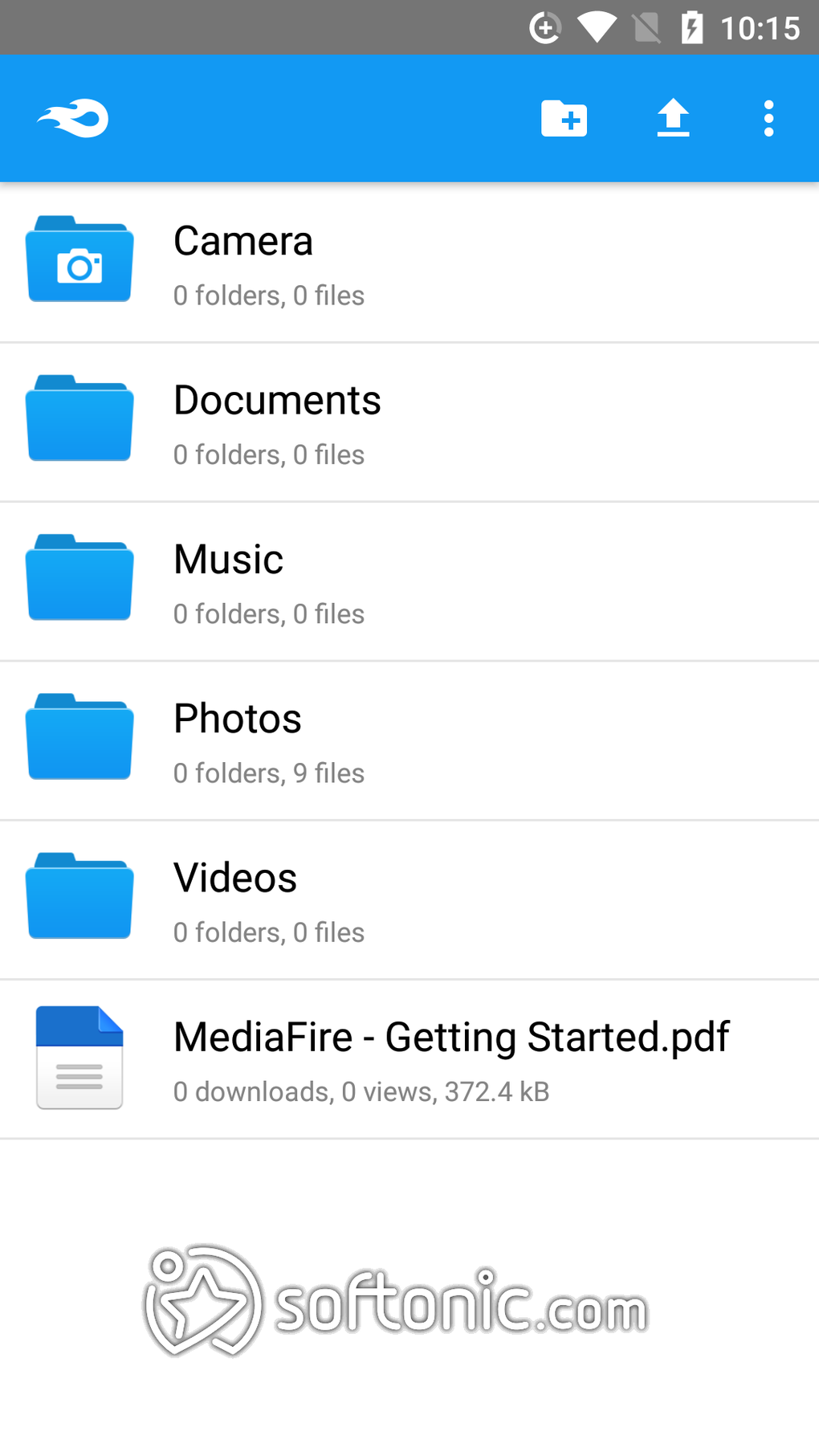
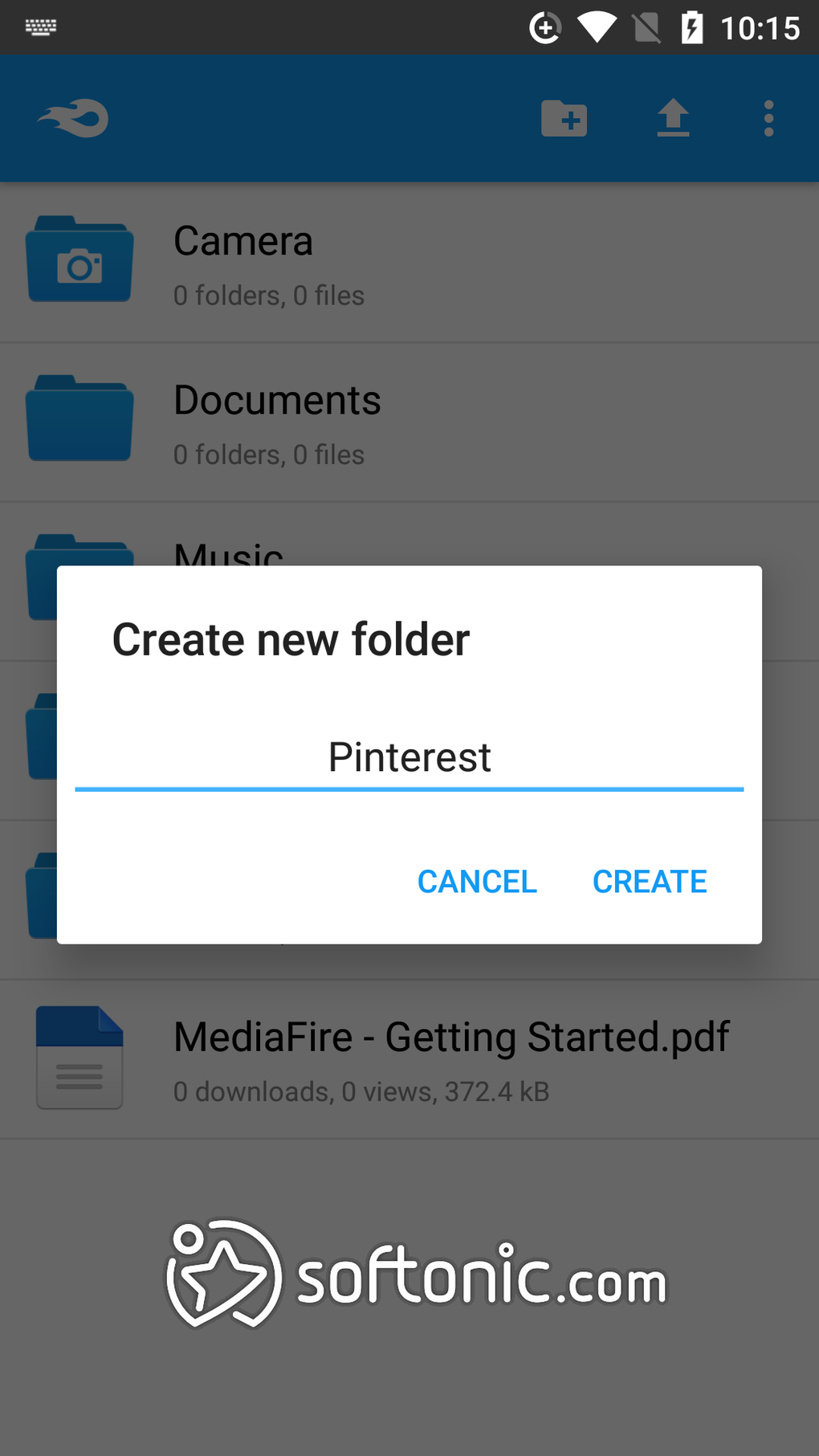
The MediaFire mobile app, available for Android and iOS, provides a user-friendly interface that simplifies file management on mobile devices. Users can easily upload, download, and share files directly from their smartphones or tablets. The app’s intuitive design makes it accessible even for users unfamiliar with cloud storage platforms.
.webp)
However, some users express disappointment with the lack of advanced features in the mobile application. Features such as offline access, file previewing for certain file types, and more sophisticated search functionalities are missing, limiting the app’s overall usefulness for certain tasks.
Should You Use MediaFire? Weighing the Pros and Cons
The decision of whether to utilize MediaFire hinges on your specific needs and priorities. The service possesses both advantages and disadvantages that need careful consideration.
Pros:
- Generous Free Storage: MediaFire’s free plan offers a substantial 10GB of storage, expandable to 50GB. This surpasses what many competing free services provide.
- Easy File Sharing: The straightforward link-sharing system simplifies sharing large files, without size restrictions.
- Affordable Premium Plans: Paid subscription options provide increased storage capacity at a competitive price point.
- Wide Platform Availability: The service is accessible across multiple devices and platforms (web, Android, iOS).
Cons:
- No Real-Time Backup or Sync: The absence of real-time backup and synchronization makes file management less streamlined.
- Lack of End-to-End Encryption: The absence of end-to-end encryption compromises the security of sensitive data.
- Frequent Ads and Captchas (Free Users): Free users contend with frequent advertisements and captchas, impacting user experience.
- Limited Collaboration Features: MediaFire lacks advanced collaboration tools found in more comprehensive services.
- Insufficient Security for Sensitive Data: The lack of robust security features makes it unsuitable for users with high-security requirements.
MediaFire Alternatives: Exploring Other Options
Given MediaFire’s limitations, exploring alternative cloud storage services is advisable, particularly for users requiring robust security, advanced collaboration features, or real-time synchronization. Several alternatives offer comparable or superior features while addressing MediaFire’s shortcomings:
- Dropbox: Dropbox is a well-established cloud storage service with robust collaboration tools, real-time synchronization, and strong security features, including end-to-end encryption options.
- Google Drive: Integrated with Google’s ecosystem, Google Drive offers seamless integration with other Google services and provides substantial storage capacity along with comprehensive collaboration features.
- Microsoft OneDrive: Seamlessly integrates with the Microsoft Office suite, offering powerful collaboration capabilities and robust file management tools.
- iCloud: Apple’s cloud storage service, iCloud, offers tight integration with Apple devices and provides strong security features. It’s ideally suited for Apple users.
- pCloud: pCloud is a secure cloud storage service that prioritizes user privacy and data security. It offers end-to-end encryption and a range of sharing and collaboration tools.
Conclusion: MediaFire’s Place in the Cloud Storage Landscape
MediaFire provides a straightforward and accessible cloud storage solution, particularly beneficial for users needing generous free storage and simple file sharing. However, its shortcomings in security, real-time synchronization, and advanced collaboration features restrict its suitability for users prioritizing these aspects. Weighing the service’s pros and cons carefully, against the needs and priorities of your individual or business use case, is crucial before committing to its services. Users concerned about data security and robust collaboration capabilities should explore alternative cloud storage solutions that better address those specific needs.
File Information
- License: “Free”
- Latest update: “March 17, 2025”
- Platform: “Android”
- OS: “Android 13.0”
- Language: “English”
- Downloads: “245.8K”
- Size: “26.55 MB”
- Download Options: “APK, Google Play”
- Filename: “com-mediafire-android-200005-66873867-18d9e32d71684e7880e0cbc0effb19bd.apk”


