
Mega Zoom Camera - xZoom is a free utility tool available for Android devices, developed by Just4Fun Utilities. This app promises to significantly enhance your mobile photography by unlocking previously untapped zoom potential. While it delivers on its core promise of increased zoom capabilities, its strengths are unfortunately overshadowed by several significant drawbacks. This review will delve into the app’s functionalities, performance, and overall user experience, helping you decide if it’s the right tool for your photographic needs.
Unveiling the Zoom Capabilities: Strengths and Limitations
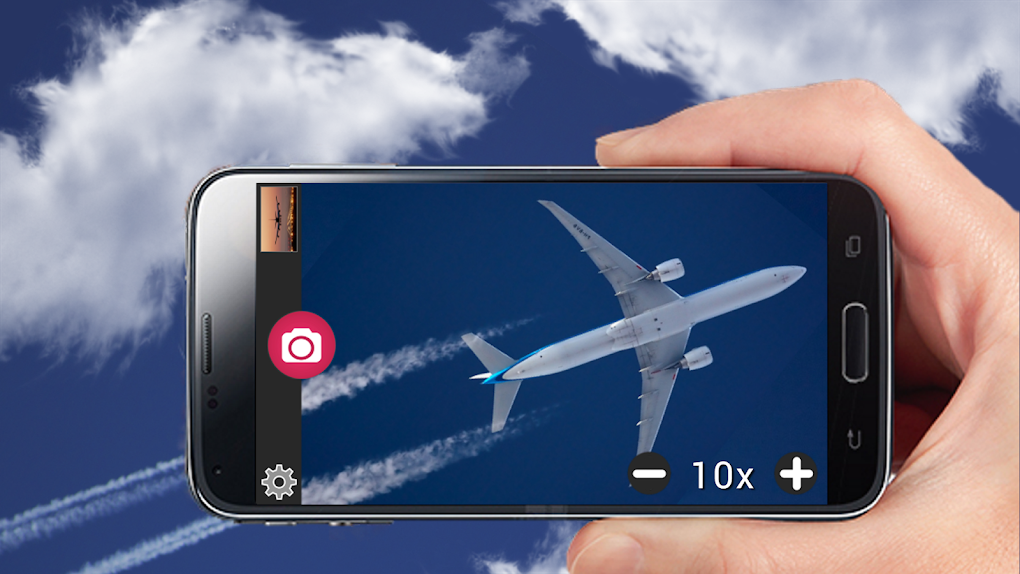
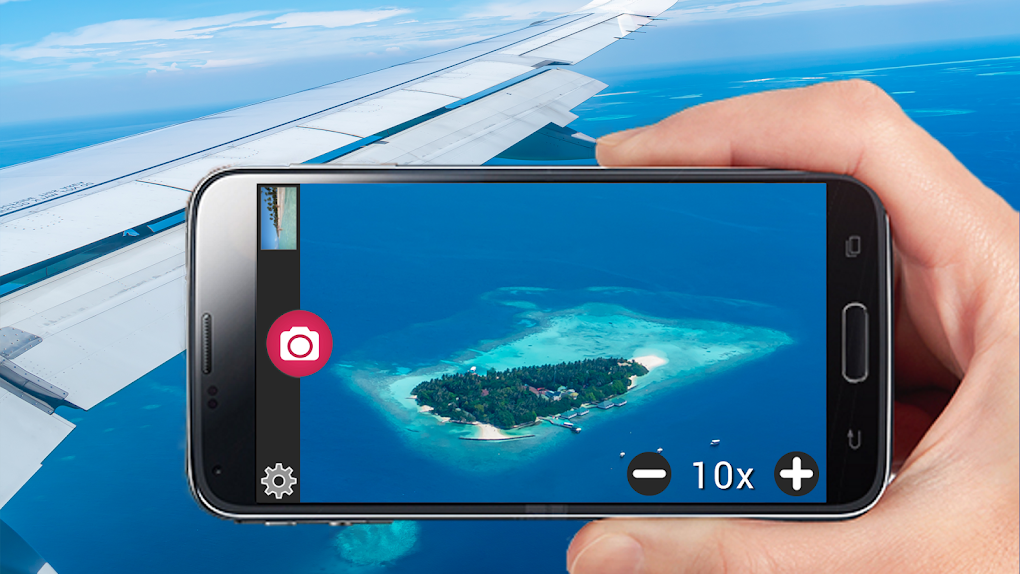
At its heart, Mega Zoom Camera - xZoom aims to push the boundaries of your phone’s camera’s zoom capabilities. It utilizes a combination of optical and digital zoom, employing advanced algorithms like bilinear interpolation to improve image quality at higher magnification levels. This means you can theoretically capture images of distant subjects with a far greater level of detail than your phone’s native camera app would typically allow. The app is particularly useful for situations requiring long-distance shots, such as wildlife photography, landscape photography from a distance, or even capturing detailed images of faraway objects of interest.
However, the effectiveness of Mega Zoom Camera - xZoom is heavily dependent on the hardware capabilities of your Android device. Users with phones boasting high-resolution cameras and advanced image sensors will undoubtedly experience better results. Conversely, those using older devices with lower megapixel counts or less sophisticated sensors may find that the image quality degrades significantly at higher zoom levels, leading to grainy, pixelated, and generally unsatisfactory results. The increased zoom level comes at a cost, and this cost is directly tied to the quality of your device’s camera. While the app attempts to mitigate image degradation through sophisticated algorithms, it can only do so much to compensate for inherently limited hardware.
The User Experience: A Balancing Act Between Functionality and Frustration
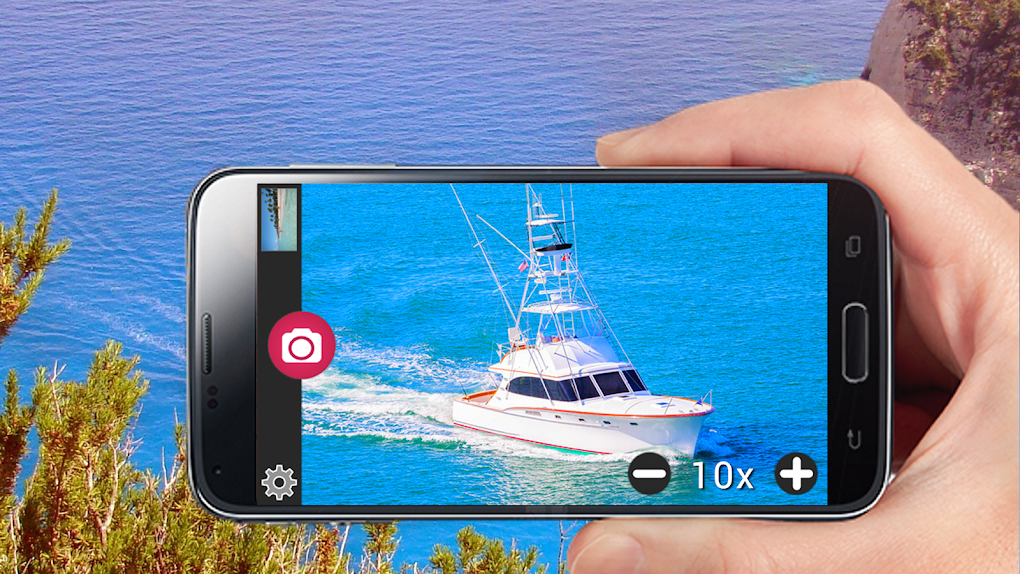
The app’s interface is relatively straightforward, making it easy to navigate even for users unfamiliar with advanced camera tools. The zoom functionality itself is simple to activate and adjust, allowing for smooth transitions between different magnification levels. However, this ease of use is undermined by a significant issue: intrusive advertisements. The frequency and obtrusiveness of the ads are a consistent source of complaint from users. These ads frequently interrupt the photography process, popping up unexpectedly and obscuring the viewfinder, making it difficult to frame shots precisely. This constant barrage of ads significantly detracts from the overall user experience, turning what could be a pleasant and productive photography tool into something jarring and frustrating.
Performance and System Requirements: A Matter of Device Compatibility
As previously mentioned, the performance of Mega Zoom Camera - xZoom is inextricably linked to the capabilities of the Android device it’s running on. The app places considerable demands on the device’s processing power and memory, particularly at higher zoom levels. Users with older or less powerful devices may experience noticeable lag, delays in image processing, and even app crashes when attempting to use the maximum zoom functionality. This performance disparity highlights the critical importance of understanding your device’s limitations before installing and using this app. While the app strives to be universally compatible, its effectiveness is far from universal and instead varies widely depending on your specific hardware.
Furthermore, the app’s performance may also be influenced by other factors such as available storage space, background processes consuming system resources, and even network connectivity (although the app itself doesn’t require a constant internet connection to function). Optimizing your device’s performance by closing unnecessary apps and ensuring sufficient storage space can help to improve the overall user experience, particularly for users with devices that are already operating near their capacity.
Comparison to Other Zoom Apps: Finding Alternatives
The market for mobile photography apps is saturated with options, many of which offer zoom capabilities. While Mega Zoom Camera - xZoom boasts impressive magnification levels, other apps might offer a more balanced approach, prioritizing image quality and user experience over sheer zoom power. Some alternatives might focus on optical zoom, which tends to produce superior results compared to digital zoom, especially at higher magnification levels. Others might incorporate advanced image stabilization techniques, helping to mitigate the blurring and shake that often accompany high-zoom photography on mobile devices. A thorough comparison of available apps, examining user reviews and focusing on factors such as image quality, ease of use, and ad frequency, is recommended before settling on a specific choice.
It’s crucial to note that the “mega-zoom” capability often comes with tradeoffs. Extreme digital zoom inevitably leads to a significant loss of image quality, even with the best algorithms in place. The compromise between maximum magnification and image quality is a central theme in mobile photography, and each user must weigh these competing factors when deciding on the best tool for their needs.
Conclusion: A Niche Tool with Significant Caveats
Mega Zoom Camera - xZoom offers an undeniably powerful zoom capability, potentially allowing users to capture images of subjects far beyond the reach of their phone’s native camera app. However, this powerful functionality comes at a cost. The app’s performance is significantly impacted by the capabilities of your Android device, with older or less powerful devices likely experiencing performance issues. Furthermore, the constant barrage of intrusive advertisements considerably detracts from the user experience, making the app significantly less enjoyable to use.
Ultimately, Mega Zoom Camera - xZoom might be suitable for users with high-end Android devices who prioritize extreme zoom capabilities above all else and are willing to tolerate frequent interruptions from advertisements. However, for users with older devices or those who prioritize a seamless and enjoyable user experience, exploring alternative photography apps with a better balance between zoom capabilities, image quality, and user interface is strongly recommended. The app’s “mega-zoom” feature might impress on paper, but the real-world experience is significantly less satisfying due to these inherent limitations. Consider carefully whether the benefits outweigh the drawbacks before installing this application on your device. If you are looking for a seamless and user-friendly experience, explore other options in the plethora of mobile photography applications available.
File Information
- License: “Free”
- Latest update: “March 25, 2025”
- Platform: “Android”
- OS: “Android 13.0”
- Language: “English”
- Downloads: “8.6K”
- Download Options: “Google Play”


