
MelonDS is a free, open-source Nintendo DS emulator designed for Windows PCs. It allows users to play a wide variety of Nintendo DS games on their computers, bringing the nostalgic handheld gaming experience to a larger screen. While still under active development, MelonDS offers a robust feature set and delivers a surprisingly smooth emulation experience for many titles. This review will delve into the strengths and weaknesses of MelonDS, exploring its capabilities, interface, and future potential.
Performance and Capabilities
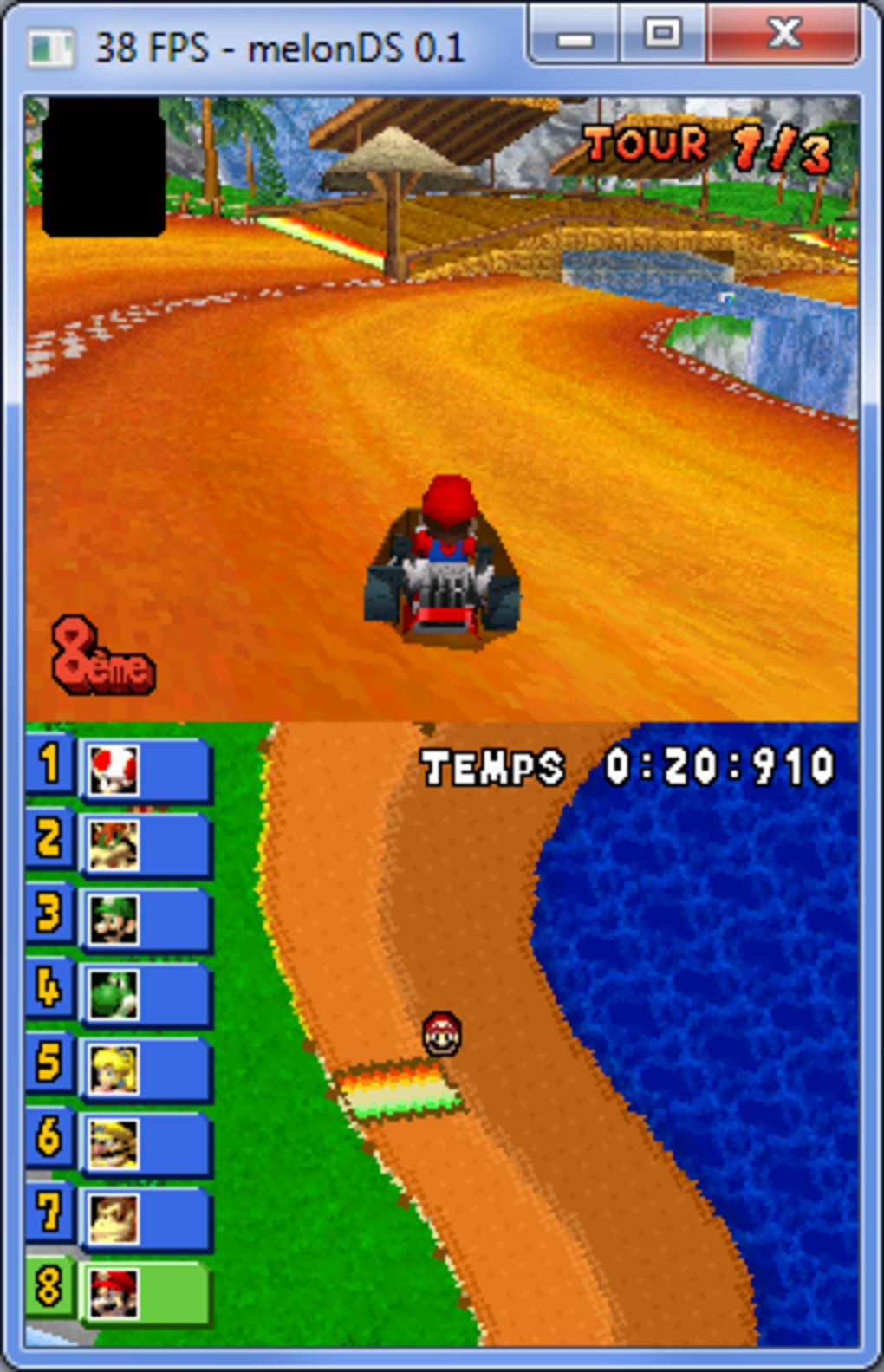
MelonDS boasts impressive emulation capabilities considering its open-source nature and ongoing development. The core functionality – including CPU, video, and audio emulation – is well-implemented, providing a playable experience for a substantial library of DS games. Much of this smooth performance is attributed to its JIT (Just-In-Time) recompiler, which dynamically translates the game’s code into optimized machine instructions for your computer’s processor. This significantly enhances execution speed compared to interpreters, resulting in improved frame rates and responsiveness.
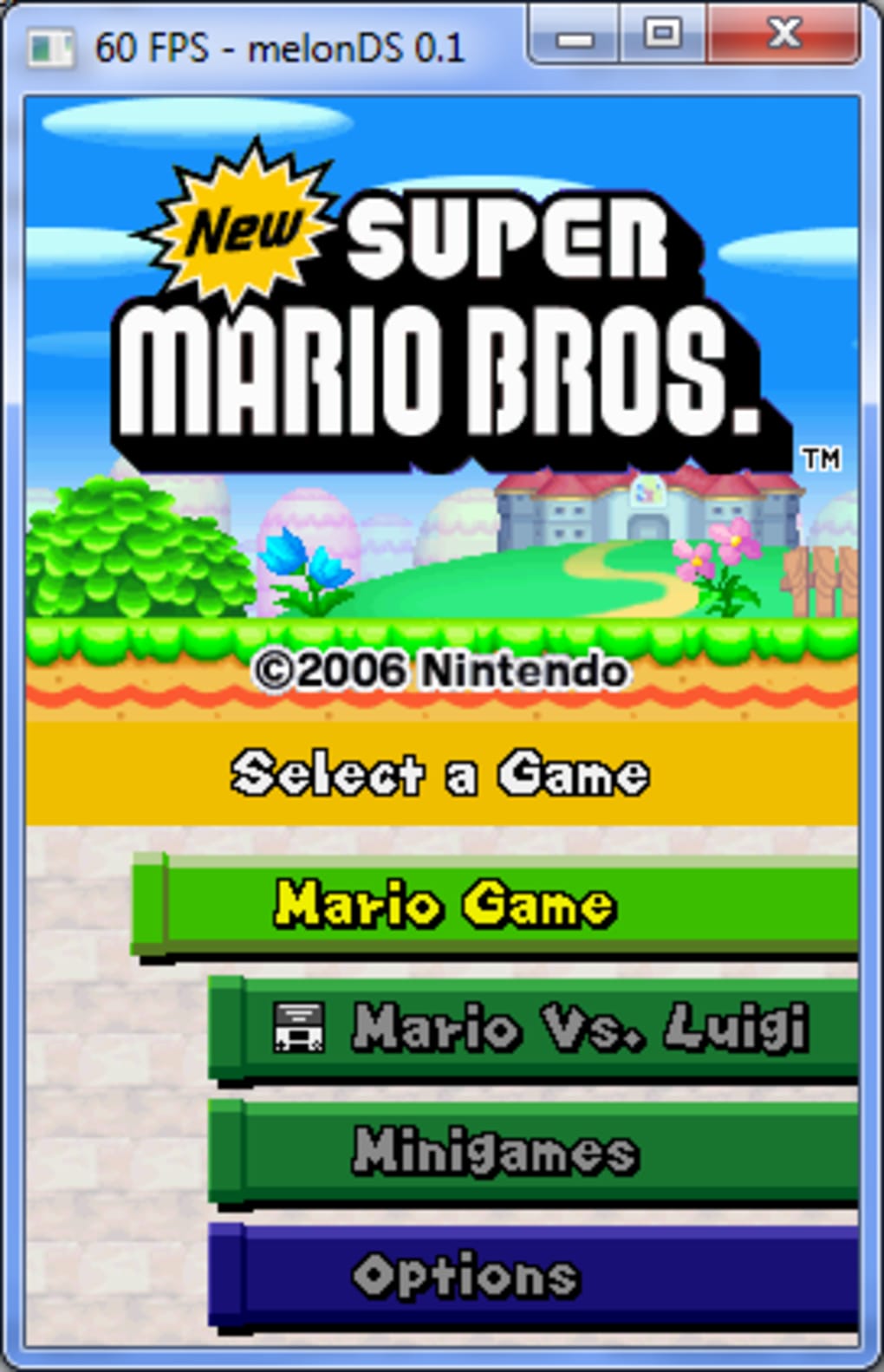
However, it’s crucial to acknowledge that MelonDS is not perfect. Given its status as a work-in-progress, encountering occasional glitches or compatibility issues with specific games is to be expected. Some games might run flawlessly, while others might experience slowdown, graphical errors, or even outright crashes. The extent of compatibility varies greatly depending on the game itself, the individual’s hardware configuration, and the current version of MelonDS. Regular updates from the developers continuously improve compatibility and stability, so keeping the emulator up-to-date is highly recommended.
The emulator’s capabilities extend beyond simple game execution. MelonDS offers significant customization options, including the ability to adjust screen position, size, and rotation. This allows users to tailor the display to their preferences and maximize screen real estate. Furthermore, support for joysticks provides a more ergonomic gaming experience than using a keyboard or touchscreen. The inclusion of savestate functionality is also a significant advantage, allowing players to save their progress at any point and resume later, preventing the frustration of losing substantial gameplay due to unexpected interruptions.
User Interface and Ease of Use
MelonDS presents a remarkably minimalist and intuitive interface. Upon launching the program, users are greeted with a straightforward menu system comprising three main options, offering easy access to essential functions. This simplicity contributes to the emulator’s accessibility, making it user-friendly even for those unfamiliar with emulation software. The lack of unnecessary complexities allows for a seamless transition from navigating the menu to launching and playing games.
However, while the simplicity of the interface is a definite plus for usability, it also means there are limited advanced settings readily accessible. Experienced users might desire more fine-grained control over various emulation parameters. Although these options likely exist within the program’s configuration files or advanced menus (if any are planned for future versions), the current interface’s simplicity may limit the accessibility of such settings to those comfortable with technical configurations.
Game Compatibility and ROM Requirements
To utilize MelonDS, users will need to supply their own Nintendo DS ROM files (game data). It’s vital to understand the legal implications of obtaining and using ROMs. Downloading and playing ROMs of games you do not own is a violation of copyright law in most jurisdictions. It is strongly recommended that users only use ROM files for games they own legally. Failure to do so could result in legal repercussions.
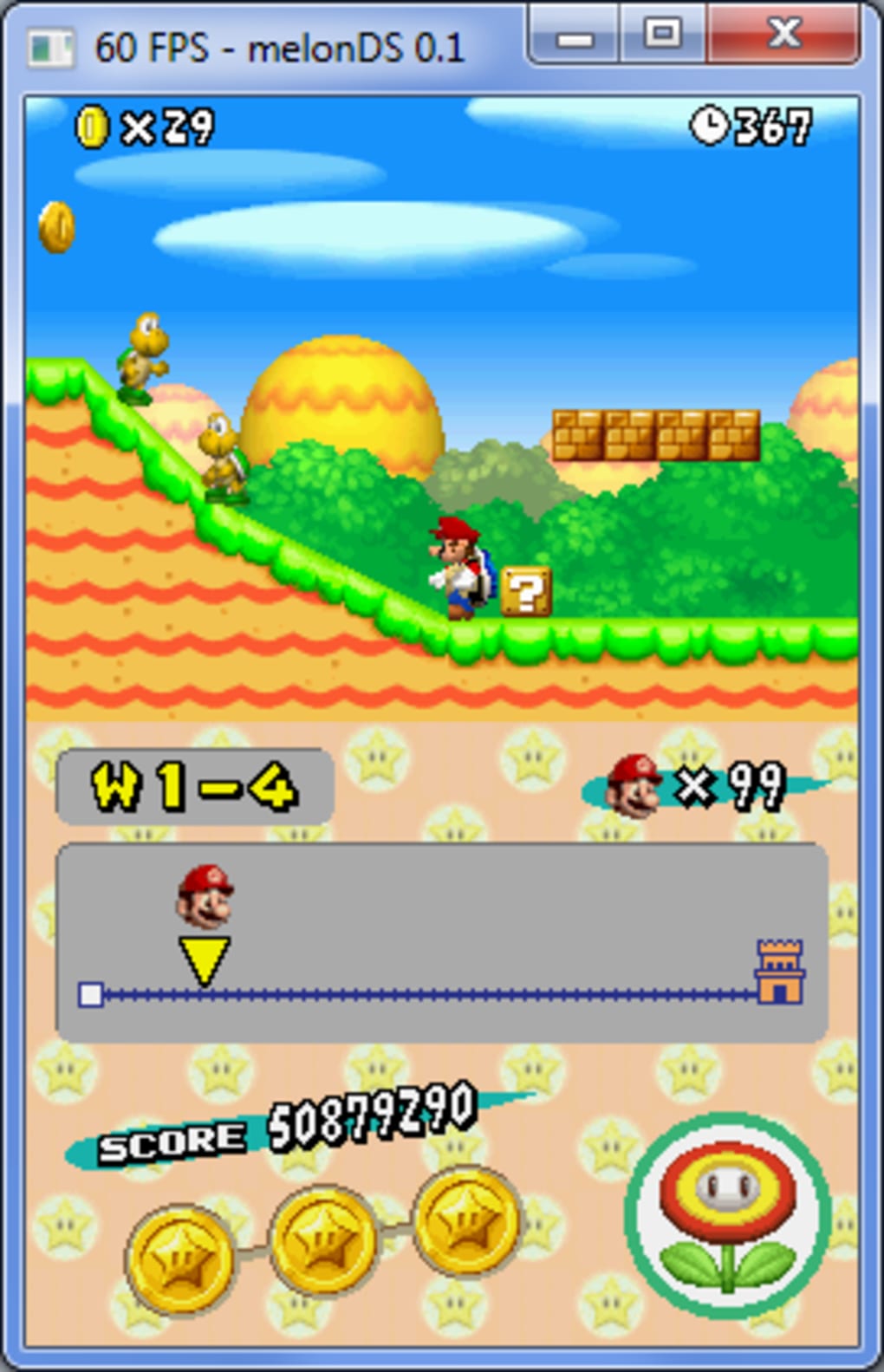
The emulator’s compatibility with different ROMs is a factor that will vary. While MelonDS aims for broad compatibility, some games might run better than others depending on several factors, including the game’s design, the version of the emulator, and the user’s hardware specifications. The developers actively work to expand compatibility, addressing bugs and issues reported by the user community. It is advisable to check online forums and communities dedicated to MelonDS for information regarding compatibility before attempting to play a specific game.
The sheer number of Nintendo DS games available means there’s a vast potential library to explore. However, the user is responsible for sourcing their ROMs ethically and legally, ensuring they have the right to use the game data.
Future Development and Potential
MelonDS is an actively developed project, with the developers continuously working to improve the emulator’s performance, compatibility, and features. Planned additions include support for DSi emulation (allowing for compatibility with games released for the Nintendo DSi), GBA slot add-ons (expanding compatibility with Game Boy Advance games playable on the DS), and crucially, WiFi functionality. This last feature would unlock the potential for online multiplayer gaming, adding a whole new dimension to the user experience.
The inclusion of DSi emulation is highly anticipated as this would significantly broaden the games that the emulator can run, bringing many more titles within reach of users. The addition of GBA slot emulation would complement this, creating a powerful all-in-one solution for playing both DS and GBA games. Most importantly, the planned addition of WiFi functionality would open up a new layer of interaction, transforming the emulator from a solo experience to a social one.
The ongoing development of MelonDS demonstrates the commitment of its creators to continually improve and expand the emulator’s capabilities. The addition of these key features will propel MelonDS to become an even more compelling alternative to other Nintendo DS emulators.
Conclusion
MelonDS presents a compelling option for playing Nintendo DS games on a PC. While still in active development, its current functionality is impressive, offering a smooth and enjoyable experience for many titles. The minimalist interface makes it user-friendly, and the support for joysticks and savestates enhances the gameplay. The planned additions of DSi and GBA slot emulation, along with WiFi connectivity, promise to significantly expand the emulator’s capabilities in the future. However, users should be mindful of legal ramifications regarding ROM acquisition and always ensure they obtain games legally before playing them through an emulator. Overall, MelonDS is a solid and promising emulator that’s worth considering for those seeking a versatile and evolving solution for experiencing classic Nintendo DS gaming on their computers.
File Information
- License: “Free”
- Version: “0.9.4”
- Latest update: “August 26, 2022”
- Platform: “Windows”
- OS: “Windows 7”
- Language: “English”
- Downloads: “1.9K”
- Size: “9.37 MB”


