
MeloView is a free, versatile video player application specifically designed for Android devices. Its focus lies in providing a smooth and efficient local video playback experience, supporting a wide range of common video formats. This detailed guide will explore MeloView’s features, functionality, and user experience, providing a complete overview of this handy Android utility.
MeloView Apps: Core Features and Functionality
MeloView’s strength lies in its simplicity and effectiveness. The core functionality revolves around playing locally stored video files. Unlike many video players that offer streaming capabilities, MeloView concentrates its efforts on providing a robust and user-friendly experience for offline viewing. This focused approach allows for a clean and intuitive interface, free from the complexities often associated with online video streaming platforms.
The application’s support for various video formats is a key advantage. It handles common formats like MP4, AVI, and MKV with ease, ensuring compatibility with a wide range of video files users may already possess. This broad support eliminates the need for format conversion, streamlining the viewing process.
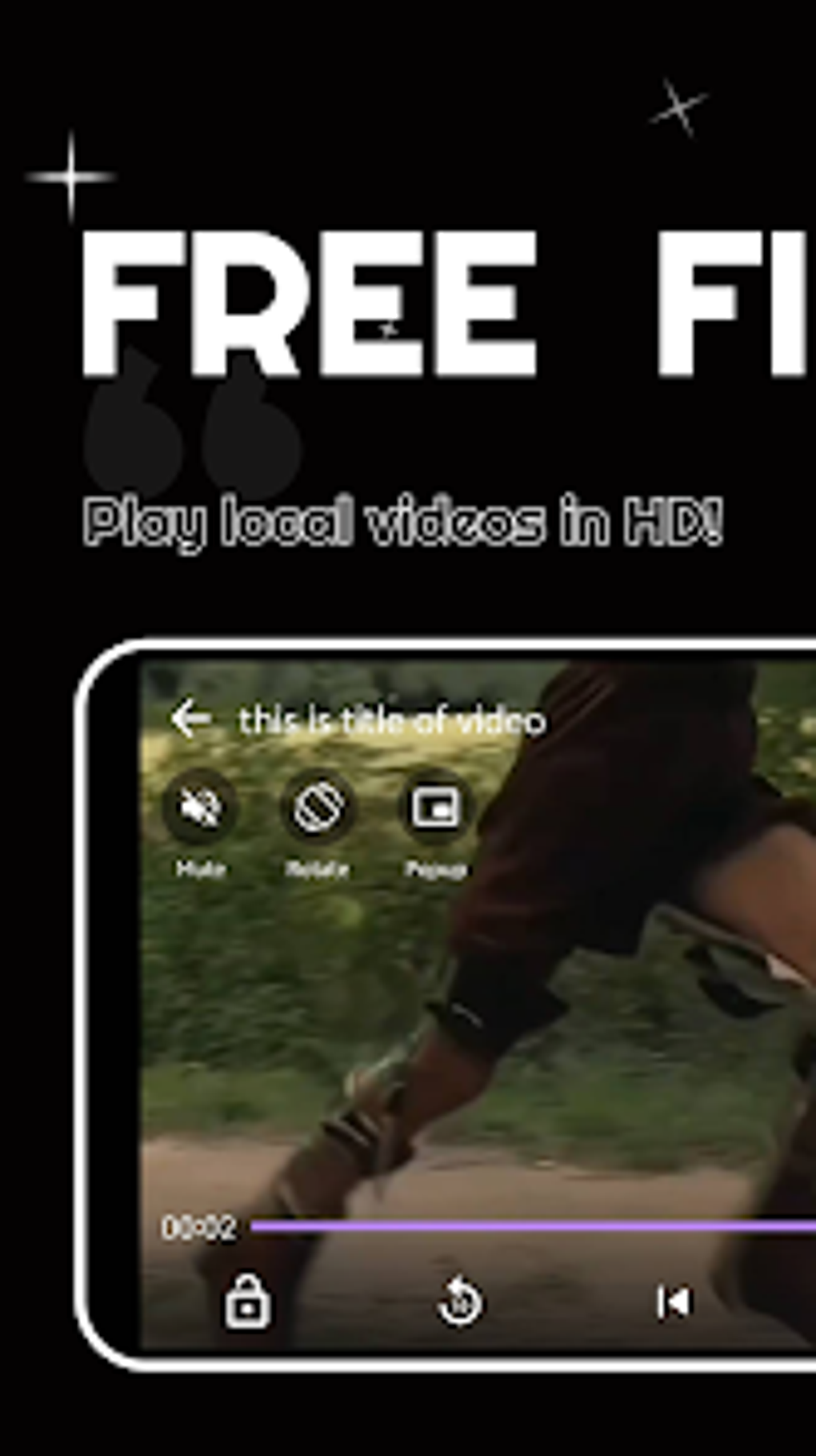
The intuitive user interface is a cornerstone of MeloView’s design philosophy. Videos are easily located and played, allowing for quick access to personal media libraries. The navigation is straightforward, eliminating any unnecessary complexities that might frustrate users. This simplicity caters to both tech-savvy individuals and those less familiar with video player applications.
Further enhancing user control are several key features:
-
Mute Option: Provides the ability to silence audio during playback, crucial for situations where sound needs to be minimized or eliminated altogether.
-
Screen Rotation: Allows for seamless switching between portrait and landscape modes, optimizing viewing based on user preference and device orientation.
-
Fast Forward and Rewind: Offers precise control over playback speed, enabling users to quickly skip through unwanted sections or revisit specific parts of a video.
-
Screen Lock: Prevents accidental interruptions during playback, ensuring uninterrupted viewing even with unintended touches or gestures.
-
Full-Screen Playback: Provides an immersive viewing experience, maximizing the use of the screen’s real estate for a more cinematic feel.
-
Pop-Up Window: This unique feature allows for multitasking, enabling users to enjoy videos while simultaneously engaging with other applications. This is particularly useful for those needing to balance entertainment with productivity or other tasks.
The omission of online streaming functionality is a deliberate design choice. By concentrating solely on local playback, MeloView can optimize its performance and user experience, prioritizing speed and stability. This specialization allows for a lighter application footprint and improved resource management, leading to smoother playback even on devices with limited processing power.
MeloView for Android: System Requirements and Compatibility
MeloView’s compatibility is primarily focused on the Android operating system. While the application boasts a wide range of video format support, its primary platform is Android. Specifically, MeloView is tested and optimized for Android 13.0 and above, although it may function on older versions with varying degrees of success.
The application’s system requirements are relatively modest, meaning it can run smoothly on a wide range of Android devices. The exact requirements may depend on the length and complexity of the videos being played, but generally, even older or less powerful devices should be capable of running MeloView without significant performance issues.
Users should check the Google Play Store listing for the most up-to-date information on system requirements and compatible devices.
MeloView: User Reviews and Community Feedback
MeloView’s user base is currently relatively small, resulting in limited publicly available reviews and feedback. However, the existing feedback suggests a generally positive user experience. The intuitive interface and broad video format support are frequently cited as key strengths. The absence of significant negative feedback indicates a smooth and user-friendly application.
As MeloView’s user base grows, more reviews and feedback will become available, providing a richer understanding of user experiences and identifying potential areas for improvement.
MeloView in the Android App Ecosystem: A Comparison with Competitors
MeloView occupies a specific niche within the crowded Android video player market. While many applications offer a combination of local playback and online streaming capabilities, MeloView distinguishes itself through its dedication to offline viewing. This specialization allows it to deliver a streamlined and efficient experience, focusing resources on optimization for local video files.
Compared to more comprehensive video players with extensive streaming capabilities, MeloView may appear less feature-rich. However, for users primarily interested in playing locally stored videos, this focus on a core set of features can be highly beneficial, resulting in a faster, more reliable, and less resource-intensive application.
The simplicity and ease of use of MeloView also sets it apart from many competing applications that may be overloaded with features and complex settings. This intuitive design philosophy contributes to a positive user experience, especially for users who prefer a clean and uncluttered interface.
MeloView: For Business and Potential Applications
While MeloView is primarily intended for personal use, its features offer potential applications in business contexts. The ability to play local videos reliably and efficiently could be valuable in various scenarios:
-
Training and Education: MeloView’s simple interface and reliable playback make it suitable for delivering training videos or educational content on Android devices.
-
Marketing and Sales: Demonstrations and product presentations can be easily delivered using locally stored video files through MeloView.
-
Internal Communications: Internal company communications, announcements, or training sessions can be distributed and viewed via MeloView on company-provided Android devices.
-
Presentations: Business presentations can be prepared and delivered with the help of MeloView, making it a cost-effective solution for showing presentation videos.
However, it’s important to note that MeloView lacks the advanced features of some professional video editing or playback solutions. For complex presentations or productions, more specialized software might be needed. MeloView’s strengths lie in its simplicity, reliability, and ease of use for straightforward video playback. Its suitability for business applications depends on the specific needs and requirements of the context. Its absence of online streaming capabilities should also be considered when evaluating its appropriateness for a business setting.
File Information
- License: “Free”
- Version: “1.1.1”
- Latest update: “January 19, 2025”
- Platform: “Android”
- OS: “Android 13.0”
- Language: “English”
- Downloads: “8.9K”
- Download Options: “Google Play”


