
Your PC’s Random Access Memory (RAM) is a critical component, vital for smooth operation. If your RAM malfunctions, you’ll likely experience unexpected crashes, strange freezes, and overall system instability. MemTest is a diagnostic tool designed to identify and pinpoint problems with your computer’s RAM, helping you determine if a RAM upgrade or replacement is necessary.
Understanding RAM and its Importance
RAM, or Random Access Memory, acts as your computer’s short-term memory. It stores data the CPU needs to access quickly, enabling seamless multitasking and application performance. Unlike hard drives or solid-state drives (SSDs), which provide long-term storage, RAM is volatile memory, meaning its contents are lost when the power is turned off. When you open an application, its instructions and data are loaded into RAM, allowing the CPU to access them rapidly. Insufficient RAM, or faulty RAM, significantly impacts performance, leading to slowdowns, crashes, and data corruption.
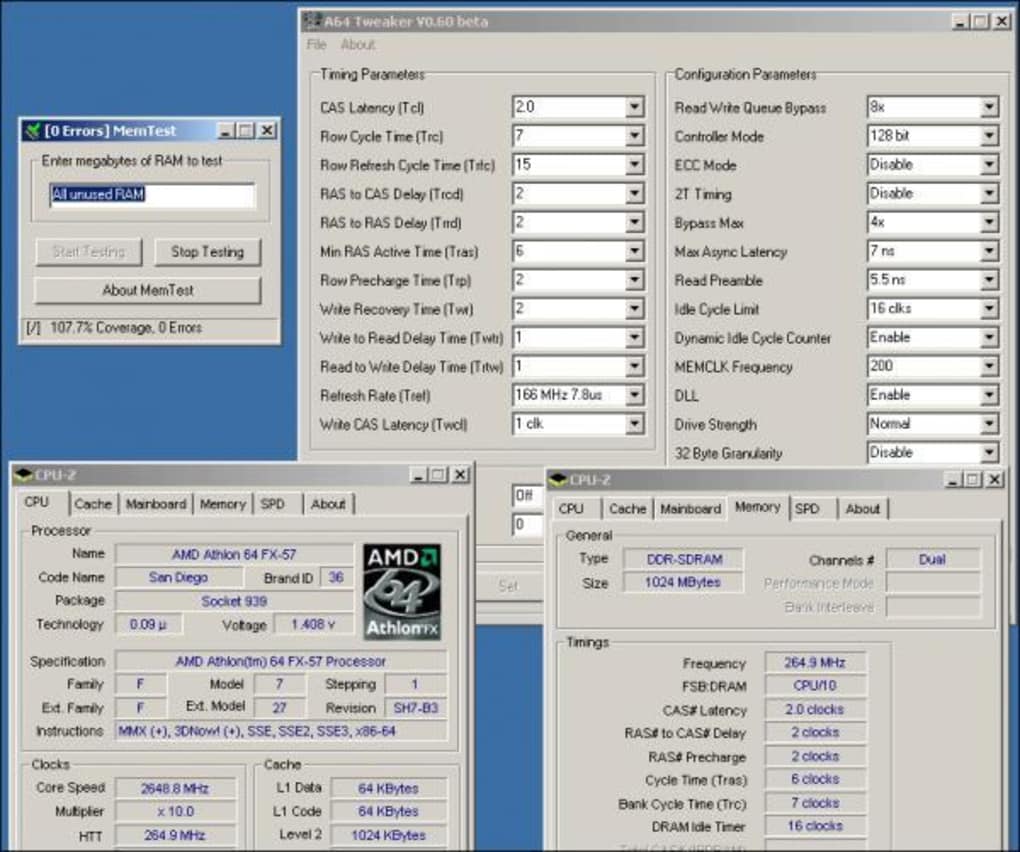
The speed and capacity of your RAM directly influence your computer’s overall responsiveness. Faster RAM allows for quicker data access, resulting in faster loading times and smoother multitasking. Sufficient RAM capacity ensures your system can handle multiple applications simultaneously without performance degradation. If your system lacks sufficient RAM, it will start using your hard drive (or SSD) as virtual memory, resulting in significantly slower performance. This process, known as “paging,” involves swapping data between RAM and the storage drive, a considerably slower operation.
Faulty RAM, however, presents a more critical problem. Corrupted data stored in RAM can lead to application errors, system instability, and ultimately, data loss. A single faulty memory module can corrupt data across all applications, leading to unpredictable behavior. This is where a memory testing tool like MemTest becomes indispensable.
How MemTest Works: A Deep Dive into RAM Diagnostics
MemTest is a memory testing program designed to thoroughly scrutinize your computer’s RAM for errors. Unlike simpler checks performed by operating systems, MemTest employs rigorous algorithms to detect a wide range of memory issues, including subtle errors that may not be evident in everyday usage. The program performs a series of tests, writing and reading data patterns to and from your RAM modules. It compares the written and read data, identifying any discrepancies that may signal faulty memory cells. These discrepancies could range from single-bit errors to more significant problems affecting larger portions of the memory.
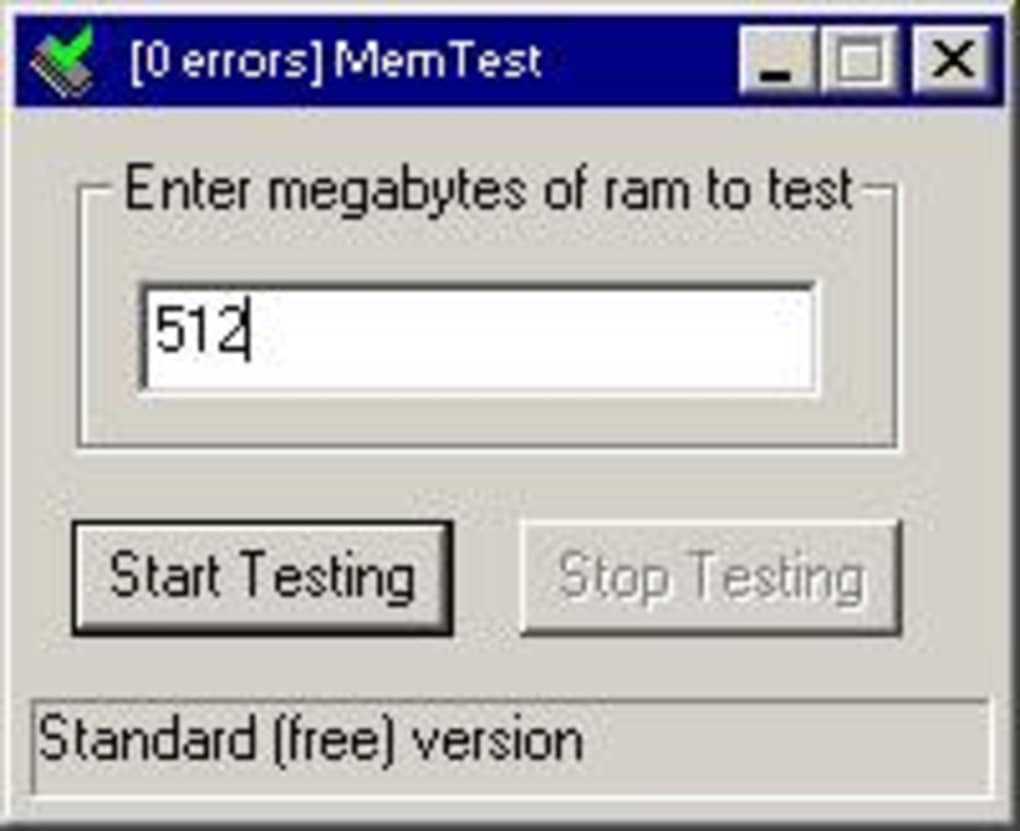
MemTest works by filling your RAM with known patterns of data and then repeatedly reading it back, checking for inconsistencies. It uses various test patterns, such as random data, walking bits, and address tests, to stress the memory in different ways. This multifaceted approach helps detect a wide range of errors.
The testing process typically involves multiple passes, each pass performing a different test or focusing on a different aspect of memory functionality. The number of passes required depends on the size of your RAM and the desired level of testing thoroughness. More passes increase the chances of detecting intermittent or subtle errors.
The results displayed by MemTest provide detailed information about the test, including the number of errors detected in each test, the memory location of the errors, and potentially, the specific memory module responsible for the errors. This level of detail allows for precise identification of the faulty component, facilitating accurate troubleshooting and repair.
The sophisticated algorithms employed in MemTest are designed to detect a broader range of errors than simpler checks found in many operating systems. These algorithms test the memory for various types of problems including:
- Bit errors: Single-bit errors where a single bit of data is flipped.
- Address errors: Problems with the memory controller’s ability to accurately access specific memory addresses.
- Data errors: Errors where the data read back from memory does not match the data that was written.
- Intermittent errors: Errors that occur sporadically and may not be present during every test run.
The identification of these errors is crucial, as they can manifest in various ways, impacting system stability and data integrity. The presence of such errors does not necessarily mean your entire RAM needs replacement; it may indicate a problematic module that can be isolated and replaced, a far more economical solution.
Interpreting MemTest Results: Identifying and Addressing RAM Issues
Upon completion of the MemTest, the results will indicate whether any errors were found during the testing process. The output usually details the number of errors, their location within the RAM modules, and potentially, the faulty module.
Interpreting the Results:
-
No Errors: If MemTest completes multiple passes without reporting any errors, it strongly suggests that your RAM is functioning correctly. While it does not guarantee 100% perfect performance forever, it provides strong evidence of RAM integrity.
-
Errors Detected: If MemTest reports any errors, it signals a problem with your RAM. The precise location of the errors within the RAM modules is crucial for determining the extent of the problem. This detailed information allows you to identify specific modules that need attention. This is the critical information you need for troubleshooting. The next step is determining whether a single RAM module is defective, requiring replacement, or if a more comprehensive system issue is at play.
Addressing RAM Issues:
-
Replace Faulty Module(s): The most common solution to RAM errors is replacing the faulty module(s). Identifying which module(s) are causing errors is crucial, as you typically don’t need to replace all of them. This targeted approach saves time and money.
-
Reseat RAM Modules: Before replacing any modules, try reseating them. Sometimes, a simple reseating can resolve connection problems, improving stability. This is a quick and easy troubleshooting step that may resolve the issue without the need for a costly RAM module replacement.
-
Check System Configuration: If MemTest reveals errors across multiple modules or after reseating, you may be dealing with a systemic issue, such as a faulty motherboard, inadequate power supply or overheating.
-
Update BIOS: An outdated BIOS can sometimes cause compatibility issues with RAM, leading to errors. Updating your BIOS is a potential fix.
MemTest Alternatives and Complementary Tools
While MemTest is a highly effective RAM testing tool, other options offer complementary functionalities or different testing approaches. These tools may provide additional insights into your RAM’s performance and system health.
-
Memtest86+: A popular alternative to MemTest, Memtest86+ is a bootable memory testing tool. This means it runs independently of your operating system, providing a potentially more reliable diagnostic.
-
RAMExpert: RAMExpert provides a user-friendly interface for viewing RAM information, including specifications, timings, and error detection. However, its diagnostic capabilities are less comprehensive than those of MemTest or Memtest86+.
-
Fresh Diagnose: This tool offers a broader range of diagnostic capabilities beyond RAM, providing insights into various system components. This holistic approach to system health may assist in identifying interrelated issues affecting your system.
By utilizing various testing approaches, you achieve a thorough assessment of your system’s health. Combining the results of various diagnostic tools leads to a more comprehensive understanding of the problem, allowing for a more targeted and effective troubleshooting approach.
This comprehensive guide to MemTest and its use helps ensure your system is running with the highest level of performance and stability, preventing potential data loss and application instability. By understanding the importance of RAM, how to use MemTest, and how to interpret its results, you are well-equipped to maintain the optimal health and efficiency of your computer system.
File Information
- License: “Free”
- Latest update: “May 23, 2023”
- Platform: “Windows”
- OS: “Windows 8”
- Language: “English”
- Downloads: “37.8K”
- Size: “17.67 KB”


