
Merlin is a free, open-source browser extension that harnesses the power of ChatGPT to revolutionize how you interact with the internet. This innovative tool aims to streamline your online experience by integrating voice commands and AI-powered assistance directly into your browser, bridging the gap between spoken language and digital action. While sharing similarities with other AI-driven applications like docGPT in its ability to generate text and automate tasks, Merlin distinguishes itself through its focus on voice control and its continuously evolving, open-source nature. This ensures regular updates and community-driven improvements, making it a dynamic and adaptable tool for everyday online tasks.
A Multifaceted AI Assistant
Merlin’s capabilities extend far beyond simple text generation. It acts as a versatile assistant, capable of performing a wide array of functions across various websites. Its functionality includes:
-
Text Generation and Editing: Need to craft a quick email, write a summary, or refine a document? Merlin can assist with all these tasks, generating text based on your prompts and making edits as needed. This functionality proves particularly useful for tasks requiring large blocks of text, eliminating the need for manual input and significantly reducing workload.
-
Query Response and Summarization: Merlin can process and respond to queries, providing concise and informative answers. Its summarization features condense large amounts of text into manageable summaries, saving valuable time and effort. This capability is particularly beneficial when sifting through lengthy articles or documents online.
-
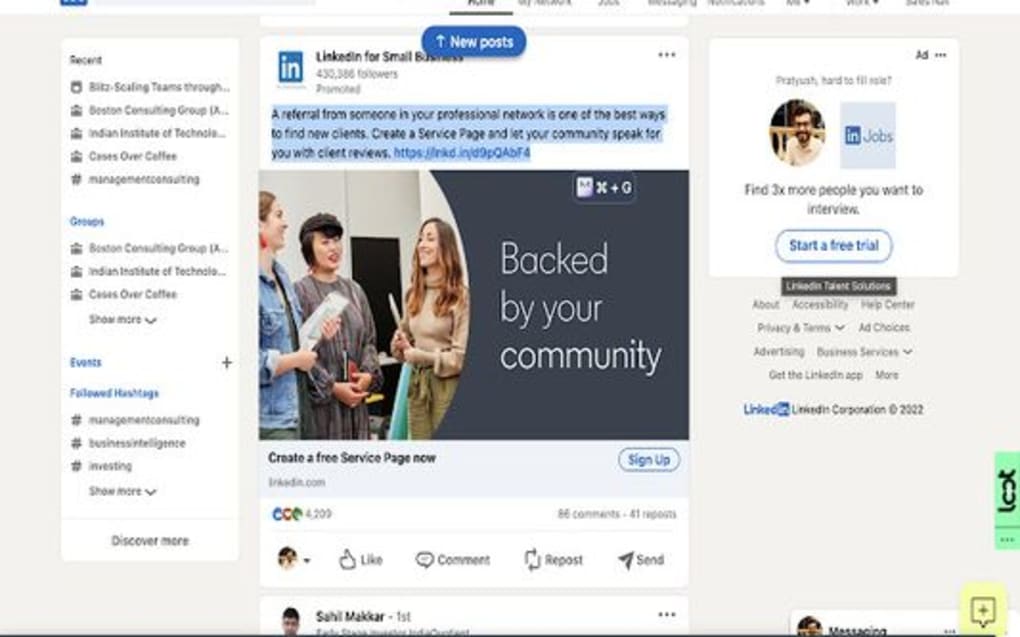
Enhanced Search Functionality: Merlin seamlessly integrates with popular websites like Google, LinkedIn, and Gmail, enhancing your search experience. It intelligently interprets your search queries, providing more refined and relevant results. This feature offers a significant advantage for users who regularly utilize search engines for information gathering.
-
Hotkey Activation: For swift and convenient access, Merlin is designed to be activated through easily customizable hotkeys. This eliminates the need to manually open the extension, enhancing workflow efficiency. The streamlined access significantly improves the overall user experience, allowing for seamless integration into existing online workflows.
Bridging the Gap Between Voice and Action
One of Merlin’s most remarkable features is its attempt to translate spoken word into actionable commands. This innovative approach transforms the way users interact with their browsers and online services. Instead of relying solely on typing, users can leverage voice commands to execute tasks, leading to a more intuitive and efficient digital experience. This is particularly beneficial for users who prefer a hands-free approach or those who find typing cumbersome or time-consuming. The system continuously learns and improves its interpretation of spoken commands, making it increasingly accurate and responsive over time.
A Constantly Evolving Platform
Merlin’s open-source nature is a cornerstone of its design philosophy. This collaborative approach ensures continuous updates and improvements based on user feedback and technological advancements. The developers are committed to iterative development, incorporating new features and refining existing ones based on user needs and suggestions. This commitment to ongoing development fosters a dynamic platform that adapts to the ever-changing digital landscape. The transparent and community-driven nature of the development process builds trust and fosters a strong user base.
The Advantages and Considerations of Using Merlin
As with any software, Merlin offers both advantages and disadvantages. Let’s examine both sides:
Pros:

- Multi-Platform Support: Merlin’s functionality extends beyond a single platform, supporting interactions with various third-party websites, maximizing its utility across diverse online environments.
-
Hotkey Integration: Its hotkey activation feature streamlines user interaction, significantly improving efficiency and workflow by enabling quick and seamless access to Merlin’s features.
-
Smart Search Interpretation: Merlin enhances Google searches and other online searches by providing more refined and relevant results, enriching the overall user experience.
-
Significant Workload Reduction: Developers claim that Merlin can reduce workloads by up to 80 percent, a significant enhancement for users facing substantial online tasks. This potential time saving is a substantial benefit for users managing large volumes of online information or tasks.
-
Open-Source and Community Driven: The open-source nature of Merlin ensures continuous improvement and transparency, building trust and encouraging community involvement in its development.
Cons:
-
Potentially Intrusive Pop-Ups: The Merlin pop-up interface, while functional, may occasionally be perceived as obtrusive, impacting the user experience. The design and implementation of pop-up windows could benefit from further refinement to improve user experience and minimize disruptions.
-
Inconsistent Command Recognition: While the system is designed for voice control, the interpretation of command prompts might not always align perfectly with the associated operating system or user input, leading to occasional inaccuracies. The need for more robust and adaptable voice recognition capabilities becomes apparent, requiring continuous development and improvement.
- Reliance on Stable Internet Connection: As a cloud-based AI assistant, Merlin’s functionality is inherently dependent on a stable internet connection. Without reliable internet access, the extension’s key features become unavailable, highlighting the need for offline functionality or alternative modes for specific use cases.
Merlin’s Position in the AI Assistant Landscape
Merlin occupies a unique space in the burgeoning field of AI assistants. While several similar applications offer text generation and automation capabilities, Merlin’s focus on voice control and seamless browser integration sets it apart. The open-source nature further differentiates it, fostering a community-driven approach to development and continuous improvement. Compared to other commercial AI assistants, Merlin offers a free and accessible alternative, prioritizing open collaboration and community-driven enhancements.
Conclusion
Merlin represents a significant step forward in the evolution of AI-powered browser assistants. Its combination of voice command functionality, extensive multi-platform support, and an open-source development model creates a unique and powerful tool for enhancing online productivity. While some minor limitations exist concerning occasional interface intrusiveness and inconsistent command recognition, the potential benefits of Merlin’s features, particularly its capacity for significant workload reduction, outweigh these drawbacks. As the project continues to evolve and refine its features, Merlin promises to become an indispensable tool for users seeking a more efficient and intuitive approach to navigating the digital world. Its open-source nature ensures a continuous cycle of improvement, driven by a dedicated community and committed to meeting the evolving needs of its users.
File Information
- License: “Free”
- Version: “1.0”
- Latest update: “June 16, 2023”
- Platform: “Windows”
- OS: “Windows 10”
- Language: “English”
- Downloads: “3.1K”


