
Messenger Lite was a streamlined version of Facebook Messenger, designed for users with limited data, storage, or older devices. It offered a core set of messaging features without the extra bells and whistles found in the full Messenger app. While no longer available for download, its legacy offers valuable insights into the evolution of mobile messaging and the needs of a diverse user base. This article explores the features, functionality, and eventual discontinuation of Messenger Lite.
The Genesis of Messenger Lite: Catering to a Wider Audience
Facebook launched Messenger Lite to address the needs of users in developing countries and those with less powerful smartphones. The standard Messenger app, while feature-rich, required significant processing power, storage space, and data bandwidth to operate smoothly. Many users in areas with limited internet infrastructure or older devices struggled to use the full Messenger app effectively. Messenger Lite offered a solution by providing a significantly smaller, more efficient app that consumed less data and required fewer resources. This strategy allowed Facebook to expand its reach to a broader global audience, fostering communication in regions previously underserved by its main messaging platform.
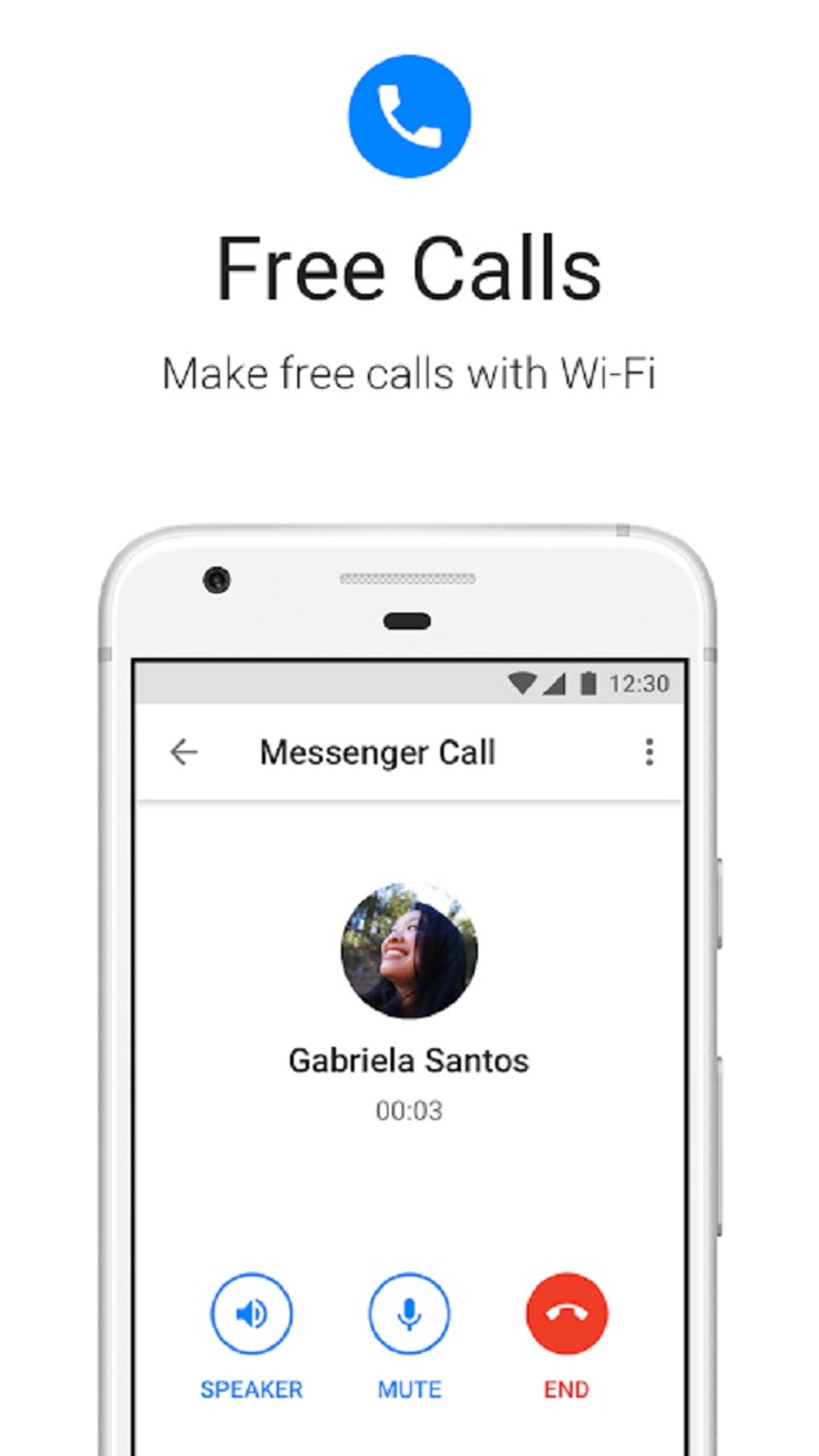
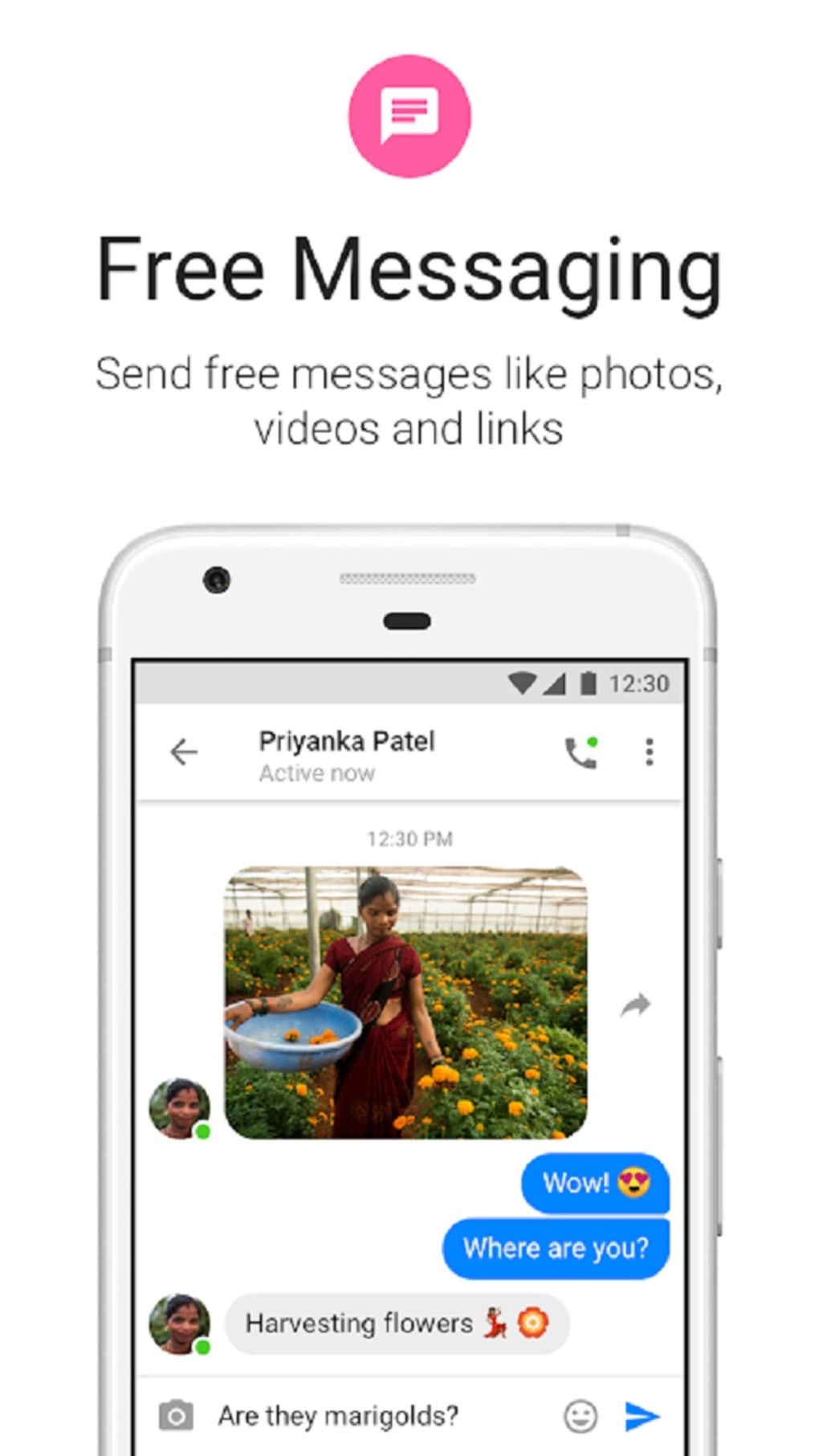
The app’s core function remained consistent with the standard Messenger – enabling users to send and receive text messages, photos, links, and stickers. However, the “Lite” designation meant a deliberate omission of non-essential features. Initially, features such as Stories, games, and various extensions were absent. However, over time, even video calling and voice calls were added, bolstering the app’s functionality while maintaining its lightweight nature. This strategic addition enhanced the app’s appeal without compromising its core design principle of resource efficiency. The focus remained on providing a functional and reliable messaging experience, prioritizing speed and efficiency over extensive features.
How Messenger Lite Worked: Simplicity and Efficiency
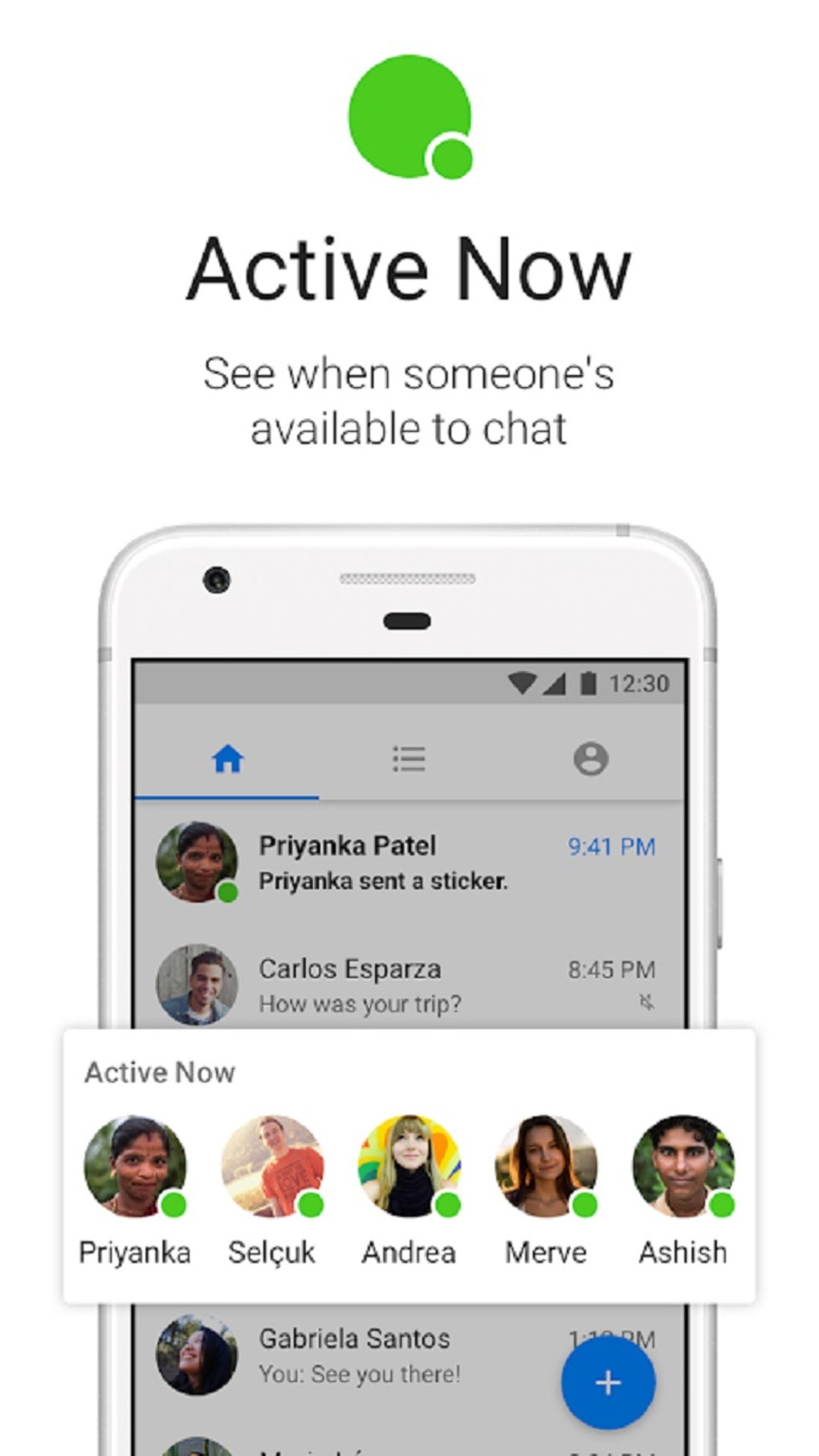
Downloading and installing Messenger Lite was as simple as downloading the standard Messenger app. Users could easily access the APK file and install it on their Android devices. The user interface was notably simpler than the standard Messenger app. Instead of numerous tabs and sections, Messenger Lite presented a clean, uncluttered interface with only three primary tabs: Home, Contacts, and Account.
The Home tab displayed a straightforward list of recent conversations, unlike the standard Messenger app which included separate sections for active chats and recent searches. The Contacts tab provided access to contacts using Messenger, including a search function to easily find specific users. This tab avoided the clutter of invitations, contact requests, and phone numbers found in the full version. Finally, the Account tab allowed users to manage their account settings, synchronize contacts, switch accounts, view message requests, and configure notifications. Importantly, a dark mode option was also included, enhancing user experience and conserving battery life.
While the core messaging functionality was similar to the standard Messenger, Messenger Lite lacked additional features like location sharing, games, plans, GIFs, and other enhancements. This intentional omission contributed to its efficiency, reducing battery consumption and data usage. Moreover, it ran smoothly even on 2G networks, ensuring accessibility in areas with limited internet connectivity.
Messenger Lite vs. Standard Messenger: A Comparison of Features
The key differentiator between Messenger Lite and the standard Messenger was the streamlined feature set. Messenger Lite prioritized essential communication features, sacrificing bells and whistles for speed and efficiency. This approach made it ideal for users who valued simplicity and resource conservation over extensive functionality.
| Feature | Messenger Lite | Standard Messenger |
|---|---|---|
| Size | Significantly Smaller | Significantly Larger |
| Data Usage | Very Low | Moderate to High |
| Battery Usage | Low | Moderate to High |
| Network Support | 2G, 3G, 4G, 5G | 3G, 4G, 5G |
| Interface | Simplified | Feature-Rich |
| Stories | Absent | Present |
| Games | Absent | Present |
| Location Sharing | Absent | Present |
| GIFs | Absent | Present |
| Extensions | Absent | Present |
This table highlights the trade-off between functionality and resource efficiency. While standard Messenger boasted a wealth of features, Messenger Lite focused on core communication functionalities, making it an ideal choice for resource-constrained environments.
Bugs and Limitations: Addressing Concerns
Messenger Lite, while designed for simplicity and efficiency, inherited some of the bugs and limitations common to the standard Messenger app. However, it did not introduce any significant unique bugs. A major limitation shared by both apps, however, was the requirement for a Facebook account to use the service. This restriction has driven some users towards alternative messaging apps that do not demand this level of personal information.
Alternatives to Messenger Lite
The need for a Facebook account to use Messenger Lite (and the full Messenger app) has spurred users to explore alternative messaging platforms. Several options exist, each with its own strengths and weaknesses.
-
WhatsApp: A widely popular alternative requiring a phone number for registration, WhatsApp offers end-to-end encryption and a vast user base.
-
Viber: Similar to WhatsApp, Viber relies on phone number verification but offers a range of features including group chats, voice and video calls, and stickers.
-
WeChat: A comprehensive platform offering text, voice, and video communication, along with social media features and payment functionalities. While similar in core function to WhatsApp, WeChat includes more advanced social and commercial tools.
-
Google Hangouts (now Google Chat): Integrated into Google services, Hangouts offers seamless communication for users within the Google ecosystem.
These alternatives offer viable choices for users seeking messaging solutions without the Facebook account requirement or the limitations of Messenger Lite.
The End of an Era: Messenger Lite’s Discontinuation
After discontinuing the iOS version, Meta (formerly Facebook) eventually discontinued the Android version of Messenger Lite as well. This decision signified the end of an era for the lightweight messaging app. While the APK files may still circulate online, they are no longer supported and may not function correctly, often redirecting users to the standard Messenger app. This sunsetting reflects a shift in mobile technology, where resource limitations are less pervasive, particularly amongst the users who once heavily relied on this app. The decision suggests that newer, more powerful devices have made the need for such a resource-light app less pressing.
Conclusion: A Legacy of Efficiency
Messenger Lite was a valuable tool for a specific subset of users. Its small size, simplified interface, and low resource consumption made it an excellent option for users with older devices, limited data plans, or weak internet connections. While its discontinuation marks the end of an era, its impact on expanding the reach of messaging services in underserved regions remains significant. Although modern smartphones and ubiquitous high-speed internet access have rendered its unique functionality less critical, the app’s legacy serves as a testament to the importance of developing accessible and inclusive communication technologies.
File Information
- License: “Free”
- Latest update: “July 8, 2025”
- Platform: “Android”
- OS: “Android 13.0”
- Downloads: “2.1M”
- Size: “13.77 MB”
- Download Options: “APK, Google Play”
- Filename: “com-facebook-mlite-370559036-62473736-dcc45dbbd4313ce63959d0ad29bba991.apk”


