
Microsoft Excel 2010, while no longer actively supported by Microsoft, remains a powerful spreadsheet program for managing and analyzing data. Though superseded by later versions and integrated into Microsoft 365, Excel 2010 offers a valuable toolset for users with specific compatibility needs or preferences. This article delves into the features, system requirements, and accessibility of Microsoft Excel 2010. It also explores the advantages of its successor, the current Microsoft Excel, available through Microsoft 365 subscriptions.
Features and Integrations of Microsoft Excel 2010
Excel 2010 provides a robust platform for organizing and manipulating data. Its core functionality centers around the creation and management of spreadsheets, which comprise rows and columns of cells capable of holding various data types – numbers, text, dates, and formulas. The program’s power lies in its ability to perform complex calculations, automate repetitive tasks, and present data in visually appealing and informative formats.
One of Excel 2010’s key strengths is its capacity to handle large datasets efficiently. Users can input, organize, and filter data using a variety of tools, including sorting, filtering, and conditional formatting. This facilitates data analysis and the identification of trends or patterns within the information. The program’s built-in formula support, encompassing a wide range of mathematical, statistical, and logical functions, allows users to perform calculations automatically, saving significant time and reducing the potential for human error.
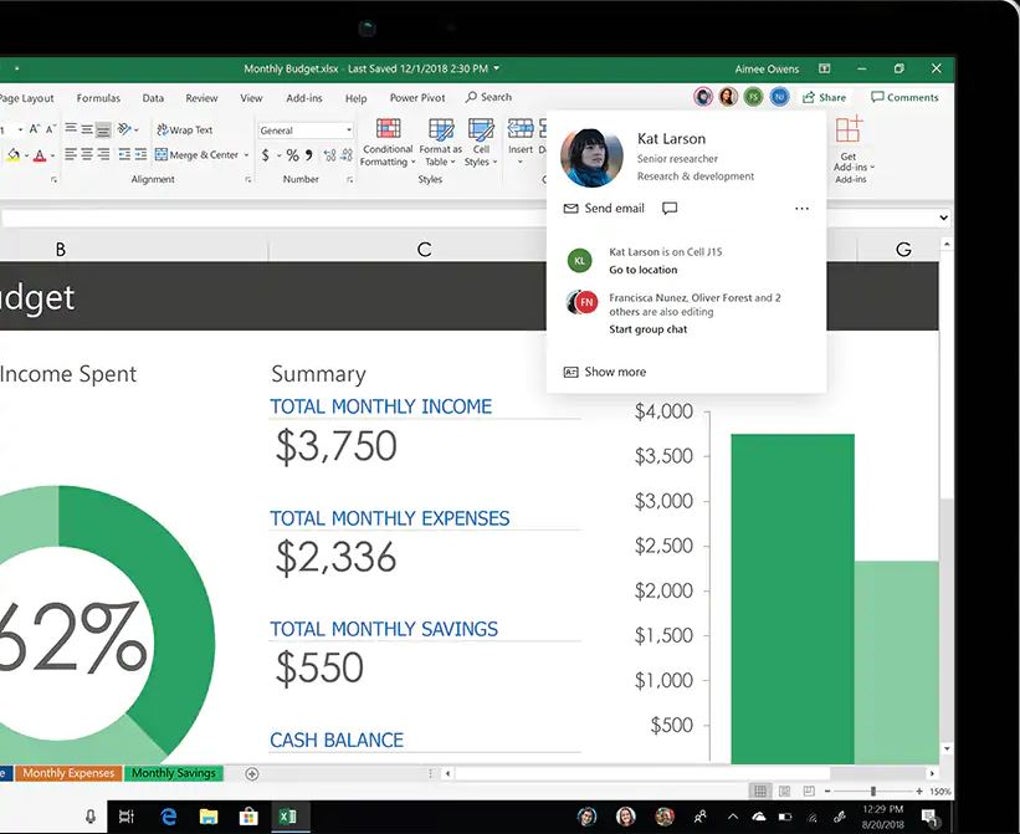
Moreover, Excel 2010 enables the integration of data from multiple sources. Users can link different spreadsheets within the same workbook, or import data from external files, databases, or even online sources. This interoperability streamlines workflow and facilitates the consolidation of data from various origins into a single, comprehensive analysis. The ability to create charts and graphs from data within the spreadsheet allows for a more visual and intuitive understanding of the information, aiding in communication and presentation.
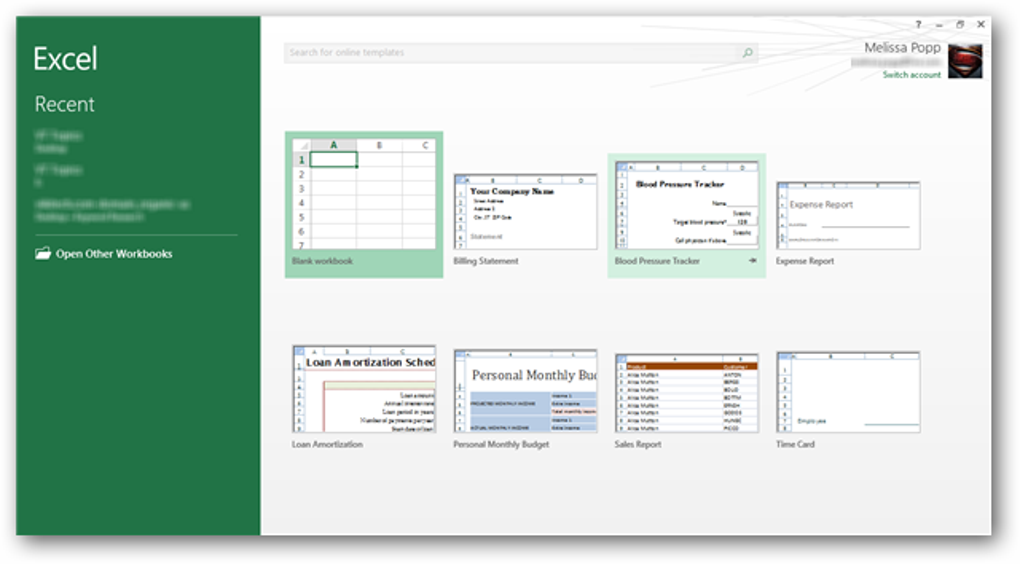
A significant upgrade from earlier versions, Excel 2010 introduced the ribbon interface. Replacing the traditional toolbar structure, the ribbon presents tools and commands in a more organized and accessible manner. The ribbon’s customizable tabs provide quick access to frequently used functionalities, streamlining the user experience and enhancing efficiency. While the visual appearance is different compared to newer versions, the core functionality remains similar.
Compatibility and System Requirements
Given its age, Excel 2010 boasts compatibility with older Windows operating systems, unlike modern iterations. It operates seamlessly on Windows XP SP3 or later and Windows Server 2003 SP2 or later. This backwards compatibility is crucial for users still utilizing older systems or those operating in environments with legacy software constraints. However, it’s essential to acknowledge that this older software may lack crucial security updates present in newer versions, making it more vulnerable to security threats. Therefore, using Excel 2010 necessitates caution, especially when handling sensitive data.
The limited compatibility extends beyond the operating system. Excel 2010 might experience compatibility issues with newer file formats or features introduced in subsequent Excel versions. This limitation means that sharing files with users of newer Excel versions could lead to inconsistencies or loss of formatting. Users should be mindful of potential compatibility problems when collaborating with others.
Accessing Excel 2010 requires purchasing the standalone Microsoft Office 2010 suite. Unlike later versions, it’s not included in Microsoft 365 subscriptions. This contrasts with the current accessibility of Microsoft Excel, which is a core component of all Microsoft 365 subscriptions, catering to individual and business users alike.
Microsoft Excel in Microsoft 365: A Modern Alternative
While Excel 2010 functions adequately for basic spreadsheet tasks, Microsoft’s modern Excel offering, accessible through various Microsoft 365 subscriptions, surpasses it in many ways. Microsoft 365 provides a range of subscription plans, catering to individual and business needs:
For Consumers (Personal Accounts):
-
Microsoft 365 Personal: This subscription grants access to Excel, Word, PowerPoint, Outlook, Access (in some plans), and Publisher, all installable on up to five devices. It includes 1 TB of OneDrive cloud storage and Skype call credits. This is a suitable option for individual users who require access to the full Microsoft Office suite.
-
Microsoft 365 Family: Aimed at families, it offers the same software as the Personal plan but allows for up to six users, each with their own 1 TB of OneDrive storage and Skype call credits. This is ideal for households with multiple users needing access to Microsoft Office applications.
For Businesses (Work or School Accounts):
-
Microsoft 365 Apps for business: This provides access to the core Office apps, including Excel, installable on five devices. It suits businesses requiring traditional Office functionality without advanced collaboration tools.
-
Microsoft 365 Business Basic: Designed for small to medium-sized businesses, it emphasizes online collaboration through web-based apps, including Excel, Word, PowerPoint, Outlook, OneNote, Teams, SharePoint, Exchange, Forms, and Visio. It features 1 TB of shared cloud storage. This option is suited to businesses that prioritize cloud-based collaboration.
-
Microsoft 365 Business Standard: A more comprehensive offering for medium to large businesses, combining the features of Business Basic and Apps for business. It provides a blend of desktop and cloud-based functionalities, providing flexibility and scalability.
-
Microsoft 365 Business Premium: The most advanced plan, ideal for larger businesses, it incorporates all the features of Business Standard, plus enhanced security measures like Defender for Office 365, Azure Virtual Desktop, Microsoft Intune, Azure AD P1, Defender for Business, and Windows 10 Business. This provides a high level of security and administrative control for large organizations.
The advantages of using Microsoft Excel within a Microsoft 365 subscription are numerous. These include:
-
Regular Updates: Microsoft 365 ensures that you always have access to the latest version of Excel, with continuous updates delivering bug fixes, security enhancements, and new features. This provides improved performance, security, and functionality compared to the static Excel 2010.
-
Cloud Integration: Seamless integration with OneDrive and other cloud services streamlines collaboration and allows for effortless access to files from any device.
-
Enhanced Collaboration Features: Microsoft 365’s collaboration features, such as real-time co-authoring and comment functionalities within Excel, foster easier teamwork and shared document management.
-
Advanced Features: Newer Excel versions boast additional features and improvements in functionality, such as data analysis tools, Power Query (for data import and transformation), Power Pivot (for data modeling), and improved charting capabilities.
-
Superior Security: Regular security updates protect against vulnerabilities, mitigating potential threats and safeguarding user data.
Conclusion
Microsoft Excel 2010 remains a functional spreadsheet program for those with compatibility constraints. However, its lack of updates and limited features pale compared to the modern Excel experience offered through Microsoft 365 subscriptions. For users needing the latest functionality, improved security, and seamless cloud integration, Microsoft 365 provides a superior and more versatile solution for managing and analyzing data efficiently and collaboratively. The choice between Excel 2010 and a Microsoft 365 subscription hinges on the user’s specific needs, system limitations, and budget. The decision-making process should involve weighing the benefits of updated features, enhanced security, and cloud-based collaboration against the cost of a Microsoft 365 subscription.
File Information
- License: “Full”
- Latest update: “December 4, 2024”
- Platform: “Windows”
- OS: “Windows 7”
- Language: “English”
- Downloads: “4.3M”


