
Microsoft Mahjong is a free-to-play tile-matching game based on the classic Mahjong Solitaire. Originally developed by Oberon Games and previously known as Mahjong Titans, this popular game has seen a resurgence under the Microsoft banner, boasting updated graphics, diverse tile sets, and engaging daily challenges. This review delves into the gameplay, features, scoring system, and overall experience of Microsoft Mahjong for Windows 10, comparing it to alternatives and ultimately determining whether it’s worth adding to your game library.
Gameplay and Core Mechanics
Microsoft Mahjong retains the core mechanics of classic Mahjong Solitaire: players are presented with a pyramid-like arrangement of Mahjong tiles, and the objective is to remove all tiles from the board by matching identical pairs. Tiles can only be selected if they are not obstructed by other tiles, adding a layer of strategic thinking and puzzle-solving to the game. The game progresses as players successfully match pairs, revealing tiles previously hidden underneath. The seemingly simple premise belies a surprising level of complexity, especially as the difficulty increases. Microsoft Mahjong cleverly arranges tiles, creating challenges that require careful planning and foresight, ensuring a consistently engaging experience. The game’s algorithm ensures a balanced challenge, with some tiles strategically hidden to increase difficulty and maintain the game’s compelling nature.
Game Modes and Challenges
Beyond the standard game mode, Microsoft Mahjong offers a range of features designed to keep players engaged. The game incorporates daily challenges, providing new puzzle layouts each day. These daily challenges not only add replayability but also introduce unique gameplay variations, such as hidden pairs and strategically placed obstacles. Completing these challenges rewards players with badges, adding a collectible element to the game. This system fosters a sense of accomplishment and encourages consistent play. Furthermore, the game includes over 40 different puzzle layouts, offering significant variety and ensuring the game doesn’t become repetitive. These puzzles range in complexity, catering to both casual players and experienced Mahjong enthusiasts. The varied difficulty levels allow players to gradually improve their skills and tackle increasingly challenging puzzles as they progress.

Visuals, Customization, and Sound Design
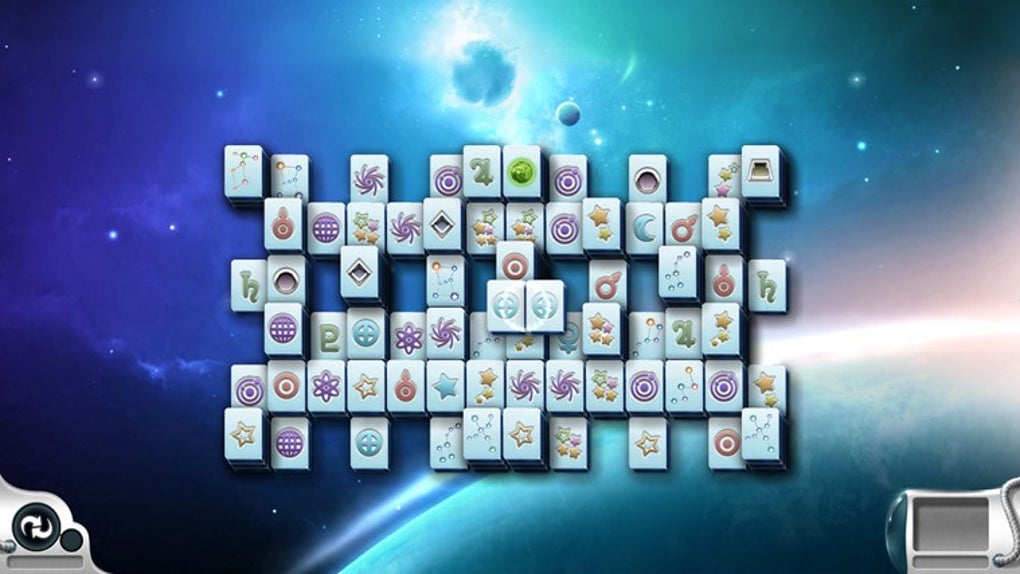
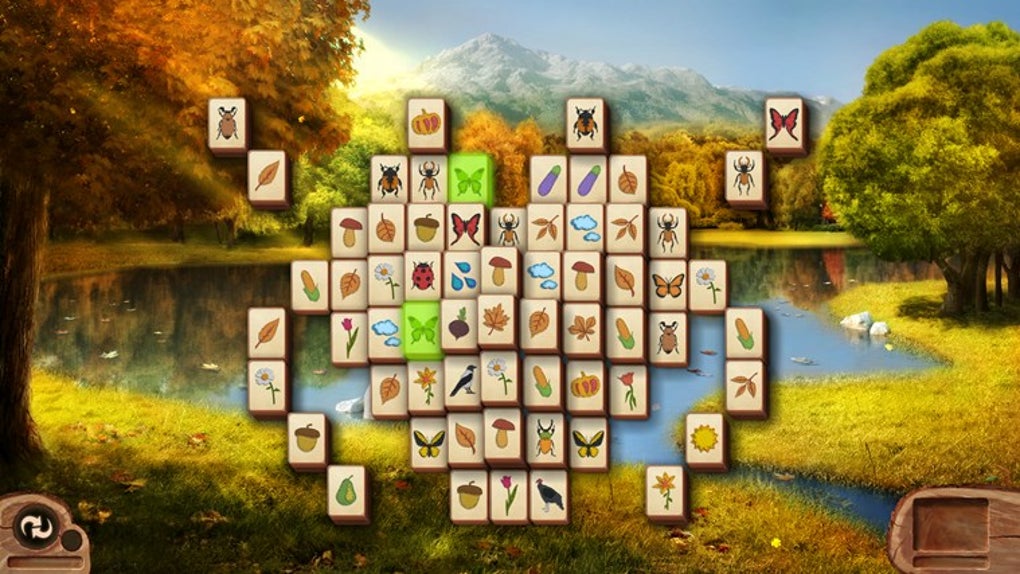
Microsoft Mahjong distinguishes itself through its appealing visuals and extensive customization options. The game offers a selection of visually attractive themes, including various backgrounds and tile sets. Players can personalize their gaming experience by choosing from five distinct background images and four different tile collections, allowing for a high degree of visual customization. This versatility prevents the game from becoming visually monotonous, catering to a wide range of preferences. Beyond visuals, Microsoft Mahjong also incorporates a relaxing background soundtrack. This subtle audio addition enhances the overall experience, providing a calming and immersive atmosphere, particularly beneficial for players seeking a relaxing and stress-relieving pastime.
Scoring System and Achievements
Microsoft Mahjong features a multifaceted scoring system that adds another layer of engagement. Each tile carries a base value, and removing a tile increases the player’s score by that tile’s value, further multiplied by half the value of the remaining tiles. This system encourages strategic thinking, as prioritizing the removal of high-value tiles is crucial for achieving a high score. This incentivizes players to carefully plan their moves, optimizing their tile selection for maximum points. Furthermore, the game allows players to connect their Microsoft account, enabling them to track statistics, compete with friends on leaderboards, and earn achievements. This social aspect enhances replayability, adding competitive elements that encourage players to strive for better scores and climb the ranks.
Undo Functionality and Online Integration
Unlike some traditional Mahjong Solitaire versions, Microsoft Mahjong includes an undo function. This feature allows players to rewind their moves, correcting mistakes, exploring alternative strategies, or simply experimenting with different approaches without penalty. The undo function is a welcome addition, particularly beneficial for players new to the game or those facing particularly challenging puzzles. The integration of a Microsoft account adds a social aspect to the game, allowing players to connect with friends, compete on leaderboards, and save their progress to the cloud. This seamless cloud saving allows for interruption-free gameplay, ensuring players can resume their progress from any device signed into their Microsoft account.
Comparison with Alternatives and Conclusion
While Microsoft Mahjong is a leading contender in the Mahjong Solitaire genre, it’s important to consider its limitations and alternatives. The game’s reliance on an active internet connection for certain features, such as leaderboard access and cloud saving, could be a drawback for players with limited or unreliable internet access. Alternatives like Mahjong+, Mahjong Titans Pro, and Mahjong Solitaire for Windows 10 offer similar gameplay but may have different strengths and weaknesses in terms of features, graphics, or online functionality. Ultimately, the best choice depends on individual preferences and priorities.
Should you download Microsoft Mahjong? If you enjoy puzzle games with a blend of strategy and relaxation, Microsoft Mahjong is certainly worth considering. Its free-to-play nature, appealing visuals, diverse customization options, and engaging challenges make it a compelling choice. The inclusion of daily challenges, achievements, and the ability to connect with friends adds significant replayability. However, the game’s dependence on an internet connection for some core features should be considered. If consistent online access isn’t guaranteed, exploring alternative Mahjong Solitaire games might be preferable. Nevertheless, for players who enjoy a visually appealing, customizable, and engaging Mahjong experience with a robust social element, Microsoft Mahjong for Windows 10 provides a satisfying and enjoyable gaming experience.
User Reviews and Common Issues
User reviews highlight both the strengths and weaknesses of Microsoft Mahjong. Many praise its simplicity, addictive nature, and relaxing atmosphere. However, some users report occasional crashes, particularly when connected to Xbox Live, and issues with daily challenge results being lost. These issues, while seemingly impacting a smaller number of users, highlight the importance of regular updates and improved stability in future versions.
Frequently Asked Questions
Can Mahjong be played solo?
Yes, Microsoft Mahjong can be played solo offline. Online functionality is optional, adding features like leaderboards and achievements but not essential for core gameplay.
Can Mahjong be played with 2 players?
While not a direct head-to-head multiplayer mode, two players could theoretically take turns playing the same game on the same device. The scoring system, however, doesn’t directly support simultaneous play.
Is Microsoft Mahjong free?
Yes, Microsoft Mahjong is entirely free to download and play. In-app purchases or subscriptions are not required.
Are there any alternatives?
Yes, several alternative Mahjong Solitaire games exist, including Mahjong+, Mahjong Titans Pro, and others, each offering potentially unique features and gameplay styles.
File Information
- License: “Free”
- Version: “4.2.3180.0”
- Latest update: “September 20, 2024”
- Platform: “Windows”
- OS: “Windows 8.1”
- Language: “English”
- Downloads: “163.2K”


