
Microsoft PowerPoint 2010, a cornerstone of the Microsoft Office suite, remains a prevalent tool for crafting compelling presentations. Although newer iterations of PowerPoint are integrated into the Microsoft 365 ecosystem, PowerPoint 2010 continues to serve as a dependable choice for users seeking a familiar and functional presentation solution. This guide will thoroughly explore its key features, system requirements, and its position within the broader Microsoft Office landscape, including its compatibility with Microsoft 365.
Key Features of Microsoft PowerPoint 2010
PowerPoint 2010 marked a significant advancement over its predecessors, incorporating numerous enhancements designed to boost both design capabilities and user experience. Several notable features distinguish it:
1. User Interface Overhaul: A prominent change in PowerPoint 2010 is its redesigned user interface. The ribbon interface underwent a significant revamp, improving usability and access to essential tools. This included streamlined access to themes, templates, and text formatting options, accelerating the presentation creation process and enhancing its intuitiveness. The reorganized layout made finding and using tools significantly easier, reducing the learning curve for both novice and experienced users.
2. Advanced Animations and Transitions: PowerPoint 2010 significantly enhanced animation capabilities. Users gained access to more refined and sophisticated transitions and effects, injecting dynamism and visual interest into presentations. The precision afforded in animating objects revolutionized the creation of professional and captivating content. The broader array of animation options allowed for more creative and expressive storytelling within presentations.
3. Multimedia Integration: PowerPoint 2010 improved multimedia integration, simplifying the insertion and editing of audio and video files. This enhancement strengthened the narrative potential of presentations by seamlessly incorporating multimedia elements. Improved media playback options ensured a smooth and uninterrupted viewing experience for the audience, eliminating potential technical glitches that could disrupt the flow of a presentation.
4. Enhanced Picture Editing Tools: The integration of robust photo editing tools within PowerPoint 2010 allowed users to directly manipulate images without needing external image-editing software. Features like cropping, background removal, and various visual effects empowered users to create more polished and visually appealing presentations. This eliminated the need for extra software and streamlined the workflow for users, saving valuable time and effort.
5. Co-authoring and Collaboration: PowerPoint 2010 introduced a groundbreaking feature: real-time collaboration. Multiple users could concurrently work on the same presentation, facilitating team-based projects and content contributions. This functionality proved pivotal in streamlining collaborative workflows, improving team communication, and allowing for more efficient project management. While not as sophisticated as the collaborative features in later versions, it represented a considerable advancement in collaborative presentation creation.
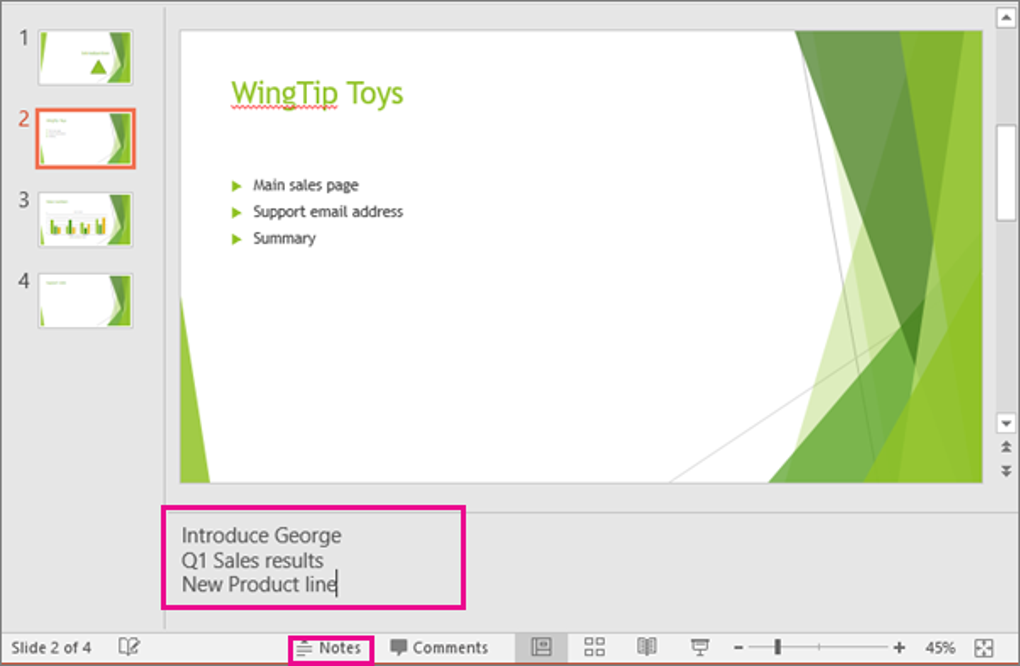
6. Improved Presenter Tools: The Presenter View, a significant addition in PowerPoint 2010, provided presenters with greater control during presentations. This feature allowed for the simultaneous display of slides, speaker notes, and upcoming slides on a single screen, improving organization and delivery. This functionality greatly assisted presenters in maintaining focus and delivering a more polished and confident presentation.
Integrations and Compatibility
While PowerPoint 2010 lacks the cloud-based integrations inherent in Microsoft 365, it still offers considerable functionality:
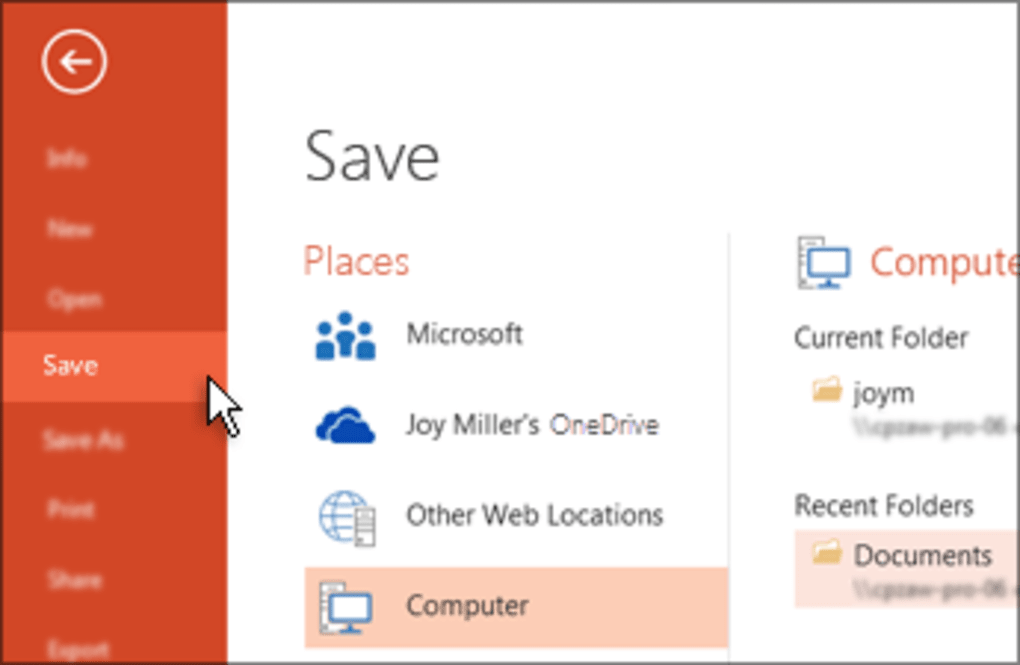
1. Microsoft Teams and OneDrive Compatibility: Despite its exclusion from the core Microsoft 365 suite, PowerPoint 2010 maintains compatibility with Microsoft’s collaborative platforms, Teams and OneDrive. Users can upload and share their presentations via OneDrive, enabling collaboration and shared access. While real-time co-authoring isn’t supported as it is in newer versions, the ability to share and access presentations within these platforms offers considerable convenience.
2. Cross-Platform Compatibility: PowerPoint 2010 is optimized for Windows-based devices. Prior to downloading, ensuring your system meets the minimum requirements (detailed below) is vital for optimal performance. The software is designed to function efficiently on a range of Windows systems, provided they meet the specified system requirements. Users need to ensure compatibility with their operating system to avoid performance issues.
System Requirements for PowerPoint 2010
Before initiating a download of PowerPoint 2010 for Windows, verifying system compatibility is essential. While generally compatible with a wide range of Windows systems, specific hardware and software specifications must be met:
- Operating System: Windows XP, Windows Vista, or Windows 7. Compatibility with newer operating systems like Windows 8 or 10 is limited and might result in performance issues.
- Processor: 500 MHz processor or higher. A faster processor will enhance performance, especially when working with complex presentations containing numerous multimedia elements.
- Memory (RAM): 256 MB RAM minimum (512 MB recommended). Higher RAM facilitates smoother performance, especially when handling large files or multiple applications simultaneously.
- Hard Disk Space: 1.5 GB of available disk space. Adequate hard disk space is crucial to prevent performance bottlenecks and ensure seamless operation.
- Graphics: DirectX 9.0c-compatible graphics card with 64 MB video memory. This ensures proper rendering of visual elements and animations within the presentation.
- Display: 1024 x 768 screen resolution or higher. A higher resolution will result in a sharper, more visually appealing presentation experience.
- Internet Connection: Required for online features, such as updates and access to online resources. A stable internet connection is vital for accessing online help and support.
Failure to meet these minimum requirements may lead to performance issues, instability, and potential software malfunctions.
PowerPoint 2010’s Role in Microsoft 365
Although PowerPoint 2010 is not included in the current Microsoft 365 suite, it remains a valuable asset for users who prefer or require older software versions. The evolution of Microsoft 365 has introduced newer PowerPoint versions with regular updates, improved functionalities, and enhanced cloud integration. These advancements include streamlined collaboration tools, heightened security protocols, and deeper connectivity with Microsoft Teams.
Users can still integrate PowerPoint 2010 with Microsoft 365 services like OneDrive and Teams, sharing and accessing presentations through these platforms. However, the transition to newer PowerPoint versions within Microsoft 365 provides significant advantages, such as seamless cloud-based collaboration, enhanced security features, and effortless synchronization across various devices.
Is PowerPoint 2010 Right for You?
PowerPoint 2010 remains a reliable presentation tool for users who prioritize a dependable application without needing the latest updates and cloud-based features. While Microsoft 365 offers advanced capabilities, PowerPoint 2010 offers a streamlined and familiar interface for those who prefer a simpler approach.
Before downloading PowerPoint 2010 for Windows, it’s crucial to confirm that your system meets the specified requirements and carefully assess your needs regarding cloud integration and collaboration tools. If the advanced features of Microsoft 365 aren’t essential, PowerPoint 2010 remains a capable tool for creating professional presentations efficiently.
File Information
- License: “Full”
- Latest update: “December 5, 2024”
- Platform: “Windows”
- OS: “Windows 2003”
- Language: “English”
- Downloads: “7.2M”
- Size: “342.83 MB”


