
Microsoft PowerPoint 2016, a cornerstone of the Microsoft Office 2016 suite, remains a widely used presentation software globally. Its enduring popularity stems from its user-friendly interface, powerful features, and seamless integration within the broader Microsoft ecosystem. This guide delves into the capabilities of PowerPoint 2016, exploring its features, compatibility, system requirements, and how it fits within the broader Microsoft 365 landscape.
Creating Compelling Presentations with PowerPoint 2016
PowerPoint 2016 empowers users to craft visually engaging presentations, regardless of their design expertise. The software offers a dual approach to presentation creation:
From Scratch: For those with a keen eye for design and a willingness to invest time in building a presentation from the ground up, PowerPoint 2016 provides a blank canvas. Users can meticulously craft each slide, choosing fonts, colors, layouts, and animations to perfectly convey their message. This method allows for complete creative control, resulting in highly personalized and unique presentations. However, it demands significant upfront effort and design skills.
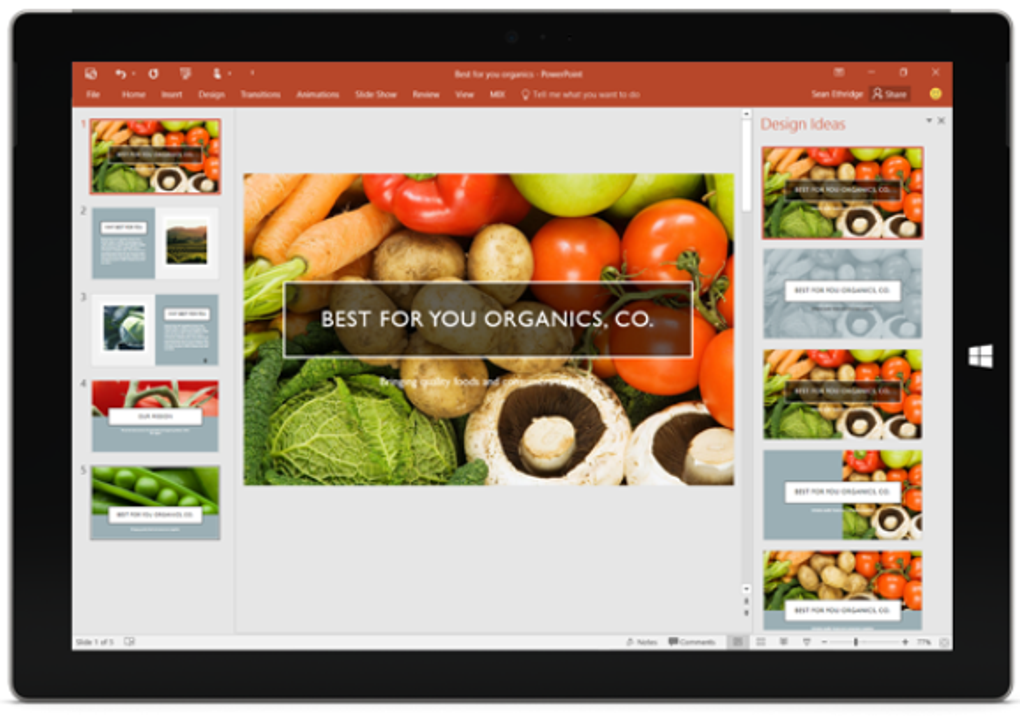
Using Pre-designed Templates: Recognizing that not everyone possesses advanced design skills or the time to meticulously craft each slide, PowerPoint 2016 offers a vast library of pre-designed templates. These templates provide ready-made layouts, color schemes, and stylistic elements, enabling users to quickly populate their presentations with content. This streamlined approach minimizes the design burden, allowing users to focus on the substance of their presentation. The templates cater to a wide array of needs, from formal business presentations to more casual or creative projects. Users can easily customize these templates to further align with their specific requirements, offering a balance between efficiency and personalization.
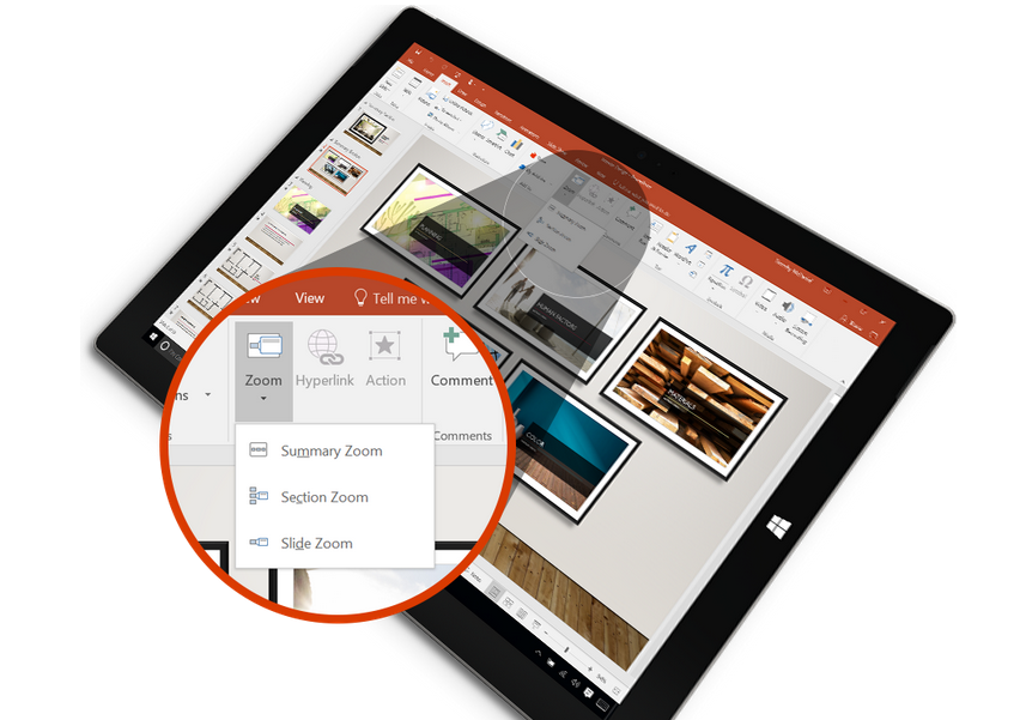
Beyond the basic functionality of creating slides, PowerPoint 2016 provides a comprehensive suite of tools to enrich the presentation experience:
-
Text Formatting: A robust set of text formatting options, including font selection, size, color, style (bold, italic, underline), and alignment, ensures that text is presented clearly and attractively. Features such as bullet points, numbered lists, and text boxes further aid in organizing and structuring information.
-
Image and Multimedia Integration: Users can effortlessly incorporate images, videos, and audio clips into their presentations, adding visual and auditory dimensions to enhance engagement. PowerPoint 2016 supports a wide variety of file formats, making it easy to integrate multimedia content from various sources.
-
Charts and Graphs: The ability to integrate charts and graphs directly into presentations is crucial for visualizing data effectively. PowerPoint 2016 provides tools to create various chart types (bar, line, pie, scatter, etc.) and customize their appearance to highlight key insights. Data can be easily imported from external sources, such as Excel spreadsheets, ensuring data consistency and accuracy.
-
Animations and Transitions: To elevate the dynamic aspect of presentations, PowerPoint 2016 provides a variety of animation and transition effects. These effects can add a professional touch, emphasizing key points and creating a more engaging viewing experience. However, it’s crucial to use these features judiciously to avoid overwhelming the audience with excessive visual stimulation.
-
Collaboration Tools: PowerPoint 2016, while primarily a standalone application, facilitates collaborative editing through cloud storage options. Users can save their presentations to cloud services, allowing multiple individuals to work on the same presentation simultaneously. This collaborative functionality is invaluable for team projects, ensuring everyone can contribute and refine the presentation collectively.
Seamless Integration with the Microsoft Ecosystem
One of the key advantages of PowerPoint 2016 lies in its seamless integration with other Microsoft Office applications. This integration streamlines workflows and enhances productivity. For instance:
-
Excel Integration: Data from Excel spreadsheets can be seamlessly integrated into PowerPoint presentations. This allows for the dynamic display of data, ensuring presentations remain current and accurate. Changes made to the source Excel data can be reflected automatically in the PowerPoint presentation, eliminating the need for manual updates.
-
Word Integration: Text can be easily copied and pasted between Word documents and PowerPoint presentations, maintaining formatting and ensuring consistency in style. This integration streamlines content creation, enabling users to efficiently transfer information between different applications.
- Outlook Integration: Presentations can be easily attached to emails using Outlook, facilitating efficient distribution to a wide audience. This functionality simplifies the process of sharing presentations, enabling quick and easy dissemination of information.
This seamless interoperability within the Microsoft Office suite significantly enhances productivity and streamlines the presentation creation process, making PowerPoint 2016 an ideal choice for users already invested in the Microsoft ecosystem.
Compatibility and System Requirements
Before installing PowerPoint 2016, it’s vital to verify that your system meets the minimum requirements. PowerPoint 2016 requires Windows 10 or a later version. It’s important to note that this is an older version of PowerPoint and is not included in newer Microsoft 365 subscriptions. A separate license for PowerPoint 2016 must be purchased to use the software. Checking system compatibility ensures a smooth and problem-free installation and operation of the software. Failing to meet the minimum system requirements could lead to performance issues or outright failure of the application.
Microsoft 365 and PowerPoint: Understanding the Differences
While PowerPoint 2016 is a standalone product, many users consider Microsoft 365 subscriptions. It’s crucial to understand the differences:
PowerPoint 2016 is a one-time purchase, providing a perpetual license to the specific version 2016. Microsoft 365, however, is a subscription service offering access to the latest versions of PowerPoint and other Office applications. The version of PowerPoint included in Microsoft 365 is continually updated, providing access to the newest features and functionalities. PowerPoint 2016 will not be available through a Microsoft 365 subscription.
Microsoft 365 offers different plans catering to various needs:
-
Consumer Plans: These plans, including Microsoft 365 Personal and Microsoft 365 Family, are designed for individual and family use, offering access to a suite of applications, including the latest version of PowerPoint, along with cloud storage and other benefits.
-
Business Plans: These plans, ranging from Microsoft 365 Apps for business to Microsoft 365 Business Premium, cater to businesses of all sizes, providing access to a comprehensive suite of applications, enhanced security features, and collaboration tools. The choice of plan depends on the specific needs and size of the business.
Choosing between PowerPoint 2016 and a Microsoft 365 subscription depends on individual needs and preferences. If access to the latest features and ongoing updates is essential, a Microsoft 365 subscription is preferable. However, if cost is a primary concern and the need for the latest features is less crucial, purchasing a standalone license for PowerPoint 2016 might be a more cost-effective option. Both options offer viable pathways to accessing and utilizing the power of PowerPoint for presentation creation.
Conclusion
Microsoft PowerPoint 2016 remains a powerful and versatile presentation software, offering a user-friendly interface and robust feature set. Its seamless integration within the Microsoft ecosystem and its ability to create both simple and complex presentations make it a suitable choice for users of all skill levels. Understanding its capabilities, compatibility requirements, and the nuances of Microsoft 365 subscriptions is crucial for making an informed decision about whether it’s the right presentation software for your specific needs. Whether you are a student, business professional, or casual user, PowerPoint 2016 provides the tools necessary to create impactful and memorable presentations.
File Information
- License: “Full”
- Version: “2016”
- Latest update: “December 4, 2024”
- Platform: “Windows”
- OS: “Windows 11”
- Language: “English”
- Downloads: “2.4M”


