
Microsoft Word, a name synonymous with word processing, has reigned supreme for decades. Its ubiquitous presence in homes, schools, and offices worldwide speaks volumes about its power, versatility, and enduring appeal. This article delves into the features, functionalities, system requirements, and overall impact of Microsoft Word, specifically focusing on its Mac version.
Powering Productivity: Features and Functionalities
Microsoft Word for Mac isn’t just a word processor; it’s a comprehensive document creation and collaboration suite. It caters to a diverse user base, from students crafting essays to professionals drafting reports and teams collaborating on complex projects. Its integration within the Microsoft 365 ecosystem further enhances its capabilities and accessibility.
One of Word’s most significant strengths lies in its robust document creation and formatting capabilities. Users can create polished, professional-looking documents with a rich array of formatting tools at their fingertips. This includes precise control over font styles, sizes, and colors, allowing for tailored document aesthetics to match any project’s tone and purpose. Pre-designed templates provide a head start on various document types, ensuring a consistent professional look without starting from scratch. The ability to easily insert images, charts, and tables enhances visual communication and makes data presentation intuitive and impactful through simple drag-and-drop functionality. Maintaining consistent formatting throughout visually rich documents is effortless, essential for professional presentations and reports.
Real-time collaboration is another cornerstone of Word’s functionality. Leveraging the power of OneDrive, users can co-author documents concurrently, witnessing changes made by others in real-time. This feature is transformative for group projects, particularly in the increasingly prevalent remote work environment. The ability to track changes and add comments seamlessly streamlines the editing process, fostering efficient communication and ensuring everyone stays on the same page. No more confusing email chains filled with document revisions – Word facilitates a centralized, transparent collaborative workflow.
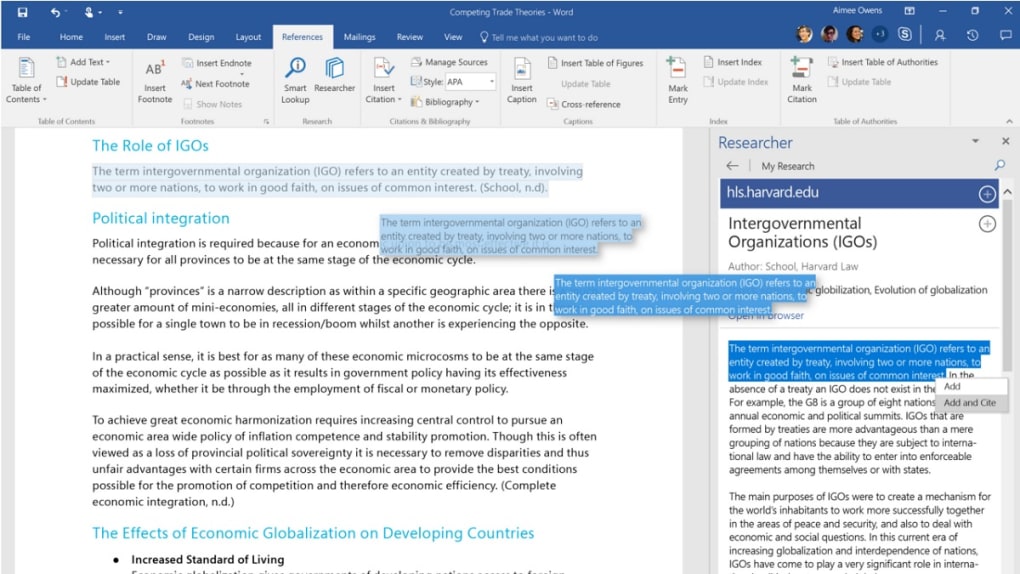
Microsoft Word goes beyond simple text editing with its AI-powered writing assistance. The integrated Microsoft Editor provides grammar and style suggestions, helping users refine their writing for clarity and professionalism. This invaluable tool can improve the overall quality of writing, offering suggestions that might otherwise be overlooked, ultimately making the writer’s voice sound more confident and polished. Even users uncertain about their subject matter can benefit from the AI’s insights, ensuring their documents maintain a professional tone and consistent accuracy.
The familiar interface of Microsoft Word contributes significantly to its popularity. Millions of users worldwide are already familiar with its layout and functions, allowing for a smooth transition and immediate productivity. Those proficient in Word may already know advanced techniques, such as adding custom words to the spell-check dictionary. The intuitive and familiar environment ensures that users spend more time creating and less time learning the software.
Seamless Access and Cloud Integration
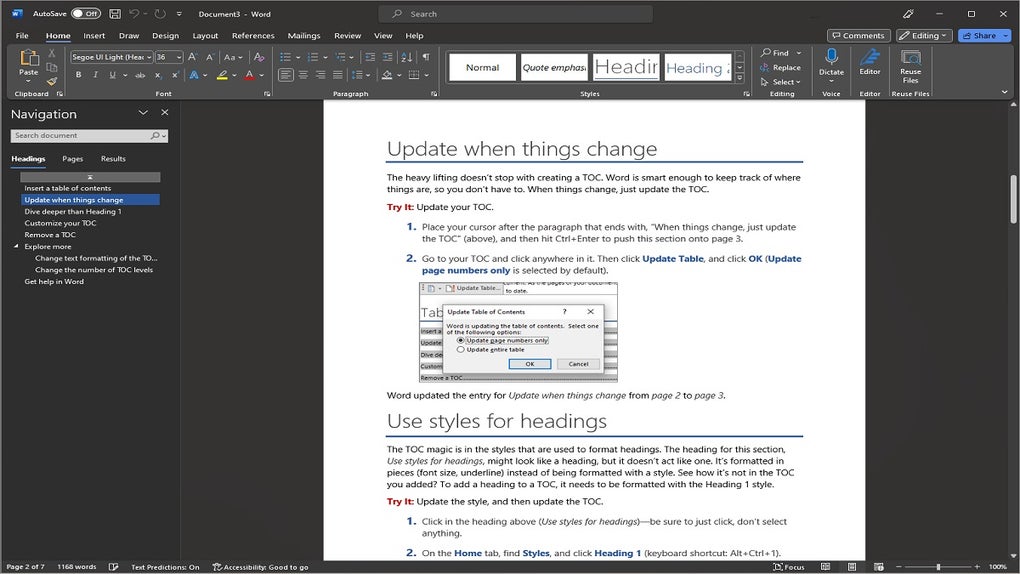
Word’s integration with Microsoft 365 and OneDrive transforms document management. This cloud-based integration allows users to access their documents from virtually any device with an internet connection and the Microsoft Word app installed. The autosave feature provides an extra layer of security, preventing accidental data loss. This seamless accessibility extends beyond individual use, simplifying collaboration on large documents that might otherwise be difficult to exchange via email. Users can securely share and collaborate on documents, eliminating concerns about version control and ensuring all team members work on the latest version.
Enhanced Collaboration and Version Control
Microsoft Word facilitates team collaboration on an unparalleled level. Real-time co-authoring allows multiple users to edit a document simultaneously, tracking changes and adding comments directly within the document. The improved version history feature provides a complete record of all edits made, allowing users to revert to earlier versions if needed, providing a safety net for any unintentional changes or major editing errors. This comprehensive approach to collaborative writing ensures transparency and accountability, simplifying the process of creating and editing complex documents within teams. The ability to add comments directly next to specific text segments streamlines discussions and feedback, keeping everyone informed and aligned.
Professional Presentation and PDF Integration
Microsoft Word’s features extend beyond basic text editing to enhance the visual appeal and functionality of documents. Users can easily align charts, photos, videos, and diagrams with their text, using alignment guides for precise placement. Live Layouts facilitate the effortless integration of multimedia elements, ensuring text reflows smoothly around incorporated visuals, maintaining a professional look and consistent visual appeal.
Furthermore, Word’s ability to open and edit PDFs directly transforms document workflow. The capability to seamlessly edit content within PDFs, including paragraphs, lists, and tables, eliminates the need to painstakingly recreate documents from scratch. This feature significantly boosts productivity, particularly when dealing with documents initially created in other applications.
Compatibility and System Requirements
To fully utilize Microsoft Word’s capabilities on a Mac, macOS Sierra (10.12) or later is required. Word seamlessly integrates with other Microsoft 365 applications like Microsoft Teams, PowerPoint, and Excel, enabling a cohesive workflow across different platforms. The ability to present Word documents within Microsoft Teams calls, making real-time edits, and allowing other participants to provide immediate feedback during the presentation is invaluable in remote work environments. Microsoft provides extensive customer support to address any issues and ensures a smooth user experience. Meeting the minimum system requirements ensures the user can access the complete feature set of Microsoft Word.
Microsoft Word as Part of Microsoft 365
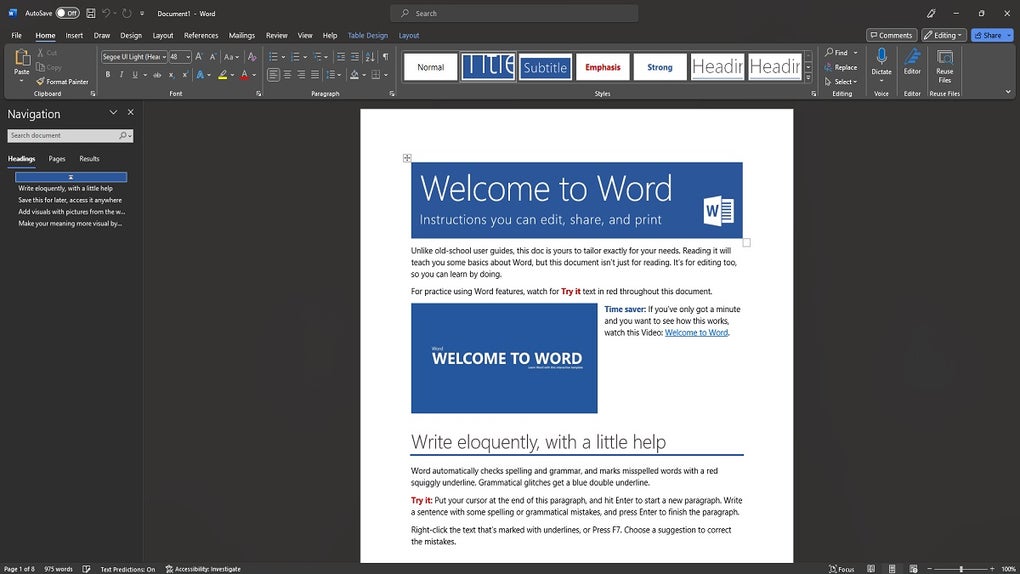
Microsoft Word is now predominantly accessed through a Microsoft 365 subscription. This subscription model grants access to a suite of productivity tools, including Excel, PowerPoint, and Outlook, making it a highly cost-effective solution for individuals and organizations. The cloud integration offered through OneDrive and the autosave functionality are key features that greatly benefit Microsoft 365 subscribers. The combination of these features highlights the ease of access, collaboration tools, and overall productivity enhancements provided by Microsoft 365.
Conclusion: The Enduring Power of Microsoft Word
Microsoft Word’s continued dominance in the word-processing market speaks volumes about its enduring quality and utility. Its user-friendly interface, comprehensive feature set, and robust collaboration tools cater to a wide range of users and applications. Its seamless integration within the Microsoft 365 ecosystem further enhances its value, providing a powerful and versatile productivity suite for personal and professional use. Whether crafting a simple letter or a complex research paper, Microsoft Word remains the industry standard for word processing, a testament to its ongoing evolution and adaptability to the ever-changing technological landscape.
File Information
- License: “Full”
- Version: “16.90.2”
- Latest update: “November 28, 2024”
- Platform: “Mac”
- OS: “Mac OS X”
- Language: “English”
- Downloads: “2.2M”
- Size: “1.26 GB”


