
Midori presents itself as a fast and lightweight web browser, a refreshing alternative in a market dominated by behemoths like Chrome and Firefox. Built upon the WebKit rendering engine – the same engine powering Apple’s Safari – Midori aims to offer a streamlined browsing experience without sacrificing essential features. This review will delve into its strengths, weaknesses, and overall performance, based on user feedback and available information.
Performance and Features: Speed and Simplicity
One of Midori’s primary selling points is its speed. Many users praise its quick loading times and responsiveness, particularly on systems with lower specifications. This speed advantage stems from its lightweight design, requiring fewer system resources compared to more feature-rich browsers. This makes it a compelling option for older machines or those with limited RAM. The lack of extensive extensions and add-ons contributes to this efficiency.
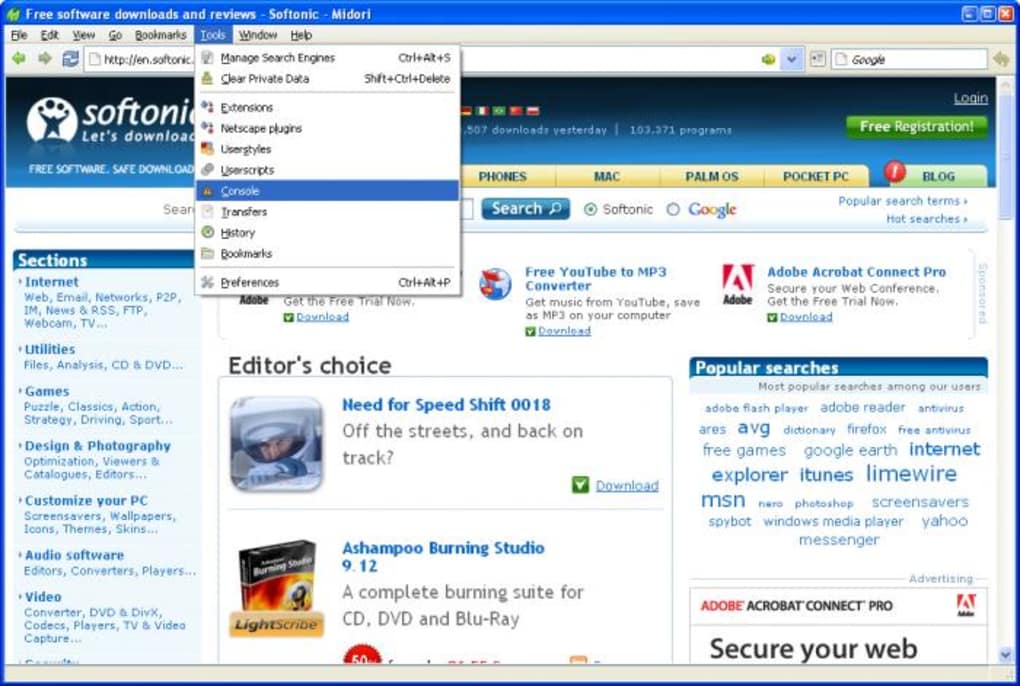
However, speed isn’t the only consideration. Midori provides a core set of browsing functionalities that most users would expect. This includes tabbed browsing for efficient multitasking, support for bookmarks to save frequently visited websites, a comprehensive browsing history for easy navigation through previously visited pages, and a customizable search engine to tailor the browsing experience. The ability to run from a USB drive adds to its portability, allowing users to access their preferred browsing environment from any computer. This makes it ideal for those who frequently work on different machines or value data privacy and security.
While Midori boasts a streamlined feature set, it’s crucial to acknowledge its limitations. The browser’s development status significantly impacts its functionality. Certain features are either disabled or incomplete, which can be a frustrating aspect for users accustomed to the comprehensive toolsets of established browsers. One notable limitation is the lack of Flash support. Although Flash technology is largely obsolete, its absence might restrict access to older websites or web applications that still rely on this plugin.
User Interface and Experience: Ease of Use and Aesthetics
Midori strives for simplicity in its user interface (UI). The design is clean and uncluttered, focusing on ease of navigation. Users generally appreciate this minimalist approach, finding it intuitive and easy to learn, even for individuals unfamiliar with other browsers. The straightforward layout allows for quick access to essential functions, minimizing distractions and promoting a focused browsing experience. However, the minimalist design might appear too basic for some users accustomed to the highly customizable UIs of other browsers.
Despite the generally positive feedback regarding the UI, several user reviews highlight minor ergonomic concerns. The placement of certain buttons, such as the “new tab” button, has been criticized for not being optimally positioned for efficient workflow. Such minor inconsistencies, while not major drawbacks, could be improved to enhance the user experience.
Development Status and Stability: Ongoing Improvements and Known Issues
Midori’s status as a browser still under active development is both a strength and a weakness. While ongoing development promises future improvements and enhanced functionalities, the current version may exhibit occasional bugs or instability. User reviews reveal instances of crashing or unexpected behavior, highlighting the ongoing need for further refinement and bug fixes. This inherent instability can be a deterrent for users who require a highly stable and reliable browsing environment.
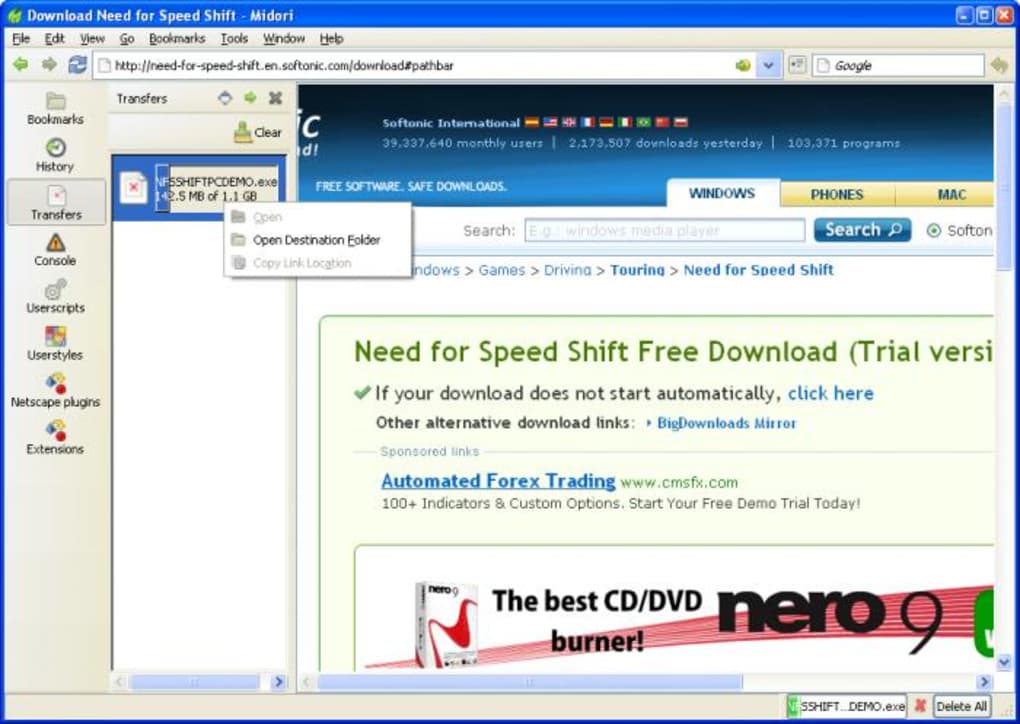
The open-source nature of Midori offers transparency and the potential for community contributions to enhance its functionality and stability. However, this also means that the user experience may be less polished than that offered by commercially supported browsers that benefit from larger development teams and extensive testing.
Security and Privacy: Considerations for Concerned Users
Security and privacy are paramount concerns in web browsing. While Midori doesn’t offer the same level of robust security features found in more established browsers with dedicated security teams and extensive resources, it’s based on a well-regarded rendering engine known for its security improvements over time. The lack of extensive extension support, often a source of security vulnerabilities in other browsers, also contributes to a comparatively simpler security landscape.
However, the browser’s ongoing development and relatively smaller user base mean that potential vulnerabilities might not be identified and addressed as quickly as in more widely used browsers. Users concerned about security should weigh this factor carefully. The open-source nature allows for community scrutiny of the codebase, a potential advantage from a security standpoint.
Comparison with Other Lightweight Browsers: Finding the Right Fit
Midori competes with other lightweight browsers aiming to provide fast and efficient web browsing. Compared to alternatives such as QupZilla, Pale Moon, or even stripped-down versions of Firefox, Midori presents a unique balance of speed and simplicity. While some competitors might offer a more extensive feature set or superior stability, Midori’s portability and ease of use remain key differentiators. Ultimately, the “best” browser depends on individual preferences and priorities.
Conclusion: Midori’s Strengths and Weaknesses
Midori offers a compelling alternative for users seeking a lightweight and fast web browsing experience. Its speed, simplicity, and portability are significant advantages. The open-source nature and ongoing development hold the promise of future improvements. However, potential users should be aware of the browser’s limitations, including its lack of Flash support, some disabled features, and the potential for instability due to its ongoing development. The browser’s suitability depends heavily on individual priorities. If speed and simplicity are paramount, and the user is comfortable with a slightly less polished experience, Midori could be an excellent choice. For users demanding robust stability, extensive feature sets, and comprehensive security, more established browsers might be a better option. Ultimately, trying Midori is recommended to determine if it aligns with one’s specific needs and preferences.
File Information
- License: “Free”
- Latest update: “July 11, 2023”
- Platform: “Windows”
- OS: “Windows XP”
- Language: “English”
- Downloads: “63.6K”
- Size: “39.54 MB”


