
Minecraft, the globally beloved sandbox game, allows players to unleash their creativity in a vast, blocky world. While the gameplay itself offers endless possibilities, many players seek to further personalize their experience by customizing their in-game avatar – their skin. This is where Minecraft SkinEdit comes in. This comprehensive guide will explore the features, functionalities, and limitations of this popular skin editor, providing a detailed overview for both novice and experienced Minecraft enthusiasts.
Understanding Minecraft SkinEdit: Your Gateway to Custom Skins
Minecraft SkinEdit is a dedicated graphics editor specifically designed for creating and modifying Minecraft skins. Unlike more complex image editing software, SkinEdit offers a user-friendly interface tailored to the specific needs of Minecraft skin creation. This makes it accessible even for users with limited experience in digital art or graphic design. The program provides a simplified workflow, focusing on the essential tools required for crafting unique and personalized avatars. This ease of use, coupled with its focused functionality, is a key factor in its popularity among the Minecraft community.
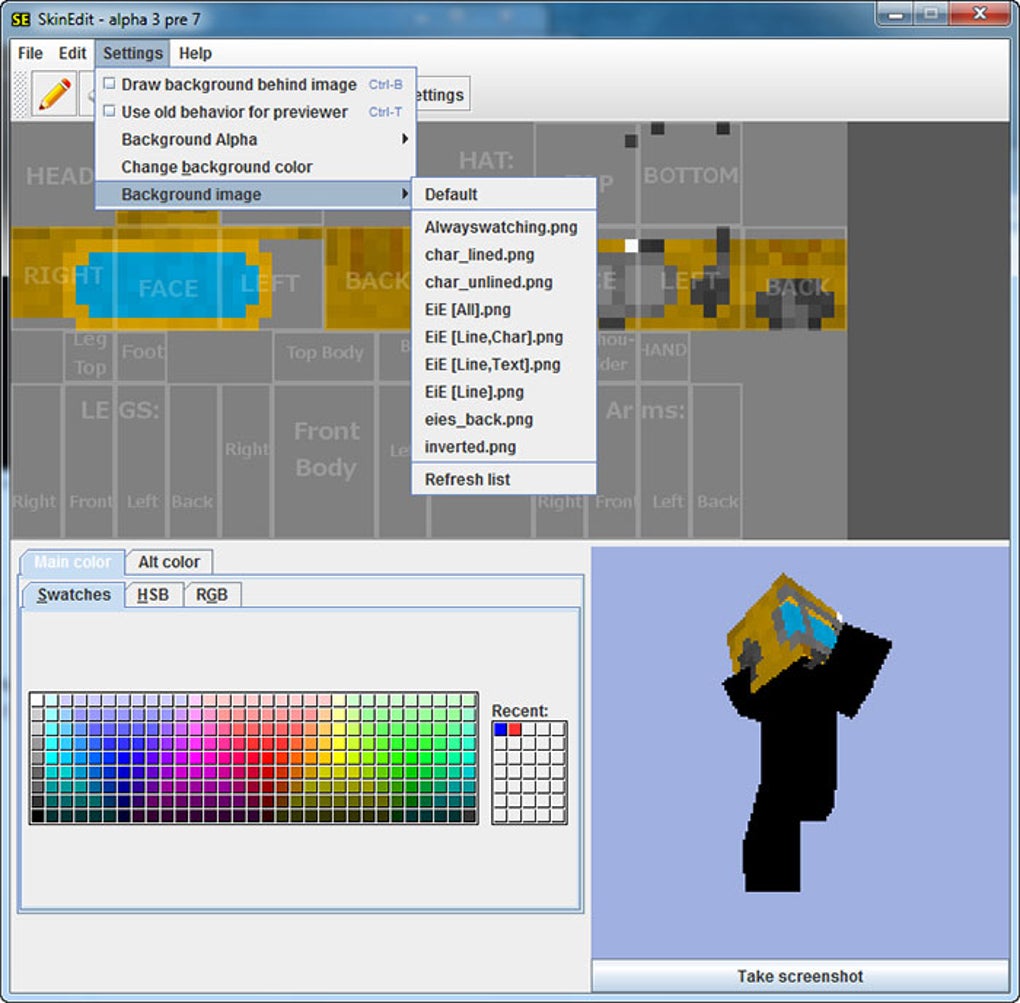
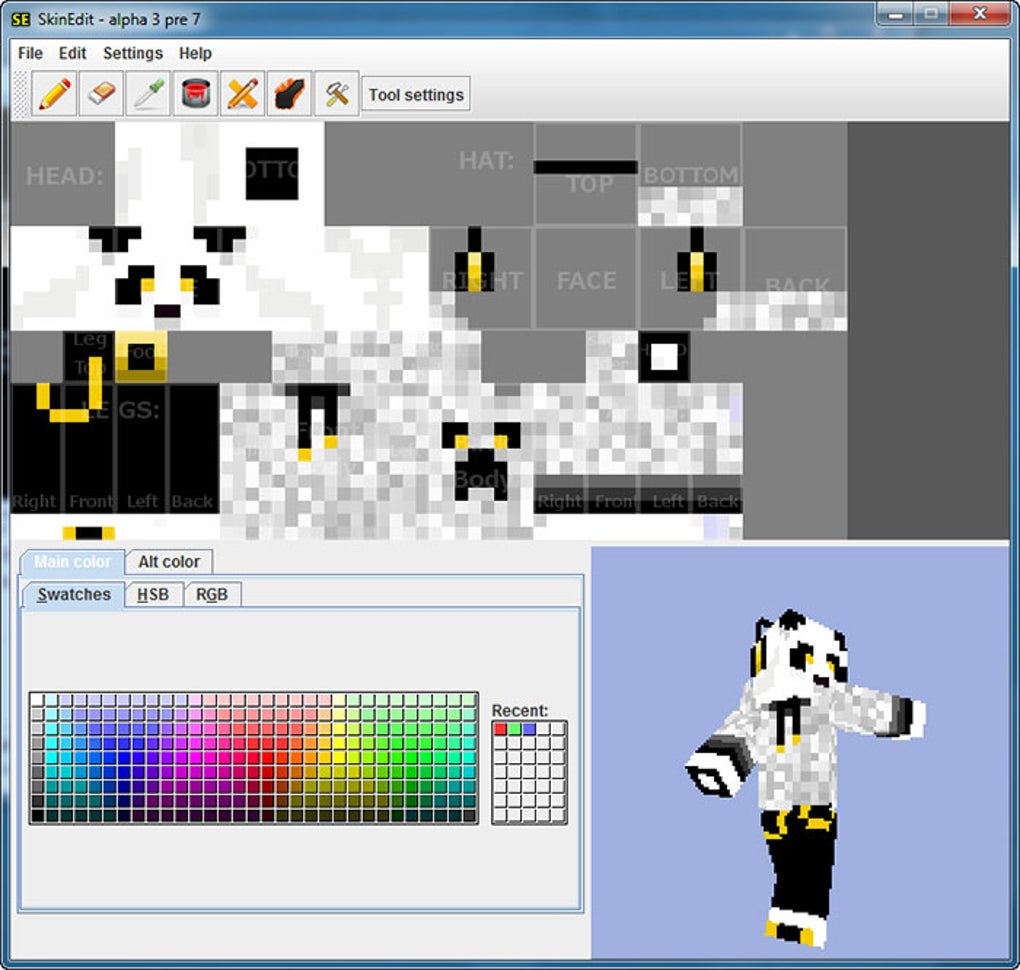
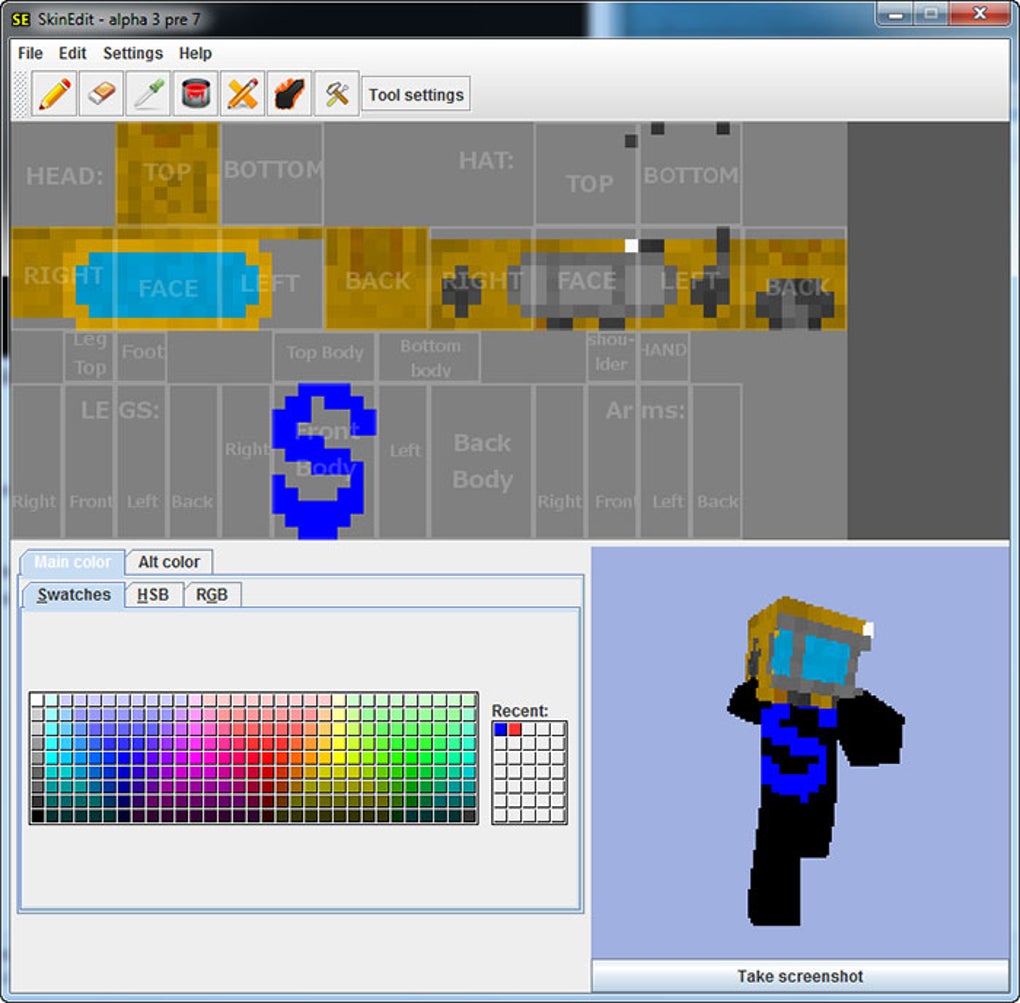
The software’s core strength lies in its intuitive design. The interface presents a clear, visual representation of the Minecraft skin template, allowing users to directly manipulate the different sections of the avatar. This eliminates the need for complex layer management or other advanced features often found in more professional-grade image editors. This simplified approach, however, does not compromise on the level of customization available. Users still have access to a wide range of tools and options to create highly detailed and expressive skins.
Key Features and Tools: Empowering Your Creativity
Minecraft SkinEdit equips users with a variety of tools to facilitate skin creation. These tools, while relatively basic compared to professional software, are sufficient for crafting impressive skins, especially when used creatively. The core features include:
-
Color Palette: A readily available selection of colors allows users to quickly select and apply different hues to their skin. The palette provides a simple, yet effective way to define the color scheme of the avatar. The limited color options, however, may restrict the creation of highly nuanced and complex designs.
-
Brush Tools: Various brush sizes and shapes allow for precise control over the painting process. Users can create intricate details or fill large areas with ease. The different brush sizes are especially useful for rendering finer details on different parts of the character model. This feature enables the creation of a wide range of styles and designs.
-
Shading Effects (Burn & Dodge): These tools offer basic shading capabilities, allowing users to add depth and dimension to their creations. While not as sophisticated as advanced shading tools in professional software, they provide a simple and effective means to enhance the visual appeal of the skin. Proper utilization of these tools adds realism and complexity to the overall design.
-
Flood Fill: This tool speeds up the process of coloring large areas, significantly reducing the time required for basic color application. This is particularly helpful for creating large areas of uniform color, such as clothing or skin tones, improving overall efficiency. It allows for quicker prototyping and experimentation.
-
Undo/Redo Functionality: Crucial for any creative process, this feature allows for quick corrections and adjustments, minimizing the frustration of mistakes. The ability to freely experiment without fear of irreversible changes encourages exploration and creativity within the software. This facilitates a smoother and more relaxed workflow.
-
Live Preview: This powerful feature allows users to view their changes in real-time within a 3D model of the Minecraft character. This instantly displays the effect of color choices and brush strokes, ensuring that the design meets user expectations. The live preview significantly reduces guesswork, improving the accuracy and efficiency of the design process.
These features work together to provide a well-rounded and intuitive skin creation experience. While the simplicity of the tools may appear limiting, their focused nature helps users concentrate on creating visually appealing skins without getting bogged down in complex features.
The Creative Process: From Concept to Completed Skin
The creative process using Minecraft SkinEdit is typically straightforward, yet it allows for considerable customization. The steps generally involve:
- Conceptualization: This is the initial stage where the user envisions the final look of the skin. This could involve sketching ideas, browsing online for inspiration, or simply imagining a unique design. The clearer the vision, the smoother the process will be.
-
Color Selection: Choosing the appropriate color palette is crucial for setting the mood and style of the skin. This stage determines the overall visual appeal and cohesion of the design.
-
Base Coloring: Using the flood fill and brush tools, the user lays down the base colors for the various parts of the skin. This stage establishes the foundation of the design.
-
Detailing: The artist utilizes the brush tools and shading options to add finer details, such as textures, patterns, and highlights. This is where the personality and uniqueness of the skin are truly defined.
-
Refinement: This involves fine-tuning the details, making adjustments based on the live preview, and ensuring that the skin looks aesthetically pleasing and well-balanced.
-
Export and Import: Once satisfied with the skin, the user exports the completed design and imports it into their Minecraft game. This final step seamlessly integrates the custom skin into the player’s in-game experience.
While this process sounds simple, mastering the art of creating visually stunning Minecraft skins requires practice and a degree of artistic skill. The intuitive interface and helpful tools of Minecraft SkinEdit certainly aid in the process, but the final result heavily depends on the user’s artistic vision and ability.
Limitations and Considerations: Navigating the Challenges
Despite its user-friendly design and helpful features, Minecraft SkinEdit also has some limitations. The most significant limitation is its relative simplicity. While sufficient for creating basic to moderately complex skins, it lacks the advanced features found in professional-grade image editors. This can hinder the creation of highly detailed and intricate designs.
Another limitation is the somewhat limited color palette. The restricted color selection can constrain creativity, potentially leading to designs that appear less vibrant or visually interesting compared to those created using more advanced software. Furthermore, the lack of advanced layers and masking tools can make complex designs more challenging to execute cleanly.
Finally, the preview model, while functional, isn’t the most sophisticated. The limitations of the in-software preview can sometimes lead to unexpected visual results when the skin is actually implemented in the Minecraft game. This necessitates thorough testing and adjustments after importing the skin into the game.
Alternatives and Advanced Options: Expanding Your Horizons
For users seeking more advanced features and capabilities, exploring alternative skin editors may be beneficial. Numerous sophisticated image editing software programs, such as Adobe Photoshop or GIMP, can be used to create Minecraft skins. However, these programs often require a steeper learning curve and more technical expertise. They provide far greater control over color, texture, and detail, allowing for the creation of exceptionally intricate and visually impressive skins.
The choice between using Minecraft SkinEdit and more advanced software depends on the user’s skill level, the complexity of the desired design, and the time they are willing to invest in the process. Beginners may find Minecraft SkinEdit to be a perfect starting point, while experienced digital artists might prefer the greater flexibility offered by professional-grade software.
In conclusion, Minecraft SkinEdit is a valuable tool for Minecraft players seeking to personalize their avatars. Its user-friendly design and focused features make it an excellent choice for beginners and casual users. While its limitations might hinder the creation of extremely detailed designs, its ease of use and intuitive workflow make it a popular and efficient option for many Minecraft players who want to add a personal touch to their gaming experience. For those seeking greater creative control and advanced features, exploring more professional image editing software remains a viable alternative.
File Information
- License: “Free”
- Version: “3.7”
- Latest update: “December 2, 2011”
- Platform: “Windows”
- OS: “Windows 7”
- Language: “English”
- Downloads: “346.2K”
- Size: “553.86 KB”


