
Mini BLUE is a free Android utility application designed for storing and accessing web links. Its primary function is straightforward: to provide a readily accessible repository for URLs, eliminating the need to constantly search for and retype website addresses. While simple in its core functionality, Mini BLUE falls short in several key areas that hinder its overall user experience and prevent it from becoming a truly indispensable tool for managing online resources.
Ease of Use and Basic Functionality
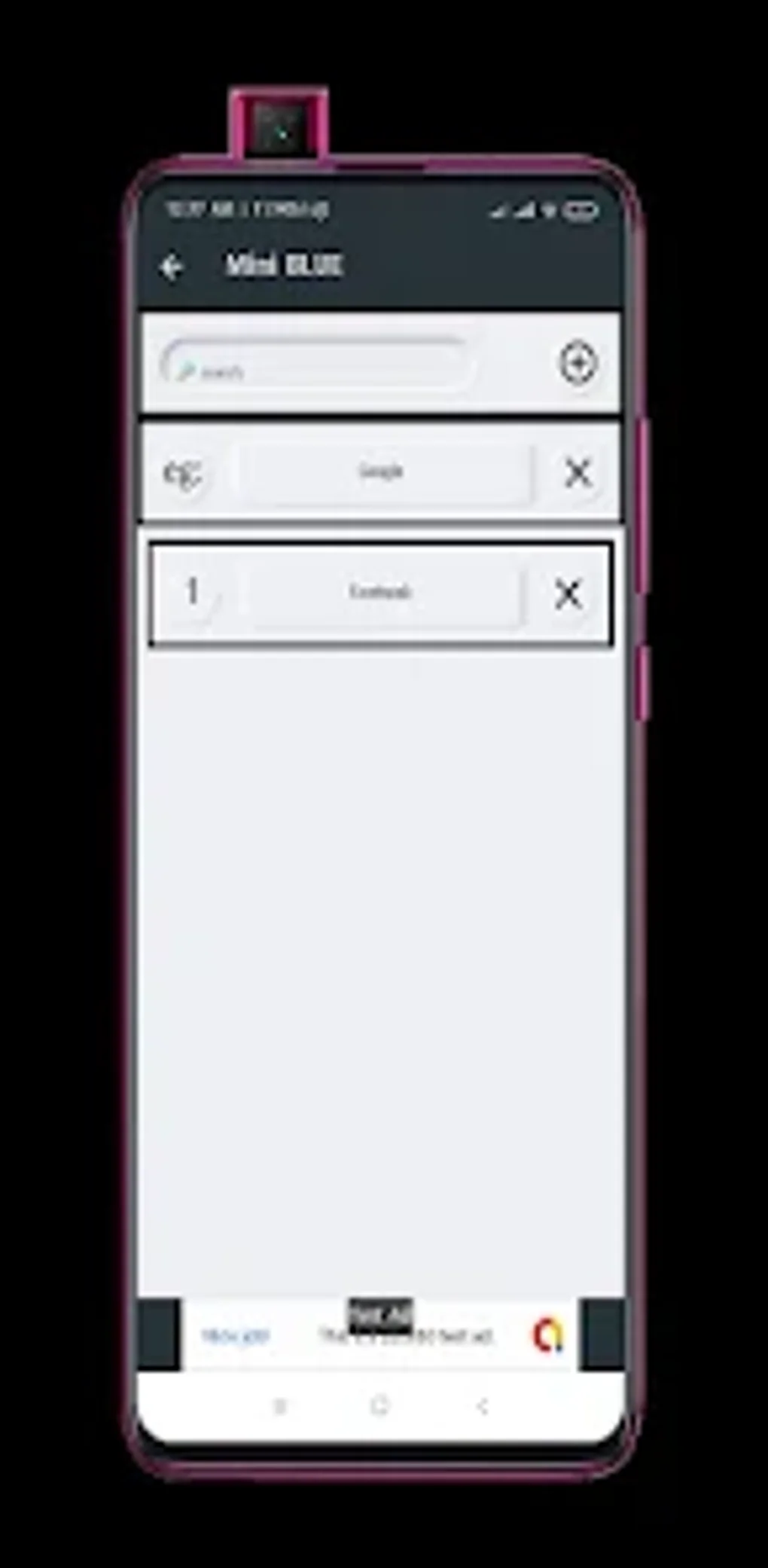
Adding URLs to Mini BLUE is remarkably simple. Users tap a plus icon, enter the website name and URL into the designated fields, and tap “Save.” The link then appears in the main list, ready for immediate access. Deleting unwanted links is equally straightforward, utilizing a simple “X” icon next to each entry. This ease of adding and removing links is undoubtedly a positive aspect of the app, allowing for quick management of frequently visited websites. The interface is clean and intuitive, making it easy for even novice users to understand and navigate. The app requires minimal learning curve and offers immediate functionality without requiring complex configurations or extensive user training. This simplicity, however, is also a significant limitation.
Missing Features and Usability Limitations
Despite its straightforward approach, Mini BLUE lacks several crucial features that would greatly enhance its usability and functionality. Most noticeably absent is any form of organization or sorting mechanism. Users cannot arrange their saved links alphabetically, group them into folders, or utilize any other method for categorization. This becomes a significant drawback when a user accumulates a substantial number of saved URLs. Finding a specific link within a lengthy, unsorted list becomes a tedious process, negating much of the convenience the app aims to provide. The lack of search functionality further exacerbates this problem. While the app excels at simple addition and removal of links, its inherent lack of organizational tools dramatically reduces its effectiveness for managing large collections of website addresses.

The absence of features like tagging or keyword search also impacts the efficiency of managing stored URLs. Without these tools, relying solely on visual scanning to locate a specific link proves cumbersome and time-consuming, especially with a growing list of entries. This omission highlights a significant design flaw, as better organizational capabilities would have greatly improved the app’s overall usability and made it more appealing to users requiring efficient management of numerous links. The simple, minimalist design, while initially attractive for its ease of use, ultimately reveals itself as a limiting factor in managing a significant number of URLs.
Performance and Resource Consumption
Mini BLUE boasts unlimited link saving capabilities, meaning users can store as many URLs as their device’s storage capacity allows. This unlimited storage capacity is a significant advantage over apps that impose restrictions on the number of saved links. However, the app’s performance remains consistent even with a large number of stored URLs, indicating efficient resource management. The app’s size is relatively small, further minimizing its impact on the device’s storage space and processing power. The app’s responsiveness remains consistent, even when a large number of links have been saved. This suggests that the developers have optimized the app to maintain a smooth and efficient performance, regardless of data volume.
Comparison to Alternative Apps
Several alternative apps offer similar URL-saving functionality, but often incorporate the organizational features absent in Mini BLUE. These alternatives frequently provide folder creation, alphabetical sorting, and search capabilities, enabling users to effectively manage extensive link collections. While Mini BLUE’s simplicity might appeal to some users, this simplicity comes at the cost of functionality. For those needing sophisticated organizational features, more advanced URL managers provide a superior user experience. A direct comparison reveals that Mini BLUE excels in simplicity but fails to compete in terms of organizational features and overall efficiency for users with more extensive needs.
Considering these alternatives, Mini BLUE’s lack of organizational features makes it significantly less useful than competing applications. Features such as tagging, categorization, and advanced search options are crucial for efficient management of a large number of URLs. The app’s simplicity becomes a liability when the number of saved links grows, making it difficult to locate specific URLs quickly. While the ease of adding and removing links is a clear advantage, it is largely outweighed by the lack of essential organizational tools. This comparison highlights a clear need for improved functionality in Mini BLUE to become a truly competitive app in the market.
Potential for Improvement and Future Development
The developers could greatly enhance Mini BLUE by incorporating several key improvements. Adding folder creation and alphabetical sorting capabilities would be the most impactful changes. Implementing a search function would also drastically improve usability, allowing users to quickly locate specific URLs regardless of the size of their saved list. The incorporation of tagging features would enable users to categorize their links according to their own preferences and needs. Adding cloud synchronization functionality would further enhance the app’s value, allowing for seamless access to saved URLs across multiple devices. Finally, considering user feedback and incorporating suggestions for improvements would significantly improve the overall user experience.
Implementing even some of these suggestions would transform Mini BLUE from a basic URL saver to a much more effective and useful tool for managing online resources. The current version’s simplicity, while appealing to some, ultimately hinders its long-term viability and prevents it from competing effectively with more feature-rich alternatives. A focus on incorporating user feedback and adding essential organizational features would significantly increase the app’s appeal and usefulness to a broader range of users.
Conclusion
Mini BLUE offers a simple and straightforward approach to saving and accessing web links. Its ease of use in adding and removing URLs is a significant strength. However, the complete lack of organizational features severely limits its practical application, particularly for users managing many websites. The absence of alphabetical sorting, folder creation, and search capabilities makes finding specific URLs cumbersome and time-consuming. While the app serves its basic purpose, its lack of essential functionality prevents it from being a truly effective and user-friendly tool for managing online resources. The developers should prioritize the addition of organizational and search features in future updates to address these limitations and make Mini BLUE a more competitive and versatile application. Until these improvements are implemented, users seeking a more robust and feature-rich URL manager would be better served by exploring alternative options available on the market.
File Information
- License: “Free”
- Version: “7.0”
- Latest update: “May 27, 2025”
- Platform: “Android”
- OS: “Android 13.0”
- Language: “English”
- Downloads: “56.1K”
- Size: “9.02 MB”
- Download Options: “APK, Google Play”
- Filename: “com.bluemini.hzt_7.0.apk”


