Miroz is a free Android application developed by Xinz, falling under the Utilities & Tools category. It provides users with a remarkably smooth and intuitive drawing experience, lauded for its high-quality virtual pencils and brushes. Designed with both ease of use and powerful functionality in mind, Miroz empowers users to create professional-level illustrations and paintings directly on their Android devices. This detailed review will explore its features, interface, strengths, and weaknesses, ultimately assessing its suitability for various user skill levels and creative needs.
User Interface and Navigation
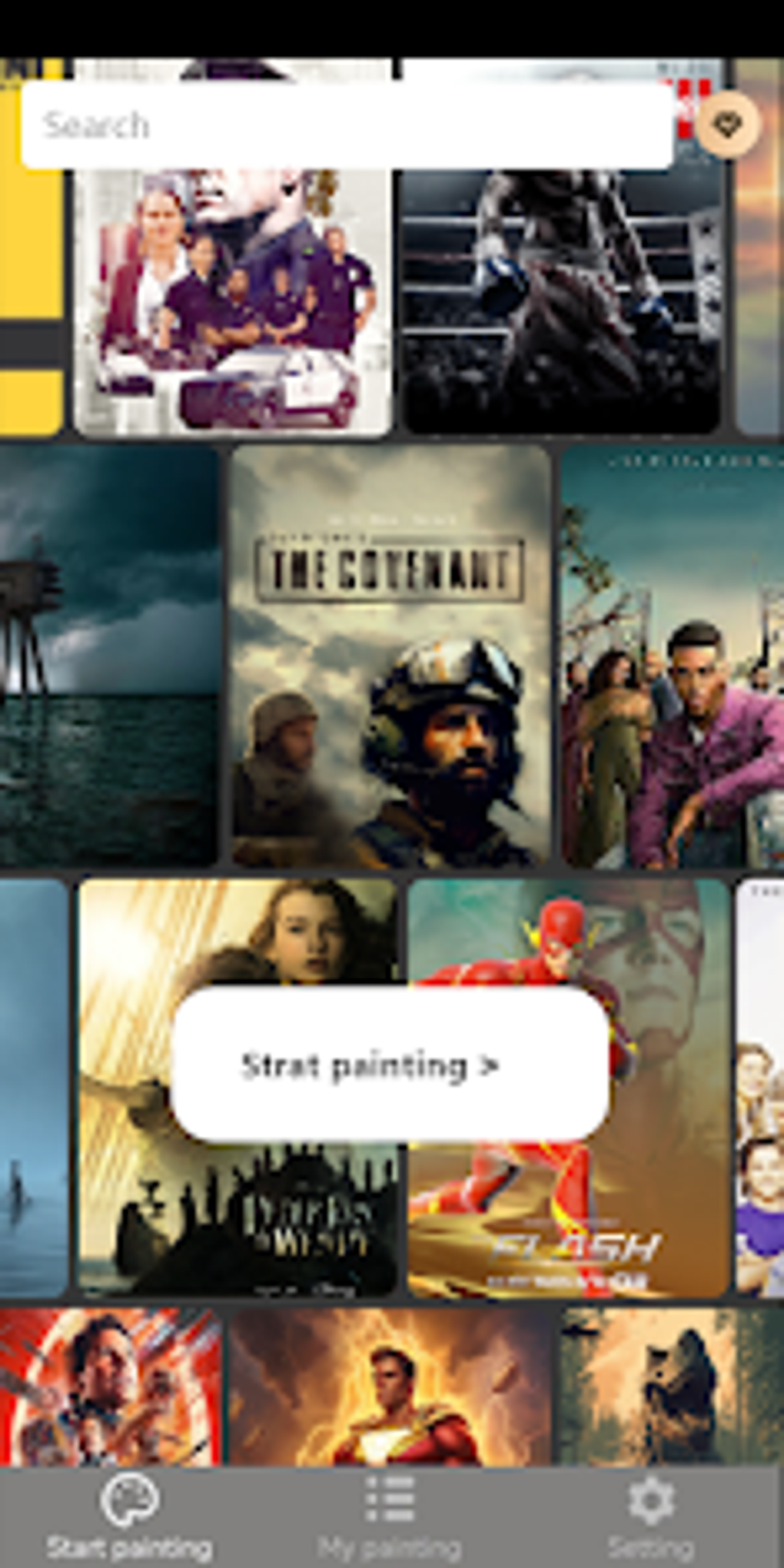
Miroz boasts a minimalist interface, a design choice that prioritizes ease of navigation and accessibility. The layout is clean and uncluttered, avoiding overwhelming users with a plethora of options. Essential tools are readily accessible, allowing for a seamless workflow. The intuitive design minimizes the learning curve, making it suitable for both casual users and experienced digital artists. The app’s developers have clearly prioritized an intuitive design, focusing on functionality and minimizing distractions to enhance the overall user experience. This minimalist approach is particularly beneficial for beginners who may be intimidated by more complex drawing software. Even experienced artists will appreciate the streamlined interface, allowing them to focus on their creative process rather than struggling with an overly complicated layout.
Features and Functionality
Miroz’s core strength lies in its robust feature set. The app provides a wide array of tools that cater to various artistic styles and techniques. These tools extend beyond basic drawing capabilities, incorporating advanced features that elevate Miroz above many comparable applications. The app’s virtual pencils and brushes are highly praised for their responsiveness and precision, allowing artists to achieve fine details and nuanced shading. Beyond the standard brushes and pencils, Miroz offers a selection of specialized tools, including erasers, smudge tools, and layers, which are essential for complex compositions and detailed work.
One of the most distinctive features of Miroz is its ability to convert brush strokes into editable shapes. This is a game-changer for digital illustrators and designers, allowing them to create complex shapes and precise designs with effortless precision. The ability to modify these shapes after creation provides unparalleled flexibility, a feature frequently lacking in other drawing apps. This feature alone positions Miroz as a powerful tool for professional design work, setting it apart from simpler drawing applications targeted solely at casual users.
The app also includes several essential features for managing and organizing artwork. This includes the ability to save projects in various formats, making it easy to share artwork with others or to continue working on projects across different devices. The inclusion of layers allows for complex illustrations and artwork, as artists can manipulate individual elements without impacting the integrity of the whole composition.
Performance and Compatibility
Miroz is designed to work efficiently on a wide range of Android devices, demonstrating good performance even on older models. The app’s responsiveness is excellent, with minimal lag or delay during the drawing process. This is a critical aspect of any drawing app, ensuring that the user experience is not hampered by technical limitations. The optimization of Miroz ensures that the software runs smoothly, even on devices with more modest specifications. The developers have clearly focused on performance to ensure that the app works seamlessly on a variety of devices, regardless of their processing power or storage capacity.
The compatibility of Miroz across different Android versions is another testament to its well-structured design. This demonstrates a commitment to catering to a broad user base and ensures that a wide range of Android users can access this powerful drawing tool. The app is regularly updated to address any potential issues and to incorporate new features, further showcasing the developers’ ongoing commitment to the app’s ongoing development and improvement.
Comparison with Other Drawing Apps
While Miroz shares similarities with other Android drawing apps, several key aspects set it apart. Many other apps offer a similar selection of drawing tools, but Miroz distinguishes itself through its ease of use and the aforementioned unique features, such as the conversion of brushstrokes into editable shapes. Apps focusing on photo editing often lack the precision and capabilities Miroz provides for creating original artwork. While some apps boast a larger collection of brushes and tools, they may lack the streamlined interface and user-friendly design that Miroz provides. The balance between a wide range of tools and an intuitive, uncluttered interface is what truly sets Miroz apart from its competitors. The combination of functionality and ease of use makes it an attractive option for users of all skill levels.
Conclusion
Miroz successfully combines a powerful feature set with an intuitive interface, resulting in a compelling drawing application for Android users. Its unique ability to convert brushstrokes into editable shapes, coupled with its overall ease of use, makes it a powerful tool for both casual artists and professional designers. The minimalist design avoids overwhelming beginners, while its advanced features provide ample scope for experienced users. Though there are other drawing apps on the market, Miroz stands out with its focus on providing a user-friendly and highly functional experience. Its consistent performance across various Android devices and regular updates demonstrate a commitment to providing users with a consistently improving and reliable application. In short, Miroz is a strong contender in the Android drawing app market and is highly recommended for anyone seeking a powerful and intuitive tool for creating digital artwork.
File Information
- License: “Free”
- Version: “1.0.5”
- Latest update: “January 25, 2024”
- Platform: “Android”
- OS: “Android 13.0”
- Language: “English”
- Downloads: “2.1K”
- Download Options: “Google Play”