
Mobizen is a powerful remote management service designed to bridge the gap between Android devices and Windows computers. This comprehensive guide explores Mobizen’s functionality, features, ease of use, and overall effectiveness in providing a seamless user experience. We’ll delve into both its strengths and weaknesses, offering a balanced perspective to help you decide if Mobizen is the right solution for your needs.
Connecting Your Android to Windows: A Wireless Bridge
The inherent incompatibility between Android and Windows operating systems often presents a challenge for users seeking to easily access their phone’s data and functionality from their computer. While USB connections allow for file transfers, they fall short of providing the interactive experience many users desire. This is where Mobizen steps in, offering a solution akin to AirDroid, but with its own unique set of features and capabilities.
Mobizen transcends the limitations of traditional file transfer methods by enabling complete wireless control of your Android device directly from your Windows PC. This means you can essentially use your Android phone on your Windows screen using your mouse and keyboard, creating a mirrored interface that allows for intuitive navigation and interaction. Beyond simple mirroring, Mobizen offers access to your phone’s multimedia content, including music, photos, and videos, all without the need for physical connections.
A standout feature of Mobizen is its integrated screen recording functionality. This allows for remote capture of your Android device’s screen, making it an ideal tool for creating video tutorials, game recordings, or demonstrations. However, the quality of these recordings is heavily dependent on the processing power of your Android phone. A less powerful device may struggle to maintain a smooth, high-quality recording.
User-Friendliness and the Mobizen Experience
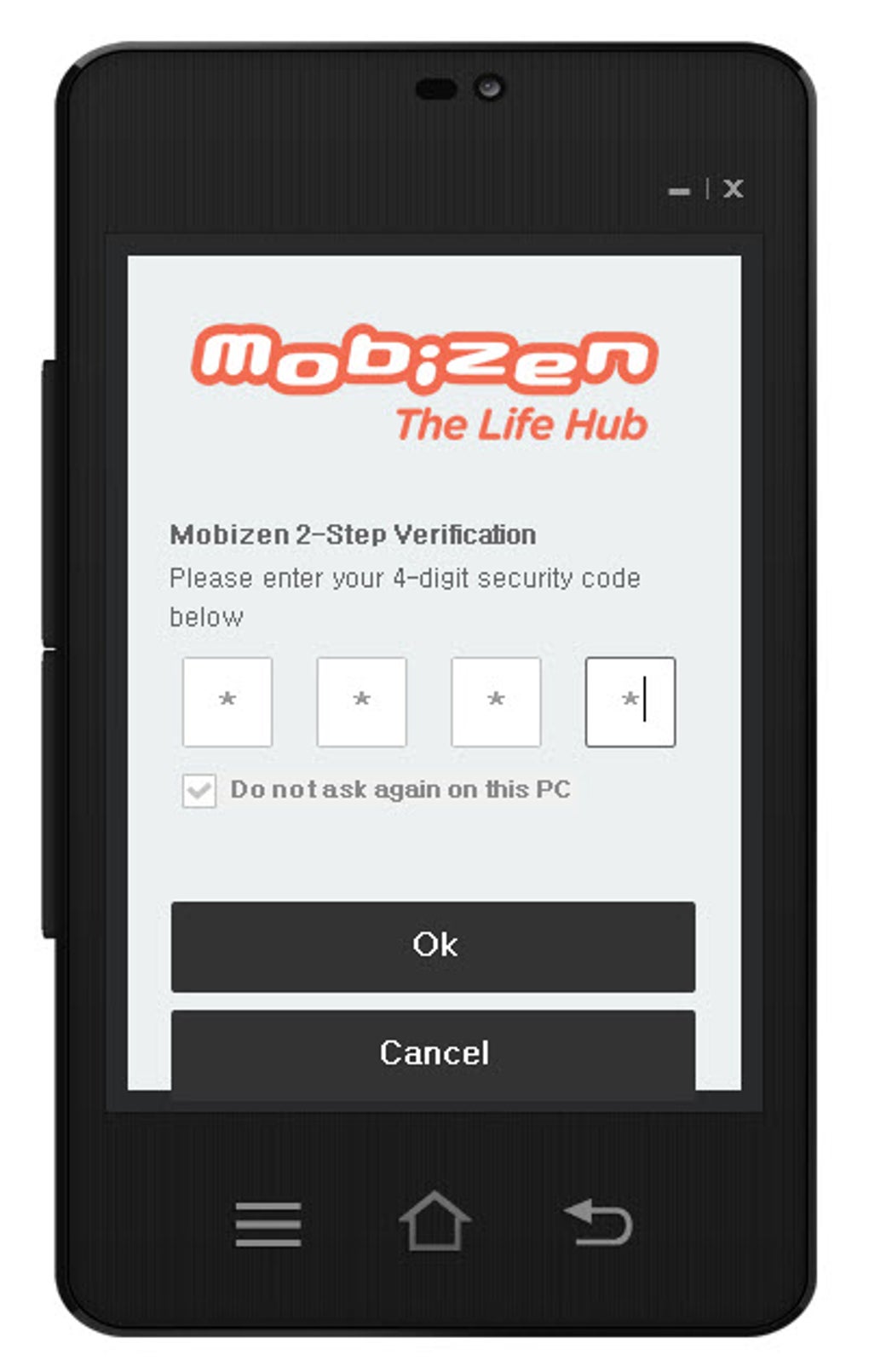
While Mobizen strives for user-friendly accessibility, it presents a slightly steeper learning curve compared to some competitors like AirDroid. The initial setup requires account creation and PIN selection for enhanced security. While these steps are standard for remote access applications, they add to the initial time investment.
One common user-reported issue relates to the occasional need to install an additional support package. The lack of clear explanation regarding the purpose of this package can be frustrating for users who prefer transparency in software installations. Connectivity issues are another potential hurdle, with some users experiencing unpredictable connection failures without obvious causes. These inconsistencies, while not consistently reported, highlight a potential area for improvement in Mobizen’s stability and communication with the user.
Despite these occasional hiccups, the core functionality of remote access operates smoothly and with minimal latency. The ability to interact with your phone’s interface, navigate applications, and even engage in chat conversations from your Windows PC works remarkably well. The interface itself is presented as a floating window designed to resemble a phone screen, maintaining a familiar visual representation. Unfortunately, this window’s size is fixed, lacking the flexibility of resizing to optimize screen usage.
Mobizen’s Features and Advanced Capabilities
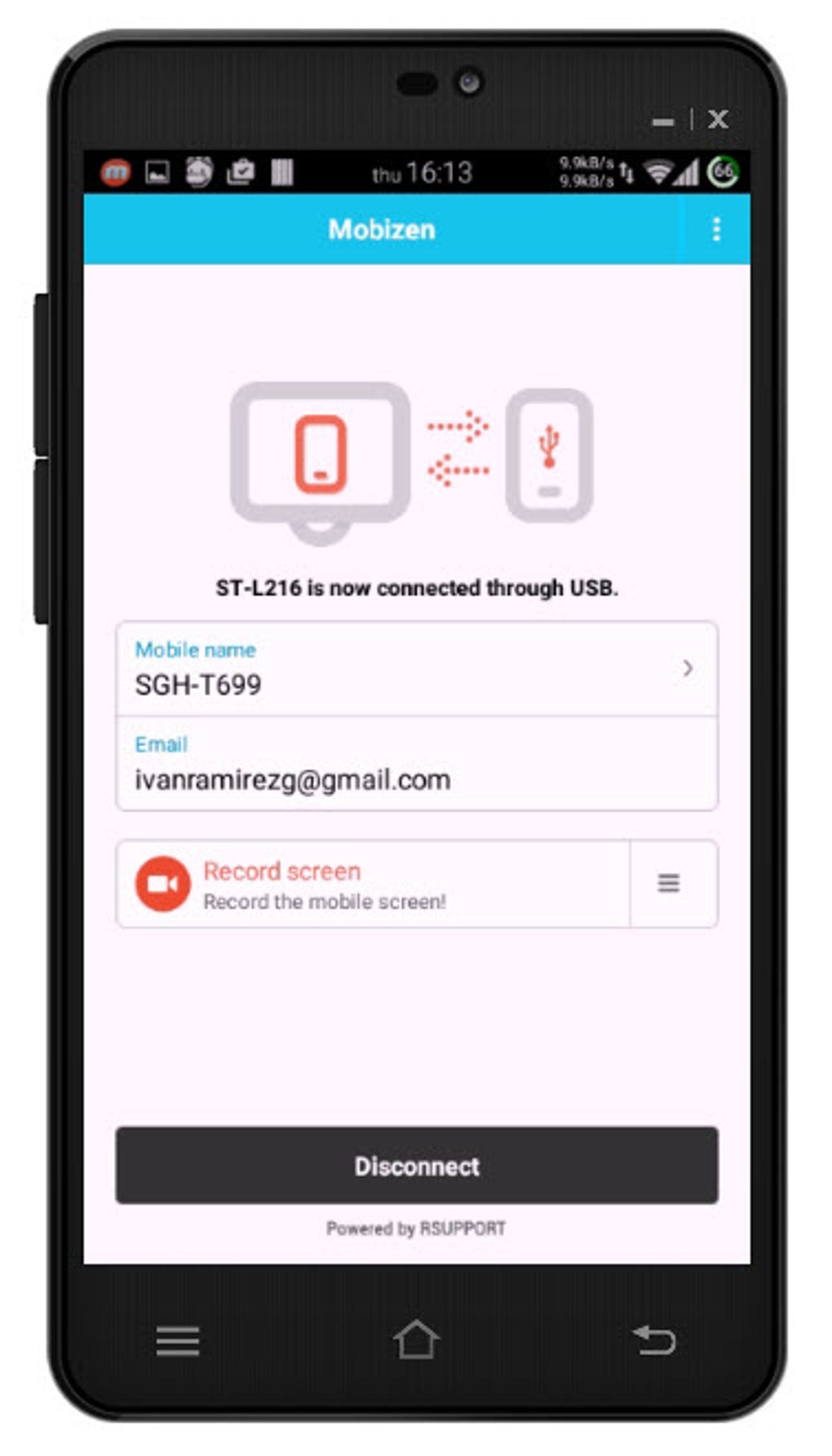
Beyond its core function of mirroring your Android device, Mobizen offers a range of additional features designed to enhance usability and productivity. The screen recording functionality, as previously discussed, stands out as a significant advantage for those needing to create video content directly from their Android devices. This eliminates the need for separate recording software or complex setup processes.
The application also aims to provide quick access and enhanced security through its PIN-based access system. This feature contributes to the overall security of the connection, ensuring that only authorized users can access the mirrored device. This level of security is particularly crucial for users handling sensitive information on their Android phones.
However, compared to competitors like AirDroid, Mobizen’s feature set may feel somewhat limited. While it successfully delivers on its core promise of remote access and screen recording, it lacks the extensive functionality found in some alternatives, which may include additional features like file management, SMS access, and more advanced control options.
Comparing Mobizen to Competitors: Strengths and Weaknesses
In the crowded landscape of remote access applications, Mobizen occupies a specific niche. While it offers a reliable and relatively user-friendly method of mirroring your Android device to your Windows PC, it faces competition from established players like AirDroid.
AirDroid, for instance, often boasts a more comprehensive feature set, potentially including additional functionalities that Mobizen lacks. This could include more extensive file management capabilities, direct control over SMS messaging, and a broader range of advanced control options for managing your Android phone from your computer.
Mobizen’s strength lies in its smooth and relatively low-latency remote viewing and the integrated screen recording capability. This makes it particularly attractive to users who prioritize these specific features. However, the occasional connectivity issues and the lack of resizable window size represent potential drawbacks that may influence user preference.
Conclusion: Is Mobizen Right for You?
Mobizen provides a valuable solution for bridging the gap between Android and Windows, offering a streamlined approach to remote access and screen recording. Its ease of use, once the initial setup is complete, and the low latency of remote viewing are significant advantages. The integrated screen recording functionality is a particularly strong feature, making it a suitable choice for users who frequently need to create video content from their Android devices.
However, users should be aware of the potential for occasional connectivity problems and the lack of a resizable window, which might impact the overall usability experience. The relatively limited feature set compared to some competitors should also be considered. Therefore, whether Mobizen is the right choice depends on your individual needs and priorities. If seamless remote viewing and screen recording are your primary requirements, and you’re willing to navigate occasional connectivity hiccups, Mobizen can be a very effective tool. If you require a broader range of features, a more comprehensive solution might be a better fit. Careful consideration of your specific needs and a comparison to alternative applications will ultimately determine the best choice for your individual circumstances.
File Information
- License: “Free”
- Latest update: “July 24, 2023”
- Platform: “Windows”
- OS: “Windows 2003”
- Language: “English”
- Downloads: “202.8K”
- Size: “45.74 MB”


