
Mobizen Screen Recorder empowers you to seamlessly extend your Android experience beyond the confines of your mobile device. This comprehensive application offers a versatile suite of features, transforming your PC into a powerful control center for your smartphone, enabling screen mirroring, recording, and remote control, all within a user-friendly interface. Whether you’re a casual user or a power user, Mobizen provides a compelling solution for enhancing productivity and streamlining your Android interactions.
Effortless Screen Mirroring: Expanding Your Mobile View
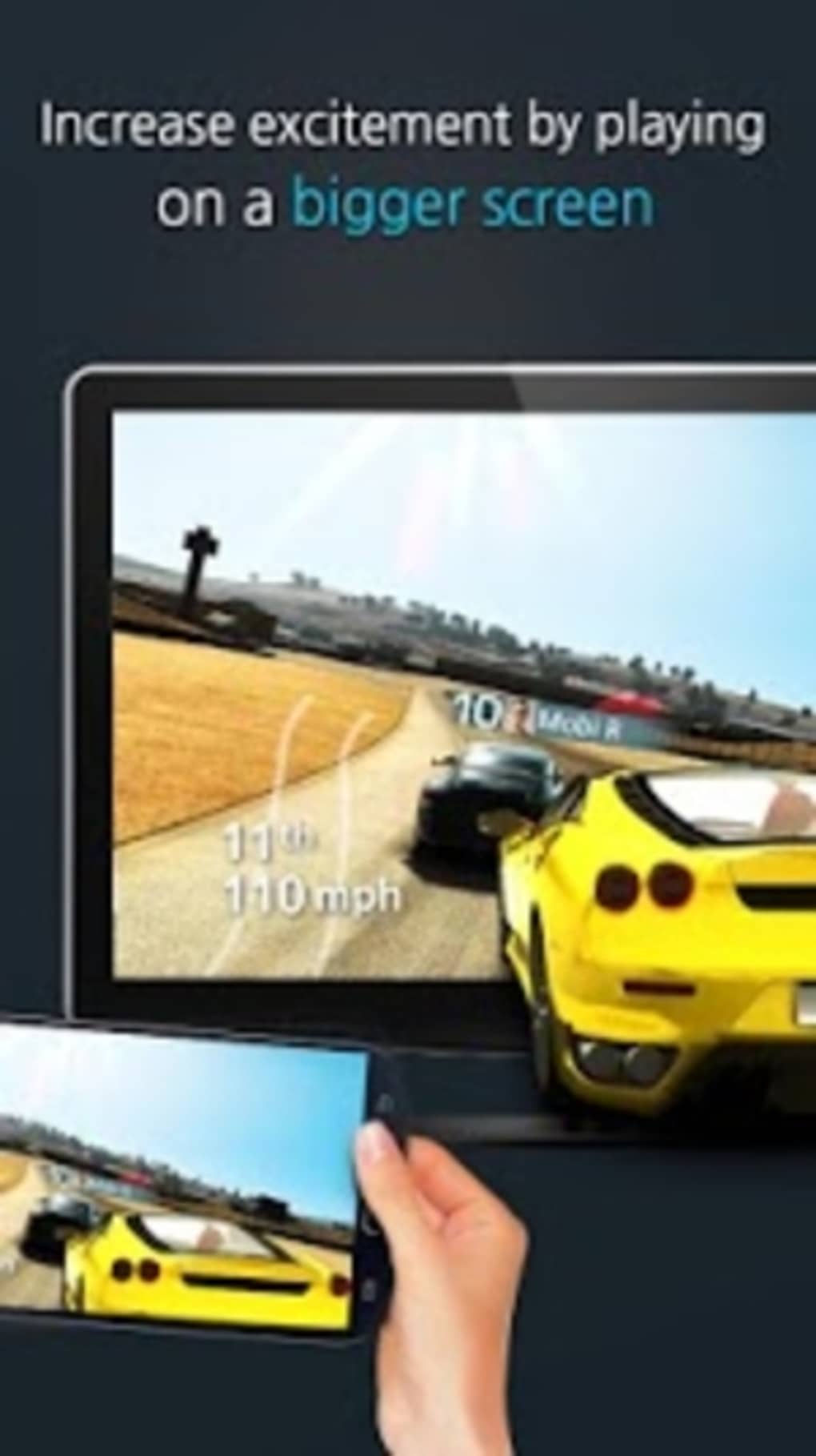
One of Mobizen’s core functionalities lies in its ability to effortlessly mirror your Android screen to a larger PC display. This feature transforms the way you interact with your phone, especially beneficial for tasks requiring a larger viewing area or more precise control. Imagine comfortably watching videos, playing games, or browsing the web on your PC, all while utilizing the convenience of your Android device. The process is incredibly intuitive; with just a few clicks, your Android screen is mirrored onto your computer, providing a seamless and immediate visual connection. This removes the strain on your eyes and hands, particularly beneficial during extended usage sessions. The high-quality mirroring ensures a smooth and responsive experience, with minimal lag, allowing for a natural and comfortable workflow. Whether presenting a project, demonstrating a mobile app, or simply enjoying media content on a larger screen, Mobizen’s screen mirroring feature offers unparalleled convenience.
Comprehensive Remote Control: Command Your Phone from Your PC
Beyond simple mirroring, Mobizen extends its functionality by offering comprehensive remote control capabilities. This transformative feature allows you to manage your entire Android experience directly from your computer, bypassing the need to constantly interact with your physical device. Imagine efficiently responding to messages, browsing social media, or even controlling mobile games, all using your keyboard and mouse. The precision and ease of this remote control functionality significantly enhances productivity and convenience, especially useful for multitasking or situations where directly handling your phone might be inconvenient or impractical. Mobizen’s sophisticated remote access eliminates the need for constant switching between devices, providing a streamlined and integrated workflow.
This feature is particularly valuable for professionals who regularly need to manage their phones while working on their computers. Instead of juggling two devices, they can seamlessly control their Android phone from their computer, increasing efficiency and productivity.
Screen Recording Capabilities: Capture Your Mobile Moments
Mobizen further distinguishes itself with its robust screen recording capabilities. The ability to record your Android screen opens a world of possibilities, from creating engaging tutorials and gameplay videos to documenting important application interactions or capturing memorable moments. This function extends the power of your mobile device, allowing you to easily share your Android experiences with others.
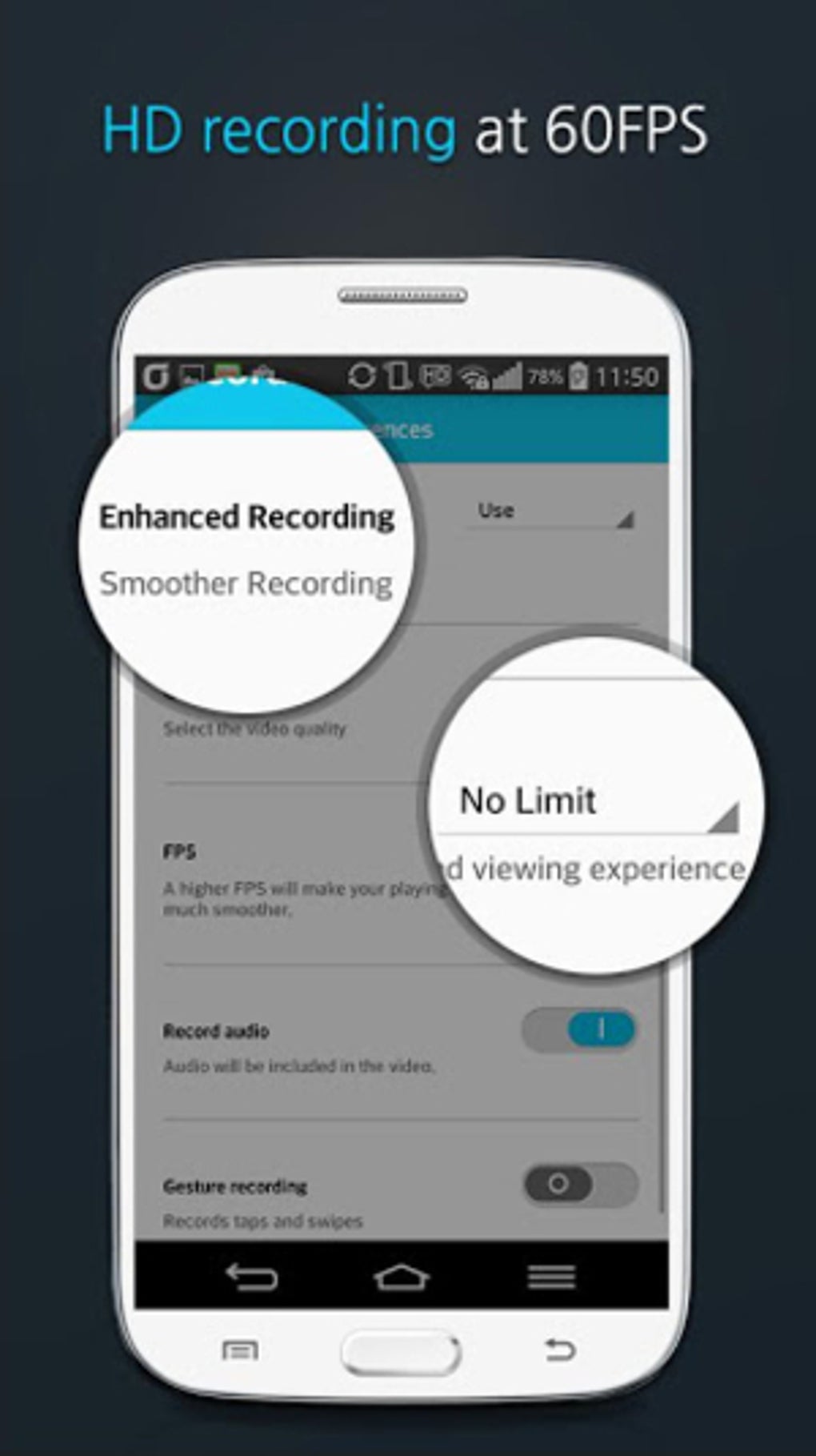
The recording process is intuitive and straightforward, enabling you to capture high-quality videos of your screen activity with minimal effort. Whether you’re showcasing the latest mobile game, demonstrating the functionality of an app, or documenting a specific process for educational purposes, Mobizen’s screen recording capabilities provide the necessary tools for clear and effective visual communication. The software offers a variety of customizable options, such as resolution, frame rate, and audio recording, ensuring flexibility in meeting your specific recording needs. The resulting recordings can then be easily shared online or saved locally for later use.
Seamless Integration & User-Friendly Interface
One of Mobizen’s greatest strengths is its intuitive and user-friendly interface. Designed with simplicity in mind, the application requires minimal technical expertise, ensuring a smooth and stress-free user experience regardless of your technical proficiency. The application’s clean design makes navigation straightforward, allowing users to quickly access the features they need without unnecessary complexities. The clear and concise menu structure aids in quick comprehension and utilization, ensuring effortless functionality even for first-time users. This intuitive design ensures that the focus remains on the user’s tasks, rather than struggling with the application itself. Whether you’re a seasoned tech-savvy user or a novice, Mobizen’s streamlined design ensures a seamless and intuitive experience.
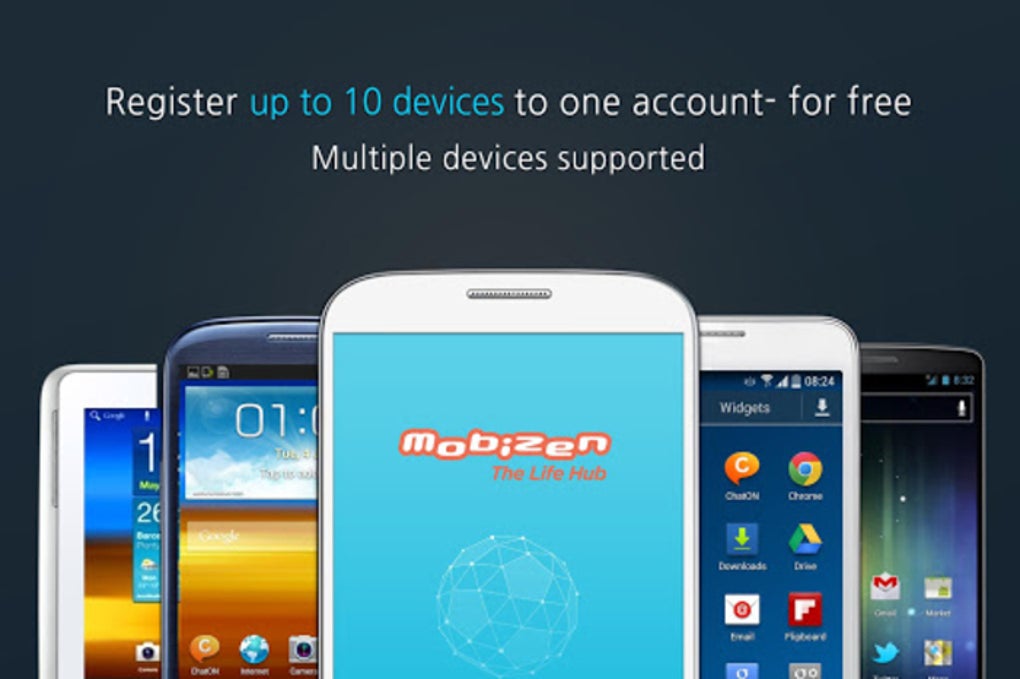
Mobizen is designed to seamlessly integrate with both Android and Windows operating systems, eliminating compatibility concerns and providing a unified experience across platforms. This cross-platform compatibility means you can control your Android device from a Windows PC without any significant barriers. The software is compatible with a wide range of Android devices and PC configurations, ensuring broad accessibility and widespread usability.
Beyond the Basics: Exploring Advanced Features
Mobizen’s functionalities extend beyond the core features of screen mirroring, remote control, and screen recording. It offers a suite of advanced features designed to further enhance the user experience. These features include options for customizing recording settings, including resolution, frame rate, and audio input, allowing for flexible adaptation to different needs. Users can further fine-tune their experience through customizable options, ensuring their settings align precisely with their individual preferences and requirements.
Moreover, Mobizen often integrates with other services and applications, enhancing its overall capabilities and utility. This interconnectedness expands the software’s functionality, adding layers of convenience and efficiency. The integration with other platforms allows users to leverage the strengths of multiple applications in a coordinated manner. These advanced features and integrations showcase Mobizen’s commitment to providing users with a robust and versatile application.
Addressing Potential Drawbacks
While Mobizen offers a compelling set of features, it’s essential to acknowledge potential drawbacks. Some users have reported occasional screen recording quality issues, particularly in scenarios demanding high frame rates or resolutions. Similarly, the application might occasionally impact the performance of both the Android device and the PC, especially during intensive tasks or when numerous applications are running concurrently. The initial setup process could also prove slightly confusing for first-time users. However, the developer actively addresses these concerns through regular software updates, constantly refining the application to ensure stability and optimal performance. The ease of use, combined with the developer’s commitment to improving the software, mitigates these minor concerns, maintaining the overall usability and value of the application.
Finally, the limited number of supported video output file types might restrict users’ choices when sharing or archiving their recordings. However, this limitation is frequently addressed through software updates, progressively adding more compatibility options to accommodate a wider range of user preferences and downstream applications.
Conclusion: Mobizen – A Powerful Tool for Enhanced Android Experience
Mobizen Screen Recorder represents a significant advancement in how we interact with our Android devices. By offering a seamless bridge between mobile and desktop environments, Mobizen empowers users to seamlessly extend their Android experience to their PCs, unlocking new levels of productivity and convenience. Its intuitive interface, robust features, and continuous development highlight its value as a powerful tool for anyone seeking to maximize their Android capabilities. While minor drawbacks exist, their impact is significantly outweighed by the overall benefits and the developer’s commitment to ongoing improvement. Mobizen remains a leading contender in the mobile screen mirroring and control market, offering a truly compelling solution for users seeking to integrate their Android and PC experiences effectively and efficiently.
File Information
- License: “Free”
- Version: “3.1.1.21”
- Latest update: “October 30, 2018”
- Platform: “Windows”
- OS: “Windows 10”
- Language: “English”
- Downloads: “24.1K”
- Size: “36.85 MB”


