
Minecraft, the globally renowned sandbox game, has captivated millions with its endless possibilities for creativity and adventure. While the base game offers a wealth of experiences, the true potential of Minecraft is unlocked through the use of modifications, commonly known as mods. For Minecraft Pocket Edition (PE), now known as Minecraft Bedrock Edition on mobile devices, a vibrant community of creators develops and shares mods, significantly enhancing gameplay and adding entirely new dimensions to the game. This article explores the world of Minecraft PE mods, focusing on how to find, install, and utilize them to transform your mobile Minecraft experience.
Accessing and Installing Minecraft PE Mods
Finding and installing Minecraft PE mods is surprisingly straightforward, although the process can vary depending on the chosen method. Many websites and dedicated apps offer a curated selection of mods, add-ons, maps, textures, and skins. However, it’s crucial to exercise caution and only download mods from reputable sources to avoid potential malware or corrupted files that could harm your device.
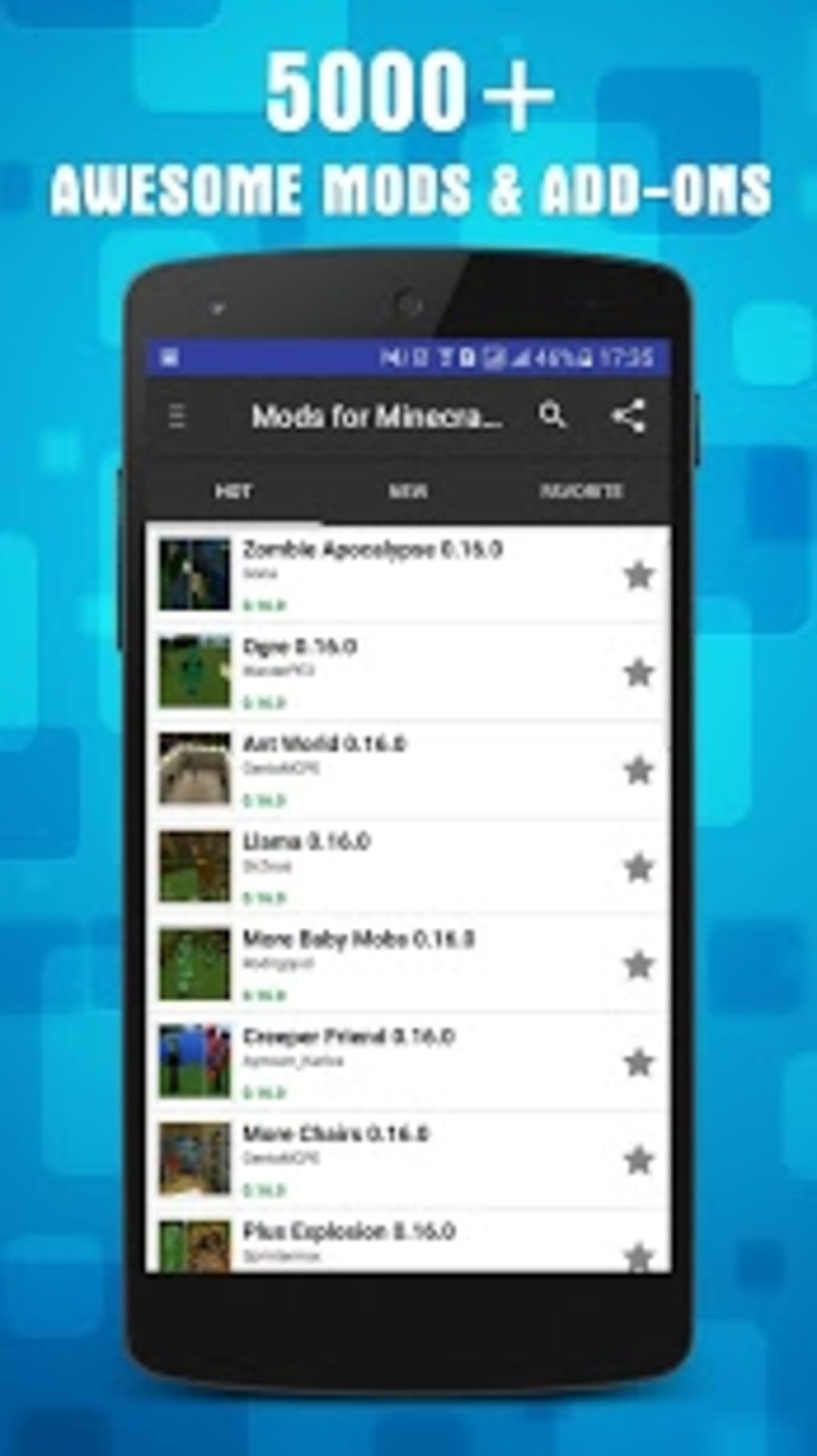
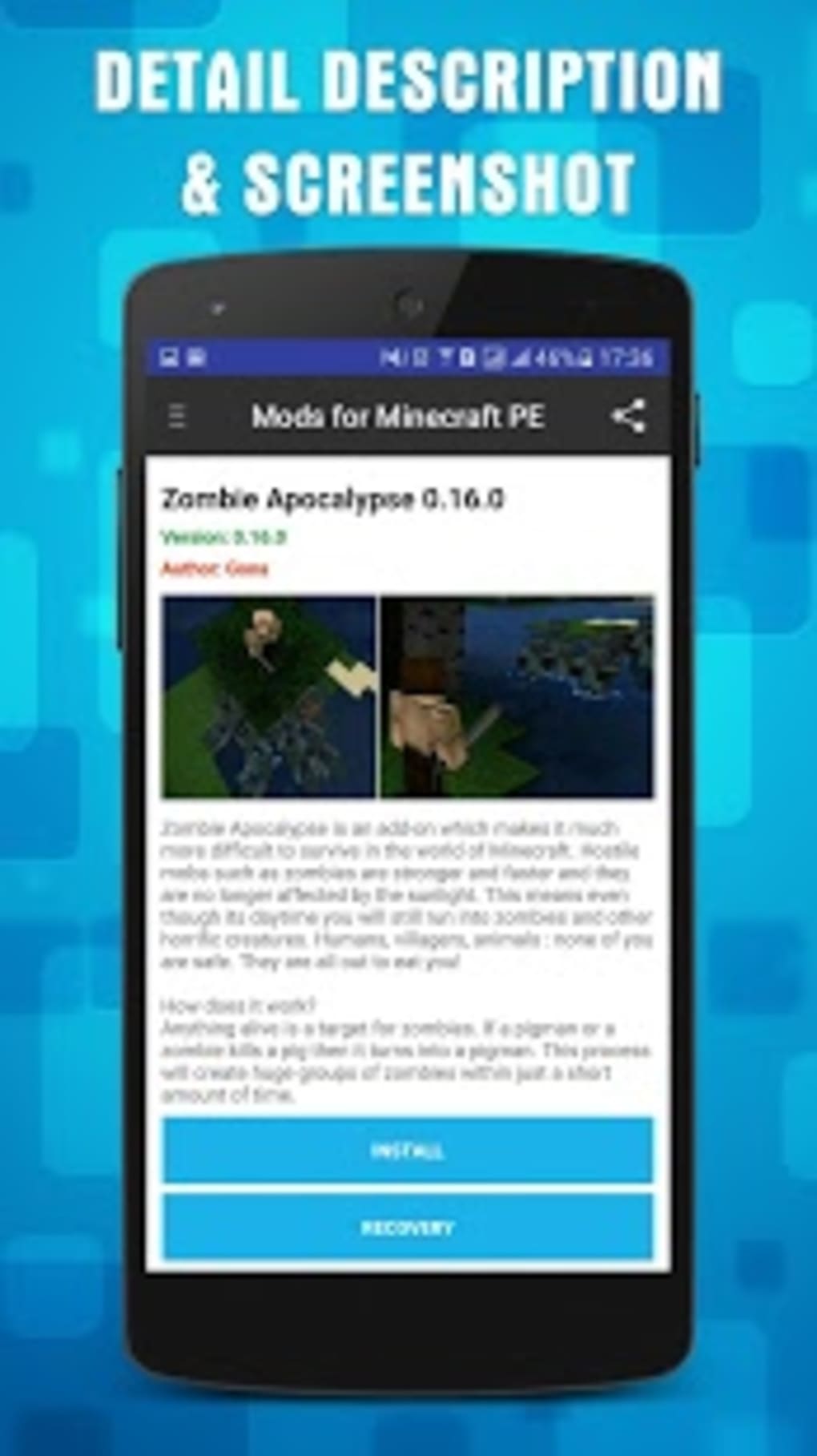
One popular approach is utilizing dedicated apps specifically designed for managing and installing Minecraft PE mods. These apps often streamline the process, providing a user-friendly interface for browsing available mods, downloading them, and seamlessly integrating them into your Minecraft game. These apps typically categorize mods based on features, such as those adding new items, blocks, creatures, or altering game mechanics. A well-designed app will clearly display compatibility information (ensuring the mod works with your specific Minecraft version) and provide descriptions of what each mod entails.

Alternatively, you can manually download mods from websites that specialize in hosting Minecraft content. This method generally involves downloading a .mcpack or .zip file, which you then import into your Minecraft game through the game’s add-on section. This route requires a deeper understanding of file management and ensuring compatibility, but it offers more freedom in choosing mods from a broader range of sources. However, the lack of a centralized review system requires additional scrutiny on your part to verify the safety and reliability of any downloaded mod.
No matter your chosen method, remember that installing mods alters the game’s core files. It’s always advisable to back up your Minecraft world data before installing any modifications. This precautionary measure safeguards your progress and allows for easy restoration if any issues arise. Additionally, make sure to read the descriptions and any provided instructions thoroughly before installing a mod. Some mods require specific game versions or other mods to function correctly.
Types of Minecraft PE Mods and Their Impact on Gameplay
The diverse world of Minecraft PE mods offers an almost limitless range of modifications, each designed to enhance specific aspects of the game. These can be broadly categorized as follows:
1. Texture Packs: These mods alter the visual appearance of the game. Texture packs can improve the graphics, add more detail to existing elements, or even completely overhaul the aesthetic, transforming the familiar Minecraft world into something entirely new. High-resolution texture packs bring enhanced detail to blocks, items, and environments, resulting in a more immersive and visually appealing experience. Some texture packs even incorporate themed aesthetics, such as fantasy, sci-fi, or realistic settings.
2. Behavior Packs: These mods alter the behavior of game entities and introduce new functionalities. Behavior packs can modify existing mob behaviors, such as making them more aggressive or adding unique abilities. They can also introduce entirely new creatures with unique characteristics and behaviors. These mods offer a powerful way to reshape the gameplay experience by altering how the in-game world responds and interacts with the player.
3. Add-ons: Often encompassing elements of both texture packs and behavior packs, add-ons provide a comprehensive set of modifications that significantly alter the game’s mechanics. They might include new items, blocks, structures, or even completely new game modes, each designed to enhance or even redefine the core gameplay loop. Complex add-ons often include extensive lore and narrative elements, seamlessly blending into the game’s world and creating a captivating and expansive experience.
4. Maps: These mods offer pre-built worlds or levels, often created by other players, providing exciting new environments to explore. Maps can range from simple survival challenges to elaborate fantasy landscapes with intricate narratives and unique features. Some maps offer intricate puzzles or hidden secrets, further enriching the gameplay experience.
Exploring Popular Minecraft PE Mod Categories
The versatility of Minecraft PE mods allows players to customize their experience to their preferences. Below are a few popular mod categories:
1. Adventure Maps: These mods offer completely new worlds to explore, often featuring custom storylines, puzzles, and challenges. They can immerse players in captivating narratives, pushing them to solve intricate riddles and overcome various obstacles to complete the map’s objective.
2. Resource Packs: These are essentially visual mods that change the textures and appearance of items, blocks, and entities in the game. They can improve the visual fidelity, add realism, or even completely change the aesthetic of the game.
3. Mob Mods: These mods focus on adding new creatures or altering existing ones. This can range from adding simple, cosmetic changes to creating entirely new entities with unique behaviors, abilities, and drops. These often impact gameplay significantly, adding new challenges or opportunities for resource gathering.
4. Gameplay Enhancing Mods: These are designed to improve the game mechanics or add new features. These could include changes to combat, crafting, exploration, or even the user interface. The goal is to enhance the core experience, streamlining processes or adding new strategic layers to the gameplay.
5. Utility Mods: This category encompasses mods that improve the player’s experience through practical additions. This might include features like improved inventory management, enhanced building tools, or even advanced mini-maps.
Safety Precautions When Using Minecraft PE Mods
While mods enhance the Minecraft experience, it’s crucial to prioritize safety. Download mods only from trustworthy sources. Unreliable websites can contain malware or corrupted files that might damage your device or compromise your data. Reputable websites often include community reviews and ratings, helping you assess the reliability of a mod before downloading. Always back up your world saves before installing any mods. This precaution safeguards your progress in case something goes wrong during installation or if a mod causes unexpected issues. Pay close attention to compatibility information. Mods are typically designed for specific versions of Minecraft PE. Using a mod with an incompatible version may lead to crashes or malfunctions.
Conclusion: Unleashing the Full Potential of Minecraft PE
Minecraft PE mods represent a significant aspect of the game’s enduring appeal, providing an unparalleled degree of customization and flexibility. From altering the visual appearance to introducing entirely new game mechanics, mods empower players to shape their Minecraft experience according to their preferences and creativity. By understanding the diverse types of mods available and employing safe installation practices, players can unlock the full potential of Minecraft PE, extending its gameplay far beyond the base game’s limitations, creating unique and unforgettable adventures. Remember always to prioritize safety and download from trusted sources to ensure a smooth and enjoyable modded Minecraft experience.
File Information
- License: “Free”
- Latest update: “August 6, 2024”
- Platform: “Android”
- OS: “Android 13.0”
- Language: “English”
- Downloads: “49K”
- Size: “91.07 MB”
- Download Options: “APK, Google Play”
- Filename: “Mods_AddOns_for_Minecraft_PE_2.5.0.xapk”


