
Motion Ninja - Pro Video Editor & Animation Maker is a free mobile application designed for creating and editing animated videos. This comprehensive review will delve into its features, user experience, pros and cons, and compare it to alternative applications. Whether you’re a seasoned professional animator or a hobbyist just starting out, this review will help you determine if Motion Ninja is the right video editing and animation tool for your needs.
Feature-Rich Animation and Video Editing Capabilities
Motion Ninja boasts a robust collection of features designed to empower users to create high-quality animated videos and visual effects. The application’s core functionality centers around keyframe animation, a powerful technique that allows for precise control over the movement and transformations of elements within a video. Users can create keyframes to define the starting and ending points of an animation, with the software smoothly interpolating the motion between these points. This allows for creating everything from subtle movements to complex, dynamic sequences.
Beyond keyframe animation, Motion Ninja offers a variety of pre-made animations and graphics, greatly simplifying the animation process for users who may lack extensive animation experience. These pre-built assets can be easily integrated into projects, adding polished visual elements without requiring extensive manual creation. This feature is particularly beneficial for beginners, streamlining workflow and enabling rapid prototyping of ideas.
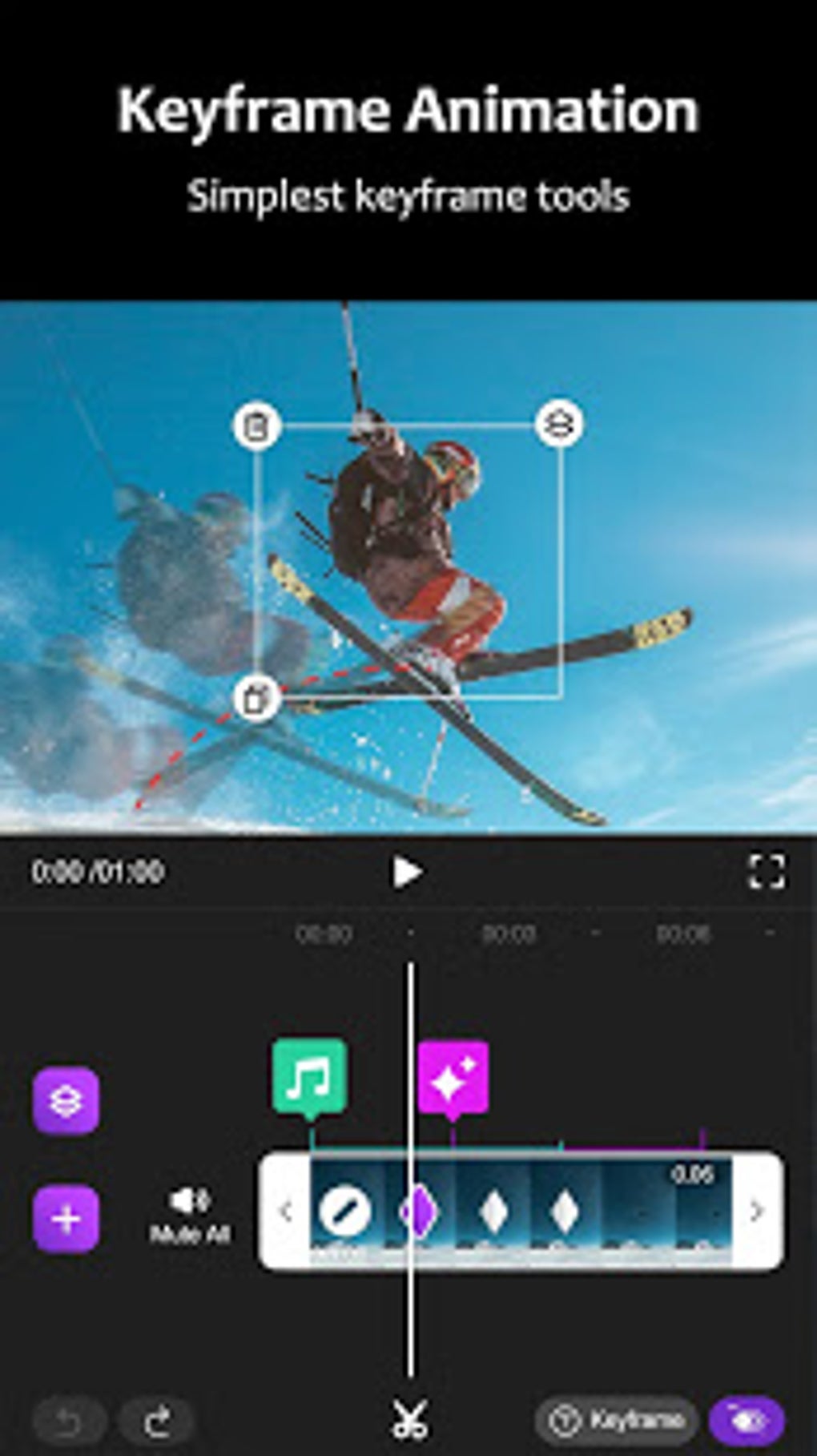
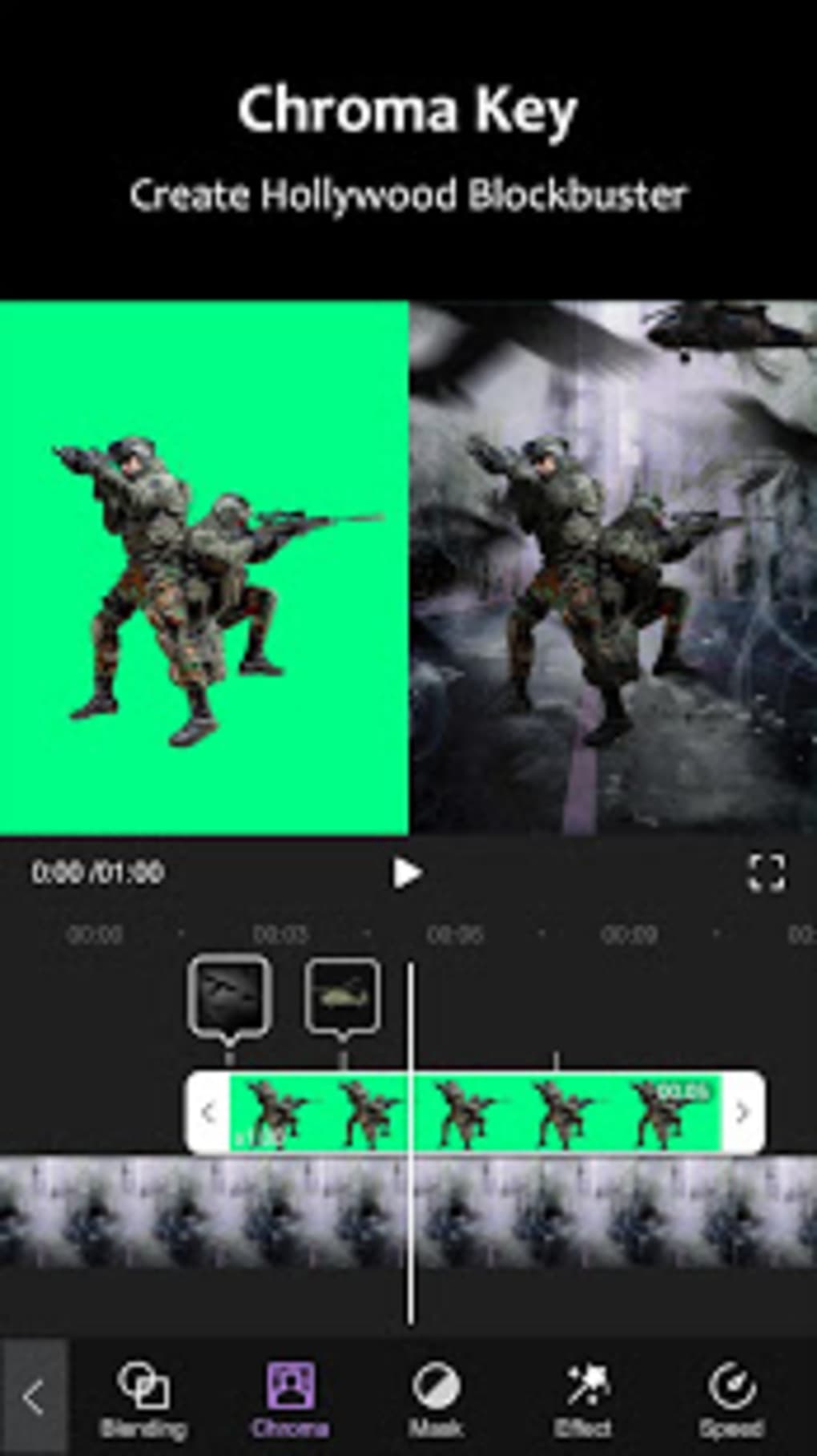
The app’s visual effects toolkit is equally impressive. A wide range of filters, overlays, and particle effects are available, providing users with ample tools to enhance the aesthetic qualities of their videos. These effects can be used to create unique visual styles, add depth and atmosphere, or simply enhance the overall visual appeal of the finished product. Furthermore, the application incorporates masking and tracking tools, allowing precise control over the application of effects to specific elements within a video. This level of precision is invaluable for creating visually stunning and highly polished animations.
Audio editing is also integrated into Motion Ninja’s workflow. Users can easily add, edit, and mix audio tracks, enhancing the narrative and emotional impact of their videos. This seamless integration of audio editing capabilities within the animation and video editing environment contributes to a streamlined and efficient creative process. The ability to effortlessly combine visual and auditory elements elevates the storytelling potential of the application.
A significant aspect of Motion Ninja’s design is its layer-based editing interface. This approach allows users to organize and manage the various elements within their projects effectively. The layered structure facilitates complex animations by allowing users to manipulate individual elements without affecting others. This is crucial for creating intricate animations with many moving parts, ensuring that adjustments to one element do not inadvertently impact other parts of the composition.
Finally, Motion Ninja provides a multitrack timeline for managing the various aspects of a project. This feature simplifies the process of coordinating and synchronizing different elements within the video, making the creation of complex and dynamic animations significantly easier. This advanced timeline system allows for precise control over timing and sequencing, essential for achieving professional-looking results. The app also provides direct sharing capabilities, allowing users to quickly and easily share their creations on various social media platforms or export them in diverse file formats for use in other editing software.
User Interface and Experience
Motion Ninja is designed with a user-friendly interface that prioritizes accessibility. The application’s intuitive layout makes it relatively easy to navigate, regardless of the user’s experience level with video editing software. The tools are clearly labeled and organized logically, minimizing the learning curve associated with mastering the app’s features. The application’s straightforward design makes it equally suitable for beginners and experienced professionals alike.
The overall workflow is streamlined, allowing users to focus on their creative process without being bogged down by cumbersome or counterintuitive controls. This emphasis on ease of use makes Motion Ninja an excellent choice for users who may not have extensive experience with professional video editing software. The ability to quickly learn and effectively utilize the application’s features contributes to its broad appeal.
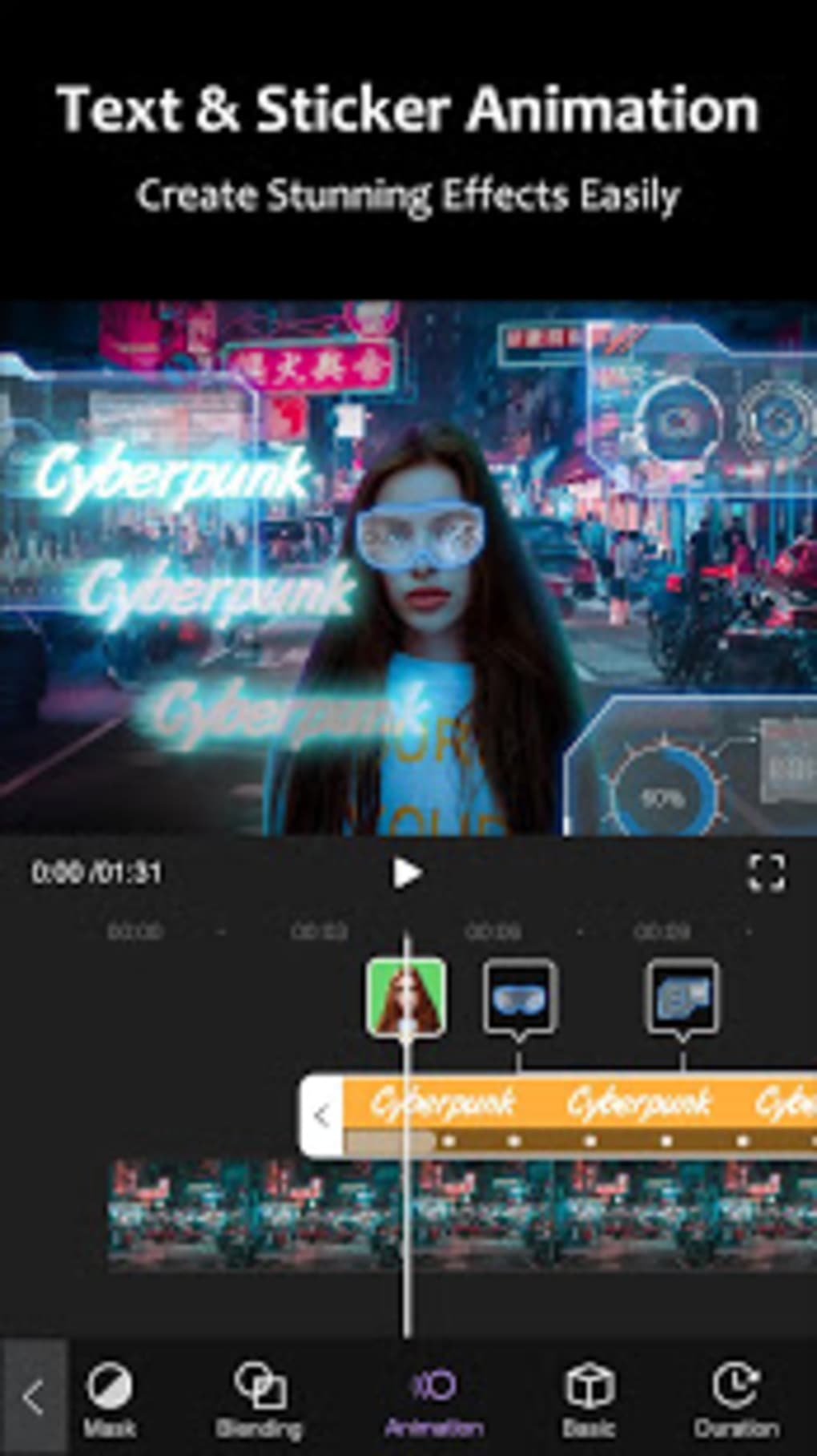
However, while generally user-friendly, certain aspects of the application’s interface may require some acclimatization for new users. While the overall design is intuitive, mastering certain advanced features, like utilizing the multi-track timeline effectively, may require some practice. Nevertheless, the application’s comprehensive tutorial system helps users become comfortable with its capabilities.
Pros and Cons
Pros:
- User-friendly interface: The intuitive design caters to both beginners and professionals.
- Comprehensive feature set: Offers a wide range of animation, visual effect, and audio editing tools.
- Keyframe animation: Provides precise control over animation, enabling the creation of complex sequences.
- Pre-made assets: Includes a library of animations and graphics to simplify the animation process.
- Layer-based editing: Facilitates the organization and management of project elements.
- Multitrack timeline: Offers a professional-grade approach to managing project components.
- Versatile export options: Allows for sharing directly from the app or exporting to various formats.
- Free to use: The app is available without any subscription costs.
Cons:
- Limited storage space: The application’s reliance on device storage can be limiting for larger projects.
- Potential performance issues: Depending on the device’s specifications, handling complex animations may lead to performance bottlenecks.
Comparison with Alternative Applications
Several alternative video editing and animation apps compete with Motion Ninja. Some of the leading contenders include CapCut, VN Video Editor & Maker, and Alight Motion. Each of these applications offers a distinct set of features and strengths.
CapCut, known for its user-friendly interface and extensive template library, prioritizes ease of use and quick content creation. VN Video Editor & Maker focuses on professional-grade features and versatility, while Alight Motion stands out with its powerful motion graphics capabilities.
Compared to these alternatives, Motion Ninja offers a balanced approach. While it may not surpass individual apps in specific areas like template availability or motion graphics capabilities, it provides a comprehensive suite of features suitable for a wide range of users and project types. Its strengths lie in the balanced combination of user-friendliness and professional-level features.
The best choice among these apps depends on individual needs and preferences. Users seeking a simple and intuitive editor with numerous templates might prefer CapCut. Users requiring advanced features for professional-level projects may lean towards VN Video Editor & Maker or Alight Motion. Motion Ninja stands as a solid middle ground, providing a versatile platform accessible to beginners and capable of handling more complex projects.
Conclusion
Motion Ninja - Pro Video Editor & Animation Maker is a robust and user-friendly mobile application ideal for creating animated videos and visual effects. Its intuitive interface, comprehensive feature set, and balance of accessibility and power make it a compelling choice for both novice and experienced animators. While limitations concerning device storage and potential performance issues on less powerful devices exist, the application’s strengths far outweigh its weaknesses for many users. The free availability of the application enhances its appeal, making it an excellent tool for exploring the world of animation and video editing.
File Information
- License: “Free”
- Latest update: “May 15, 2025”
- Platform: “Android”
- OS: “Android 13.0”
- Downloads: “204.7K”
- Size: “28.86 MB”
- Download Options: “APK, Google Play”
- Filename: “com-accarunit-motionvideoeditor-22-52797865-6a2e597dc3395e4cc2ad2a1f46da3025.apk”


