
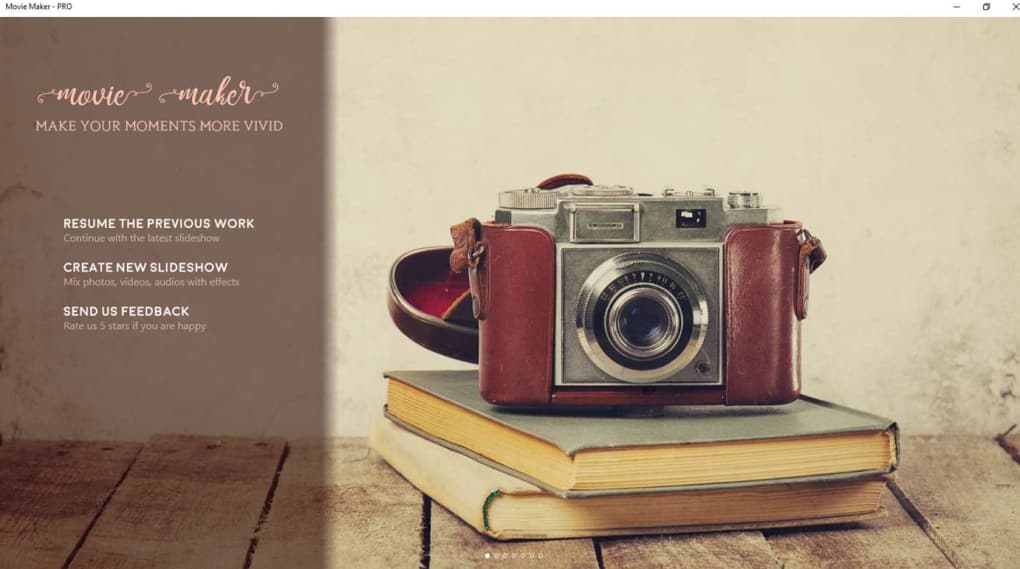
Movie Maker - PRO is a budget-friendly video editing software designed for users seeking a straightforward approach to creating and enhancing their own movies. While it lacks the extensive features of professional-grade software, it offers a solid suite of tools for basic video editing, making it an appealing option for beginners and casual users. This review delves into the software’s capabilities, strengths, and weaknesses, providing a comprehensive overview to help you determine if Movie Maker - PRO aligns with your video editing needs.
Feature Overview: A Blend of Essential Tools and Creative Effects
Movie Maker - PRO provides a core set of video editing functionalities, allowing users to trim, merge, and rotate video clips with ease. This foundational functionality is enhanced by a collection of creative tools aimed at enhancing the visual appeal and overall quality of your videos. These tools include over 30 transition effects, ranging from subtle cross-zooms to more dramatic square wipes. A diverse selection of filters enables users to adjust the tone and mood of their videos, adding a stylistic touch to their projects.
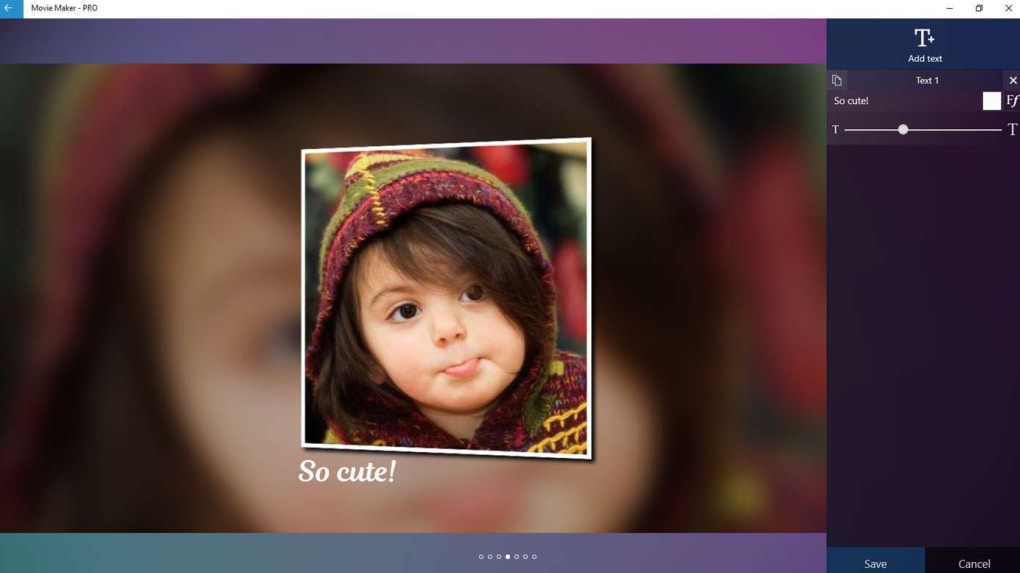
Beyond transitions and filters, the software offers extensive text customization options, providing access to over 30 different fonts for subtitles and titles. This allows for personalized text overlays, improving the clarity and engagement of the videos. The ability to incorporate background music, whether from the software’s internal library or the user’s own collection, adds another layer of creative expression. Further enhancing audio control, Movie Maker - PRO includes a built-in music editor, giving users the power to fine-tune their audio tracks and achieve the desired sonic landscape. The inclusion of emoticons adds a playful element, allowing for humorous touches and personalized expressions within the videos. Support for both HD and Full HD video quality ensures that your creations maintain a high level of visual fidelity.
User-Friendliness and Interface Design: Simplicity Meets Limitations
Movie Maker - PRO prioritizes ease of use, striving for a user-friendly experience. However, this simplicity comes at the cost of certain advanced features. The absence of a drag-and-drop interface, a common feature in more sophisticated video editors, might prove somewhat cumbersome for users accustomed to this intuitive approach. This lack of drag-and-drop functionality requires a more manual and step-by-step editing process.
The software’s lack of built-in tutorials and comprehensive help features can pose a challenge for newer users. While the basic functionalities are relatively intuitive, encountering more complex editing tasks might leave users seeking guidance without readily available support resources within the software. This necessitates the user to rely on external resources, potentially slowing down the editing process.
Performance and System Requirements: Smooth Operation on Common Hardware
Movie Maker - PRO is designed to operate efficiently on standard computer systems, ensuring a smooth editing experience without demanding exceptionally high-end hardware. This accessibility broadens the user base, making it viable for a wider range of computers and budgets. While specific system requirements may vary depending on the version and updates, the software generally performs well on common configurations, minimizing potential compatibility issues. This makes the software more accessible to users without needing to invest in high-powered computers specifically for video editing.
Comparison with Alternative Software: Finding the Right Fit
When considering Movie Maker - PRO, comparing it to other video editing software helps clarify its position in the market. Compared to industry-standard professional software like Adobe Premiere Pro or DaVinci Resolve, Movie Maker - PRO undeniably lacks the extensive features and advanced capabilities found in those professional-grade applications. However, Movie Maker - PRO caters to a distinct user group – those seeking a simpler, more accessible, and cost-effective solution for basic video editing. While lacking the professional polish and intricate control of high-end software, this software bridges the gap for users who don’t require the complexity of professional tools.
Compared to free video editors, such as HitFilm Express or Movie Maker Free Video Editor, Movie Maker - PRO offers a balance between features and price. While free options exist, they may often come with limitations in terms of export options, effects, or even resolution. Movie Maker - PRO presents a paid alternative that offers a potentially superior set of features and potentially a more polished user experience without the cost of professional-level software. The decision between free and paid alternatives ultimately depends on the user’s budget and specific editing needs.
User Reviews and Feedback: A Mixed Bag of Experiences
User reviews of Movie Maker - PRO showcase a variety of experiences. While some users praise its ease of use and effective functionality for basic video editing tasks, others express disappointment over the lack of advanced features, the absence of tutorials, and the less-than-intuitive interface. These diverse reviews highlight the importance of aligning expectations with the software’s capabilities. The software effectively serves its intended purpose for users who primarily need basic editing tools, while users expecting professional-level features should consider more sophisticated options. User experiences vary, with praise for its simplicity counterbalanced by criticism of its limitations.
Conclusion: A Viable Option for Casual Video Editors
Movie Maker - PRO stands as a viable option for individuals and casual users seeking a simple, affordable video editing solution. Its straightforward interface and basic editing tools make it accessible to beginners. While it may lack the sophistication and extensive features of professional-grade software, its cost-effectiveness and ease of use make it an attractive choice for those who prioritize simplicity and functionality over advanced capabilities. The software shines as a capable tool for basic video editing, creating slideshows, or personal projects. However, users requiring advanced features, extensive effects, or professional-level control should explore more comprehensive and often more costly alternatives. The ultimate decision hinges on the user’s specific needs and expectations.
File Information
- License: “Full”
- Version: “1.0”
- Latest update: “May 17, 2018”
- Platform: “Windows”
- OS: “Windows 10”
- Language: “English”
- Downloads: “15.9K”


