
Mozilla Firefox, a long-standing competitor in the web browser arena, offers a beta version for users eager to experience the latest features and improvements before their official release. This beta program provides a valuable opportunity to contribute to the development of Firefox while enjoying access to cutting-edge functionality. This article delves into the intricacies of Mozilla Firefox Beta, examining its features, installation process, security aspects, and comparing it to other beta browser options, particularly Google Chrome Beta.
Exploring the Features and Functionality of Firefox Beta
Firefox Beta delivers the same core functionality as the stable release, including enhanced privacy features and a high degree of customizability. However, it goes a step further by incorporating new features and updates still under development. This means users get a sneak peek at upcoming improvements and have the chance to test these innovations, providing valuable feedback to the Mozilla development team. The beta version isn’t just about new features; it’s about the experience of being on the leading edge of browser technology.
One of the defining aspects of Firefox, and particularly its beta version, is its open-source nature. This opens the doors for extensive customization, far beyond what’s typically available in proprietary browsers. Users with HTML coding skills can directly contribute to the browser’s development, creating and submitting their own extensions and customizations. The Firefox Extension Workshop offers the necessary tools and a platform for submitting these contributions for review by Mozilla. Once approved, these user-created extensions become available to the broader Firefox community through the official Add-ons marketplace, fostering a dynamic and collaborative development environment.
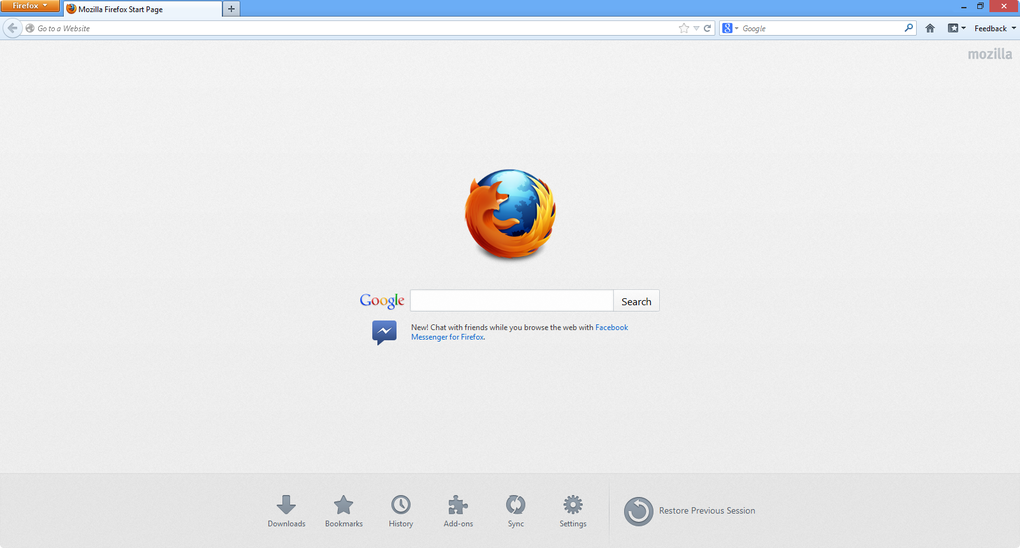
This open-source approach extends to the visual aspects as well. Firefox Beta allows for extensive theme and skin customization, enabling users to personalize their browsing experience to match their preferences. This level of personalization is significantly greater than that offered by most other browsers, creating a browser tailored exactly to the user’s needs and aesthetics.
The Installation Process: Getting Started with Firefox Beta
Installing Firefox Beta is remarkably straightforward. Users can simply navigate to the official Mozilla website and download the latest beta version directly. The website provides detailed, step-by-step installation instructions for various operating systems, including Windows, macOS, Linux, and even some less mainstream platforms. The process is intuitive, making it accessible to users of all technical skill levels. The installation typically only takes a few minutes, allowing users to quickly begin exploring the beta’s enhanced features.
For users encountering difficulties during the installation, Mozilla provides comprehensive troubleshooting resources on its website. These resources cover a range of issues and provide solutions tailored to different operating systems. The availability of this support significantly reduces the barrier to entry for users who may be hesitant to use beta software due to potential complications.
Security and Privacy in Firefox Beta: A Balancing Act
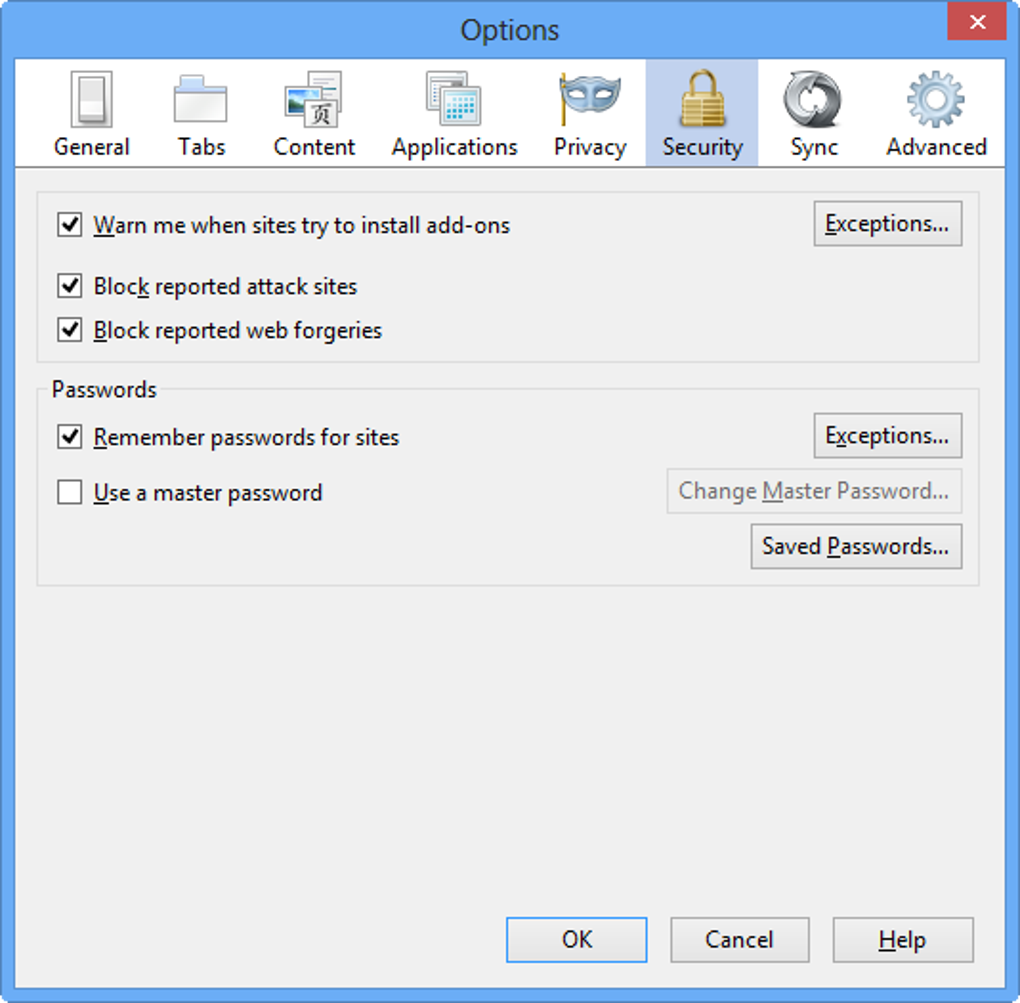
While it’s a beta version, Firefox Beta maintains a strong focus on security and user privacy. It incorporates the same robust security features present in the stable release, including features like Lockwise (a password manager that alerts users about compromised accounts), two-step authentication, enhanced tracking protection, and a built-in password manager. These features are standard in modern browsers, but their inclusion in the beta assures users that their data remains protected even in a pre-release environment.
The security measures in Firefox Beta aren’t merely a subset of the stable version; they are actively maintained and updated. The open-source nature allows for continuous security audits and community contributions, helping to identify and address potential vulnerabilities more rapidly. This active community involvement is a significant advantage over proprietary browsers where security updates are solely dependent on the developer’s efforts.
Risk vs. Reward: Weighing the Pros and Cons of Firefox Beta
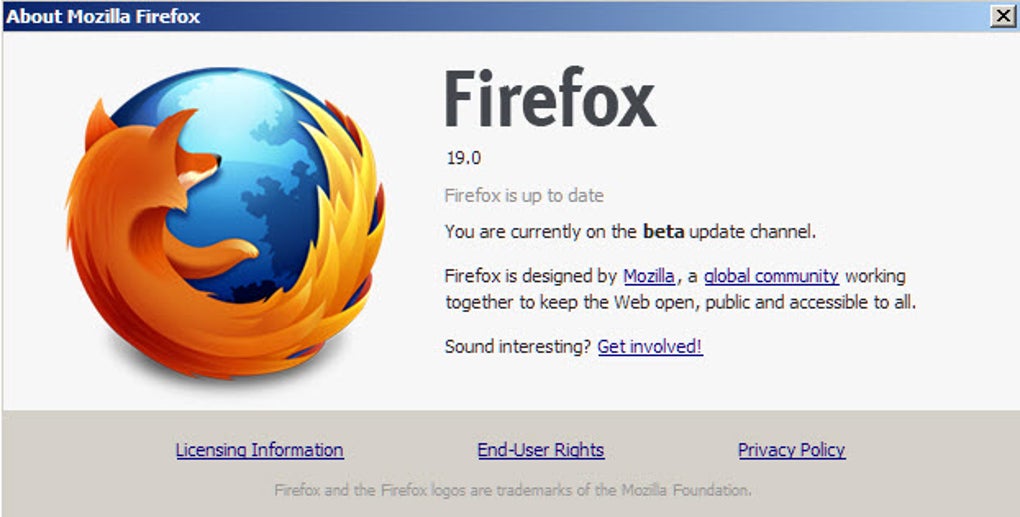
Using a beta version of any software inevitably involves a trade-off between risk and reward. The primary advantage of using Firefox Beta is access to new features and updates before the general public, offering a unique opportunity to influence the direction of the browser’s development. However, beta software is inherently less stable than its stable counterpart. Users should expect occasional glitches, unexpected crashes, and potentially slower performance compared to the stable version or other beta browsers.
Given the potential for instability, it’s crucial for users to take precautions. Regular data backups are essential to mitigate the risk of data loss in case of unexpected crashes. While the frequency and severity of these issues have lessened over time due to rigorous testing, it’s important to approach beta software with a realistic understanding of its limitations. Users should regularly save their work and be prepared for the possibility of unexpected disruptions.
Firefox Beta vs. Google Chrome Beta: A Comparative Analysis
Google Chrome also offers a beta version, and a comparison between the two reveals distinct differences. Google Chrome Beta, generally speaking, tends to offer faster browsing speeds and experiences fewer unexpected crashes than Firefox Beta. This difference is partly due to Google’s resources and extensive testing infrastructure. While Firefox Beta prioritizes open-source collaboration, this can lead to a slightly less polished and potentially less stable experience compared to Chrome’s more centrally controlled development process.
However, Firefox Beta’s open-source nature and greater customizability present significant advantages. Users seeking a high level of control over their browsing experience and the ability to contribute directly to the browser’s development might find Firefox Beta to be a more appealing option despite its potential instability. Ultimately, the choice between Firefox Beta and Chrome Beta depends on individual priorities: prioritizing speed and stability versus prioritising customization and community involvement. Both browsers offer a valuable glimpse into upcoming features and improvements, but their approaches differ significantly.
Staying on the Cutting Edge: The Ongoing Evolution of Firefox Beta
Mozilla consistently releases updates to its Firefox Beta program, ensuring users always have access to the latest advancements and bug fixes. The Mozilla blog regularly announces updates and provides detailed release notes. This commitment to ongoing improvements demonstrates a dedication to refining the user experience and integrating user feedback effectively. By consistently updating the beta version, Mozilla maintains a dynamic environment that empowers users to remain on the cutting edge of browser technology while actively shaping the future of Firefox.
In conclusion, Mozilla Firefox Beta offers a unique opportunity for tech-savvy users who appreciate being on the forefront of innovation. While the potential for instability exists, the ability to test new features, contribute to development, and enjoy the extensive customizability outweighs the risks for many users. The trade-off between risk and reward is clear, and the choice depends on individual priorities and comfort levels with beta software. However, for those seeking a powerful, customizable, and community-driven browsing experience, Firefox Beta provides a compelling option.
File Information
- License: “Free”
- Latest update: “May 23, 2023”
- Platform: “Windows”
- OS: “Windows XP”
- Language: “English”
- Downloads: “843.2K”
- Size: “350.33 KB”


