
MPEG Streamclip is a free, multi-functional video utility for Windows that combines video conversion, playback, and basic editing capabilities into a single, streamlined package. While its editing features are relatively simple compared to professional-grade software, its ease of use and comprehensive format support make it a valuable tool for various video-related tasks. This review delves into its strengths and limitations, exploring its suitability for different user needs and providing comparisons with alternative software options.
Core Functionality: Conversion, Playback, and Editing
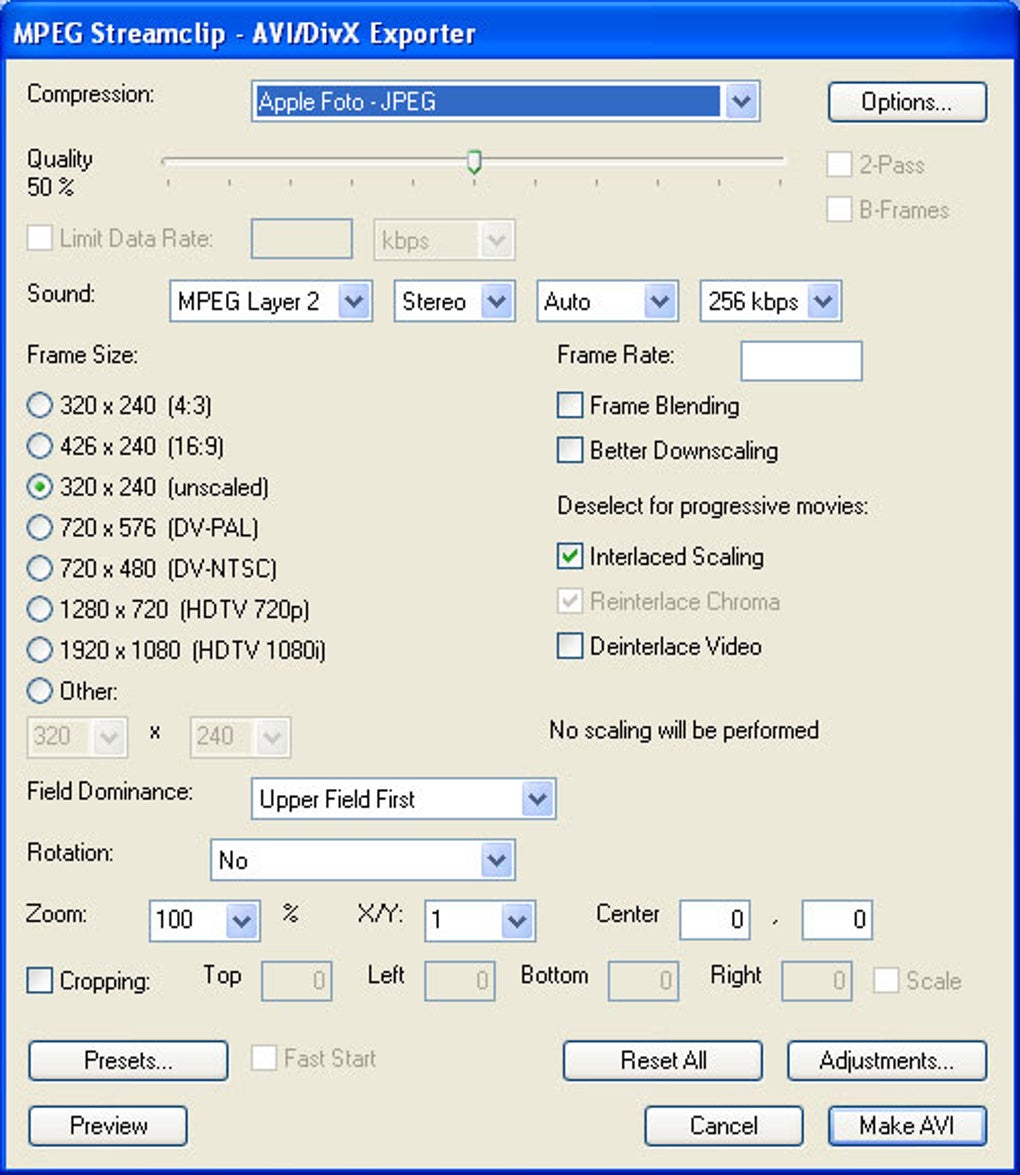
MPEG Streamclip’s primary function is its ability to convert videos between a wide array of formats. It supports popular formats like MPEG, QuickTime, AVI, DivX, and MPEG-4, providing users with flexibility to adapt their video files for various devices and platforms. This conversion functionality is crucial for users who need to prepare videos for specific applications, such as transferring videos to portable devices or uploading them to online platforms with particular format requirements. The software’s ability to handle DivX files, including the option to download the latest DivX codecs directly through the application, highlights its commitment to staying current with evolving video technologies.
Beyond conversion, MPEG Streamclip functions as a capable video player. It’s capable of playing most major video formats without requiring additional codecs, which is a significant convenience for users who prefer a single application for both playback and conversion. This integrated functionality eliminates the need to switch between different programs for these tasks, enhancing the overall workflow efficiency. The seamless playback feature is particularly useful for quick previews of converted videos or for reviewing video clips before further processing.
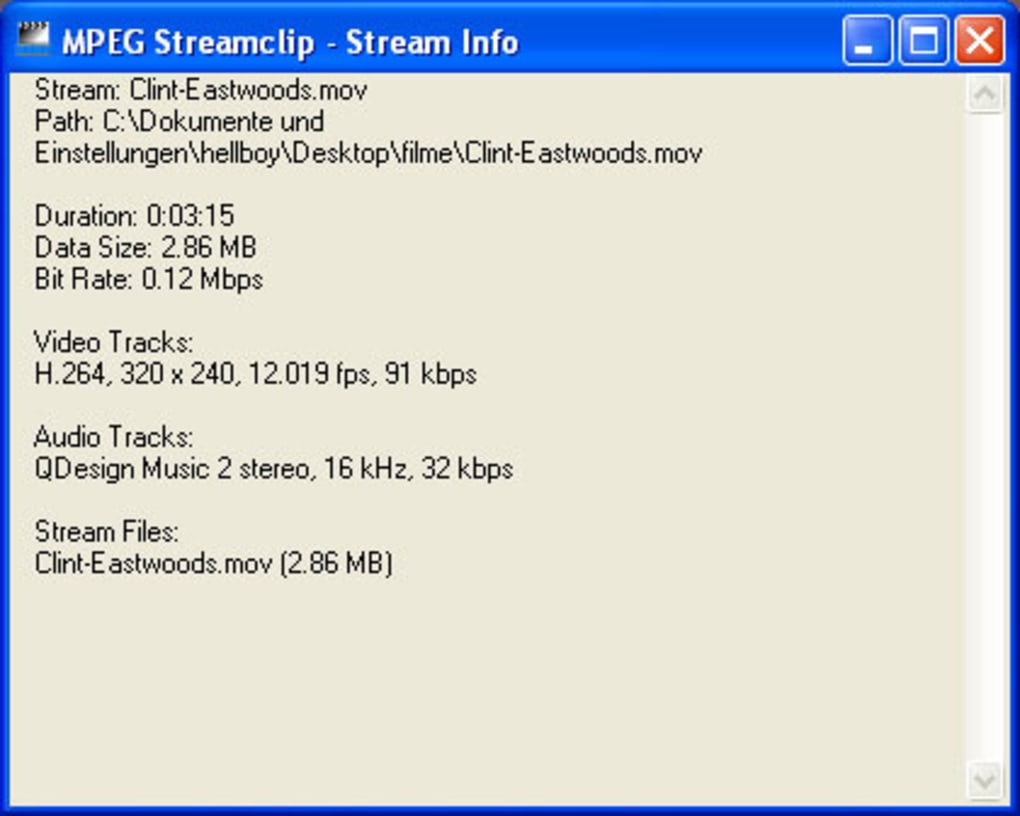
While its strength lies in conversion and playback, MPEG Streamclip also incorporates basic video editing tools. Users can perform essential edits such as cutting, copying, pasting, and trimming video clips. Although these tools lack the advanced features of professional editing software, they suffice for straightforward tasks like removing unwanted sections from a video or creating short clips from longer footage. This integrated editing functionality streamlines the workflow for simple video adjustments, eliminating the need for multiple programs.
Strengths and Limitations: A Balanced Perspective
MPEG Streamclip’s strength is its all-in-one approach. It efficiently combines video conversion, playback, and fundamental editing in a single, easy-to-use interface. This simplicity proves particularly beneficial for users who require a straightforward solution for basic video tasks without the complexities of professional-grade editing software. Its free availability further enhances its appeal, making it an accessible option for users with limited budgets or those only needing occasional video editing capabilities. The wide range of supported formats also expands its usability across a wider variety of video files and user needs.
However, MPEG Streamclip’s limitations stem from its simplicity. Its editing capabilities are undeniably basic, limiting its usefulness for complex video projects requiring advanced features such as transitions, effects, or color correction. For users who need more sophisticated editing tools, MPEG Streamclip may not be the optimal choice. The limited editing functions might lead to the need for importing semi-edited files into more robust editing software for final polishing and enhancements, increasing the overall workflow complexity. Furthermore, while the software’s ability to handle DivX is a benefit, it may not always include support for the most cutting-edge codecs or formats as soon as they are released, potentially requiring users to find alternative solutions for less common video types.
User Experience: Simplicity and Efficiency
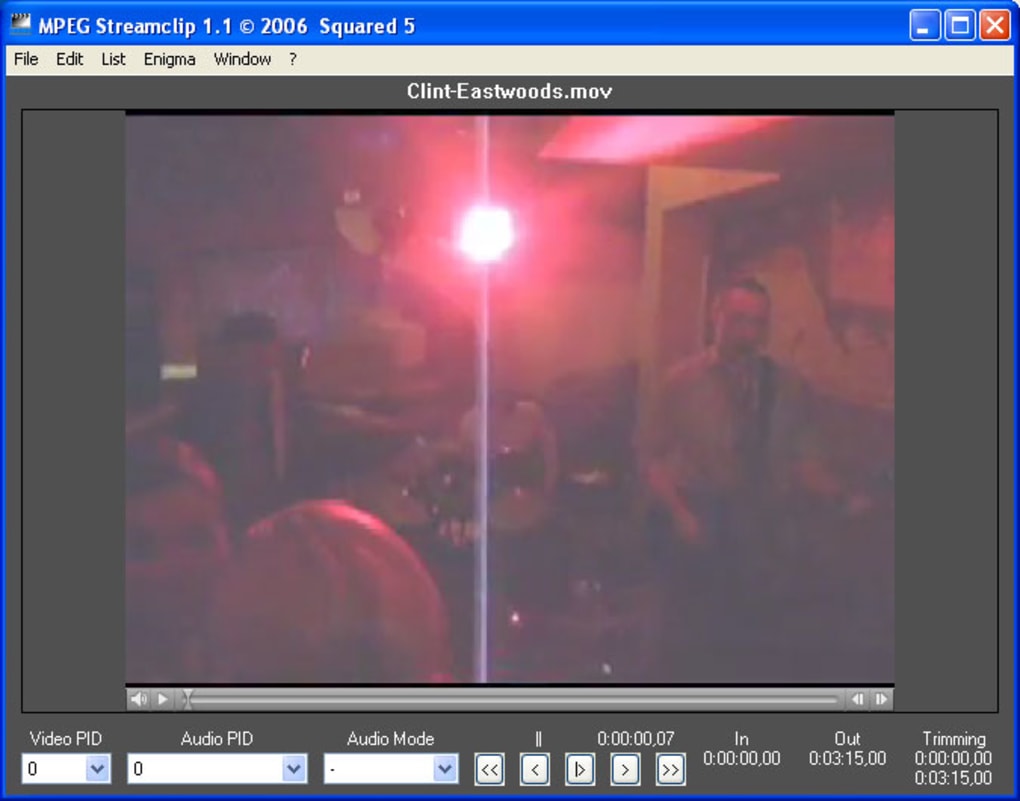
MPEG Streamclip’s user interface is designed for simplicity and efficiency. The intuitive layout makes it easy for users to navigate the software’s features, regardless of their experience level with video editing. Its straightforward approach to video conversion, playback, and basic editing minimizes the learning curve, allowing users to quickly become proficient in utilizing its features. The application is very user-friendly, suitable even for those new to video editing. It doesn’t require an extensive learning process, making it an attractive option for casual users.
The software’s clean interface makes it visually appealing, enhancing the overall user experience. Its straightforward design allows users to focus on their video editing tasks without unnecessary visual clutter, ensuring that the software remains user-friendly and accessible to a broad range of users.
Comparison with Alternatives: Identifying the Right Tool
Several alternative video editing and conversion applications compete with MPEG Streamclip. High-end professional video editing software such as Adobe Premiere Pro and DaVinci Resolve offer vastly superior editing capabilities but come with a steep learning curve and often a considerable price tag. These tools are better suited for users with advanced editing needs and a willingness to invest time in learning their complex functionalities. Meanwhile, free alternatives such as VLC Media Player offer robust playback capabilities but lack the conversion and editing tools included in MPEG Streamclip.
Other free video converters and editors, such as HandBrake and Format Factory, offer similar conversion functionality but often lack the integrated playback capabilities of MPEG Streamclip. The choice between MPEG Streamclip and its alternatives often depends on the specific needs of the user. For users who need a simple, free tool for basic video conversion, playback, and simple editing, MPEG Streamclip is an excellent choice. However, those needing advanced editing features or specialized format support should consider exploring professional or more feature-rich software.
Conclusion: A Practical Tool for Everyday Video Needs
MPEG Streamclip stands as a practical and versatile solution for users requiring a free, easy-to-use tool for basic video conversion, playback, and editing. Its simplicity and comprehensive format support make it ideal for everyday video tasks, particularly for those who are not professional video editors but require occasional video manipulation. While its editing capabilities are not as advanced as professional software, its streamlined interface and integrated functionalities make it a valuable asset for quick and efficient video tasks. The software’s continued updates and support for newer formats demonstrate a commitment to enhancing the user experience and ensuring compatibility with evolving video technologies, making it a reliable and lasting video editing tool for many users.
File Information
- License: “Free”
- Latest update: “June 4, 2025”
- Platform: “Windows”
- OS: “Windows Vista”
- Language: “English”
- Downloads: “367.2K”
- Size: “335.67 KB”


