
MSVCP140.DLL is a crucial Dynamic Link Library (DLL) file integral to the functionality of numerous Windows applications. It’s a component of the Microsoft Visual C++ Redistributable Packages for Visual Studio 2015, acting as a fundamental part of the Microsoft C Runtime Library. While not essential for the base operation of the Windows operating system itself, its absence can severely impact the functionality of a wide range of software that relies on the Visual C++ programming language. This article delves into the intricacies of MSVCP140.DLL, exploring its role, benefits, troubleshooting, and potential alternatives.
The Role of MSVCP140.DLL
MSVCP140.DLL is not a standalone program but rather a shared library containing pre-compiled code and data. This code provides essential runtime support for applications developed using Visual C++, a widely used programming language for creating Windows software. Think of it as a toolbox filled with tools that many different programs can access and utilize. Instead of each application individually incorporating the same basic functions (like memory management, string manipulation, and input/output operations), they share this common resource. This approach significantly improves efficiency and reduces the overall size of the applications.
The file is typically found in the C:\Windows\System32 (for 32-bit systems) or C:\Windows\System64 (for 64-bit systems) directories. When a program built with Visual C++ needs a specific function contained within MSVCP140.DLL, it calls upon the library, and the function is executed. This modular design, which utilizes DLLs, offers numerous advantages over embedding all necessary code directly within each application.
Benefits of Using Shared DLLs like MSVCP140.DLL
The use of shared libraries like MSVCP140.DLL offers several significant advantages for both software developers and end-users:
- Reduced Disk Space and Memory Usage: By sharing a single copy of the MSVCP140.DLL file among multiple applications, significant disk space is saved compared to having each application embed its own copy of the necessary code. Similarly, it also optimizes RAM usage, as only one instance of the library needs to be loaded into memory, even if multiple applications that use it are running concurrently.
-
Simplified Software Updates: When updates or bug fixes are necessary for the MSVCP140.DLL, the update only needs to be applied to the single shared library file. This significantly reduces the overhead of updating numerous individual applications, which would be much more complex and time-consuming. Updating a DLL often only involves replacing the file; no recompilation or reinstallation of the programs using that DLL is usually needed.
-
Modular Development: The ability to separate functionalities into distinct modules like MSVCP140.DLL simplifies software development. This modular approach makes projects easier to manage, debug, and scale. Large and complex applications can be broken down into smaller, more manageable units. Developers can use different programming languages for different parts of a project more effectively with this kind of modular setup.
-
Improved Performance: The use of optimized, pre-compiled libraries often leads to better application performance. Since the code is already compiled and readily available, the program doesn’t need to spend time compiling these common functions every time it runs.
-
Cross-application Consistency: Using a shared library ensures consistency across different applications using the same functionalities. This minimizes discrepancies and inconsistencies in how standard functions behave between applications.
Troubleshooting MSVCP140.DLL Issues
The most common issue related to MSVCP140.DLL is the “MSVCP140.DLL is missing” error. This error occurs when an application that requires the MSVCP140.DLL cannot find it in its expected location. This often happens because of:
- Corrupted or Damaged File: The MSVCP140.DLL file might become corrupted due to malware infection, faulty software installation, or hard drive errors.
-
Incomplete or Faulty Installation: The installation of the Microsoft Visual C++ Redistributable Packages might not have completed successfully.
-
Missing Dependency: Other DLLs or system files that MSVCP140.DLL depends on might be missing or corrupted.
-
Registry Problems: Issues in the Windows Registry, which tracks and manages the system’s software configuration, can also disrupt the use of this library.
Solving these issues typically involves:
-
Reinstalling the Microsoft Visual C++ Redistributable for Visual Studio 2015: This is usually the most effective solution. Download the correct version (x86 for 32-bit systems, x64 for 64-bit systems) from the official Microsoft website. Make sure to completely uninstall any previous versions before installing the new one.
-
Running a System File Checker: The System File Checker (SFC) is a built-in Windows utility that scans for and repairs corrupted system files, including DLLs. Open Command Prompt as an administrator and run the command
sfc /scannow. -
Using System Restore: If the problem started recently, you may be able to restore your system to a previous point in time before the problem occurred, using the Windows System Restore feature.
-
Scanning for Malware: Run a full system scan using your antivirus software. Malware can corrupt system files, causing DLL issues.
-
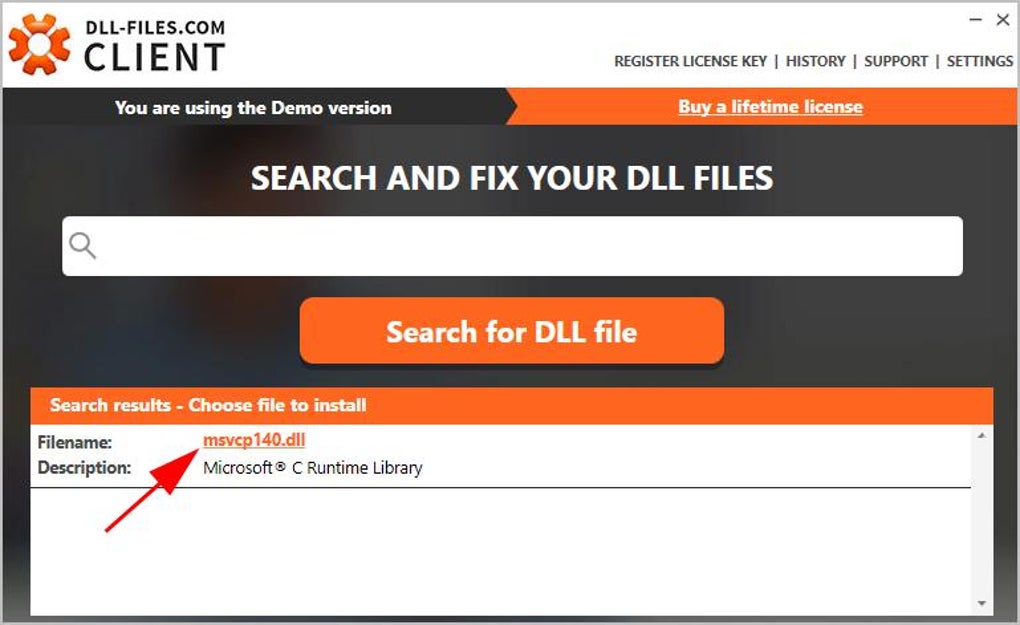
Employing DLL Repair Tools: Several third-party tools are specifically designed to diagnose and fix DLL problems. However, caution is advised when using such tools, ensuring they’re from reputable sources to avoid introducing further malware. Tools like Dependency Walker can help identify dependencies and potential conflicts.
Alternatives and Considerations
While MSVCP140.DLL is a critical part of many applications, there are no true “alternatives” in the sense of replacing its core functionality. The functionality it provides is deeply integrated into the way many programs are written. However, if you are facing problems specifically with a particular application that relies heavily on this DLL, exploring alternative applications that perform a similar function might be considered a workaround – though this is a last resort and usually not feasible. If the MSVCP140.DLL problem is due to a specific faulty application, updating or reinstalling that application may resolve the issue.
In conclusion, MSVCP140.DLL is an essential component of the Windows ecosystem, enabling a vast number of applications to function correctly. Its modular design improves efficiency, simplifies updates, and streamlines software development. While issues with MSVCP140.DLL can be frustrating, understanding its role and employing the proper troubleshooting steps usually leads to a quick resolution. Remember always to download any necessary updates from official sources such as Microsoft’s website to avoid malware.
File Information
- License: “Free”
- Version: “14.26.28804.1”
- Latest update: “January 31, 2023”
- Platform: “Windows”
- OS: “Windows 8.1”
- Language: “English”
- Downloads: “62.3K”
- Size: “161.31 KB”


