
Multi-Space is a free Android application that allows users to clone apps, enabling them to run multiple accounts simultaneously on a single device. This functionality is particularly beneficial for individuals managing both personal and professional social media accounts, eliminating the need for separate devices and streamlining workflow. This detailed analysis explores the features, benefits, drawbacks, and alternatives of Multi-Space, providing a comprehensive overview for potential users.
Seamless App Cloning and Multi-Account Management
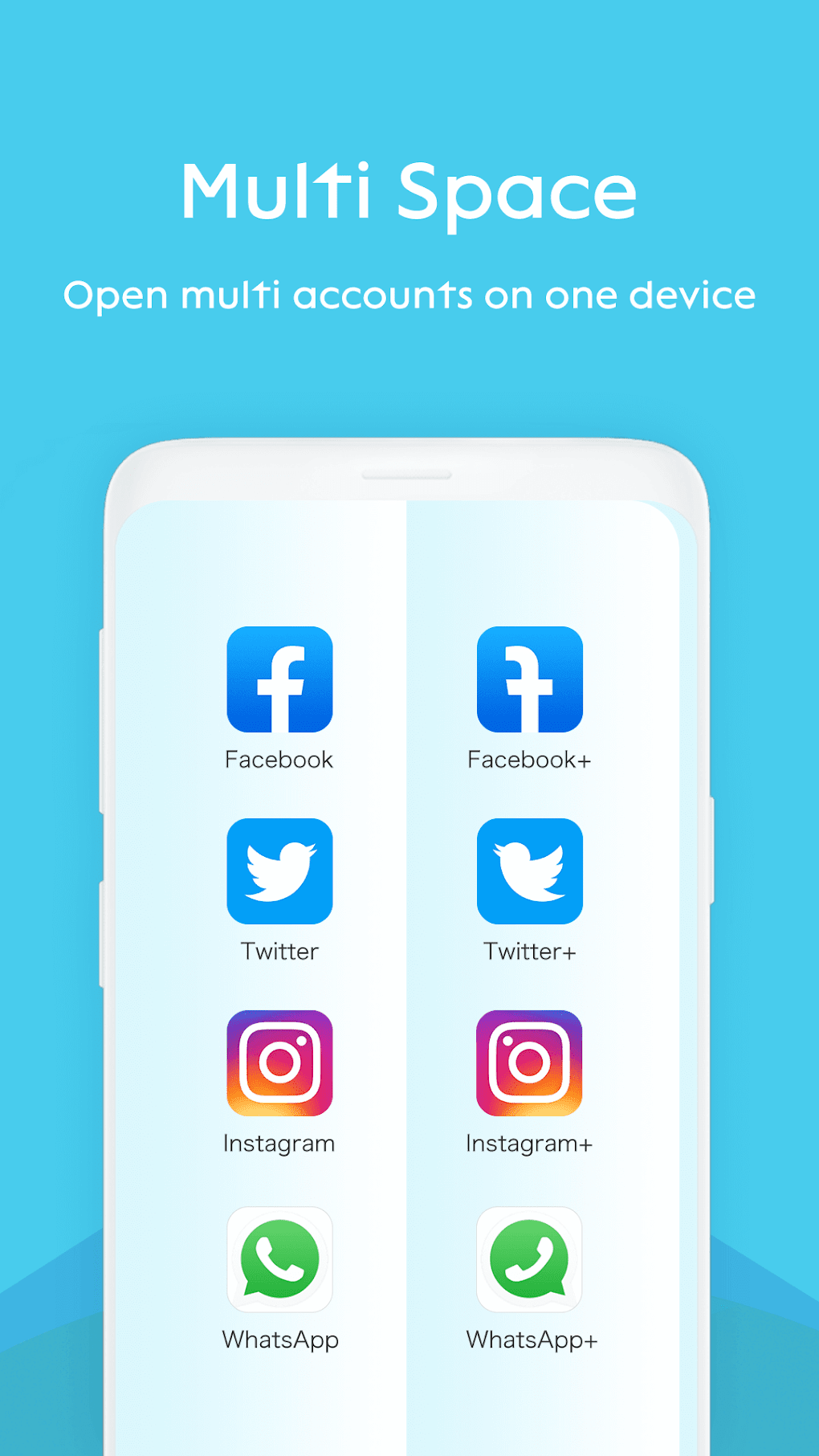
Multi-Space’s core function is app cloning. This process involves creating a separate instance of an existing app, allowing users to log in with different accounts. This eliminates the constant switching between accounts, a common frustration for those juggling personal and professional profiles on platforms like Facebook, Instagram, Twitter, WhatsApp, or other messaging and social media apps. The app’s cloning process is designed to be intuitive and quick, typically completing within a minute. However, granting the necessary permissions is a prerequisite to initiating the cloning process. This permission request is standard procedure for most Android apps and is necessary for proper functionality. Post-permission, a simple click on a designated button initiates the cloning procedure.
The versatility of Multi-Space extends beyond social media. The application can clone almost any app installed on the device, including games and music streaming services. This broad compatibility makes Multi-Space a valuable tool for users with diverse app usage patterns, offering a unified solution for managing multiple accounts across various applications. This comprehensive approach simplifies the user experience, eliminating the need for multiple devices or complex account-switching routines. The lack of a limit on the number of apps that can be cloned significantly enhances the application’s usefulness for users managing a large number of apps and accounts.
Work-Life Balance and Enhanced Productivity
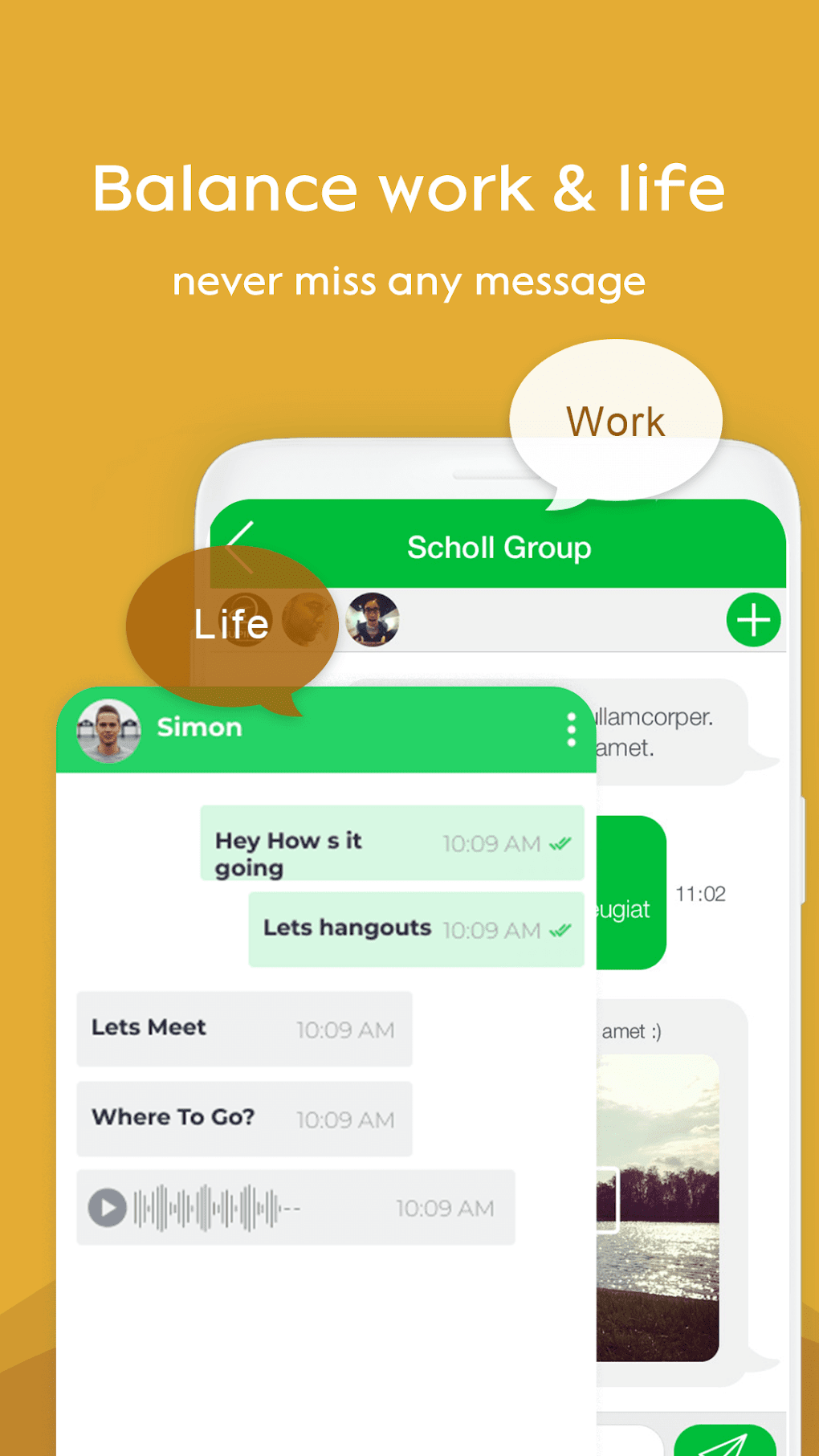
For many, the ability to separate personal and professional accounts is crucial. Multi-Space contributes significantly to improving work-life balance. The ability to access both personal and professional accounts from a single device without constantly logging in and out streamlines the process, ensuring efficiency and reducing the stress of juggling multiple profiles. The risk of accidental posting or messaging from the wrong account is significantly mitigated with Multi-Space’s clearly demarcated cloned apps. This feature enhances not only work efficiency but also fosters a healthier distinction between personal and professional spheres, promoting better time management and reducing digital burnout. This separation fosters a more focused and productive approach to task management, resulting in improved overall well-being.
The application’s clean interface contributes to its ease of use. Cloned apps are neatly organized within the Multi-Space environment, distinct from the original applications, ensuring clarity and preventing confusion. This organizational structure enhances efficiency by preventing accidental access to the wrong account. The simplicity of the app’s design and functionality is a significant strength, making it accessible to a wide range of users irrespective of their technical proficiency. This user-friendly approach makes Multi-Space a practical and efficient tool for enhancing productivity and maintaining work-life balance.
Addressing Potential Limitations and Challenges
Despite its numerous advantages, Multi-Space is not without its limitations. One common issue reported by users is the occasional instability of cloned apps. These cloned applications might experience performance glitches, slowdowns, or even crashes. While these instances are not universally experienced, they are a recognized potential drawback. The most common solution to these minor technical issues is closing and restarting the app. In some instances, a full reinstallation of the cloned app may be necessary to resolve persistent problems. These technical limitations, while relatively infrequent, are important considerations for potential users.
Another factor to consider is the requirement of having Google Play Services installed. The smooth operation of some cloned apps depends on Google Play Services. Without it, certain functionalities within cloned apps may be affected, limiting their usability. Therefore, it’s important to ensure that Google Play Services is properly installed and updated on the device before using Multi-Space. This dependence highlights the importance of having a compatible and functional device with the necessary prerequisites for optimal performance of cloned applications. The technical prerequisites for Multi-Space usage need to be thoroughly understood and met before use.
Alternative Applications and Comparisons
Several alternative applications offer similar functionalities to Multi-Space. These alternatives provide users with a range of options to choose from, each with its own strengths and weaknesses. A careful comparison of these alternatives can help users select the app that best suits their individual needs and preferences. The choice will depend on individual priorities and the specific features desired from an app cloning application.
Some alternative apps include:
-
Dual Apps Multiple App Cloner Parallel Space: This application provides a similar app-cloning functionality to Multi-Space, offering multitasking capabilities and allowing for the management of multiple accounts. It’s known for its strong performance and stability, but it might have a more complex interface than Multi-Space.
-
OS13 Launcher i OS13 Theme: This option focuses more on visual customization but might offer limited app-cloning capabilities or have certain limitations in managing multiple accounts simultaneously.
-
Dual Multi Space - Dual App: This application offers dual app functionality, but may lack the broader functionality and ease-of-use that Multi-Space provides. It might have limitations on the types of applications it can clone or have a higher price point than Multi-Space’s free model.
Each alternative app offers different capabilities and features. A comparison of ease of use, app compatibility, stability, and additional features will allow users to make an informed decision that best aligns with their specific requirements.
Conclusion: Weighing the Pros and Cons
Multi-Space offers a user-friendly and effective solution for managing multiple accounts on a single device. Its ability to clone almost any Android application, its ease of use, and its contribution to work-life balance are significant advantages. However, the potential for occasional app instability and the dependency on Google Play Services are factors to consider. Exploring alternative options and comparing features before choosing an app cloning application is recommended. Ultimately, the decision to use Multi-Space will depend on individual needs and tolerance for the noted limitations. The benefits of improved productivity and enhanced work-life balance, however, make Multi-Space a compelling option for many users looking to streamline their digital experience.
File Information
- License: “Free”
- Latest update: “January 28, 2024”
- Platform: “Android”
- OS: “Android 13.0”
- Downloads: “567.5K”
- Size: “12.57 MB”
- Download Options: “APK, Google Play”
- Filename: “com-dualspace-multispace-android-11-66967820-e2e21db094e2ee0da2b2262ee55f4f56.apk”


