
Multi-Space - Multiple Account is a utility app developed by MultipleSpace Tech, acting as an official plugin for its core app-cloning solution, Multi Space. This plugin plays a crucial role in enhancing the performance and stability of the Multi Space application, specifically addressing challenges associated with 32-bit applications. While Multi Space allows users to run multiple accounts or profiles concurrently for various apps, some applications utilize a 32-bit architecture. This can lead to instability, manifesting as black screens or unexpected crashes within the cloned app environment. Multi-Space - Multiple Account directly tackles this problem, providing a streamlined solution for improved compatibility and a smoother user experience.
Understanding 32-bit App Support and its Implications
The significance of Multi-Space - Multiple Account lies in its ability to bridge the compatibility gap between Multi Space’s app cloning functionality and applications built using a 32-bit architecture. Historically, 32-bit applications were prevalent, but with the rise of 64-bit processing, many newer apps have transitioned to the latter. However, legacy applications and some specialized software remain rooted in the 32-bit paradigm.
When a user attempts to clone a 32-bit application using Multi Space without the supplementary Multi-Space - Multiple Account plugin, compatibility issues can arise. These issues often manifest as visual glitches, such as black screens, or complete application crashes, disrupting the user’s workflow. The underlying cause stems from the inherent differences in how 32-bit and 64-bit applications interact with the operating system and available resources. Multi-Space - Multiple Account acts as a vital intermediary, providing the necessary support to mitigate these conflicts and ensure the cloned 32-bit apps function correctly.
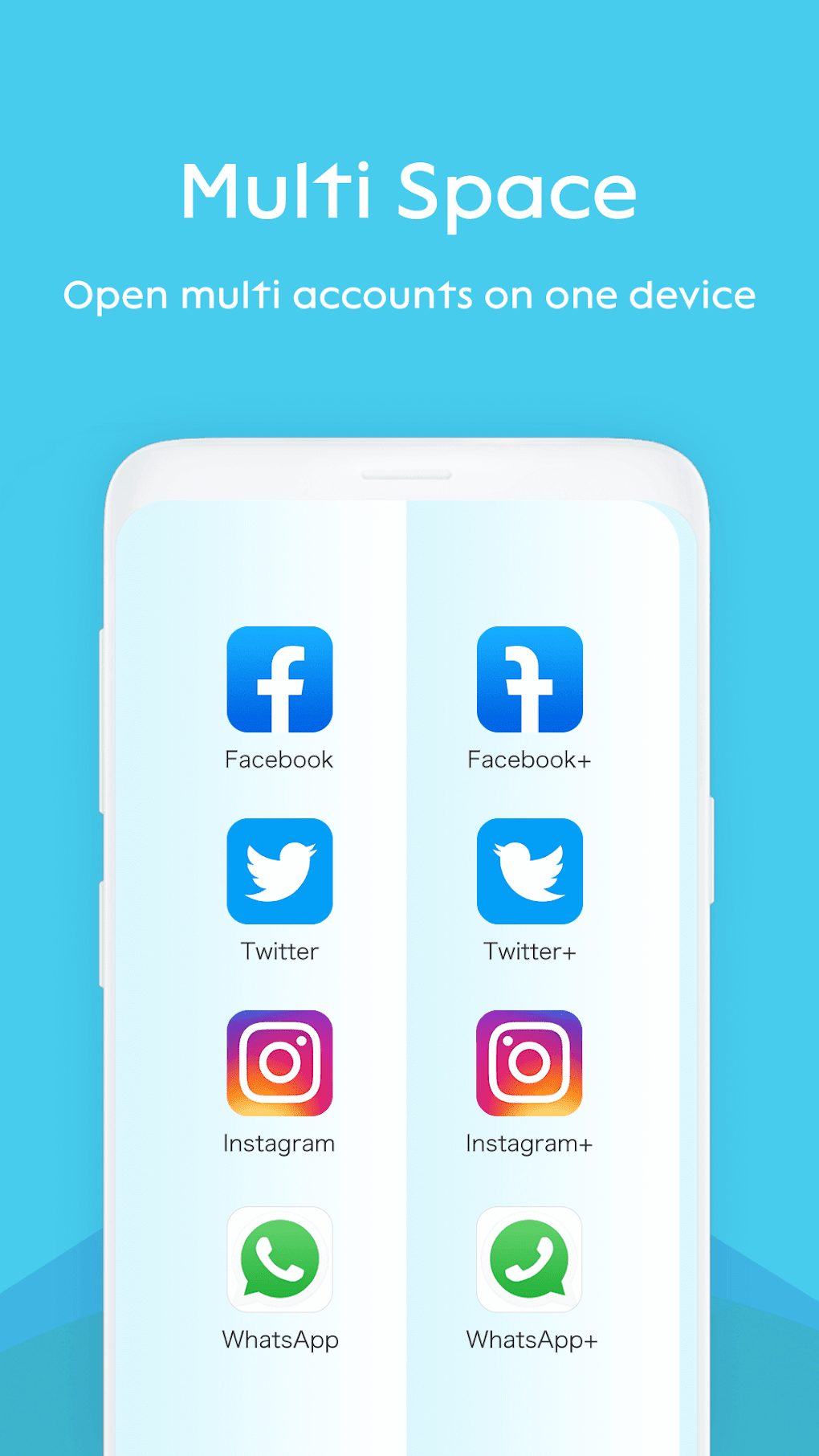
The plugin itself isn’t a standalone application; it requires the presence of the main Multi Space app to function. It seamlessly integrates with Multi Space, requiring no additional setup or configuration. Once installed, it automatically enhances the compatibility layer for 32-bit apps, attempting to prevent crashes and resolve black screen issues. While the plugin strives for comprehensive support, it’s important to acknowledge that results may vary depending on the specific application and the nature of its 32-bit implementation.
How Multi-Space - Multiple Account Addresses Common Issues
The primary benefit of Multi-Space - Multiple Account lies in its straightforward approach to resolving two critical problems related to running multiple accounts of 32-bit applications: black screens and crashes.
Black Screens: When a cloned 32-bit app encounters incompatibility issues within Multi Space, it might fail to render its interface correctly, resulting in a persistent black screen. The user might see the app’s icon in the app drawer or list of active apps, but attempting to launch it only presents an unresponsive black screen. Multi-Space - Multiple Account’s intervention improves the chances of resolving this by providing the necessary bridging layer to properly communicate with the app’s 32-bit components.
Crashes: More severe than black screens, application crashes abruptly terminate the cloned app, potentially losing unsaved data or interrupting the user’s workflow. The underlying reasons for these crashes in 32-bit apps within a cloned environment can range from resource conflicts to coding incompatibilities. Multi-Space - Multiple Account aims to catch and handle these issues, making the app more robust and less prone to unexpected shutdowns.
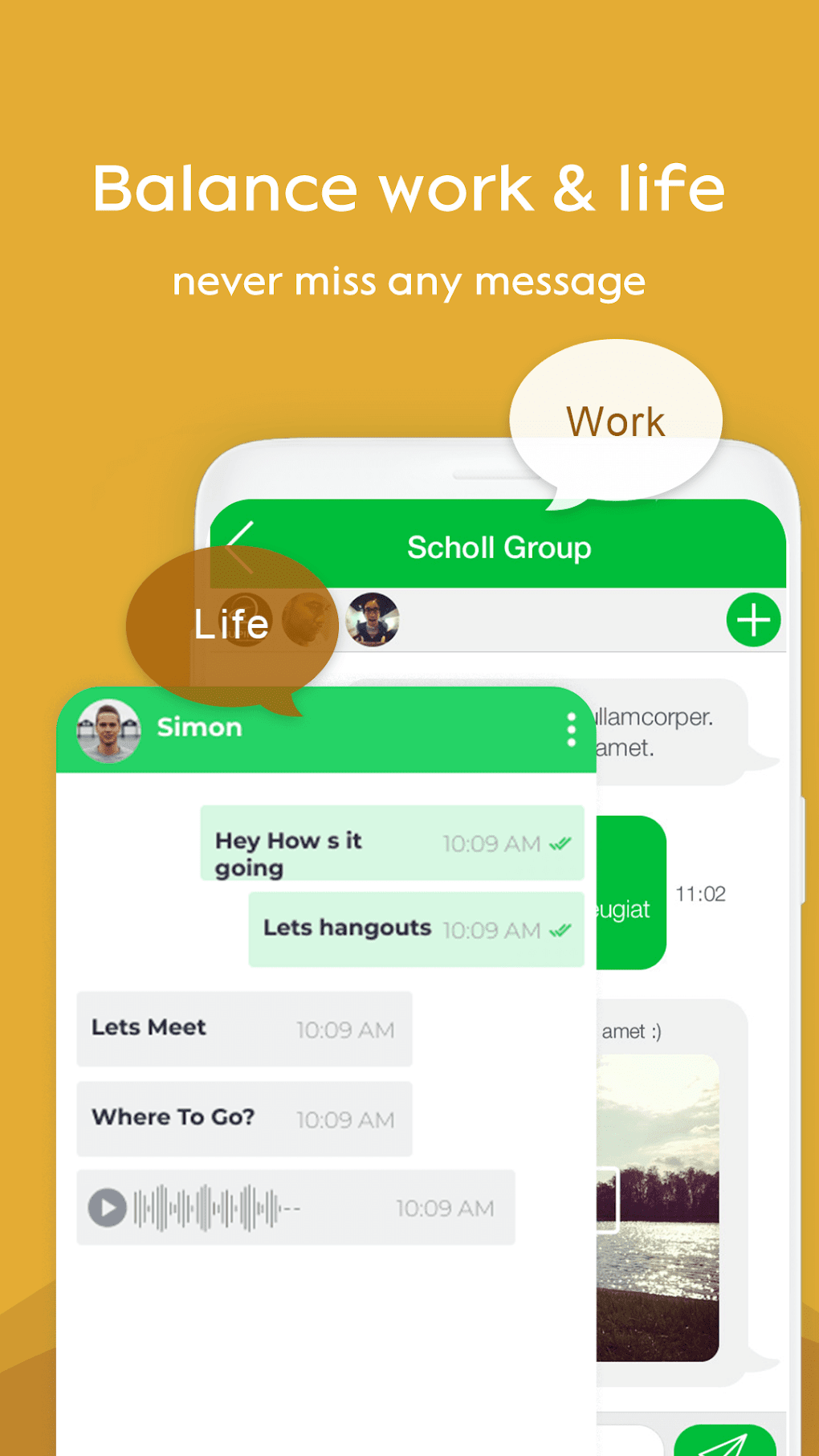
The plugin operates silently in the background; users don’t actively interact with it beyond installation. Its effectiveness depends largely on the 32-bit app’s codebase and its inherent compatibility with the Android operating system’s underlying architecture. While not a guaranteed solution for every problematic 32-bit app, Multi-Space - Multiple Account significantly increases the likelihood of successful cloning and operation.
Comparing Multi-Space - Multiple Account to Alternative Solutions
Several alternative applications offer similar functionalities to Multi Space, focusing on app cloning and multiple account management. However, Multi-Space - Multiple Account distinguishes itself through its specific focus on enhancing 32-bit application compatibility. While other apps may offer broader functionalities, their performance with 32-bit apps might be inconsistent.
Here’s a brief comparison to illustrate the advantages:
-
Generic App Cloners: Many app cloning solutions exist, but not all address 32-bit compatibility explicitly. These applications may successfully clone many applications, but they are more likely to falter when handling 32-bit apps, leading to the same issues as described above. They often lack the specialized support layer provided by Multi-Space - Multiple Account.
-
32-bit Specific Plugins: Some app cloning solutions offer separate plugins or add-ons to improve 32-bit support. However, these may not always be integrated as seamlessly as Multi-Space - Multiple Account, potentially requiring additional setup or configuration steps. The overall performance might still be less reliable compared to the dedicated functionality of Multi-Space - Multiple Account.
-
Dual Space-like Apps: Similar apps with comparable functionalities exist but might not possess the same level of refinement or focused attention on specific architectural issues. They may offer a wider range of features, but 32-bit compatibility could be an area of weakness, potentially resulting in more frequent errors or compatibility issues.
The competitive landscape highlights the unique advantage of Multi-Space - Multiple Account: a streamlined, plug-and-play solution designed explicitly to bolster the 32-bit app performance within the Multi Space environment. Its ease of use and targeted approach make it a valuable tool for users who regularly encounter difficulties with older or specialized 32-bit applications.
Technical Aspects and Installation Process
Multi-Space - Multiple Account is available for Android devices and can be downloaded as an APK file. The installation process is straightforward and mirrors the typical Android APK installation procedure. Since it’s a plugin, it necessitates the prior installation of the main Multi Space application.
The core functionalities are handled primarily through the background processes of the Multi Space app, integrating seamlessly with the existing infrastructure. Therefore, the user experience is largely transparent, focusing on the improved performance of cloned 32-bit applications without requiring any direct interaction with the plugin’s technical components.
The app itself is relatively small in size, minimizing storage space consumption on the device. The developers strive to keep the app lightweight to avoid impacting the device’s performance negatively, ensuring a smooth experience even on devices with limited resources.
While the technical details are largely hidden from the end-user, the impact on application performance is readily apparent. Users experiencing black screens or crashes when cloning 32-bit apps using Multi Space will find the plugin to be an invaluable solution. This targeted approach makes it a specialized but highly efficient utility for enhancing the overall functionality of Multi Space. The simplified installation and lack of complex configuration make it accessible to a wide range of users, regardless of their technical expertise.
The ease of use and specific focus on 32-bit compatibility make Multi-Space - Multiple Account a valuable addition to the Multi Space ecosystem, improving the user experience and expanding the range of applications that can be effectively cloned and used concurrently. While not a universal solution for all compatibility problems, its targeted approach and seamless integration make it a strong contender among similar Android utilities.
File Information
- License: “Free”
- Latest update: “November 17, 2024”
- Platform: “Android”
- OS: “Android 13.0”
- Downloads: “106.5K”
- Size: “75.32 KB”
- Download Options: “APK, Google Play”
- Filename: “com-dualspace-multispace-android-addon-arm32-4-69235645-bb86c827de8079502bb0a0a556980351.apk”


