The digital age demands efficiency. Juggling multiple tasks, keeping tabs on various websites for updates, and maintaining a constant stream of information are common challenges for many. Enter the multi-watch-time browser, a unique application designed to streamline this multifaceted digital landscape by allowing users to simultaneously browse multiple websites across up to eight separate screens. This in-depth review delves into the capabilities, advantages, disadvantages, and overall user experience of this innovative multitasking tool.
Seamless Multitasking and Efficient Browsing
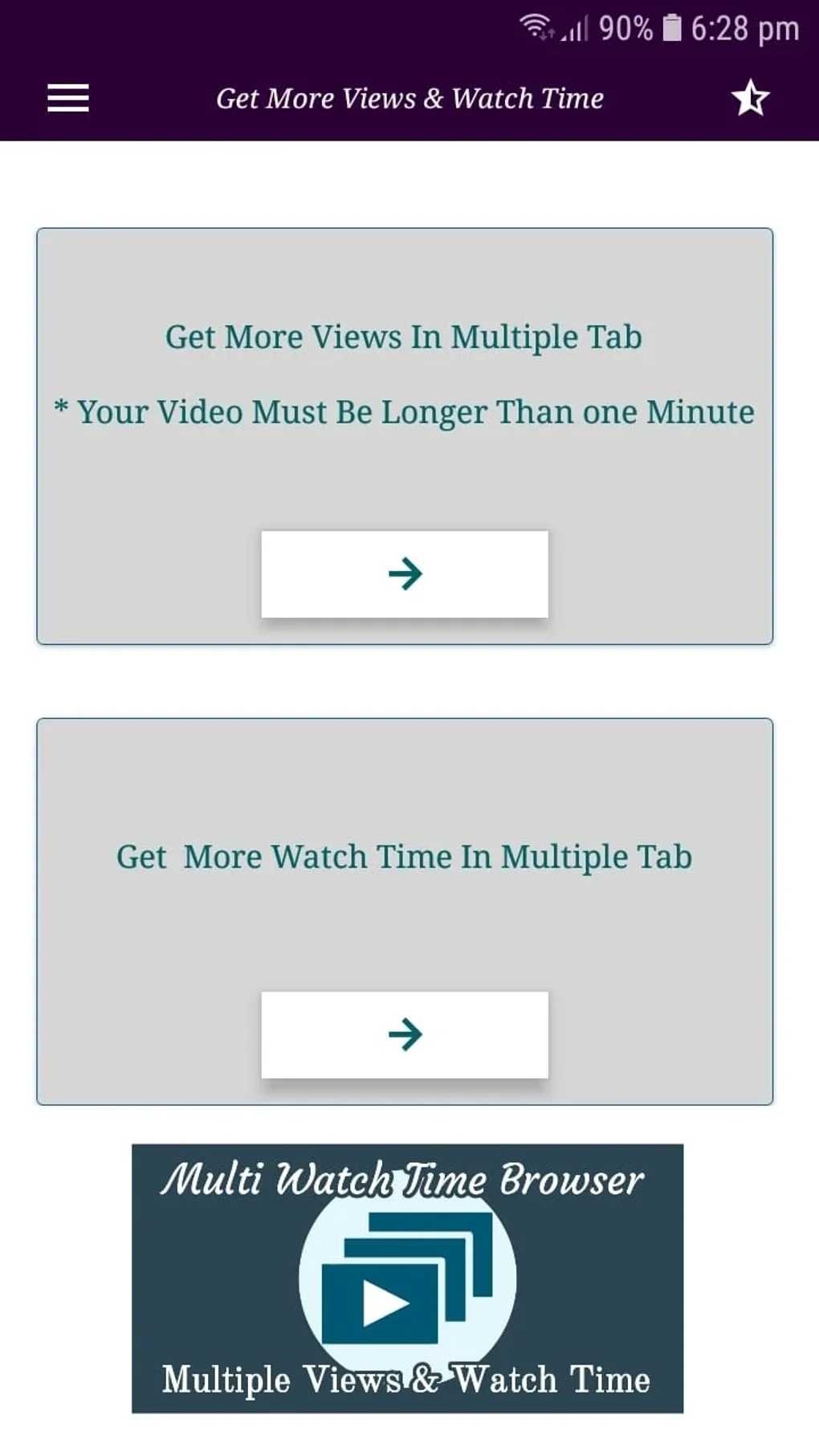
At its core, the multi-watch-time browser offers a powerful solution for users who require constant access to multiple online sources. Imagine monitoring stock prices, following live news feeds, tracking social media trends, and managing email all from a single interface. This application makes that a reality. The ability to open and manage multiple websites concurrently eliminates the tedious task of repeatedly switching between browser tabs or windows, significantly boosting overall productivity. This functionality is not merely about convenience; it’s about optimizing workflow and enhancing the efficiency of information gathering. The application directly addresses the need for simultaneous monitoring of various online resources, removing the friction typically associated with multi-tasking across numerous platforms.
The application stands out with its unique feature of automatic refreshing. Users can monitor one website while the browser automatically refreshes other designated sites at predetermined intervals. This ensures up-to-the-minute access to information, making it particularly useful for those needing real-time updates on dynamic websites such as news sources, live auctions, or social media platforms. This constant stream of fresh data minimizes the need for manual intervention, further enhancing efficiency and freeing up valuable time and mental energy.
Intuitive Interface and Ease of Use
The design philosophy behind the multi-watch-time browser emphasizes user-friendliness. The intuitive interface ensures that even users unfamiliar with complex multitasking applications can quickly navigate and utilize the app’s features. The layout is designed to be clean, uncluttered, and easily customizable, allowing users to arrange their multiple browser windows according to their specific needs and preferences. This straightforward approach minimizes the learning curve, ensuring that the focus remains on productivity rather than grappling with a cumbersome interface. The ease of setup and configuration contributes significantly to the overall positive user experience. The developers have clearly prioritized accessibility, ensuring that the application’s powerful capabilities are readily available to a broad range of users, regardless of their technical expertise.
The intuitive design extends beyond the visual aspects. The application’s controls are responsive and logically organized, allowing users to easily adjust settings, add or remove browser windows, and customize the refresh rate for automatically updated sites. The seamless integration of these functions enhances the user experience and contributes to a smoother, more efficient workflow. This intuitive design fosters a more productive interaction, allowing users to swiftly adapt to the application and focus on the task at hand without being hindered by unnecessary complexities.
Enhancing Productivity and Streamlining Workflows
The true strength of the multi-watch-time browser lies in its impact on productivity. By allowing users to simultaneously monitor and interact with multiple websites, it breaks down the barriers to efficient multitasking. Whether it’s conducting research across several sources, managing social media accounts, overseeing multiple projects, or simply staying abreast of current events, the application significantly improves the user’s ability to handle diverse tasks simultaneously.
This application is not simply a novelty; it’s a practical tool designed for users with demanding schedules and multifaceted tasks. It effectively streamlines complex workflows, allowing users to consolidate multiple digital activities into a single, intuitive interface. The enhanced efficiency translates into reduced time spent switching between applications, searching for information, and manually refreshing web pages. This, in turn, frees up valuable time and cognitive resources that can be allocated to more strategic and creative tasks.
Potential Limitations and Considerations
While the multi-watch-time browser offers many advantages, it’s crucial to acknowledge its potential limitations. The very nature of its multitasking focus may not appeal to all users. Those accustomed to a more traditional single-window browsing experience might find the abundance of simultaneously displayed windows overwhelming or visually distracting. The sheer volume of information presented on the screen could lead to sensory overload for some individuals.
Furthermore, the constant monitoring and management of multiple websites require a degree of attention and organization. While the application simplifies the process, it still necessitates a proactive approach to managing the flow of information. Users need to be able to effectively filter and prioritize the data from the numerous sources they are monitoring. This demands a certain level of digital literacy and organizational skill to avoid becoming overwhelmed by the sheer volume of information. The application is, therefore, best suited for users who are comfortable with and accustomed to managing multiple digital streams of information concurrently.
Conclusion: A Versatile Tool for Multitasking Professionals
The multi-watch-time browser is a versatile tool that offers a significant advantage for individuals who require the ability to monitor and interact with multiple websites simultaneously. Its strengths lie in its seamless multitasking capabilities, intuitive interface, and the invaluable feature of automatic website refreshing. The application significantly enhances productivity by streamlining workflows and minimizing the time spent switching between different browser windows or applications.
However, the app’s focus on multitasking and multiple screens may not suit all users. It demands a proactive approach to information management and might be overwhelming for those accustomed to a more traditional browsing experience. For those who need a solution to effectively manage and monitor numerous online sources, this application offers a unique and valuable tool to improve productivity and efficiency in the constantly connected world of today. The decision to adopt this multitasking browser ultimately depends on individual user preferences, workflow needs, and comfort level with managing multiple streams of online information simultaneously. It is a powerful application that redefines the landscape of online multitasking, yet its successful implementation relies on the user’s ability to adapt to its unique functionalities.
File Information
- License: “Free”
- Latest update: “May 13, 2025”
- Platform: “Android”
- OS: “Android 13.0”
- Language: “English”
- Downloads: “50.7K”
- Download Options: “Google Play”