
NI Multisim, formerly known as Electronic Workbench, is a powerful and versatile software application designed for the creation, simulation, and analysis of electronic circuits. It caters to a wide range of users, from novice hobbyists to seasoned electrical engineers, offering a comprehensive suite of tools and features that simplify and enhance the circuit design process. This guide delves into the capabilities of NI Multisim, exploring its features, benefits, and applications across various skill levels.
Intuitive Design and User-Friendly Interface for Beginners
NI Multisim stands out for its user-friendly interface, making it an ideal learning tool for students and beginners in electronics. The software’s intuitive design removes the steep learning curve often associated with complex circuit simulation programs. The integrated environment provides readily available resources, including extensive documentation and tutorials, guiding users through each step of the design process. This allows beginners to grasp fundamental concepts with ease, model circuits, and experiment with different components and configurations without the fear of damaging physical hardware. The program’s flexibility allows users to customize the layout to match their workflow and preferences, further enhancing the learning experience. The ease of use doesn’t sacrifice power; NI Multisim provides a smooth learning path for those new to the field. Crucially, the software’s ability to identify errors in circuit design allows for immediate learning from mistakes, a crucial element of effective education. The program acts as a virtual laboratory, enabling experimentation and iterative refinement without the cost and time constraints associated with physical prototyping.
The availability of a vast library of components simplifies circuit construction, allowing users to focus on design principles rather than component sourcing and management. The library includes over 3500 electronic components, pre-defined schemas, and the ability to integrate components from other sources. Furthermore, the clear visual representation of circuits allows for easy understanding and debugging. The software allows for quick identification and rectification of design flaws, enhancing the learning process and fostering a more robust understanding of circuit behavior.
Advanced Features for Professionals: Streamlining Complex Designs
While exceptionally accessible to beginners, NI Multisim’s capabilities extend far beyond basic circuit simulation. Professional electrical engineers will find an abundance of advanced features designed to streamline complex design workflows. The software significantly reduces the need for costly physical prototypes, allowing engineers to explore various design iterations virtually. The integrated SPICE simulation engine, an industry standard, allows for accurate analysis of circuit performance under different conditions, including transient, AC, and DC analyses. This simulation engine allows for the prediction of circuit behavior with high precision before the physical implementation stage, leading to cost savings and reduced development time. The software also incorporates advanced analysis features, such as Fourier analysis and noise analysis, providing engineers with detailed insights into circuit behavior.
The extensive component library, coupled with the ability to incorporate custom components and models, provides an unmatched level of design flexibility. The inclusion of VHDL and a PCB (Printed Circuit Board) generator provides a seamless transition from schematic design to PCB layout, further accelerating the overall design process. The PCB design capabilities in NI Multisim are particularly useful for professionals, enabling them to design custom PCBs, ensuring efficient component placement, and minimizing signal interference. The integrated test system within NI Multisim allows engineers to virtually test their designs, identifying potential problems before manufacturing. This verification process is a significant time-saver, mitigating the risks of costly errors during the physical production phase. The advanced features significantly reduce prototype iterations, translating directly into cost savings and faster time to market for new products.
SPICE Simulation: The Heart of NI Multisim’s Functionality
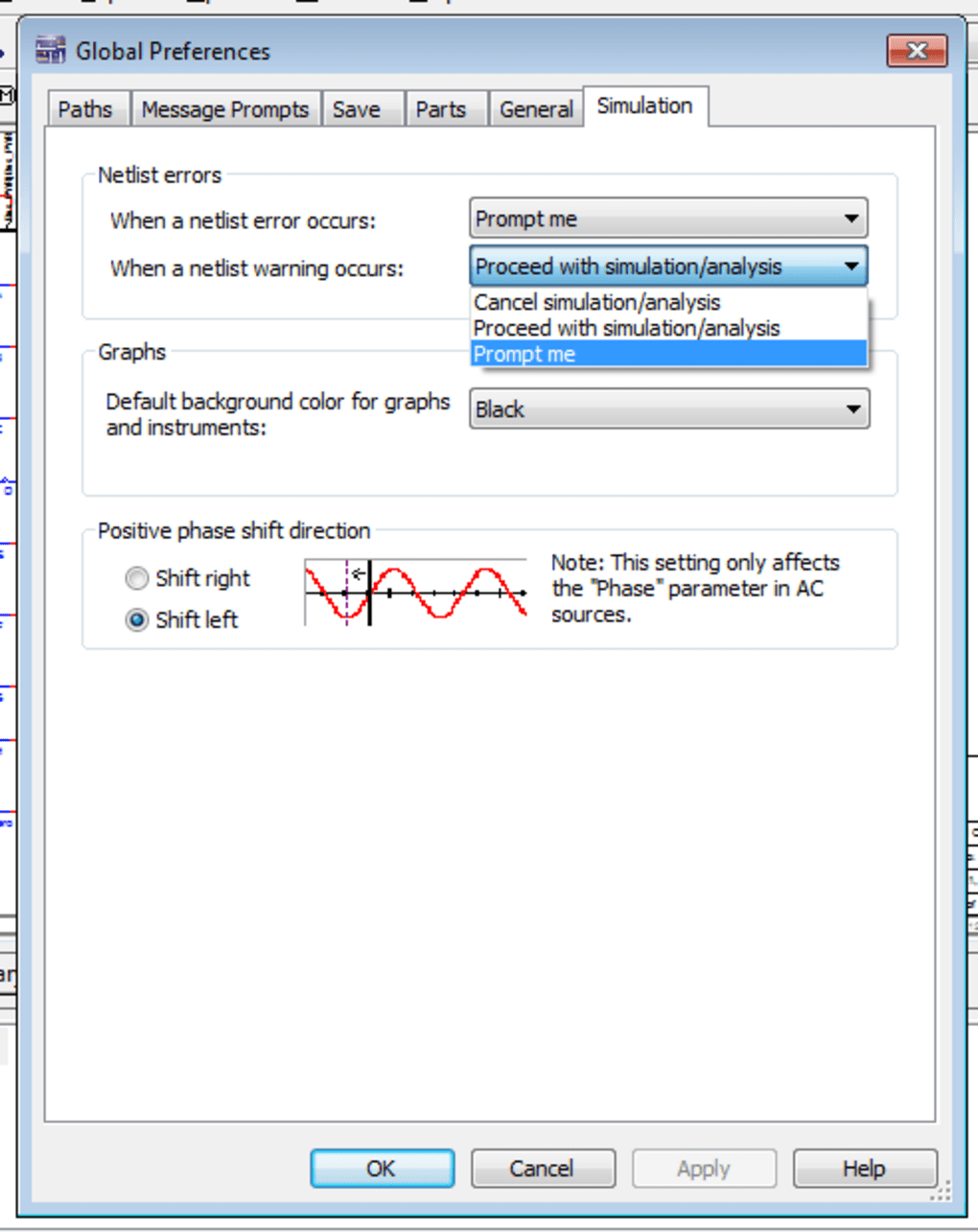
At the core of NI Multisim’s capabilities lies its sophisticated SPICE simulation engine. SPICE (Simulation Program with Integrated Circuit Emphasis) is an industry-standard analog circuit simulator used extensively in electronic design. NI Multisim’s seamless integration of SPICE allows users to accurately model and analyze the behavior of their circuits under various operating conditions. This powerful engine enables users to perform different types of simulations, including:
-
DC Analysis: This determines the steady-state voltage and current levels within a circuit. It’s essential for verifying circuit functionality under static conditions.
-
AC Analysis: This analyzes circuit behavior at different frequencies, revealing characteristics such as frequency response and gain. This is crucial for designing and analyzing filters, amplifiers, and other frequency-sensitive circuits.
-
Transient Analysis: This simulates how a circuit responds to changes over time, such as voltage pulses or step changes. It is essential for evaluating the circuit’s dynamic behavior and stability.
-
Fourier Analysis: This converts a time-domain signal into its frequency components, helping engineers to understand the harmonic content of a signal and identify potential interference or distortion.
The accuracy and reliability of the SPICE simulation engine are crucial for validating circuit designs, ensuring they meet performance requirements before physical implementation. This capability saves significant time and resources by identifying potential design flaws early in the development process.
Beyond Simulation: Additional Features and Capabilities
NI Multisim offers numerous additional features extending its functionality beyond just circuit simulation. These include:
-
Extensive Component Library: The vast library comprises thousands of components, spanning various technologies and applications. This simplifies circuit creation and allows users to easily integrate different types of components into their designs.
-
Schematic Capture: The intuitive schematic capture tools allow for efficient and clear circuit representation. The software supports hierarchical designs, enabling complex circuits to be organized and managed effectively.
-
PCB Design (Limited): While not a dedicated PCB design tool, NI Multisim offers basic PCB design capabilities, allowing users to create simple PCB layouts. For more advanced PCB designs, users might integrate this software with dedicated PCB layout tools.
-
Interactive Simulations: The interactive nature of NI Multisim allows users to observe the effects of changes in real-time, providing valuable insights into circuit behavior.
-
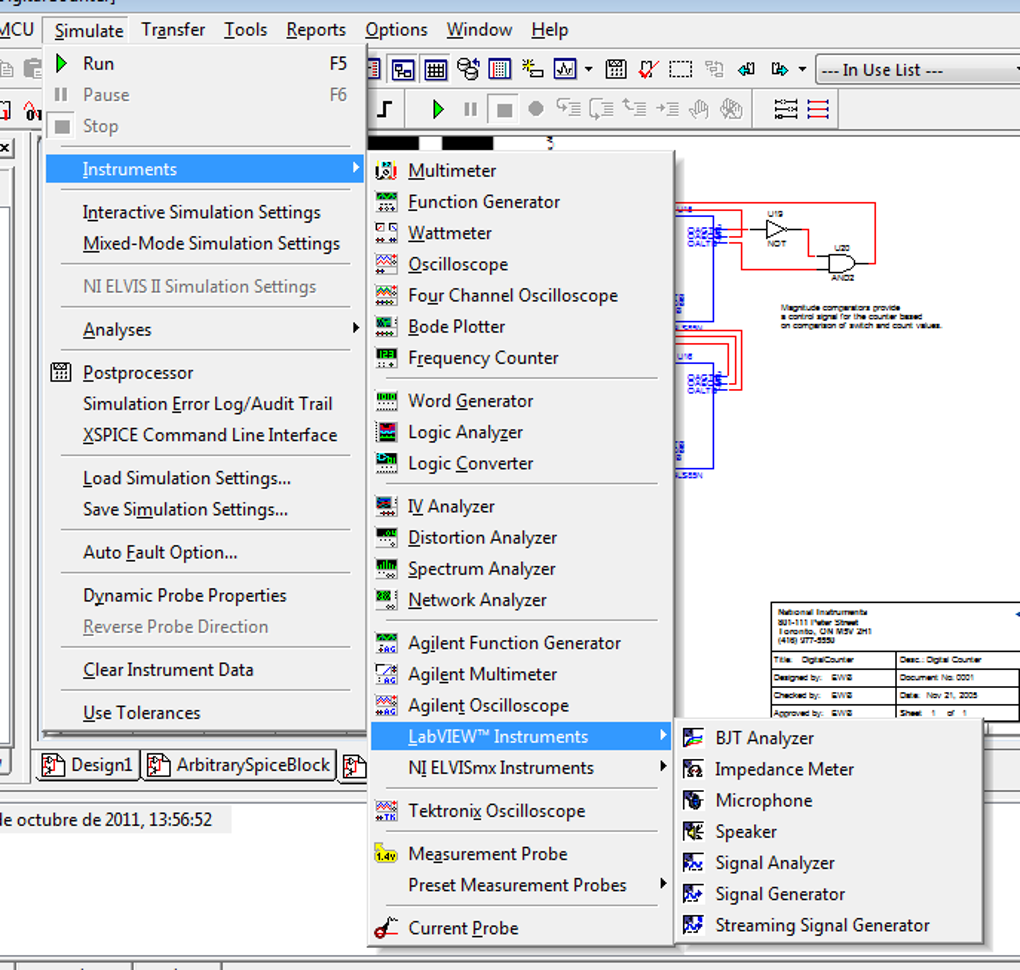
Virtual Instrumentation: NI Multisim can integrate with National Instruments’ virtual instrumentation platform, allowing users to connect their simulations to physical hardware for testing and validation.
Conclusion: NI Multisim - A Versatile Tool for All Skill Levels
NI Multisim is a powerful and versatile tool suitable for a wide range of users. Its intuitive interface and extensive resources make it ideal for beginners, while its advanced features and powerful simulation engine cater to the needs of experienced professionals. The ability to perform accurate simulations, coupled with the ease of use, makes NI Multisim an invaluable asset for anyone involved in electronic circuit design, from educational institutions to research laboratories and commercial enterprises. Its ability to bridge the gap between theoretical understanding and practical application makes it a truly exceptional piece of software in the field of electrical engineering and electronic design. While there are alternative circuit simulation programs available, NI Multisim maintains its position as a leader in terms of capability, ease of use, and the breadth of its feature set.
File Information
- License: “Trial version”
- Latest update: “September 30, 2024”
- Platform: “Windows”
- OS: “Windows 7”
- Language: “English”
- Downloads: “514.4K”
- Size: “897.22 MB”


