
Mupen64 is a free Nintendo 64 emulator for Windows. While the Nintendo 64 may not be considered the most commercially successful console in history, it cultivated a dedicated fanbase and a rich library of games that continue to resonate with players. Mupen64 provides a pathway to revisit these classic titles on modern Windows systems, offering a nostalgic experience for seasoned gamers and an opportunity for new players to discover the charm of the N64 era. This review delves into the features, usability, and overall performance of Mupen64 on Windows, examining its strengths and weaknesses to provide a comprehensive assessment.
Ease of Use and Interface
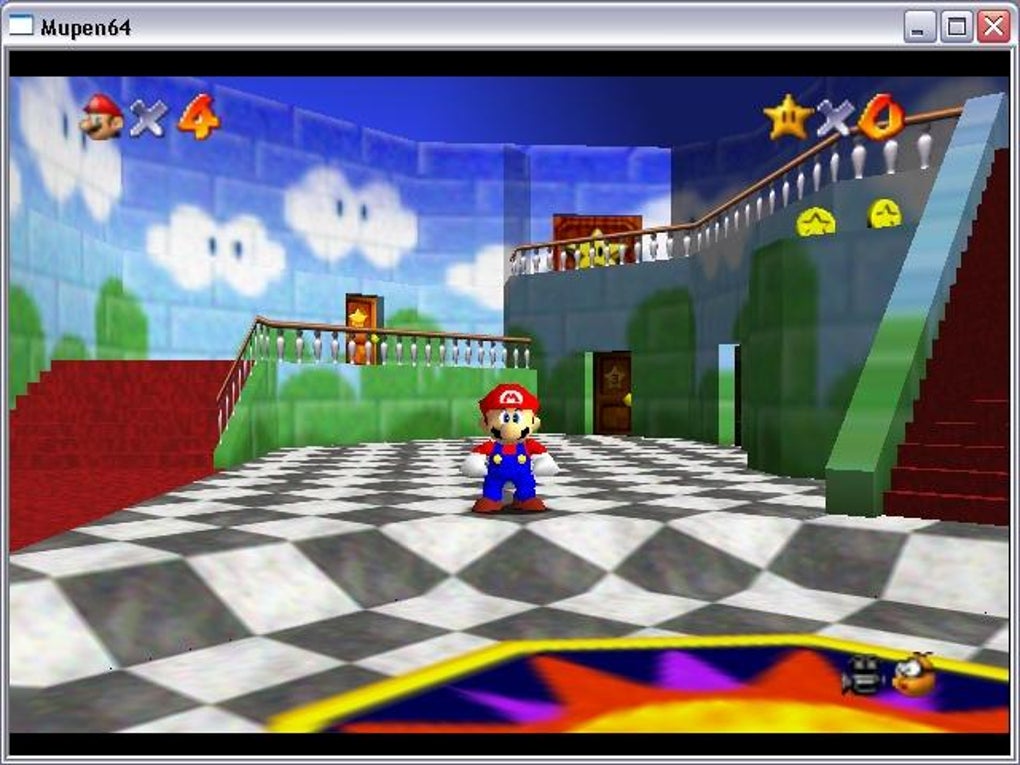
Mupen64 presents a relatively straightforward user interface, making it accessible to both novice and experienced emulator users. The program’s intuitive design minimizes the learning curve, allowing users to quickly load and play their ROMs. A helpful README file included with the download explains the default button configuration, minimizing any initial confusion. While the interface isn’t visually stunning, its simplicity prioritizes functionality over aesthetics, a pragmatic approach that enhances usability. The main screen provides direct access to key settings and ROM loading, ensuring a smooth and streamlined gameplay experience.
However, some users have reported that the configuration options could be more user-friendly. While the options are there, their arrangement and functionality could be improved for better clarity and intuitiveness. For example, the process of applying changes, requiring a program restart, might feel slightly inconvenient.
Performance and Features
Mupen64 offers several key features designed to optimize the emulation experience. The ability to choose from four different resolutions is a noteworthy inclusion, particularly considering the initial low resolution of 320x240. This allows users to tailor the visual output to their screen size and preference, enhancing the visual fidelity.
Furthermore, Mupen64 allows adjustments to texture cache size, providing options to fine-tune performance and visual quality. The inclusion of fog, fullscreen mode, and filtering options (2xSaI and Bilinear) adds to the customization capabilities, enabling users to enhance the visual presentation according to their system capabilities and personal preferences.
The emulator also includes the ability to limit the game speed, a vital feature for those seeking a smoother experience on less powerful hardware. Audio settings are also adjustable, offering users some degree of control over the sound output.
One notable omission, however, is the lack of readily apparent support for plugins. While the program is said to support plugins, the user interface and documentation provide little to no guidance on how to integrate or utilize them. This absence limits the potential for enhancing emulation accuracy and performance.
Emulation Accuracy and Compatibility
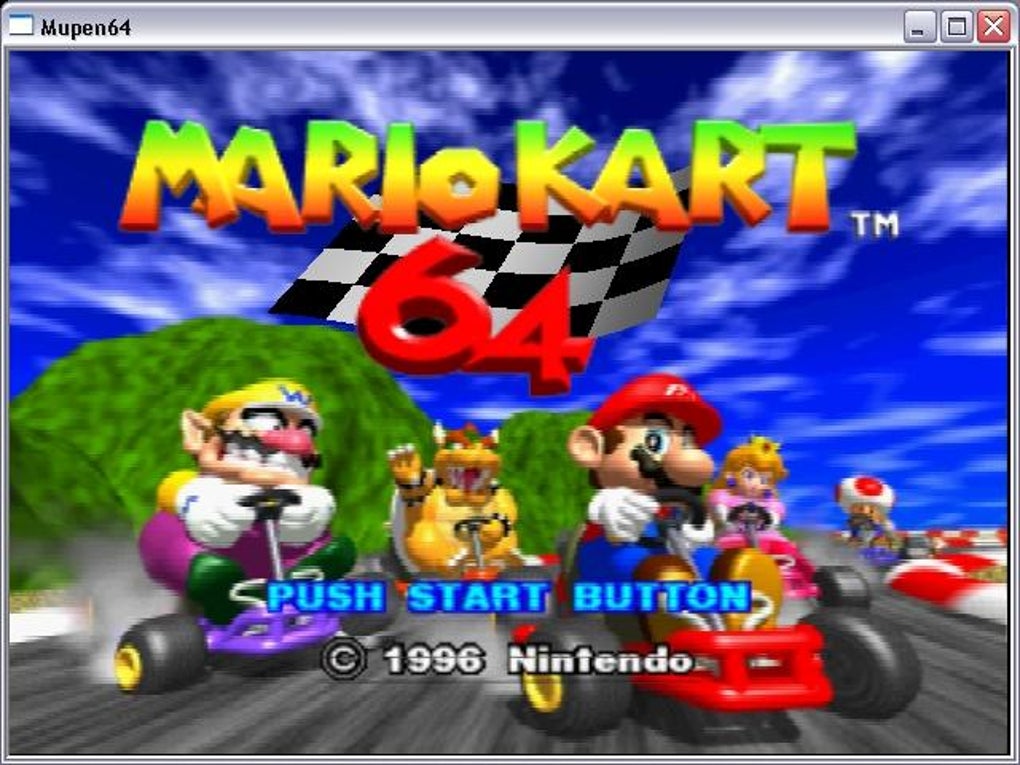
Mupen64’s compatibility with Nintendo 64 ROMs varies depending on the specific game. While many titles run smoothly, some may experience glitches, slowdowns, or outright incompatibility. This is common amongst emulators, and the success of emulation is often dependent on several factors including the power of the user’s computer and the specific game ROM being used. The emulator utilizes different emulation cores, offering users a choice that might lead to better compatibility with some games. However, the lack of comprehensive documentation on core selection and its implications can leave users uncertain about which core is best suited for their particular needs.
The accuracy of the emulation itself is generally considered quite good for many games. Graphics and sound are usually rendered with reasonable fidelity, capturing the essence of the original Nintendo 64 experience. However, specific nuances and subtleties might be lost in the translation to a modern PC environment. This is particularly noticeable with complex graphical effects or game mechanics that may be imperfectly reproduced during emulation.
Comparison with Other N64 Emulators
Compared to other Nintendo 64 emulators available for Windows, Mupen64 occupies a middle ground. It’s not the most feature-rich or visually advanced emulator, but its simplicity and relative ease of use make it a good entry point for users new to N64 emulation. More advanced emulators might offer superior performance and compatibility, but often come with a steeper learning curve. Mupen64 strikes a balance between ease of use and functional emulation, making it a viable choice for those seeking a straightforward solution.
However, the lack of extensive plugin support and some inconsistencies in configuration options put it behind other more polished competitors. Advanced users might find its options limiting compared to what is available elsewhere.
Overall Assessment
Mupen64 is a functional and relatively user-friendly Nintendo 64 emulator for Windows. Its strengths lie in its simplicity and ease of use, making it an accessible option for beginners. The inclusion of resolution scaling, texture cache adjustments, and filtering options provides reasonable control over the visual experience. However, limitations such as the unclear plugin support, the somewhat counter-intuitive configuration, and varying compatibility with certain games prevent it from being a top-tier emulator for all users.
While it’s perfectly adequate for casual users who want to relive some Nintendo 64 classics without delving into complex settings, power users and those seeking the highest level of accuracy and performance may find Mupen64 somewhat lacking compared to more advanced emulators. The lack of consistent and readily available documentation, particularly concerning the use of plugins, significantly hinders its potential.
Future Improvements and Considerations
For Mupen64 to remain competitive and attract a wider user base, several improvements are highly desirable. Clearer and more comprehensive documentation, especially on plugin usage and core selection, is essential. A more intuitive and visually appealing interface would also enhance the user experience. Addressing the inconsistencies in configuration settings and making them more user-friendly is another key area for improvement.
Finally, continuous development and updates focusing on improving compatibility and fixing bugs are crucial for ensuring that Mupen64 can effectively emulate a wider range of Nintendo 64 games with higher accuracy. Addressing these issues would significantly enhance the user experience and potentially solidify its position as a leading Nintendo 64 emulator. Until then, while functional, it occupies a niche market of users who prioritize simplicity and accessibility over advanced features.
File Information
- License: “Free”
- Version: “0.5.1”
- Latest update: “June 18, 2008”
- Platform: “Windows”
- OS: “Windows 2003”
- Language: “English”
- Downloads: “28.7K”
- Size: “2.13 MB”


