
MX Player Pro has established itself as a leading video player for Android devices, renowned for its extensive feature set, compatibility, and ease of use. This review delves into the capabilities of MX Player Pro, examining its strengths, weaknesses, and overall user experience. Whether you’re a casual viewer or a serious videophile, understanding MX Player Pro’s functionalities is crucial to determining if it’s the right video player for your needs.
Unmatched Video Format Compatibility and Playback Capabilities
One of the most compelling aspects of MX Player Pro is its exceptional compatibility with a wide array of video formats. Unlike many other players that struggle with less common or obscure codecs, MX Player Pro handles virtually any video file you throw at it, ensuring seamless playback without the frustration of format errors. This broad support extends beyond standard formats like MP4, AVI, and MKV, encompassing a much wider range of codecs and containers that are often problematic for less robust media players. This universality eliminates the need to convert video files before viewing, saving valuable time and effort. The ability to smoothly handle even high-resolution videos is a testament to the player’s powerful decoding engine.

Furthermore, MX Player Pro goes beyond simple video playback. It offers robust support for audio files as well, serving as a versatile media player for both visual and auditory content. This functionality makes it a comprehensive one-stop solution for managing your entire media library, negating the need for separate video and audio players. The integration of audio playback adds to its overall utility and convenience.
Extensive Customization Options and User Interface
MX Player Pro is not merely a functional player; it is highly customizable, catering to individual preferences and viewing habits. The app provides a wide range of options to personalize the user interface and playback settings, creating a tailored experience that aligns with each user’s specific needs. This level of control allows for fine-tuning various aspects of the player, from the appearance of the interface to advanced playback functionalities.
Users can adjust the theme of the player, altering the color scheme and overall aesthetic to better suit their taste. The ability to enable or disable specific interface buttons allows for a streamlined and clutter-free experience, focusing on the elements most essential to the user. For those seeking greater control, MX Player Pro offers granular settings for advanced features like hardware acceleration. This feature utilizes the device’s GPU to assist in decoding high-resolution video files, reducing strain on the CPU and enhancing playback smoothness, especially beneficial for devices with limited processing power.
Multi-core decoding is another notable feature that leverages the capabilities of multi-core processors, providing smoother playback and improved performance, particularly when dealing with demanding video files. However, the plethora of customization options may initially appear overwhelming to new users. Experimentation may be required to find the optimal settings for different video codecs and devices. The learning curve may be steep for those unfamiliar with advanced video playback settings.
Seamless Subtitle Support and Parental Controls
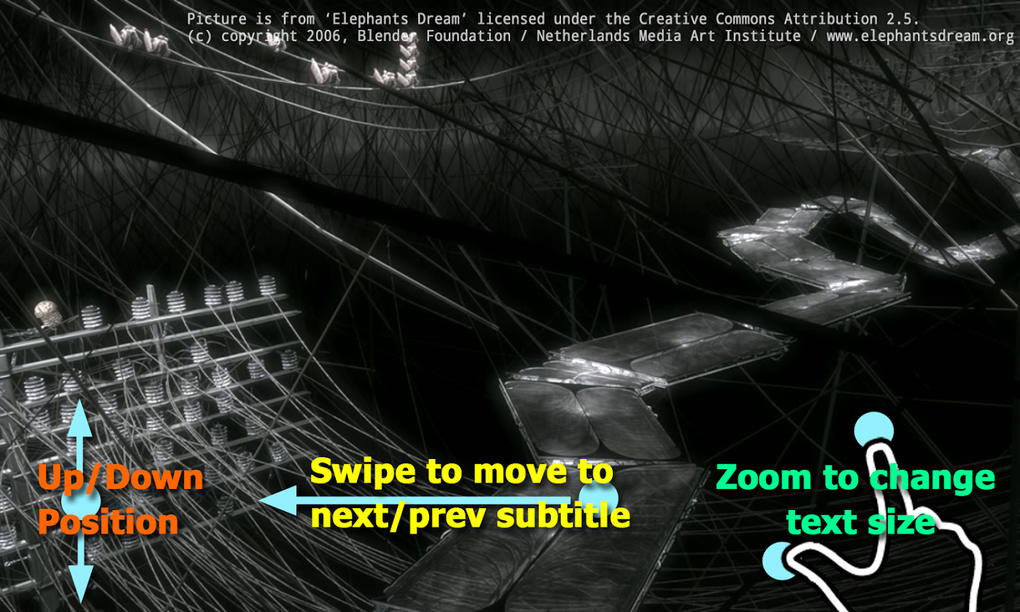
MX Player Pro boasts exceptional subtitle support, a feature that is often overlooked yet highly valued by a large segment of users. The player supports various subtitle formats, including SRT, SSA, and ASS, among others. This robust subtitle support extends beyond simple display; it also provides options for adjusting subtitle synchronization, allowing users to fine-tune the timing to perfectly match the audio. This crucial functionality is particularly beneficial for viewers watching foreign films or anime, where accurate subtitles are essential for understanding the content. The ability to precisely control subtitle synchronization enhances the viewing experience significantly.
For parents, MX Player Pro includes built-in parental controls to prevent children from accidentally exiting the application or accessing other features on the device. While more recent Android versions (Android 5.0 Lollipop and later) offer app pinning functionality, making this feature somewhat redundant for those users, it remains a valuable addition for users with older Android versions lacking this built-in security measure. The parental control feature adds a layer of security and peace of mind for parents using the application.
A Simple Yet Powerful Video Player
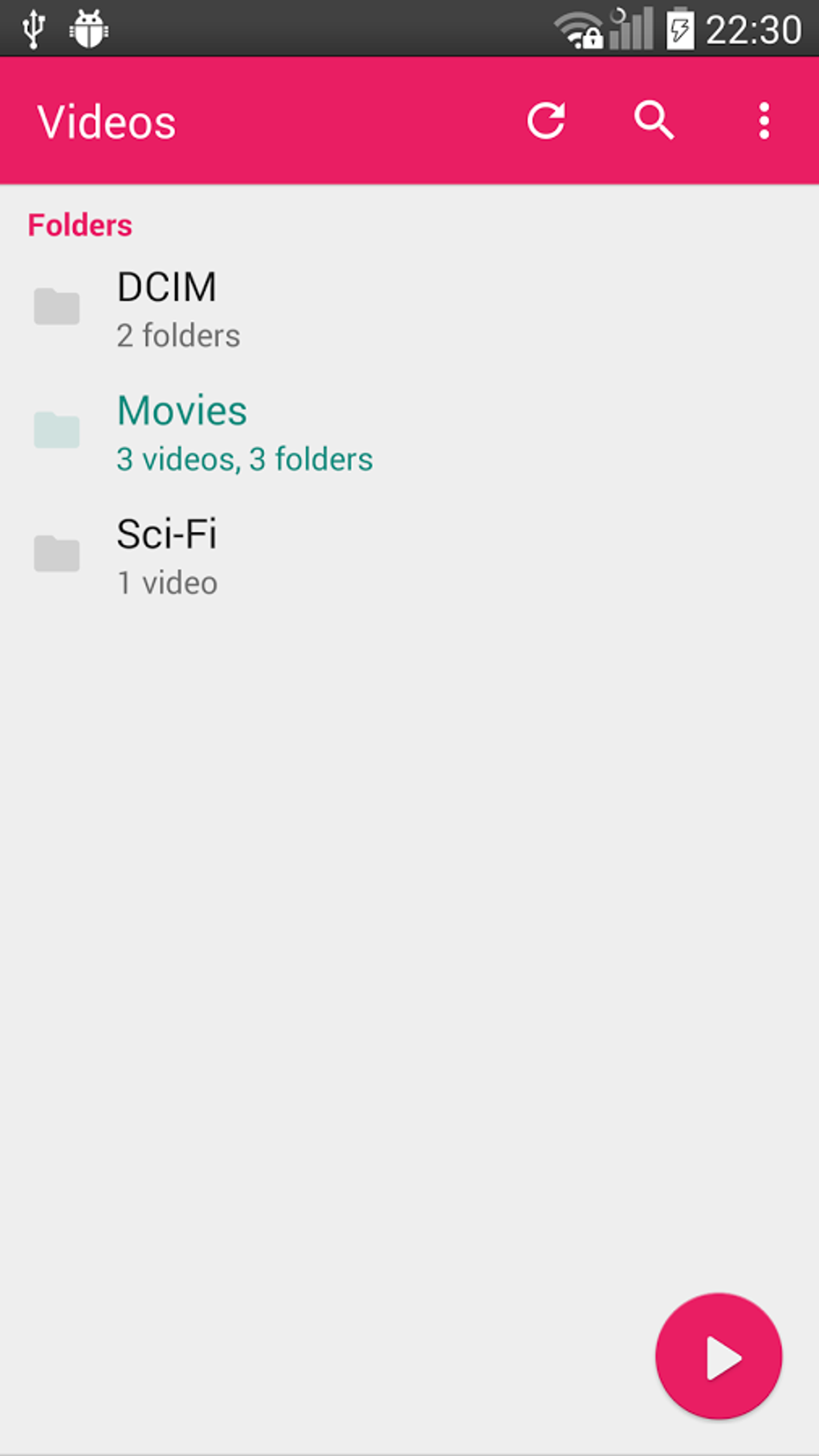
MX Player Pro strikes a balance between simplicity and sophistication. Out of the box, it provides a straightforward and intuitive user interface, making it accessible to users of all technical skill levels. The player’s ease of use ensures that even those unfamiliar with advanced video player functionalities can easily navigate the interface and start playing videos without difficulty.
However, beneath this simple interface lies a wealth of advanced features and customization options for those seeking greater control over their viewing experience. This adaptability makes it suitable for both casual users who want a simple, reliable video player and experienced users who demand granular control over various aspects of playback. This dual nature caters to a wide range of users, from those seeking simplicity to those requiring extensive customization.
Comparison with Other Video Players and the Advantages of the Pro Version
While VLC is widely regarded as a superior media player for desktop systems, its mobile counterpart has historically lagged behind, particularly in terms of features and stability. MX Player Pro steps up to fill this gap, offering a feature-rich mobile experience that rivals or surpasses the mobile offerings of many other players. The comprehensive feature set, broad format compatibility, and intuitive interface make it a compelling choice for Android users.
The Pro version differentiates itself from the free version by offering an ad-free experience. While the free version provides access to all features, it includes non-intrusive advertisements. For users who value an uninterrupted viewing experience and wish to support the developers, the Pro version is the ideal choice. The ad-free experience eliminates interruptions and enhances the overall viewing enjoyment.
Recent Updates and Improvements
MX Player Pro undergoes regular updates, adding new features and refining existing ones. Recent updates have focused on improving the Android TV support, enhancing the background play interface, and adding features such as ‘A-B repeat’ for focused playback sections. These continuous improvements demonstrate the developers’ commitment to enhancing the user experience and keeping the player competitive within the constantly evolving landscape of mobile media players.
Further improvements include the addition of a subtitle speed setting, allowing users to adjust the speed of subtitles for better synchronization with audio and added software audio (network) support under the decoder settings, expanding connectivity options. Improved mouse wheel movement and configurable behavior on the playback screen demonstrate attention to detail and responsiveness to user feedback. These updates enhance usability and cater to the diverse needs of the user base.
Conclusion: A Top Choice for Android Video Playback
MX Player Pro stands as a top contender in the realm of Android video players. Its combination of broad format support, extensive customization options, robust subtitle support, and user-friendly interface makes it a compelling choice for users of all skill levels. The ad-free experience of the Pro version is a significant advantage for users who prioritize uninterrupted viewing. While the extensive customization may require some experimentation, the potential rewards in terms of a personalized and optimized viewing experience are considerable. Whether you need a simple, reliable video player or a powerful tool with advanced features, MX Player Pro delivers a compelling and versatile solution for all your Android video playback needs. Its consistent updates and enhancements solidify its position as a leading player in the mobile video player market.
File Information
- License: “Free”
- Latest update: “April 8, 2025”
- Platform: “Android”
- OS: “Android 13.0”
- Downloads: “735K”
- Download Options: “Google Play”


