
My Boy! - GBA Emulator is a premium Game Boy Advance (GBA) emulator for Android devices, developed by Fast Emulator. This app allows users to play classic GBA games on their smartphones and tablets, bringing the nostalgia of 32-bit handheld gaming into the modern era. This review delves into its features, performance, ease of use, and overall value, offering a comprehensive assessment for potential users.
Seamless Retro Gaming Experience
My Boy! stands out for its ease of use. Even novice emulator users will find the interface intuitive and straightforward. The minimal setup required means you can load a ROM (the game file) and start playing almost instantly. This contrasts sharply with some emulators that require extensive configuration and tweaking before they function correctly. The emulator boasts high compatibility rates, meaning most GBA ROMs should run without significant issues. Further enhancing this ease of use is the built-in BIOS emulation, eliminating the need for separate BIOS files, a common hurdle in other emulators. This all contributes to a seamless and enjoyable retro gaming experience.
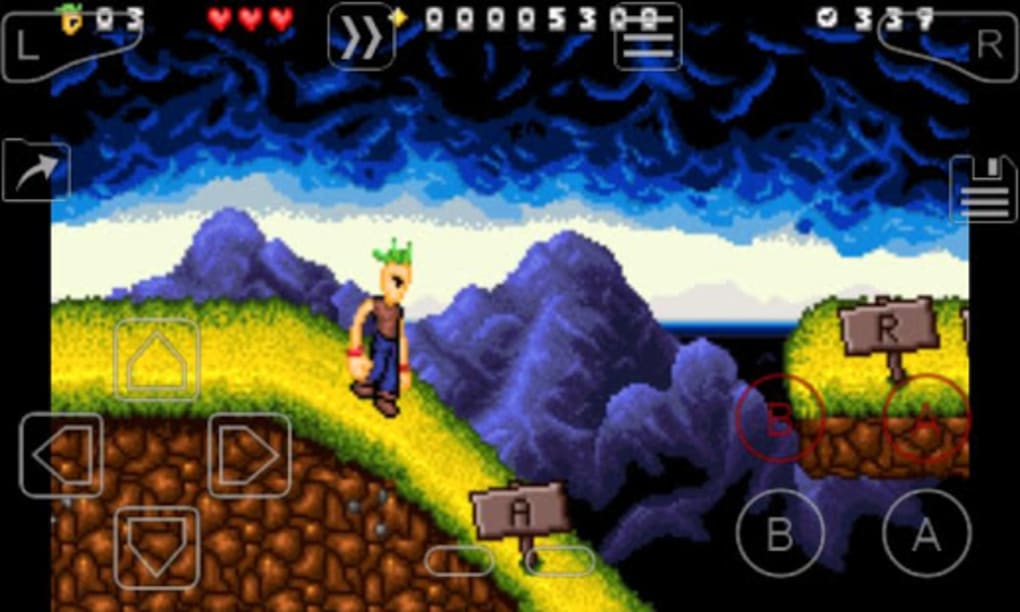
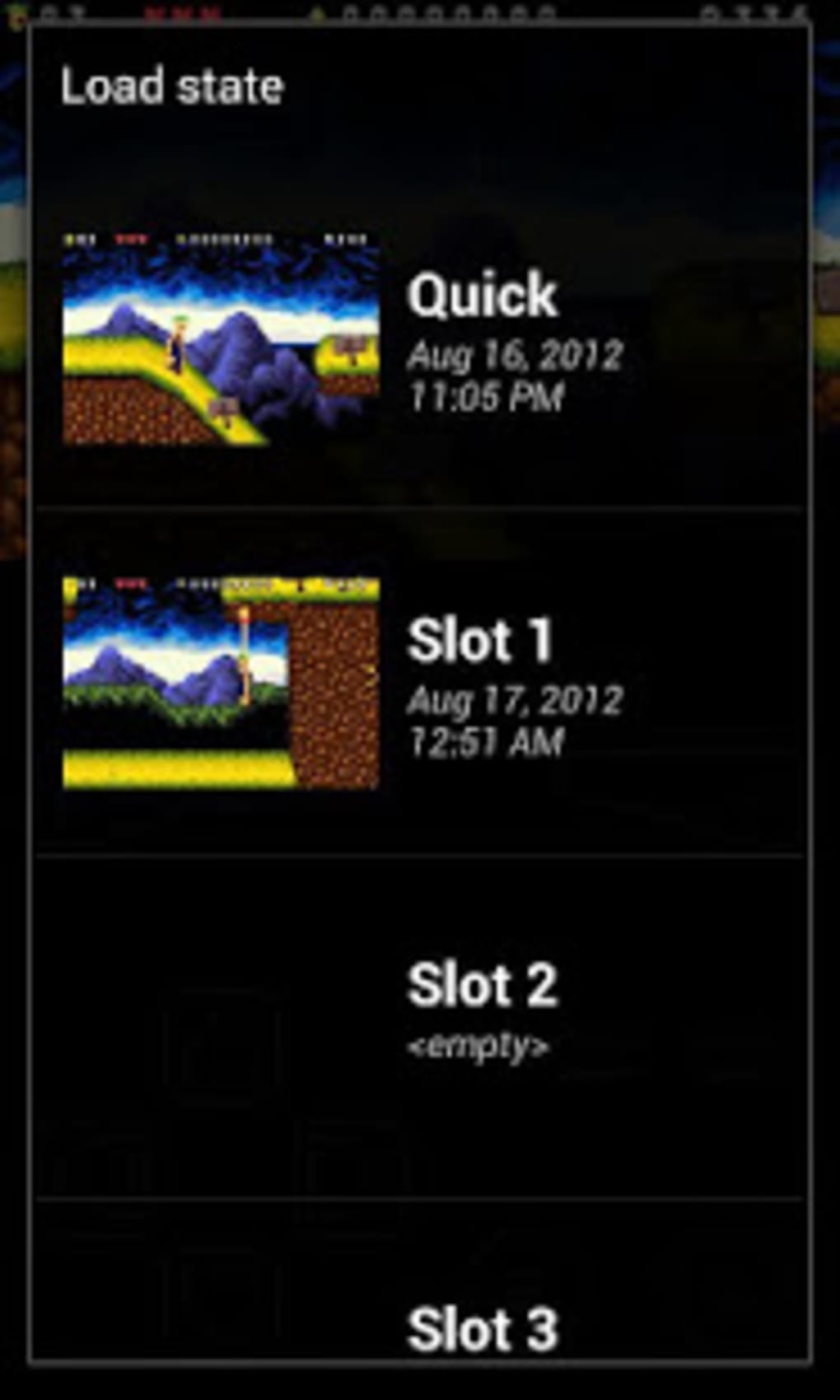
The emulator’s simplicity doesn’t compromise on features. My Boy! provides a range of tools designed to enhance gameplay and customization. The ability to save game states at any point is invaluable, allowing users to pick up where they left off without having to replay long sections. A fast-forward feature enables users to quickly skip through cutscenes or less engaging parts of a game, saving valuable time. Additionally, various filters can be applied to alter the game’s visual appearance, offering a degree of personalization to suit individual preferences.
Customization and Control
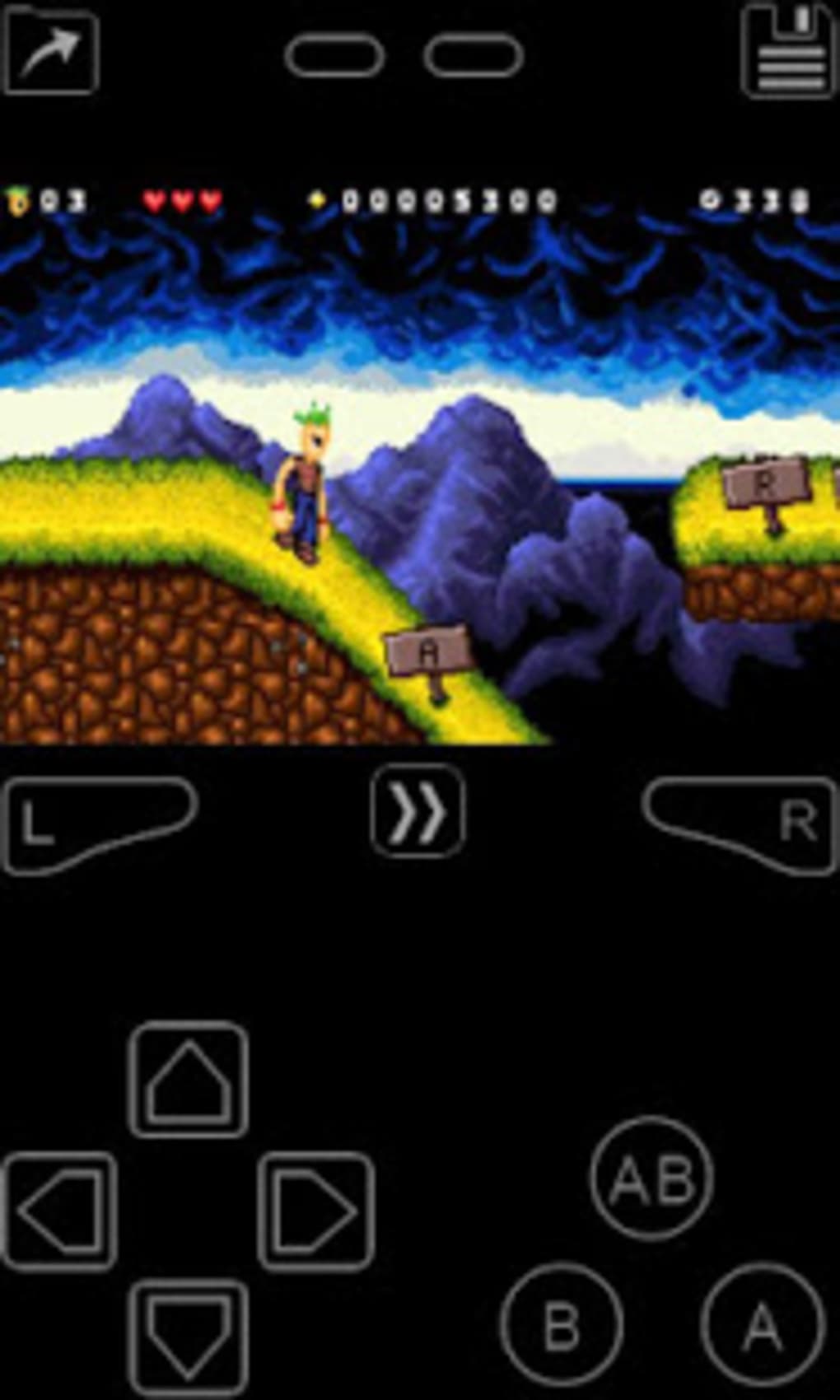
My Boy! offers extensive customization options beyond just visual filters. Users can tailor the on-screen control layout to match their playing style and device ergonomics. This ensures a comfortable and responsive gaming experience, irrespective of screen size or personal preference. The emulator also supports third-party controllers, allowing players to use external gamepads for a more authentic console-like experience. This flexibility caters to a broad spectrum of users, from those who prefer touch controls to those who desire a more traditional controller setup. This advanced level of customization sets My Boy! apart from many competing GBA emulators. The ability to run and switch between two active games simultaneously further enhances its adaptability and caters to users who enjoy multi-tasking or want to quickly jump between different titles.
Performance and Compatibility
While My Boy! generally delivers smooth and stable performance, it’s important to acknowledge potential compatibility limitations. Some compatibility issues with newer Android systems that no longer support 32-bit apps have been reported. This is a common challenge for older emulators as Android architecture evolves. While Fast Emulator, the developer, is actively working to address these concerns, users with more recent, higher-end devices might encounter sporadic issues. However, for a large majority of devices and ROMs, My Boy! provides a consistently reliable and fast gaming experience. The high compatibility rate with GBA games far outweighs these relatively minor compatibility issues for many users.
A Comparative Look at Alternatives
The Android marketplace offers a range of GBA emulators, both free and paid. My Boy! competes with several notable alternatives, each with its own strengths and weaknesses. For example, My Boy! Free – GBA Emulator, offers a free alternative, but with fewer features and potentially more advertisements. Other paid options, such as John GBA and My OldBoy! - GBC Emulator (focused on Game Boy Color), cater to different user needs and preferences. However, My Boy! distinguishes itself through its combination of ease of use, robust feature set, and generally stable performance. While the paid nature might deter some users, the overall experience and advanced features justify the cost for many retro gaming enthusiasts.
The user reviews often highlight the balance of features and usability. Many users praise My Boy! for its intuitive interface and lack of excessive complexity, contrasting it with emulators that require significant technical knowledge to set up and use effectively. This accessibility makes it a suitable choice for casual players and seasoned emulator users alike.
Detailed Feature Breakdown
To provide a more comprehensive understanding of My Boy!’s capabilities, here’s a more detailed breakdown of its key features:
- High Compatibility: The emulator boasts a high success rate in running a wide range of GBA ROMs.
- Built-in BIOS: Eliminates the need for separate BIOS files, simplifying the setup process.
- Save State Functionality: Allows users to save and load game progress at any point, preventing loss of progress.
- Fast-Forward: Speeds up gameplay for quickly skipping through cutscenes or repetitive sections.
- Customizable Controls: Users can adjust the on-screen controls to their preference and device.
- Third-Party Controller Support: Enables the use of external gamepads for a more console-like feel.
- Multiple Game Support: Allows running and switching between two games simultaneously.
- Visual Filters: Provides various filters to adjust the game’s visual appearance.
- Regular Updates: The developers regularly release updates to improve compatibility, stability, and add new features.
Conclusion: A Solid Choice for GBA Enthusiasts
My Boy! - GBA Emulator provides a compelling solution for anyone seeking to revisit the classic Game Boy Advance library on their Android devices. Its intuitive design, extensive customization options, and generally stable performance make it a strong contender in the crowded GBA emulator market. While minor compatibility issues exist with some newer Android systems, they are generally outweighed by the overall positive experience. For those willing to invest a small fee for a polished and feature-rich GBA emulator, My Boy! is highly recommended. The balance of ease of use, advanced features, and consistent performance makes it an excellent choice for both casual and serious retro gamers looking to enjoy their favorite GBA titles on the go. The ongoing updates from the developers further reinforce the value and longevity of this emulator.
File Information
- License: “Full”
- Version: “2.0.8”
- Latest update: “March 24, 2025”
- Platform: “Android”
- OS: “Android 13.0”
- Language: “English”
- Downloads: “134.6K”
- Download Options: “Google Play”


