
This review delves into the features, functionality, and overall user experience of “My Calculator,” a mobile calculator application. While the app’s name suggests simplicity, it offers a surprisingly extensive range of tools beyond basic arithmetic. We’ll examine its strengths and weaknesses to determine whether it justifies a place on your mobile device.
A Multifaceted Calculator Experience
My Calculator, developed by Attractive Apps Valley, presents itself as more than just a simple calculator. Its interface is designed for ease of use, making basic calculations straightforward and intuitive. However, the app’s true power lies in its diverse set of advanced functions, accessible through its well-organized “Tools” section. This section unlocks a suite of specialized calculators and converters, catering to a wide range of users and applications.
This versatility makes the app suitable for various purposes, from everyday calculations to complex mathematical and engineering problems. Whether you’re a student tackling advanced equations, an engineer working with matrices, or a frequent traveler needing currency conversions, My Calculator likely offers the tools you need. Let’s explore these features in more detail.
Advanced Calculation Capabilities: Beyond Basic Arithmetic
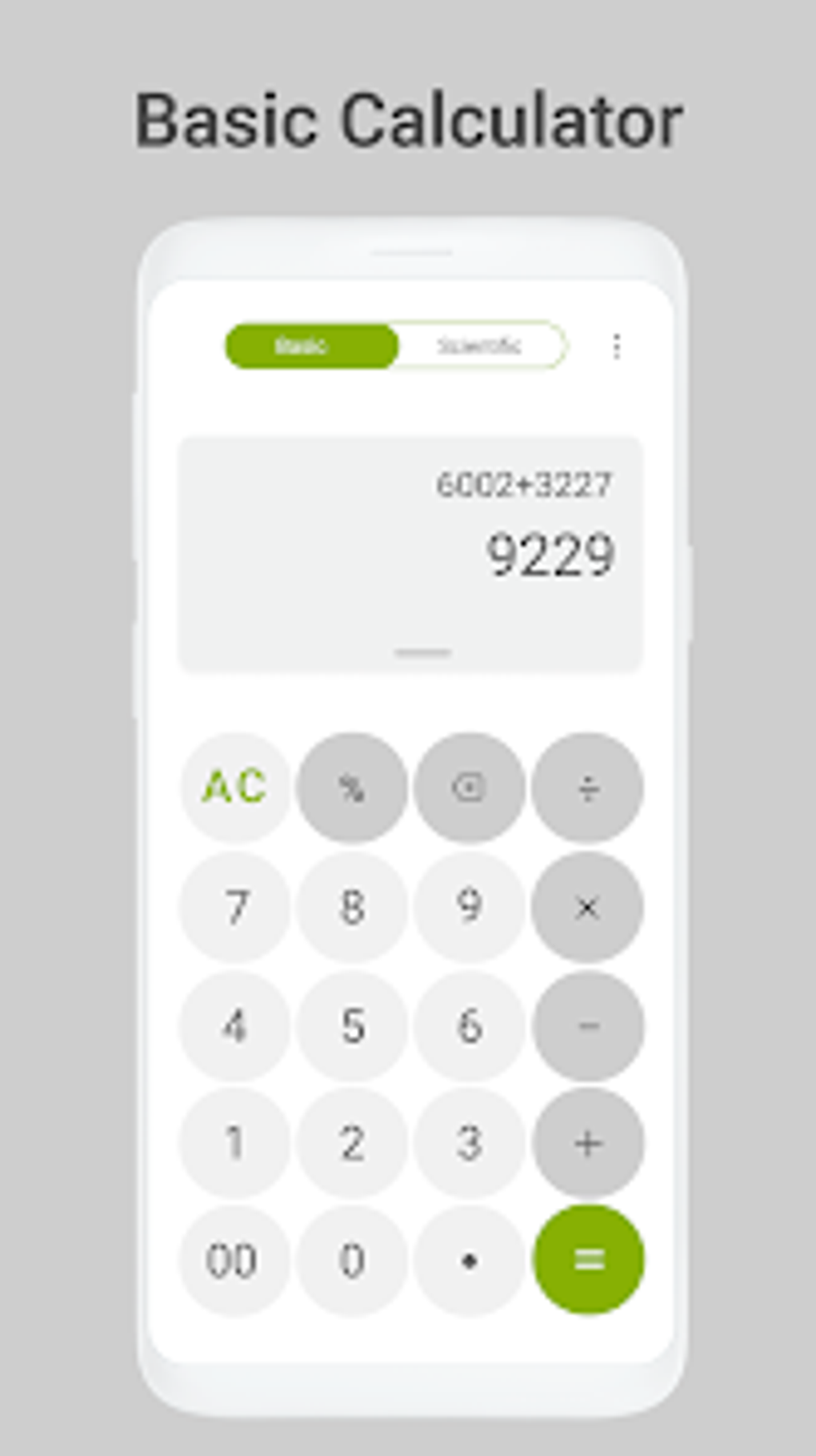
The app’s scientific calculator mode is a standout feature. It goes beyond the standard scientific functions, offering an integrated equation solver. This capability is particularly beneficial for students and academics who frequently deal with complex mathematical problems. The equation solver handles a variety of equations, significantly streamlining the solution process and minimizing the chances of calculation errors.
For those in engineering or related fields, the app’s integrated engineer calculator offers even more specialized capabilities. This mode facilitates complex calculations involving matrix operations and integral solving. Its precise graphics further enhance its usability, making it an invaluable tool for visualizing and analyzing engineering problems.
The inclusion of both a scientific and an engineer calculator within a single app provides a level of functionality rarely found in comparable applications. This consolidation eliminates the need for multiple apps to handle different types of calculations.
Unit and Currency Conversion Tools: A Traveler’s Best Friend
In addition to its sophisticated calculator functions, My Calculator also incorporates practical conversion tools. A comprehensive unit converter allows users to quickly and easily switch between various units of measurement for weight, length, volume, and other common metrics. This feature is highly convenient for everyday tasks as well as specialized applications.
Similarly, a built-in currency converter offers real-time exchange rates, keeping users updated on the current values of different currencies. This is especially valuable for travelers who need to quickly calculate currency conversions while on the go. This eliminates the need to rely on separate currency conversion apps or websites, simplifying the travel planning process.
Innovative Input Methods: Handwriting, Voice, and Image Recognition
My Calculator further distinguishes itself through its innovative input methods. Beyond the standard numerical keypad, the app offers support for handwriting input using a stylus. This feature significantly accelerates data entry, particularly for complex equations or large numbers. The handwriting recognition appears accurate and responsive, a significant advantage over traditional keyboard input for certain users.
Furthermore, the app provides a voice calculator mode, allowing users to dictate their calculations hands-free. This feature is particularly useful in situations where using the keyboard or stylus is impractical. The voice recognition accuracy is generally good, although users may need to speak clearly and distinctly for optimal results.
The app’s most advanced input method involves image recognition. Users can utilize their camera to capture images of handwritten or printed equations, allowing My Calculator to interpret and solve the problem directly from the image. This feature is extremely convenient for tackling complex equations, and for those who prefer not to type or handwrite into the app itself.
Addressing the Drawbacks: Excessive Advertising
While My Calculator boasts a rich set of features and functionalities, it’s not without its drawbacks. The app is ad-supported, and users have reported that the advertisements can be excessive and intrusive at times. This can be a significant drawback, especially for those who find interruptions disruptive to their workflow. The frequency and placement of ads detract from the otherwise positive user experience.
Overall Assessment: A Powerful Calculator Despite Its Shortcomings
Despite the intrusive advertising, My Calculator is a surprisingly comprehensive and feature-rich calculator app. Its diverse range of calculators, conversion tools, and innovative input methods cater to a wide variety of users and applications. The combination of a scientific calculator, an engineer calculator, unit conversion, currency conversion, and multiple input options makes this app extremely versatile.
The app’s strengths lie in its versatility and the convenience it offers through the consolidation of multiple tools within a single application. The handwriting and image recognition capabilities are particularly noteworthy, setting it apart from many competing apps. The seamless integration of these features contributes to a user-friendly experience, even for complex calculations.
However, the excessive advertising is a significant drawback that significantly diminishes the user experience. While the app’s functionality is strong, the constant interruptions caused by the ads can be incredibly frustrating.
Pros:
- Multiple calculator modes: Scientific, engineer, and basic calculators are all included.
- Unit and currency converters: Offers quick conversions for various units and currencies.
- Handwriting support: Allows for fast and accurate input using a stylus.
- Voice input: Enables hands-free calculations via voice dictation.
- Image recognition: Solves equations from images of handwritten or printed equations.
- Comprehensive feature set: Consolidates many tools into a single app.
Cons:
- Excessive advertising: Ads can be intrusive and disruptive.
Conclusion:
My Calculator presents a strong set of features and functionalities that make it a powerful tool for a wide range of users. Its advanced calculation capabilities, coupled with the convenience of the conversion tools and innovative input methods, make it a valuable addition to any mobile device. However, the significant drawback of excessive and intrusive advertising must be considered. Users who can tolerate the ads will likely find My Calculator to be a very useful and comprehensive calculator application. If you’re looking for a powerful, all-in-one calculator app and can manage the ads, My Calculator is worth exploring. If ad-free functionality is a priority, however, you might want to explore alternative options.
File Information
- License: “Free”
- Latest update: “August 1, 2025”
- Platform: “Android”
- OS: “Android 13.0”
- Language: “English”
- Downloads: “11.5K”
- Download Options: “Google Play”


