
My Files - File Manager is a free Android utility application developed by Face up. This review will delve into its features, strengths, weaknesses, and overall usability, offering a comprehensive assessment for potential users. The application presents itself as a sleek and modern file manager, aiming to simplify the process of organizing and accessing files stored on Android devices. Let’s explore whether it achieves this goal.
User Interface and Functionality
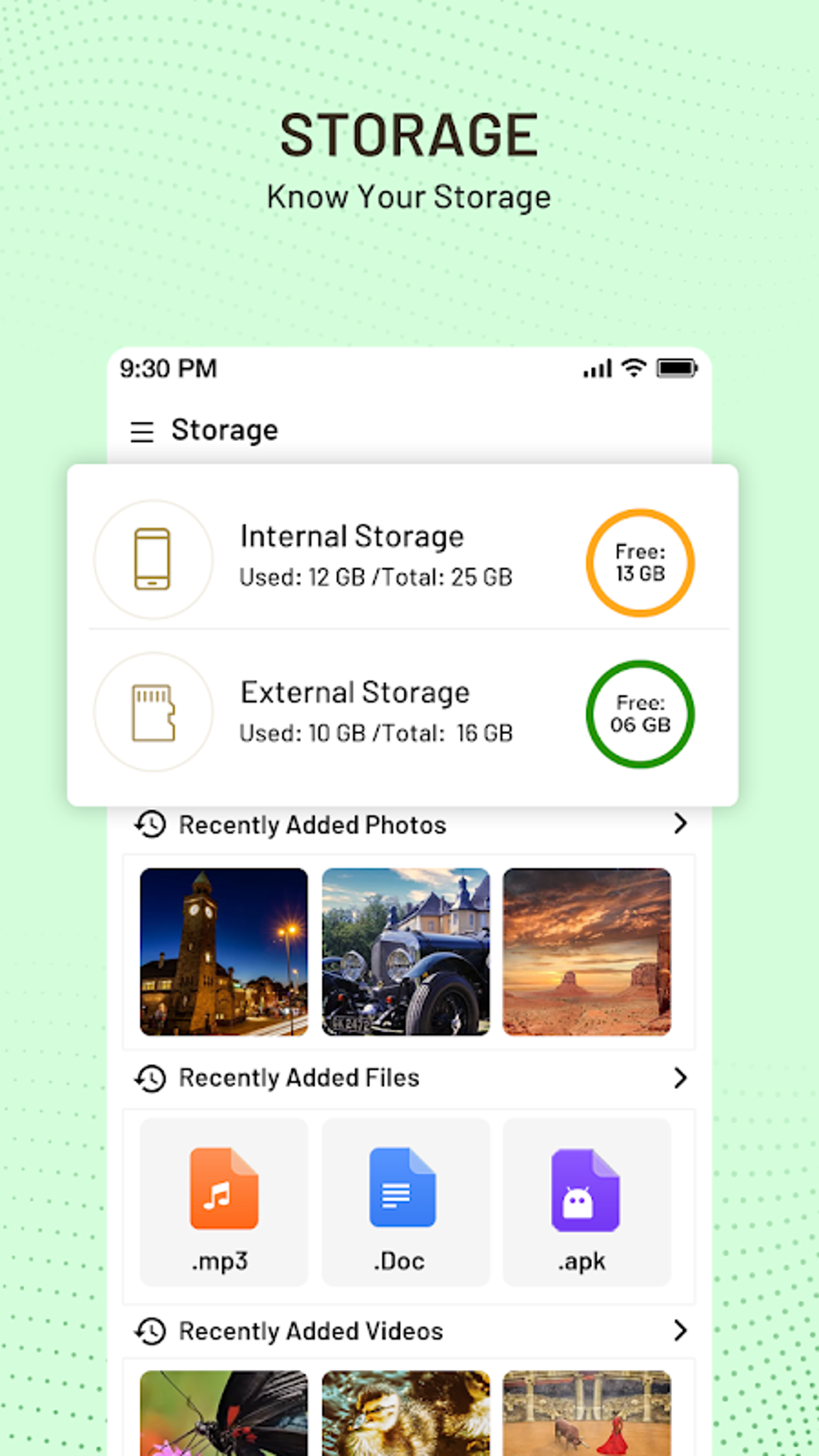
The application’s standout feature is its clean and modern user interface. Navigation is intuitive, making it easy for even novice users to quickly grasp the fundamentals. The layout is uncluttered and visually appealing, ensuring a pleasant user experience. The app effectively detects various file types and formats, offering several filtering options to streamline the process of locating specific files within a potentially large collection. This is a significant advantage, particularly for users with extensive file storage on their devices.
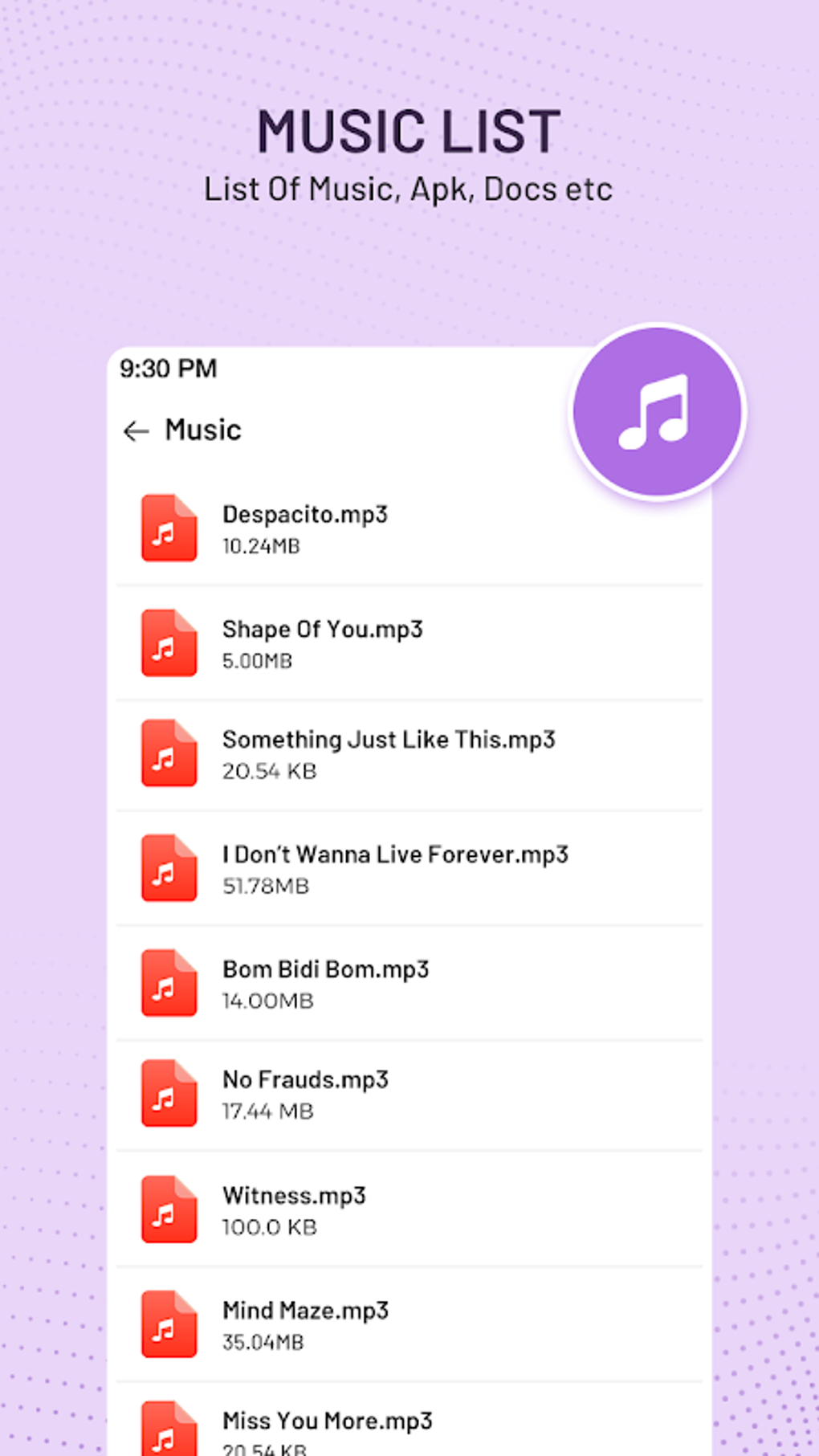
Beyond basic browsing and searching, My Files - File Manager offers a standard suite of file management tools. Users can easily rename, copy, move, and delete files. The ability to create new folders and shortcuts for frequently accessed files adds another layer of organizational convenience. The app seamlessly handles various file types, including media files, documents, and even APK files for installing applications and games. Furthermore, it supports the extraction and compression of ZIP and RAR archives, covering a broad range of common file formats. This versatility makes it a valuable tool for managing a diverse range of digital content.

Compatibility and Supported Storage
One of My Files - File Manager’s strengths lies in its compatibility with multiple storage types. It seamlessly integrates with internal storage, SD cards, and USB OTG adapters, offering broad support for external storage devices such as flash drives. This expandability is crucial for users who need to manage files stored across various locations on their Android device or external media. The app’s ability to access files from these diverse sources simplifies file management significantly, consolidating control over a potentially dispersed collection of data.
Advanced Features and Limitations
While My Files - File Manager offers a solid foundation of essential file management tools, it notably lacks some of the more advanced features found in competing applications. A significant omission is the absence of multi-pane navigation, which would significantly enhance efficiency for users accustomed to more advanced file management interfaces. Moreover, the app does not allow access to system files, a feature crucial for power users requiring granular control over their device’s underlying operating system. This limitation may restrict its appeal to users with more advanced technical requirements.
Another area where My Files - File Manager could improve is in its handling of advertising. While the app is free to use, the ads can occasionally be intrusive, interrupting the user experience. While not a deal-breaker for many users, the frequency and nature of the advertisements could be a source of frustration for some. A potential solution would be the introduction of a premium version without ads, allowing users to opt for an uninterrupted experience.
Performance and Stability
During testing, My Files - File Manager demonstrated consistent performance and stability. The app responded promptly to user inputs, and no crashes or unexpected errors were encountered. This reliability is a critical aspect of a file manager application, as users rely on it to access and manage important data. The smooth operation of the app contributes to a positive user experience, ensuring that users can perform their tasks without unnecessary interruptions or technical glitches.
Comparison with Alternatives
Compared to other file manager applications available on the Google Play Store, My Files - File Manager holds its own in terms of basic functionality and user interface. However, applications such as ES File Explorer and Cx File Explorer offer a broader range of features, including cloud storage integration, network file sharing, and more advanced organizational tools. Users seeking these advanced features may find My Files - File Manager somewhat lacking. The choice between applications often comes down to a balance between the desired features and the user’s technical proficiency. For users requiring only basic file management capabilities, My Files - File Manager provides a streamlined and efficient solution. For more demanding users, however, the limitations in advanced features may necessitate exploring alternative options.
Conclusion: A Solid, Yet Basic, Option
In summary, My Files - File Manager is a decent choice for users seeking a simple, easy-to-use file manager with a clean interface. Its strengths lie in its intuitive design, compatibility with various storage types, and reliable performance. However, its lack of advanced features, such as multi-pane navigation and system file access, may limit its appeal to power users. The occasional intrusive advertisements also detract from the overall user experience. Therefore, the application serves best as a straightforward solution for users with basic file management needs. Users seeking more comprehensive functionalities should consider exploring alternative file management applications that offer a wider array of advanced options. Ultimately, the best choice will depend on the individual user’s needs and preferences. Despite its limitations, My Files - File Manager remains a viable option for many Android users due to its ease of use and stable performance.
User Reviews and Feedback
At the time of this review, there were limited user reviews available to assess My Files - File Manager’s overall reception. Gathering user feedback is crucial for understanding the real-world experience with the app. This lack of publicly accessible reviews prevents a comprehensive assessment based on direct user experiences. However, based on the features and functionality observed during testing, the app appears to meet the needs of users seeking a straightforward and user-friendly file management solution. The absence of negative reviews doesn’t automatically indicate a flawless product, but it suggests a largely positive reception from early adopters. Future reviews and updates should clarify the long-term performance and usability of the application, allowing for a more informed opinion.
Future Development and Potential Improvements
Future development of My Files - File Manager could focus on addressing some of the limitations identified in this review. The addition of multi-pane navigation would significantly enhance the user experience, allowing for more efficient file management. Similarly, expanding the capabilities to include system file access would appeal to a wider range of users with more advanced needs. Reducing the frequency or intrusiveness of advertisements would also improve the overall usability and enhance user satisfaction. Finally, incorporating user feedback into the development process will be critical to continuously improving the app and meeting the evolving needs of its user base. These improvements would solidify My Files - File Manager’s position in the crowded market of Android file manager applications, making it a more competitive and appealing option for users across various technical proficiency levels.
File Information
- License: “Free”
- Latest update: “March 3, 2025”
- Platform: “Android”
- OS: “Android 11.0”
- Language: “English”
- Downloads: “16.8K”
- Download Options: “Google Play”


