
My Verizon is a free mobile application designed to streamline the management of your Verizon wireless and home services. This comprehensive guide explores its features, benefits, and limitations, providing a detailed overview for current and prospective users. From account management and bill pay to troubleshooting and accessing exclusive deals, My Verizon aims to be your one-stop shop for all things Verizon.
Account Management and Billing
My Verizon provides a centralized hub for managing all your Verizon accounts, whether it’s your mobile phone plan, home internet, or other services. The app’s intuitive interface allows you to effortlessly view your current bill, make payments, and track your spending history. This eliminates the need to navigate multiple websites or contact customer service for basic account information. The app presents this information clearly and concisely, with easy-to-understand visualizations of your data usage and billing cycle. Setting up automatic payments is also straightforward, ensuring you never miss a payment deadline. Beyond billing, the app gives you complete control over your account details, allowing you to update your personal information, address, and contact preferences seamlessly within the app itself. This centralized system minimizes administrative tasks, saving you valuable time and effort.
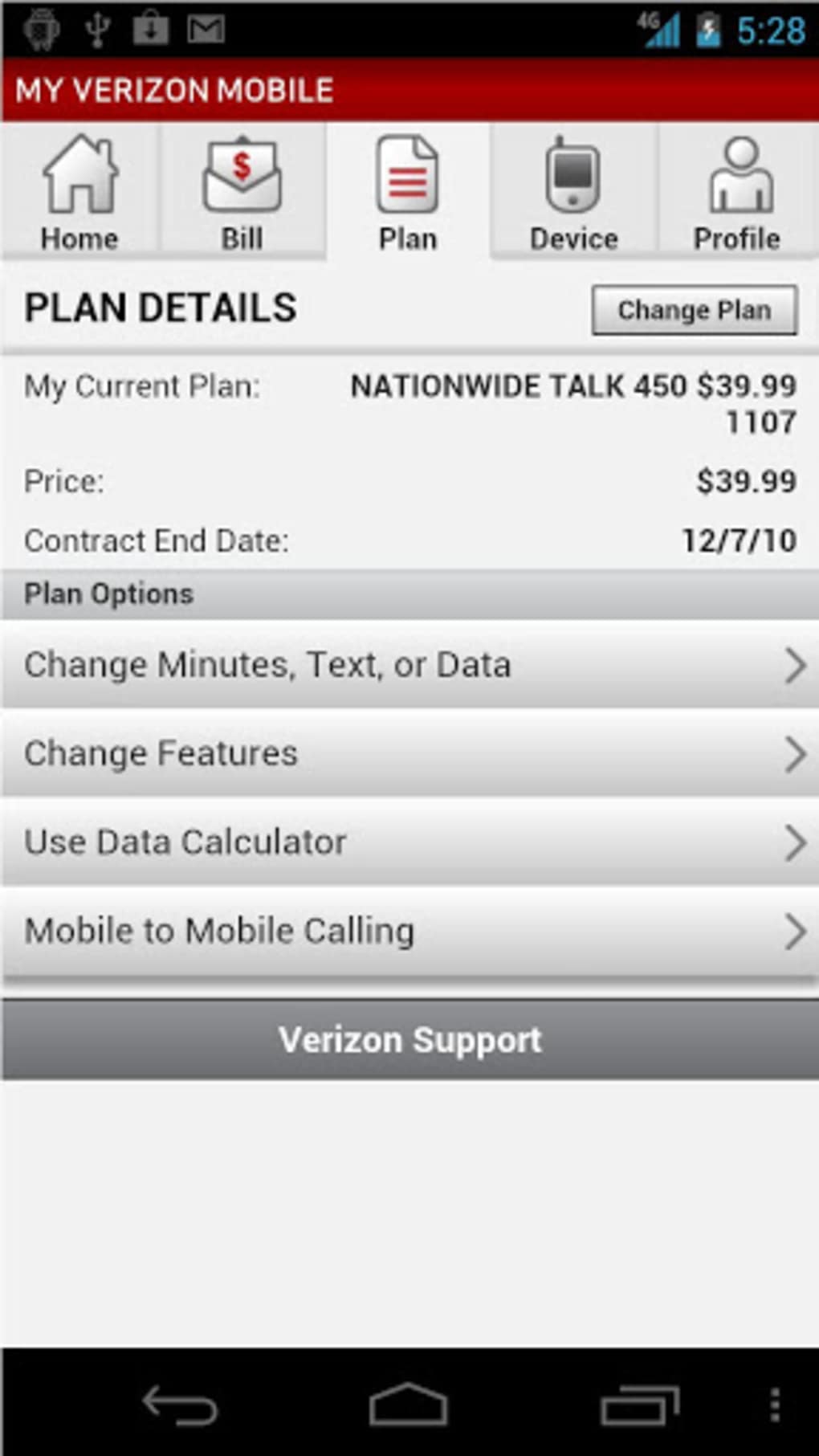
Beyond basic account management, the app allows you to explore and upgrade your plans with personalized recommendations based on your usage patterns. Verizon frequently offers promotions and deals, and My Verizon makes it easy to find and apply these to your account. This ensures you’re always aware of the best available plans and can optimize your service based on your individual needs and budget. The app actively promotes these deals, notifying users of potential savings and upgrades, ensuring you never miss an opportunity to improve your service while saving money.
Data Usage Monitoring and Control
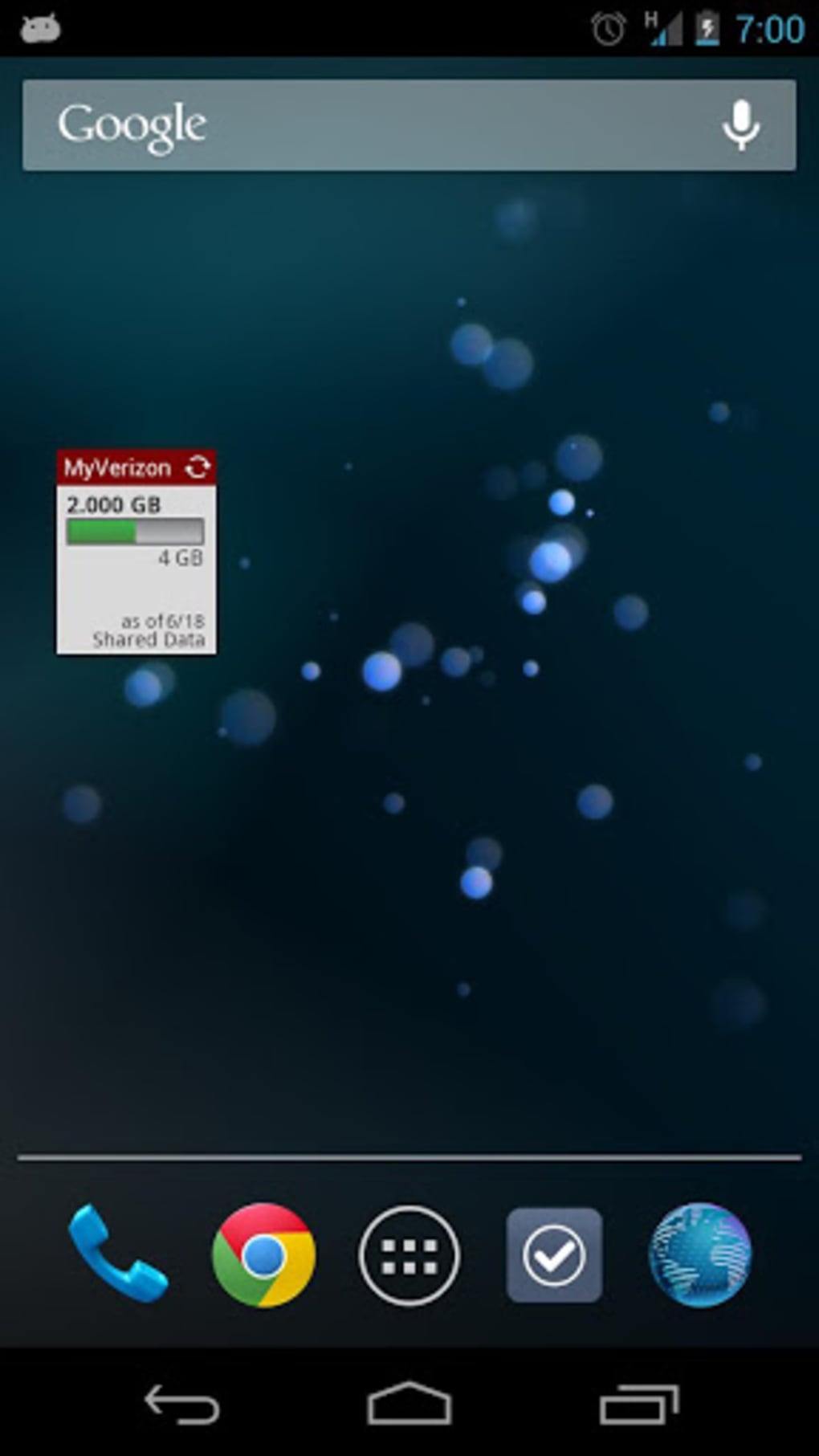
Efficiently monitoring your data usage is crucial for avoiding overage charges. My Verizon provides detailed data usage tracking, allowing you to view your current usage against your plan’s allowance. The app provides clear visual representations of your data consumption, making it easy to identify trends and potential areas for optimization. For example, the app might show a detailed breakdown of data used by specific applications, helping you identify data-intensive apps that you may want to limit. This granular level of monitoring empowers users to take proactive steps to manage their data consumption and avoid exceeding their plan’s limits. Furthermore, the app offers tools to help you control your data usage, such as setting data usage alerts that notify you when you’re approaching your limit. This proactive approach ensures you stay within your allocated data, avoiding unexpected charges.
Device Management and Security
My Verizon goes beyond basic account management; it also plays a crucial role in managing your devices and ensuring their security. The app provides easy access to the latest deals on Verizon devices and accessories. This allows you to explore options for upgrades, replacements, and add-on accessories, all within the convenience of the app. The app frequently updates its inventory of available devices, ensuring you always have access to the latest models and offers. These offers are tailored to your existing plan and usage, providing personalized recommendations for upgrades that best suit your individual needs. Beyond offering deals on new devices, My Verizon also prioritizes device security. While the app itself doesn’t directly offer antivirus or anti-malware software, it proactively alerts users to potential security risks and provides guidance on maintaining the security of their devices. It links users to relevant resources and information on best practices for online security, ensuring they are equipped to protect their devices and data from potential threats.
Customer Support and Troubleshooting
My Verizon offers seamless access to customer support, making it easy to resolve issues and obtain assistance. The app offers several channels for contacting support, including a live chat feature for instant assistance and a comprehensive FAQ section that addresses common questions. This ensures users can quickly find answers to their queries without the need for lengthy phone calls or email exchanges. The app also provides step-by-step troubleshooting guides for common issues, such as network connectivity problems or billing discrepancies. These guides offer a structured approach to problem-solving, enabling users to attempt self-remediation before escalating the issue to customer support. The integration of these support options within the app makes the entire process efficient and accessible, enhancing the overall user experience.
TravelPass and International Roaming
For frequent travelers, My Verizon offers seamless international connectivity through its TravelPass feature. This feature is conveniently managed through the app, allowing users to activate and deactivate the service as needed, avoiding unnecessary charges. TravelPass provides a straightforward and transparent pricing structure, ensuring users know exactly what they’re paying for when using their phones abroad. The app clearly outlines the available TravelPass options, including coverage areas and associated costs, empowering users to make informed decisions based on their travel plans. The app also provides real-time information on international roaming rates and usage, providing transparency and control over international data expenses. This eliminates the surprise of exorbitant bills upon returning from a trip, offering peace of mind for travelers who frequently use their phones internationally.
My Verizon for Android: A Detailed Look
The Android version of My Verizon boasts the same comprehensive features as its iOS counterpart, offering a seamless experience for Android users. The app’s intuitive interface is specifically designed for Android devices, ensuring compatibility and optimal performance. While the functionality is essentially identical, there might be minor UI differences to match Android’s design language. However, the core features of account management, billing, data usage monitoring, device management, customer support, and TravelPass remain consistently available and accessible. Verizon ensures that the Android version receives regular updates, keeping it compatible with the latest Android operating system versions and incorporating new features and improvements as they become available.
Conclusion: Simplifying Your Verizon Experience
My Verizon effectively consolidates the management of your Verizon services into a single, user-friendly application. It streamlines various tasks, from paying bills and monitoring data usage to accessing customer support and exploring new deals. The app’s intuitive design and comprehensive features make it an invaluable tool for any Verizon customer. While a stable internet connection is necessary for optimal functionality, the convenience and efficiency it offers significantly outweigh this requirement. With its centralized account management, robust customer support, and proactive security features, My Verizon truly simplifies the Verizon experience, empowering users to manage their accounts effectively and efficiently. The app’s consistent updates and commitment to user experience cement its position as a must-have tool for all Verizon customers.
File Information
- License: “Free”
- Latest update: “August 12, 2025”
- Platform: “Android”
- OS: “Android 15.0”
- Language: “English”
- Downloads: “2.4K”
- Download Options: “Google Play”


