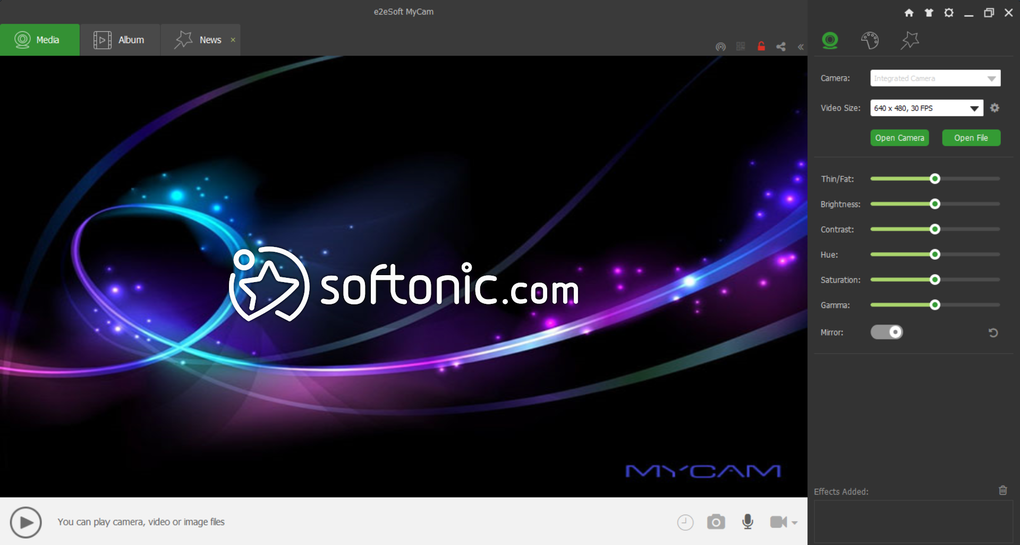
MyCam is a straightforward, no-frills application designed for capturing images and videos using any webcam connected to your Windows PC. Unlike many webcams that come bundled with their own often complex software, MyCam provides a lean and user-friendly experience, allowing users to quickly and easily record video and take photographs without navigating multiple interfaces or dealing with unnecessary features. This simplicity makes it an attractive option for users who prioritize ease of use and functionality over extensive editing capabilities.
Key Features and Functionality
MyCam’s strength lies in its simplicity and compatibility. Its core function is to provide a consistent and accessible interface for all your connected webcams, eliminating the need to switch between different software programs depending on the camera in use. This is a significant advantage for users with multiple webcams or those who frequently switch between different devices. The program supports various webcam models, making it a versatile solution for a wide range of users.
The application supports standard image formats like JPG and BMP for still photographs, and MPEG and AVI for video recordings. While it doesn’t offer advanced editing capabilities or the ability to apply effects directly within the program itself, this streamlined approach contributes to its efficiency and speed. Users can quickly capture their desired content without delays. This focus on speed and simplicity makes MyCam ideal for quick snapshots, brief video recordings, or situations where immediate capture is crucial.
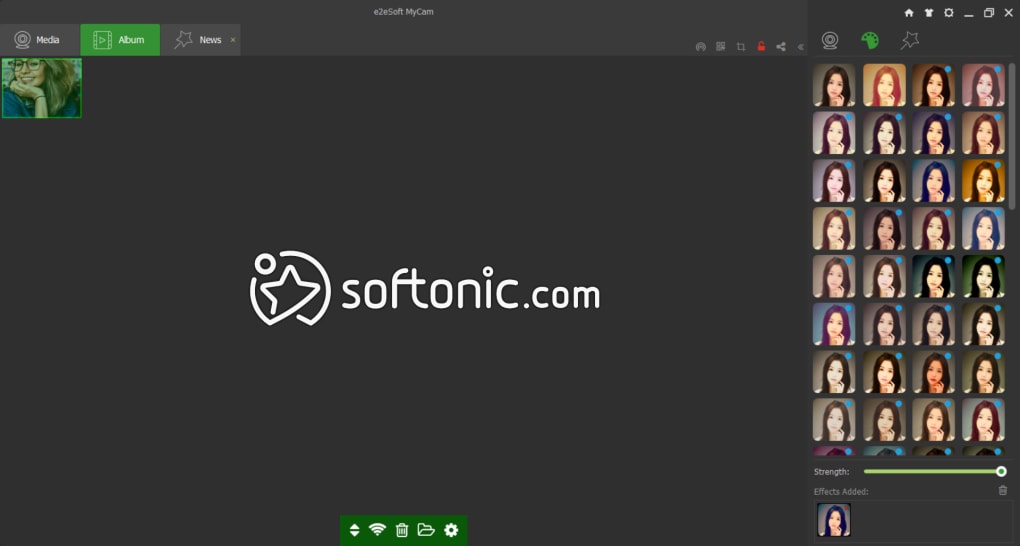
MyCam allows users to adjust the resolution and quality of captured videos, providing a degree of customization. This is particularly helpful when considering the intended use of the captured content. High-resolution recordings will consume more storage space and require more processing power, while lower resolutions will produce smaller files but at the cost of image and video quality. This control allows users to strike a balance between quality and file size depending on their needs and available resources.
The application’s portable nature is another noteworthy feature. Unlike many programs that require installation, MyCam can be run directly from its executable file, making it convenient for users who prefer not to install additional software or who are working on systems with restricted installation privileges. This portability also enables easy transfer and use across multiple computers without the need for repeated installations.
Strengths and Weaknesses
MyCam presents both advantages and disadvantages for potential users. Its key strengths include its broad compatibility with various webcams, its ease of use, its lack of installation requirements, and its small footprint on system resources. These factors contribute to a highly accessible and convenient user experience, particularly for users who simply need a basic, reliable method for capturing webcam content. The program effectively fills a niche for users who do not require advanced editing features or elaborate effects.
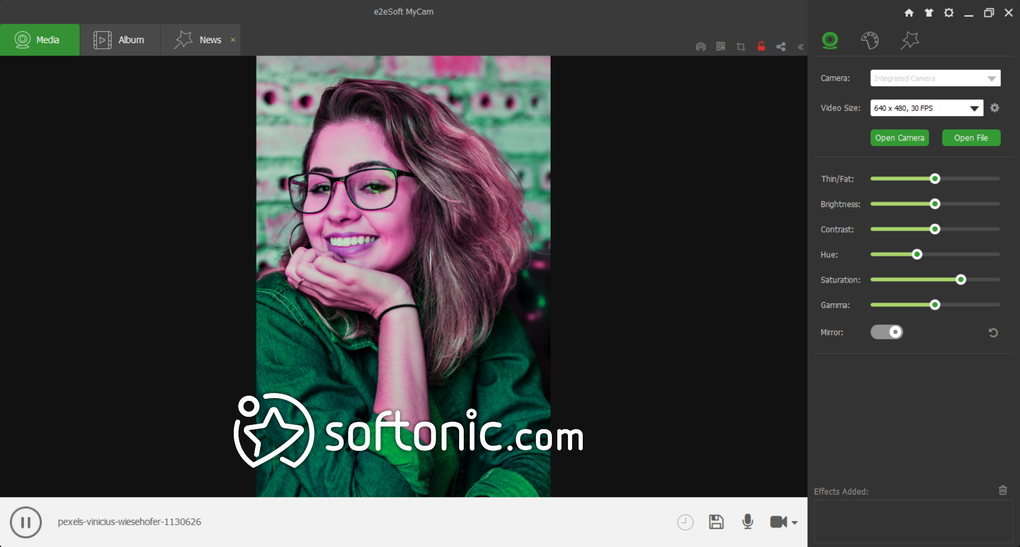
However, the absence of image and video editing tools is a notable limitation. MyCam focuses purely on the capture of content, and it does not provide any in-built functionality for tasks such as cropping images, adjusting brightness/contrast, adding filters, or editing video clips. Users seeking post-production capabilities will need to use a separate image or video editor after using MyCam to capture their content. Similarly, the lack of image resolution adjustments is another limitation; the resolution settings apply only to video and not to still images.
The absence of advanced features, while a disadvantage for some, is also a source of MyCam’s strength. Its simplicity and lack of complexity ensures fast loading times and minimal resource usage. The application remains lightweight and responsive, making it a good choice for users with older or less powerful hardware. For users who prioritize speed and efficient resource utilization over extensive features, MyCam remains a compelling option.
User Reviews and Feedback
User reviews of MyCam paint a picture of a program that generally meets the expectations of its target audience. Many users appreciate its simplicity and its ability to function without the need for installation. Several reviews highlight the program’s usefulness for quick video capture and still photography, emphasizing its ease of use and efficiency in achieving these basic functions.
However, some users express disappointment with the lack of editing features. The inability to adjust image resolution or apply effects within the program itself is a common point of criticism. Concerns are also raised about minor technical issues, such as occasional audio/video synchronization problems or difficulties with specific webcam models. These problems appear to be infrequent and potentially linked to individual hardware setups or configuration issues.
Overall, user feedback reflects a general acceptance of MyCam as a reliable and practical solution for basic webcam capture tasks. While the lack of advanced editing capabilities represents a significant limitation for some, many users find the program’s simplicity and ease of use outweigh this drawback, particularly when the primary need is quick and efficient capture of webcam video and stills.
Alternatives and Comparison
Several alternative webcam applications are available, each offering a different set of features and functionalities. Some alternatives offer significantly more advanced features, including video and image editing capabilities, various effects and filters, and more comprehensive configuration options. These alternatives, however, often come with a steeper learning curve and may require more system resources.
In contrast, MyCam’s simplicity and ease of use set it apart from its more feature-rich competitors. While it may lack the advanced functionalities of alternatives such as ManyCam or CyberLink YouCam, its streamlined interface and low resource consumption appeal to users who prioritize a quick, straightforward solution for capturing webcam content. The choice between MyCam and its competitors hinges on the user’s specific needs and priorities. Users who need basic functionality and prioritize simplicity will likely find MyCam more suitable, while those seeking advanced editing and streaming capabilities might find more comprehensive software more appropriate.
The streamlined approach of MyCam effectively occupies a specific niche within the larger market of webcam software. Its focus on simple, efficient capture, combined with its portability and ease of use, ensures it remains a viable option for a segment of users despite the availability of more feature-laden alternatives. The ultimate decision of which webcam software is most suitable depends entirely on the individual user’s needs and priorities.