
MyCard - Contactless Payment is a premium finance application developed by Road Dogs Software, designed for Android devices. This app facilitates contactless payments using Near Field Communication (NFC) technology, offering a convenient alternative to traditional payment methods. While it requires a supplementary card reader accessory, its ease of use and multiple card storage capabilities make it a potentially attractive option for users seeking streamlined mobile payment solutions. This review delves into the app’s functionality, security features, pros and cons, and its place within the broader mobile payment landscape.
Functionality and Features
MyCard - Contactless Payment leverages the capabilities of NFC technology, a short-range wireless communication protocol increasingly integrated into smartphones and other devices. This technology allows for quick and secure data exchange between two devices in close proximity, making it ideally suited for contactless payment transactions. The app simplifies the payment process by enabling users to store multiple credit and debit cards directly within the application. This eliminates the need to carry numerous physical cards, offering enhanced convenience and organization.
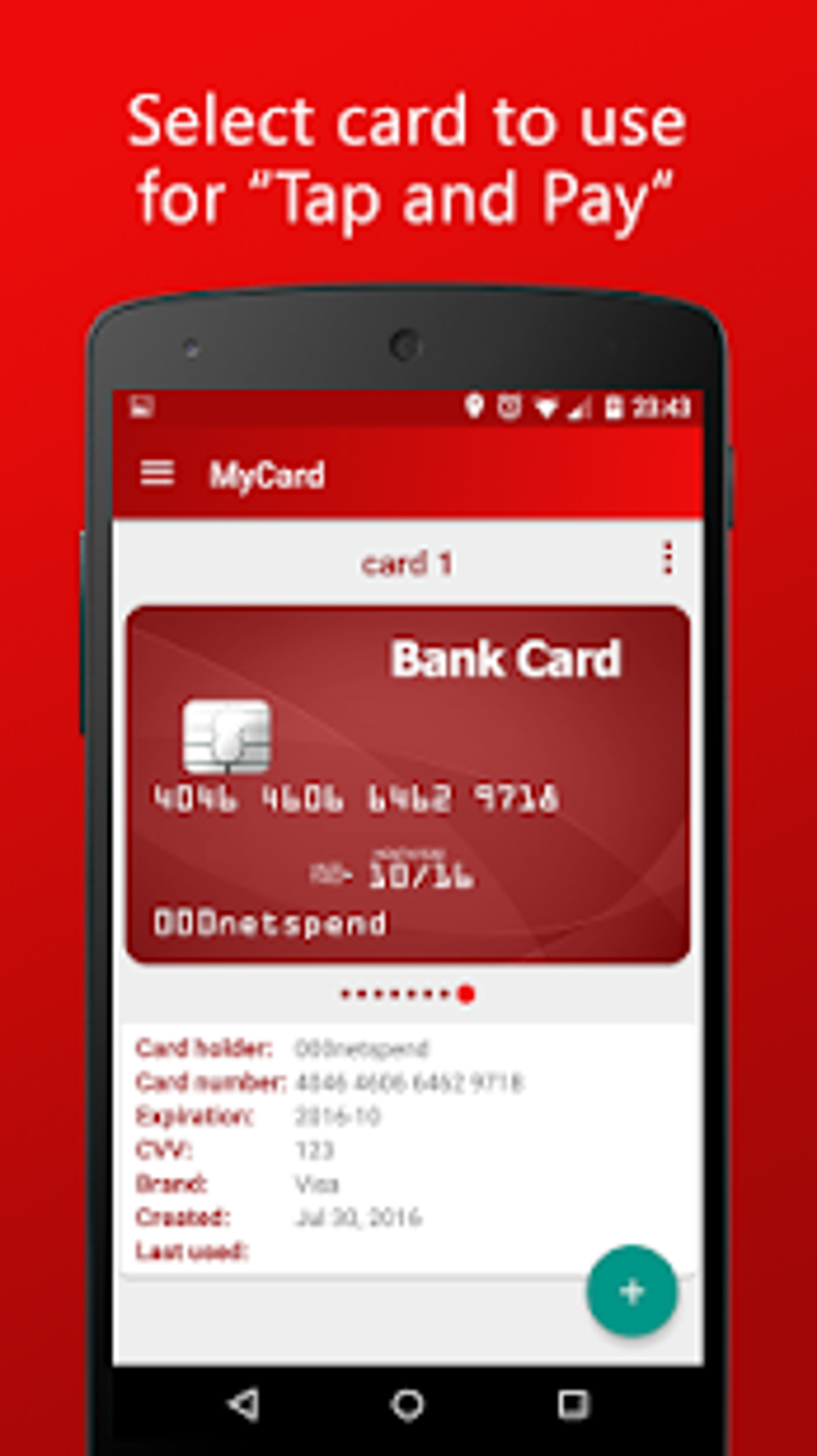
The app supports the storage of up to 20 different cards simultaneously, allowing users to easily switch between their preferred payment methods depending on the situation. Each card’s details, including the cardholder’s name, card number (though ideally only the last few digits for security), and the critical CVV code, can be meticulously managed within the app. Users can also assign unique passwords to each card for an extra layer of security, protecting their financial information from unauthorized access.
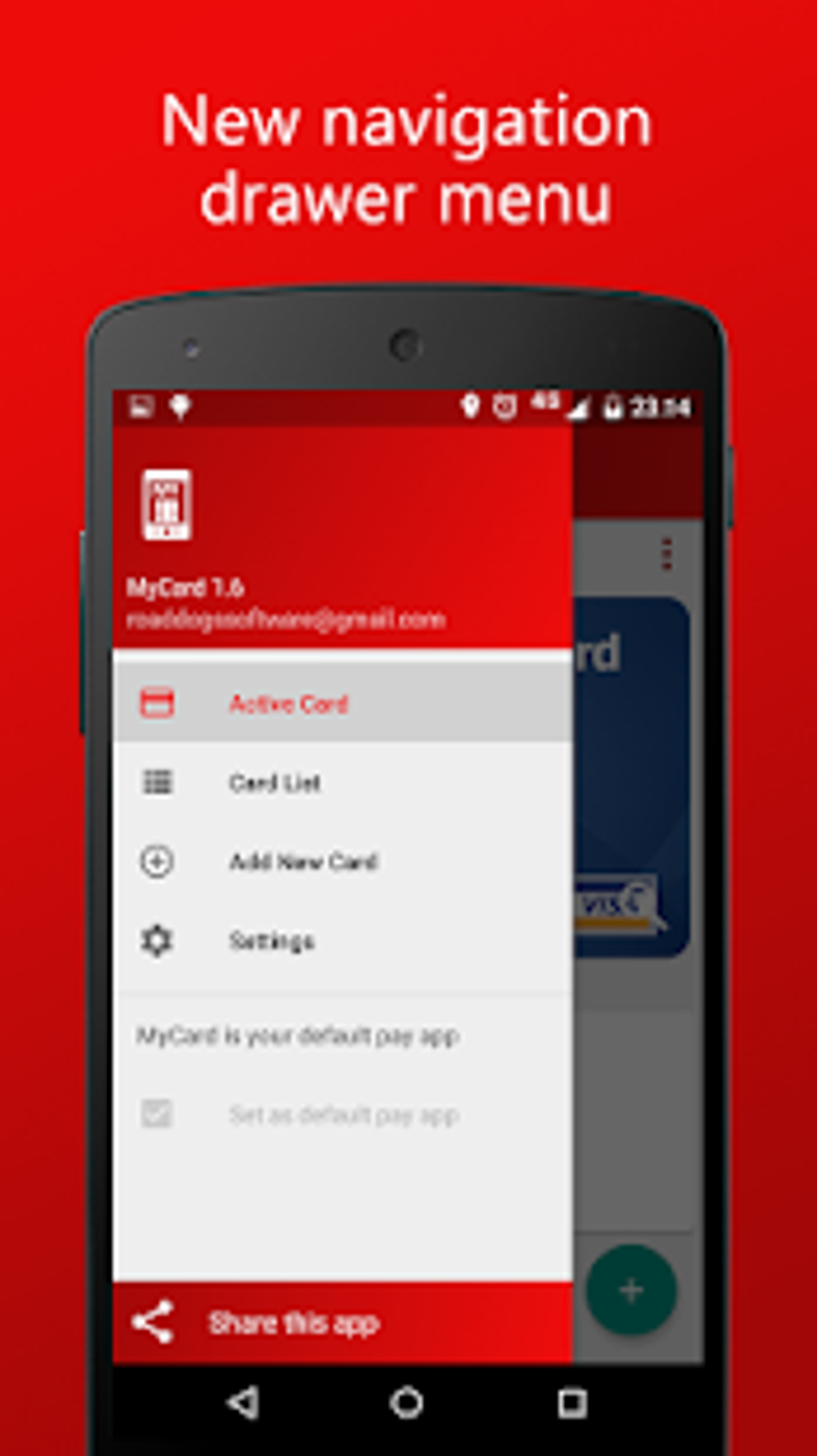
To initiate a transaction, users simply select their desired card and use the “Swipe” function to initiate the contactless payment process. The app then utilizes the NFC functionality of the Android device to communicate with the payment terminal at the point of sale. It’s crucial to note, however, that this process requires a separate card reader accessory, which connects to the smartphone via the headphone jack or USB port. This accessory is necessary to read the magnetic stripe data from physical cards for initial entry into the app. This requirement represents a significant limitation, and we’ll discuss this in more detail later.
Security Measures
Security is paramount in any financial application, and MyCard - Contactless Payment incorporates several features to safeguard user data and transactions. The utilization of NFC technology itself provides a layer of security, as the short-range nature of NFC limits the range within which data can be transmitted, reducing the risk of interception. Furthermore, the app allows for the individual password protection of each stored card, adding an additional hurdle for unauthorized users attempting to access the user’s financial information.
The app’s design also aims to minimize the exposure of sensitive data. While the app requires the user to input their card details, the developers likely employ encryption techniques to protect this data both in transit and while stored on the device. However, the specifics of the encryption methods used are not publicly disclosed, which represents a potential area for improvement in transparency. It is always advisable to use strong passwords and practice good security hygiene when utilizing any financial application.
User Interface and Experience
The app’s user interface is designed for ease of use and intuitive navigation. Users can effortlessly add, manage, and delete their cards. The card selection process is straightforward, and initiating a payment requires only a few simple taps. The developers have clearly prioritized user-friendliness, making the app accessible to users with varying levels of technical expertise.
However, the requirement for a separate card reader accessory does add a layer of complexity to the setup process. Users must first acquire and connect this accessory before they can begin adding cards to the application. This additional step could deter some potential users who prioritize simplicity and ease of setup.
Pros and Cons
Pros:
- Multiple Card Storage: The ability to store up to 20 cards within the app simplifies payment management and eliminates the need to carry numerous physical cards.
- User-Friendly Interface: The intuitive design makes the app easy to navigate and use, regardless of the user’s technological proficiency.
- NFC Compatibility: The use of NFC technology enables fast and convenient contactless payments at participating merchants.
- Password Protection: The option to set individual passwords for each card enhances security and protects user data from unauthorized access.
- Wide Device Compatibility: Theoretically, it should work on any Android device with NFC capabilities (though app compatibility may vary with different Android versions).
Cons:
- Required Accessory: The need for a separate card reader accessory adds an extra cost and complexity to the setup and use of the app. This is a significant drawback.
- Lack of Transparency: The app’s security details, such as the specific encryption methods used, are not publicly available, creating some uncertainty regarding the level of data protection.
- Potential for Dependence on Third-Party Accessories: The reliance on a third-party accessory means there’s potential for compatibility issues or a reliance on a specific manufacturer for ongoing support.
- Limited User Reviews: The absence of user reviews makes it difficult to assess the real-world performance and reliability of the application.
Comparison with Alternative Apps
Several alternative mobile payment applications provide similar contactless payment functionality, but often without the requirement for an additional card reader. These alternatives often leverage the phone’s existing NFC chip to directly read card information, thereby removing the need for a separate accessory. Services like Google Pay, Apple Pay, and Samsung Pay are prominent examples of such alternatives. These established apps generally benefit from broader merchant acceptance and a more extensive history of security audits and reviews.
MyCard - Contactless Payment’s key differentiator is its claimed ability to handle a wider variety of cards, possibly including older or less-common formats, which may not be supported by these more mainstream alternatives. However, this theoretical advantage must be weighed against the inconvenience and additional expense of the required accessory.
Conclusion
MyCard - Contactless Payment offers a potentially convenient method for managing multiple payment cards and conducting contactless transactions. However, the need for an additional card reader accessory significantly detracts from its overall usability and convenience. This requirement adds a notable cost and complexity, rendering it less attractive than many competing mobile payment applications. While the app boasts features such as multiple card storage and password protection, its lack of user reviews and the absence of transparency regarding its security measures raise concerns. Users considering MyCard - Contactless Payment should carefully weigh the benefits against the drawbacks and consider alternative options, particularly if they prioritize ease of use and a seamless payment experience. The added expense and inconvenience of the necessary hardware make it a less compelling choice compared to widely accepted digital wallet applications that are readily available and don’t require additional purchases.
File Information
- License: “Full”
- Version: “1.20”
- Latest update: “May 24, 2023”
- Platform: “Android”
- OS: “Android 13.0”
- Language: “English”
- Downloads: “21.6K”
- Download Options: “Google Play”


