
MyVidster was a free video-sharing application for Android and iOS devices that allowed users to discover, bookmark, and download multimedia files from various web sources. While the app is no longer available for download, a review of its features and functionality offers insight into its capabilities and potential. This review explores MyVidster’s core features, its user interface, its potential for businesses and individuals, its safety and security measures, and finally, offers alternative applications for users seeking similar functionality.
MyVidster: A Central Hub for Your Favorite Videos
In a world saturated with online video content, managing and accessing your preferred videos across numerous platforms can be challenging. MyVidster aimed to solve this problem by providing a centralized platform to collect, organize, and share your favorite videos. Unlike having to bookmark videos on individual websites, MyVidster offered a single location to curate your personal video library. This app enabled users to search for videos from diverse sources such as YouTube, Vimeo, and DailyMotion, and add them to a personal collection. Beyond simple video aggregation, MyVidster also facilitated the upload and sharing of user-generated content, creating a community aspect that allowed both individuals and businesses to extend their reach.
The ability to download multimedia files directly to mobile devices or computers was a key feature, enhancing the offline viewing experience. This download functionality, however, also presented potential concerns regarding copyright and intellectual property, a point we will address later in this review.
Apps, Games, News, and Business Applications of MyVidster
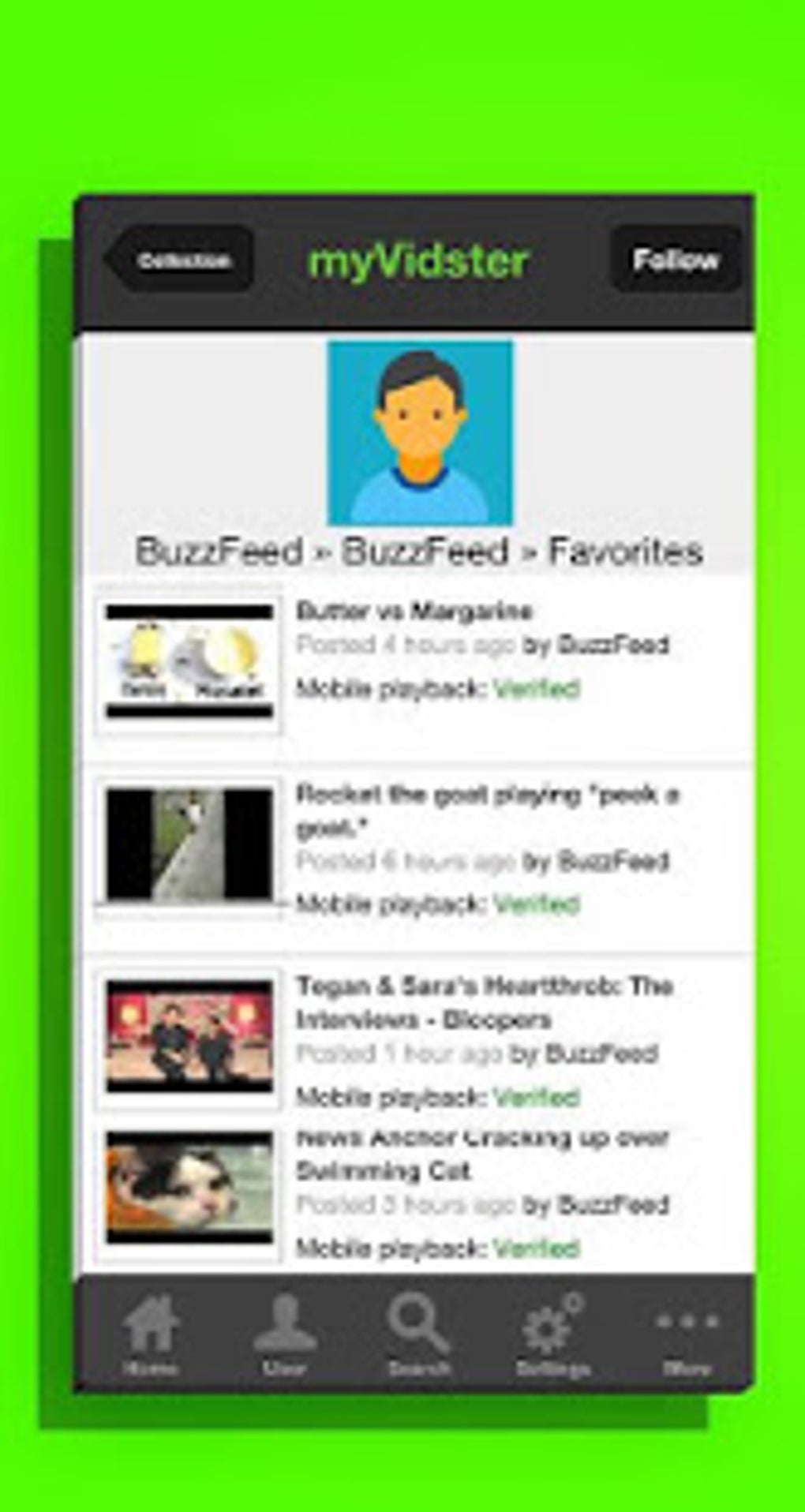
MyVidster’s primary function was as a video-sharing and management app, but its implications extended beyond simple entertainment. While it lacked dedicated sections for games or news specifically, its core functionality served several purposes:
Apps: Primarily, MyVidster functioned as an app itself, providing a user-friendly interface for managing videos. Its easy navigation and search capabilities made it a convenient app for anyone wanting a central location for their videos.
News: While not a news aggregator, MyVidster could indirectly be used to access news content. Users could search for and bookmark news videos or documentaries available online.
For Business: MyVidster provided an invaluable tool for businesses to reach a wider audience. Businesses could upload promotional videos, product demos, and other marketing materials to increase brand awareness and reach potential customers. The social-sharing aspects of the app allowed for organic virality, potentially generating significant exposure for uploaded content. This platform provided a space for both large corporations and individual creators to gain visibility and establish a following.
Android Focus: While also available on iOS, MyVidster’s prominence was firmly rooted in the Android ecosystem. The app was specifically designed for Android devices, taking advantage of Android’s functionalities and capabilities.
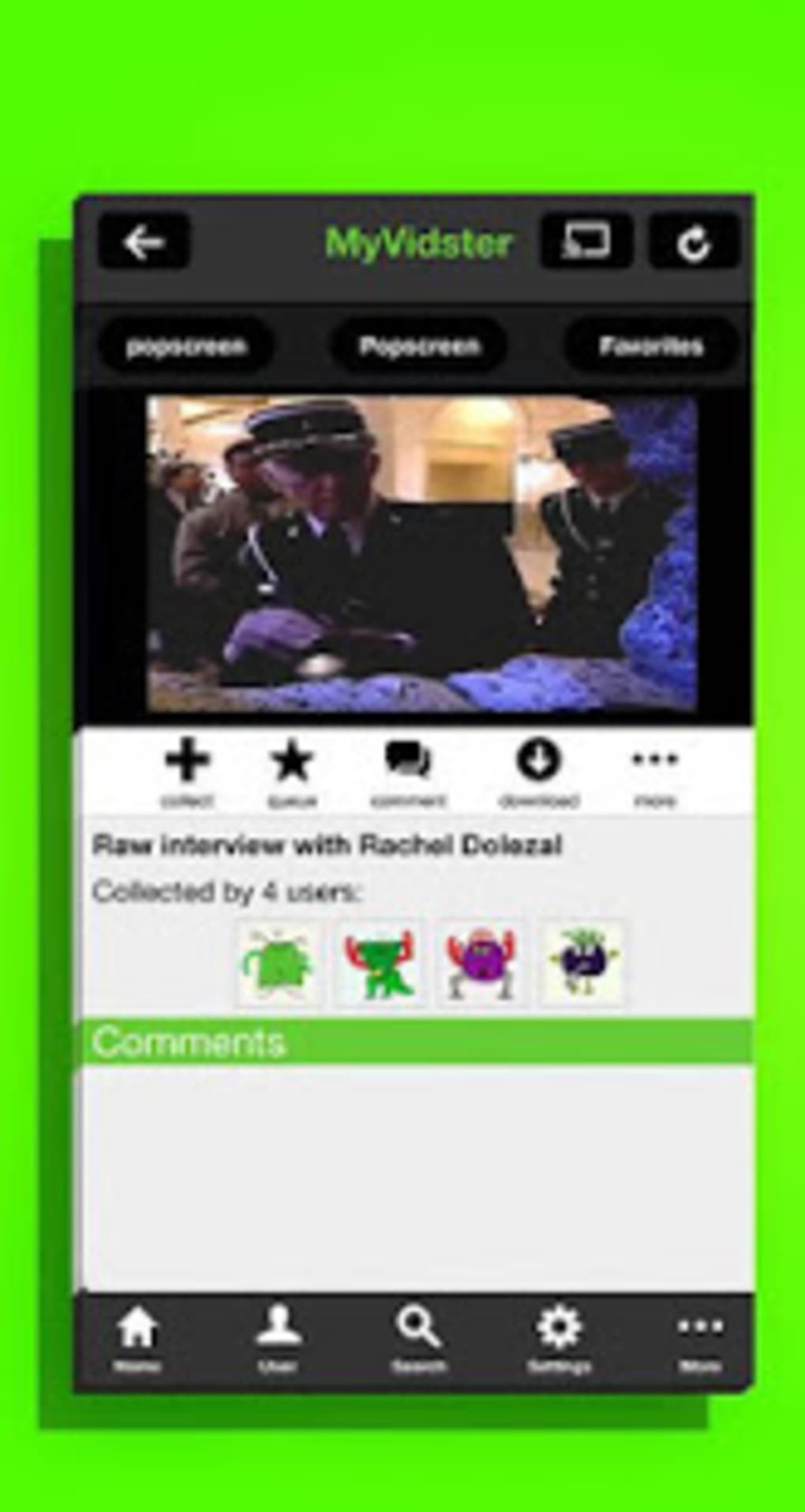
Multimedia Management: MyVidster excels as a multimedia management tool. Its organizational features, such as bookmarking, collection creation, and tagging, simplified the process of categorizing and accessing a large volume of videos. This helped users maintain a clear and efficient library of their preferred multimedia files.
MyVidster for Android: User Interface and Functionality
The MyVidster Android application featured a clean and intuitive interface. Upon launch, users were presented with a scrollable homepage showcasing the most popular bookmarked videos within the app’s community. The footer navigation bar offered quick access to key features including Home, User profile, Search, Settings, and More. The Search function allowed users to locate videos using keywords, hashtags, collection names, user queries, or usernames.
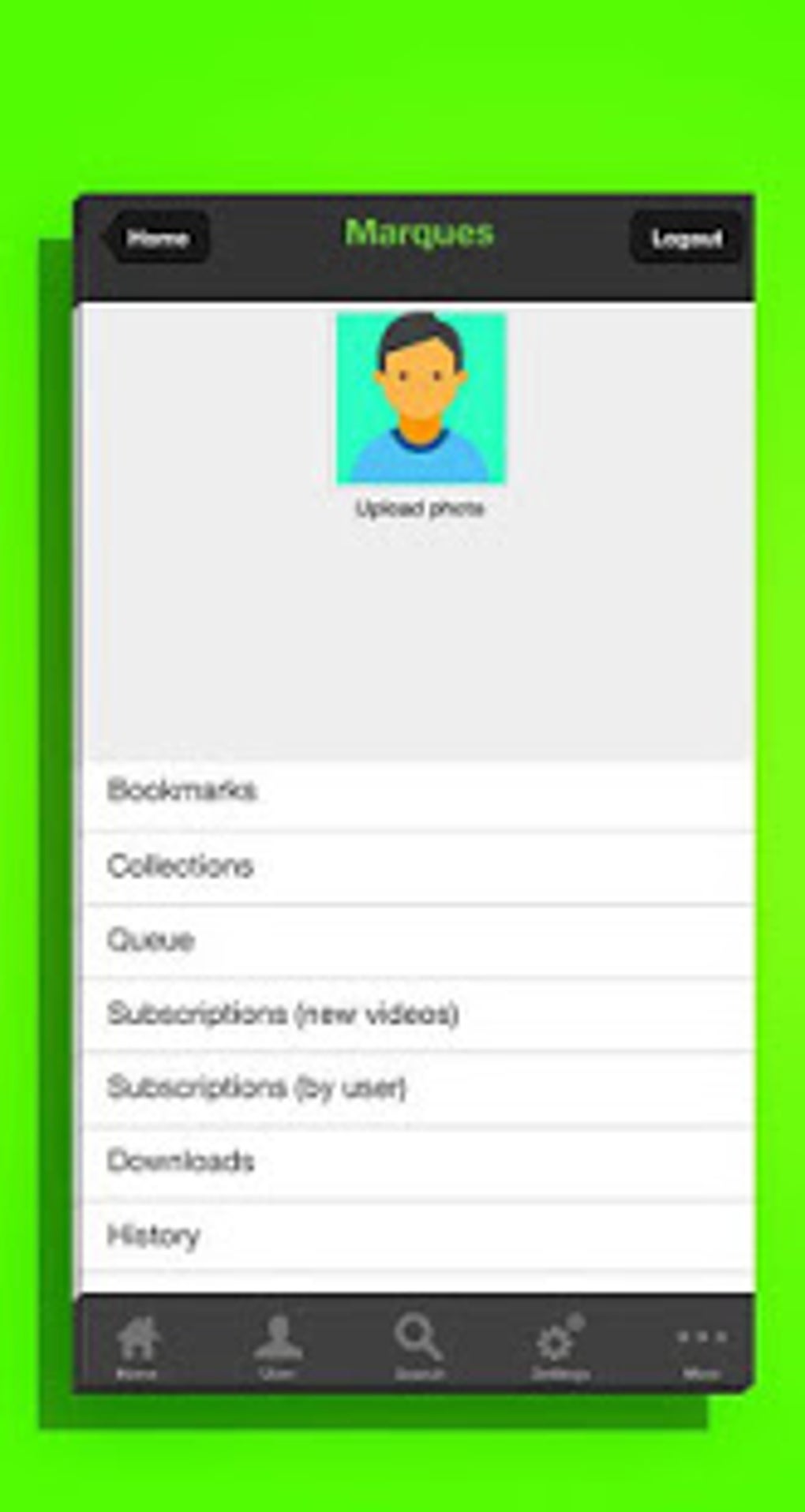
While initial exploration of videos was possible without an account, downloading or adding videos to a personal collection necessitated account creation. This login requirement was fundamental to MyVidster’s system of personalized video management. Once logged in, the User section provided access to bookmarks, collections, video queues, following lists, and download history.
This user-centered approach allowed for personalized video experiences. Users could construct their own video libraries, categorized into custom collections, making it easy to manage and revisit favorite videos based on specific themes or interests. The ability to create both public and private collections facilitated sharing with friends and maintaining personal video collections independently.
Video Collections and Community Engagement on MyVidster
MyVidster fostered a substantial community, which led to the creation of diverse video collections across numerous topics. Users could discover trending videos and curated content by searching for specific keywords or browsing existing collections. For example, users interested in a particular smartphone could easily find unboxing videos and reviews organized within a dedicated collection. This collaborative aspect enriched the user experience, providing access to an extensive range of videos and facilitating the discovery of niche content.
The ability to add bookmarks and create video collections served not only as an organizational tool but also as a means of content sharing and community engagement. Users could share their public collections with others, fostering a sense of community and enabling content discovery by other users. The tagging feature further improved searchability and helped users find relevant collections and videos easily.
MyVidster for Businesses and Individuals: Expanding Reach
MyVidster provided an effective platform for individuals and businesses to expand their reach. The ability to upload video content enabled users to showcase their work to a larger audience. The potential for videos to go viral on the platform offered substantial opportunities for exposure. Brands could utilize the platform for product promotion and marketing, while individuals could leverage it to build an online presence and increase their influence. This dual application catered to both commercial and individual content creators, offering a versatile platform for sharing video content.
MyVidster: Potential Drawbacks and Limitations
While MyVidster possessed many strengths, it also encountered certain limitations. Users reported instances of unexpected crashes, particularly when attempting to watch videos. The application sometimes froze on a blank screen, requiring a complete restart. This instability undermined the user experience and hindered the seamless enjoyment of video content.
Furthermore, some users reported a decrease in app performance when used for extended periods. This slowdown could be attributed to various factors, including inefficient code, resource management, or server-side limitations. The inconsistency between the application’s functionality and the website suggested that the application required further optimization and refinement.
MyVidster Safety and Security Considerations
MyVidster implemented security measures to mitigate the risks of malware and viruses. The application incorporated a content filtering system designed to eliminate malicious content, protecting users from potential harm. The company invested resources in security and information technology to maintain a safe platform for all users.
While the platform had measures to prevent unauthorized use of uploaded content, the download feature presented a potential vulnerability for copyright infringement. Creators could safeguard their work by adding watermarks or logos to their uploaded videos, but this did not fully eliminate the risk.
Alternatives to MyVidster: Exploring Similar Platforms
Given MyVidster’s unavailability, exploring alternative video-sharing and management platforms is essential. Potential alternatives include MyTorrent for Android, VideoTube, and VidMax. These alternatives may offer similar functionality, but users should independently evaluate their features, security measures, and user experiences before choosing a replacement.
Should You Download MyVidster? (Considering its Unavailability)
Since MyVidster is no longer available for download, the question of whether to download it is moot. However, the analysis of its capabilities offers valuable insight into the requirements for similar video-sharing applications. If users seek a platform with similar features, they should thoroughly research and evaluate available alternatives to find the best fit for their needs.
MyVidster: A Summary of Pros and Cons
Pros:
- Free to download and use: MyVidster’s accessibility was a major advantage.
- Upload and download video content: This dual functionality catered to both consumers and content creators.
- Bookmarking and organization: The platform provided robust tools for managing and organizing video content.
Cons:
- Unexpected crashes: The instability of the app was a significant drawback.
- Performance issues: Slowdown after extended use diminished the user experience.
- Download feature’s copyright implications: The ability to download content raised concerns about intellectual property.
App Specifications (As per previous information)
- License: Free
- Version: 8.16
- Latest Update: May 6, 2025
- Platform: Android, iOS
- OS: Android 4.3+
- Language: English (and others)
- Downloads: 12.8K
- Size: 56.34 MB
This comprehensive review provides a thorough evaluation of MyVidster, highlighting its features, limitations, and alternatives. While the app is no longer operational, its legacy offers valuable lessons regarding the design and development of video-sharing platforms.
File Information
- License: “Free”
- Latest update: “May 6, 2025”
- Platform: “Android”
- OS: “Android 4.3”
- Language: “English”
- Downloads: “12.8K”
- Size: “56.34 MB”
- Download Options: “APK, Google Play”
- Filename: “myvidster_816.apk”


