
MyWinLocker, once a popular Windows-based encryption program developed by EgisTec Inc., is no longer available for download. This article explores its history, features, user experiences, and the reasons behind its disappearance from the digital landscape, offering insights into its strengths and weaknesses as well as alternative options for users seeking similar functionality.
MyWinLocker: A Closer Look at its Functionality and Features
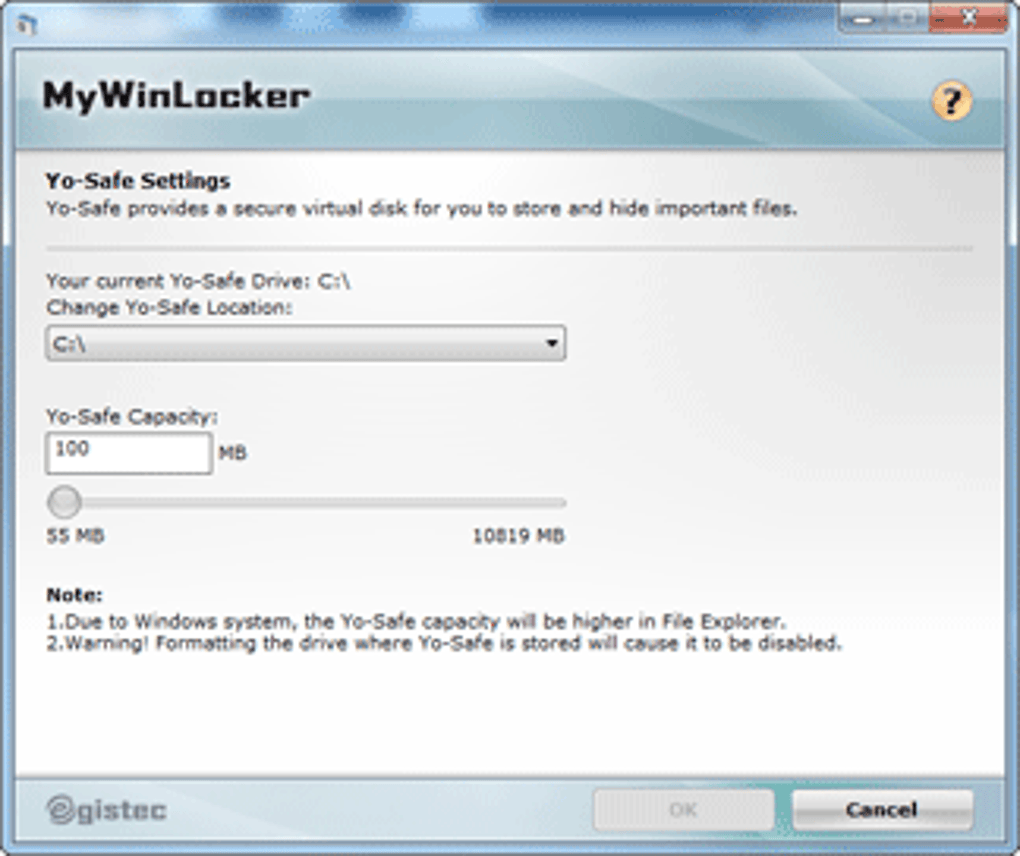
MyWinLocker, categorized as security software with a focus on encryption, aimed to provide users with a secure way to protect sensitive files and folders on their Windows PCs. Added to software catalogs in 2011, it achieved a notable 80,363 installations before its discontinuation. Compatible with Windows XP and earlier versions, it offered a user-friendly interface (at least according to some users) allowing for the creation of virtual, encrypted drives within the operating system. Users could store sensitive data within this virtual drive, accessible only after providing the correct master password. This functionality offered a level of security beyond simple file-level encryption. The program’s size was relatively small, requiring less storage space compared to other security software applications. Its popularity spanned various geographic regions, with significant usage reported in India, the United States, and Malaysia. While the program’s interface was praised by some for its simplicity and speed of encryption and decryption, others pointed out critical usability flaws, including password management and issues with system updates. The software’s available languages included English, Spanish, and German, allowing for broader accessibility across different user bases. The last recorded update, version 4.0.14.29, was on January 22, 2014, indicating a lack of continued development and support in subsequent years.
User Experiences and Reviews: A Mixed Bag of Opinions
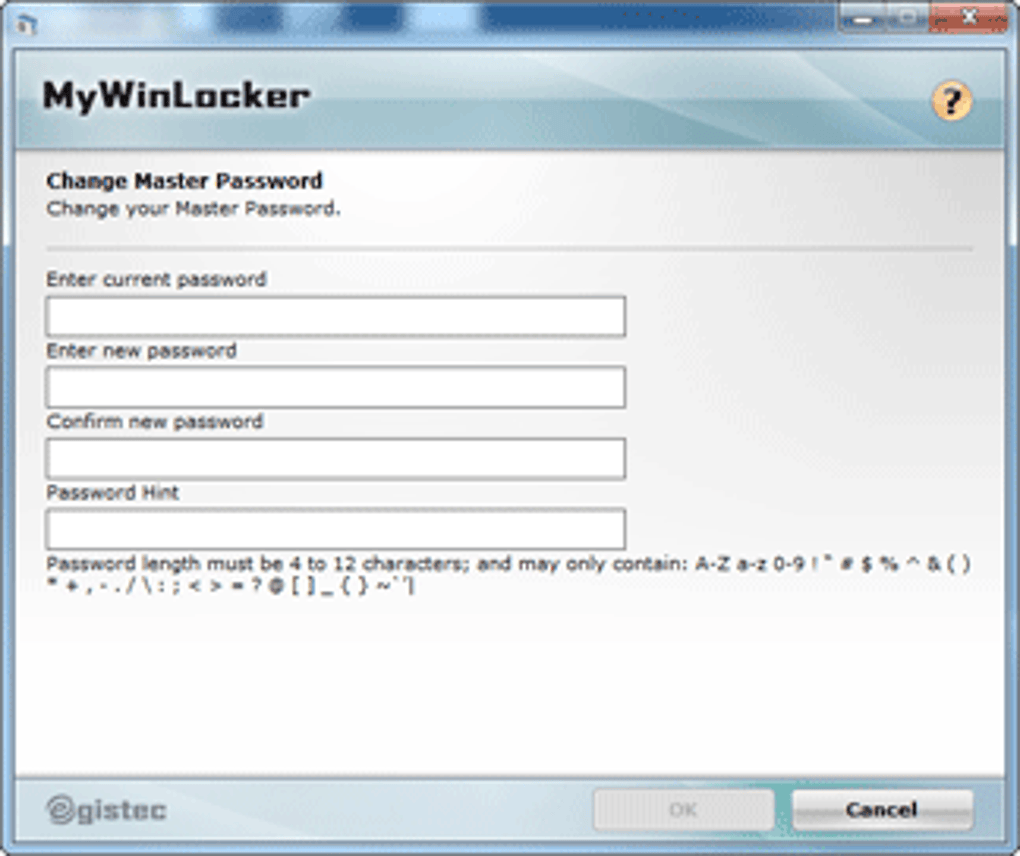
User reviews regarding MyWinLocker paint a mixed picture of the software’s performance and reliability. While some users expressed positive experiences, citing the program’s ease of use and speed of encryption/decryption as key advantages, others highlighted significant issues that ultimately hampered its usability and overall functionality.
One user, reviewing the software in September 2016, expressed frustration with the inability to access previously encrypted files after upgrading to Windows 10. The software seemingly disappeared from their PC, and attempts to download a newer version failed due to problems with the master password screen. This highlights a critical issue: a lack of robust recovery mechanisms or user support to address such situations. The inability to recover files represents a major shortcoming in security software, as data loss or inaccessibility renders the program ineffective.
Another positive review from June 2015 praised the program’s speed, stating it was the only encryption program they had found that didn’t take excessively long to open hidden files. This reinforces the notion that MyWinLocker, in its functional state, offered a reasonably efficient encryption method. However, the reviewer also expressed concern about compatibility with the newer Windows 8 operating system, foreshadowing the potential issues with system updates and long-term support.
A review from February 2015 paints a starkly contrasting picture. The user reported that after years of successful use, the program suddenly refused to open using the correct password. This indicates potential vulnerabilities or inconsistencies in the software’s encryption algorithm or password management system. The lack of support mentioned further underscores a significant problem; the absence of accessible support channels left the user without recourse to recover their files. This issue underlines the importance of reliable customer support and robust error handling in encryption software, especially when dealing with sensitive data.
Another review from March 2012, one of the earlier reviews available, presented a more positive initial impression. The user described setting up a virtual, hidden drive as straightforward and lauded the ability to set strong passwords. The positive experience highlights the software’s potential when functioning correctly. However, the absence of negative feedback in this early review cannot be taken as conclusive evidence of the software’s long-term reliability or stability.
The divergence in user experiences reflects a critical aspect of MyWinLocker’s legacy: While capable of providing secure data encryption when functioning correctly, the software lacked the robust support structure and reliability necessary for long-term use. The inconsistencies and issues highlighted by later reviews far outweigh the positive early experiences.
The Disappearance of MyWinLocker: Potential Reasons and Implications
The unavailability of MyWinLocker for download raises several important questions. The reasons for its removal from distribution channels are not explicitly stated, but several possibilities exist:
- Discontinuation: EgisTec Inc. may have ceased development and support for the software, perhaps due to declining user base, limited profitability, or shifting priorities.
- Security Vulnerabilities: The software may have contained previously unknown security vulnerabilities that were discovered and deemed unfixable, necessitating its removal to prevent misuse or exploitation. This is a particularly serious concern given the sensitive nature of the data it was designed to protect.
- Legal Issues: Potential copyright infringements or other legal issues could have forced the removal of the software from distribution channels.
Regardless of the exact reason, the disappearance of MyWinLocker highlights critical aspects of software lifecycle management and the responsibilities of developers in ensuring the security and support of their products. The lack of ongoing maintenance and updates, as evidenced by the last update date, makes it vulnerable to new security threats and compatibility issues with modern operating systems.
Alternatives to MyWinLocker: Finding Secure Encryption Solutions
Given MyWinLocker’s unavailability, users seeking similar file encryption capabilities should explore alternative software solutions. Several strong contenders exist, offering a range of features and security protocols:
- VeraCrypt: A free, open-source disk encryption software that provides robust encryption for entire drives or individual files/folders. Its open-source nature allows for community scrutiny and verification of its security, increasing user confidence.
- 7-Zip: While primarily a file compression tool, 7-Zip supports various encryption algorithms, allowing for secure archiving of files and folders. This offers a less complex option for users needing less comprehensive disk encryption.
- Folder Lock: Mentioned as an alternative on the MyWinLocker download page, Folder Lock offers file and folder encryption, along with other security features. It’s a commercial product, offering a trial version for evaluation.
- PGP Desktop: A widely-respected encryption solution, primarily focusing on email encryption, PGP Desktop also offers file encryption capabilities for individuals and organizations.
When choosing an alternative, consider factors like ease of use, compatibility with your operating system, the strength of encryption algorithms used, and the availability of customer support and updates. Prioritize software from reputable developers with a track record of security and ongoing maintenance.
Conclusion: Lessons Learned from MyWinLocker’s Demise
MyWinLocker’s removal from distribution highlights the importance of considering several key aspects when choosing and utilizing encryption software:
- Reputation and Support: Prioritize established developers with a history of providing ongoing support and updates. Regular updates are crucial for addressing security vulnerabilities and maintaining compatibility with newer operating systems.
- Security and Reliability: Select software using strong encryption algorithms and adhering to established security best practices. Open-source options, subject to community scrutiny, can often provide greater assurance of security.
- User Experience: Consider the software’s ease of use, intuitive interface, and file recovery mechanisms. A complicated or unreliable interface can render even the strongest encryption useless if the user cannot easily access their files.
The discontinuation of MyWinLocker serves as a reminder that software, even seemingly robust security applications, has a limited lifecycle. Proactive planning and the choice of reliable alternatives are crucial for protecting sensitive data in the long term. Choosing a well-maintained and reputable encryption program is paramount to ensure the ongoing protection of your valuable data. The lessons learned from MyWinLocker’s demise should guide users toward more dependable and future-proof security solutions.
File Information
- License: “Trial version”
- Version: “4.0.14.29”
- Latest update: “November 15, 2022”
- Platform: “Windows”
- OS: “Windows XP”
- Language: “English”
- Downloads: “41.8K”
- Size: “20.43 MB”


