
N64 Emulator Pro is a free arcade application designed to bring the nostalgic charm of Nintendo 64 gaming to modern Android devices. This comprehensive emulator boasts a feature-rich design and high-performance capabilities, aiming to recreate the authentic N64 experience for a new generation of gamers and those yearning for a trip down memory lane. This review delves into the intricacies of N64 Emulator Pro, exploring its strengths, weaknesses, and overall effectiveness as a Nintendo 64 emulator on the Android platform.
Reliving the Golden Age of Nintendo 64
The core promise of N64 Emulator Pro is to provide a faithful recreation of the Nintendo 64 gaming experience. This involves meticulously emulating the original console’s graphics, sound, and gameplay mechanics. The emulator strives to maintain the visual integrity of classic N64 titles, ensuring that the distinctive aesthetic of those games isn’t compromised. The developers have optimized the emulator for newer Android hardware, aiming for smooth and responsive gameplay that mirrors the original N64 console’s performance. This is crucial for ensuring that games run without significant lag or slowdown, a common problem with less optimized emulators. The goal is to offer a seamless experience, allowing users to immerse themselves in their favorite N64 games without frustrating technical limitations.
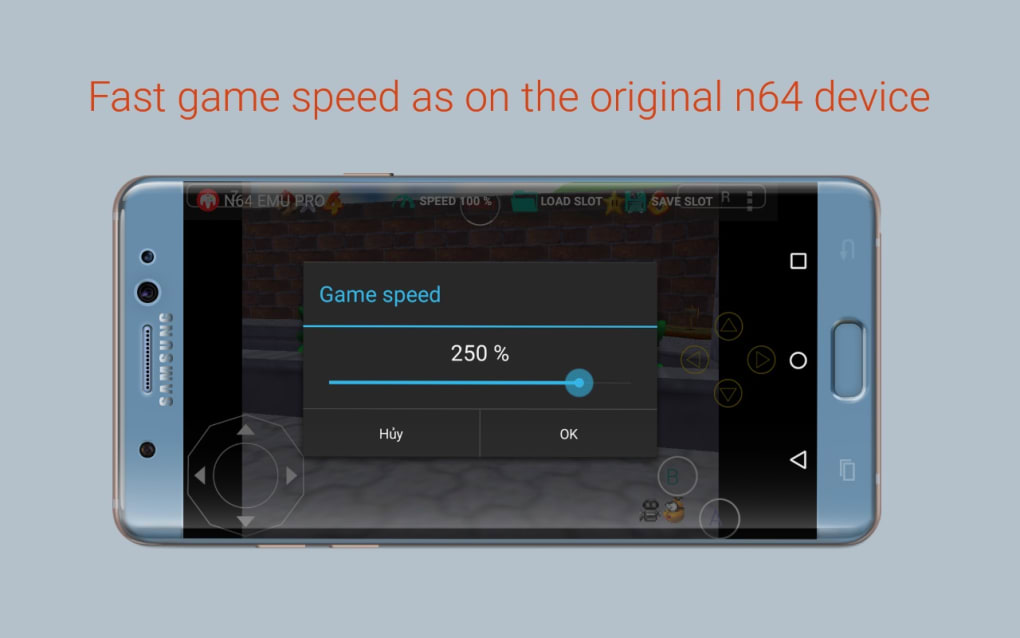
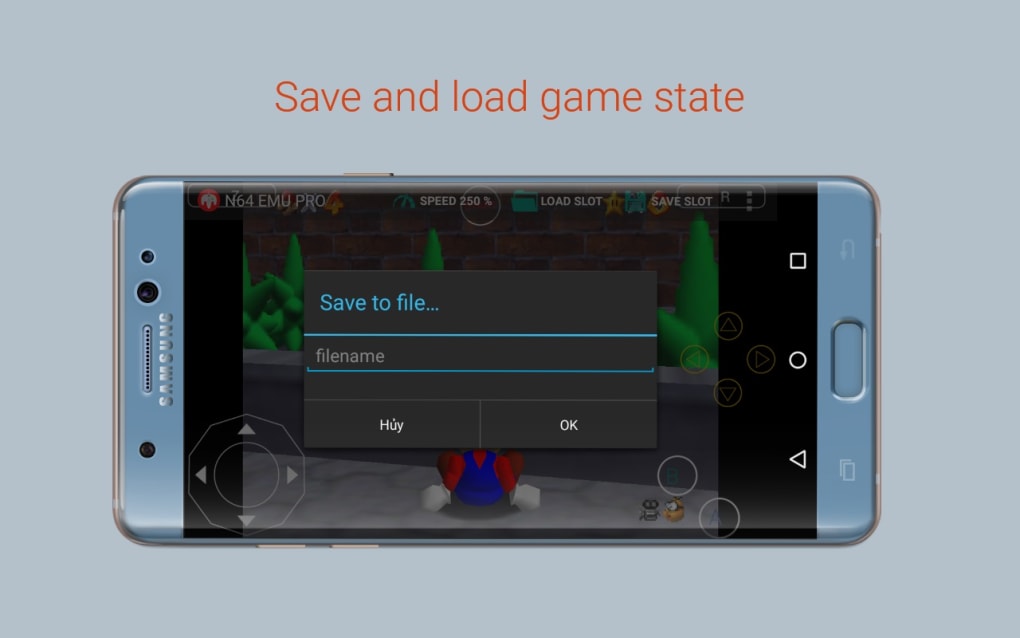
Beyond basic emulation, N64 Emulator Pro offers several features aimed at enhancing the user experience. The ability to save and load game states is a significant advantage, allowing players to pick up where they left off at any point. This is especially useful for lengthy games or those with challenging sections, offering a convenient way to avoid losing significant progress. Furthermore, the customizable button layout provides flexibility to adapt the controls to different game dynamics and individual player preferences. This adaptability is crucial for ensuring comfortable and intuitive gameplay across a wide range of N64 titles, some of which have unique control schemes.
The inclusion of multiplayer capabilities further extends the emulator’s appeal. While specific implementation details might vary, the promise of multiplayer gaming opens the door to cooperative and competitive experiences with friends. This feature potentially transforms the solo gaming experience into a shared one, replicating a key aspect of the original N64’s social appeal. It’s a welcome addition for those who enjoyed the multiplayer modes of classic N64 games. However, it’s important to remember that the emulator itself doesn’t come bundled with ROMs. Users need to source their own game files, legally obtained, and place them onto an SD card or equivalent storage. This aspect underscores the importance of responsible gaming and adherence to copyright laws.
Performance and Optimization: A Smooth Retro Experience
One of the key selling points of N64 Emulator Pro is its focus on performance and optimization. The developers claim to have optimized the emulator to run seamlessly on a wide range of Android devices, prioritizing smooth and responsive gameplay. This means striving for frame rates that closely match the original console, ensuring a lag-free experience that remains faithful to the original games. However, the actual performance can vary significantly depending on the specific Android device’s hardware capabilities. Higher-end devices with powerful processors and ample RAM will naturally deliver a smoother experience compared to older or less powerful devices.
The emulator’s ability to handle demanding N64 games is also a factor. Some N64 titles were graphically complex for their time, pushing the limits of the console’s hardware. Emulating these games requires significant processing power, and the emulator’s efficiency in handling such demands is crucial for a positive user experience. User reviews and benchmarks can offer insights into the emulator’s real-world performance across a variety of devices and game titles.
User Interface and Experience: Ease of Use and Customization
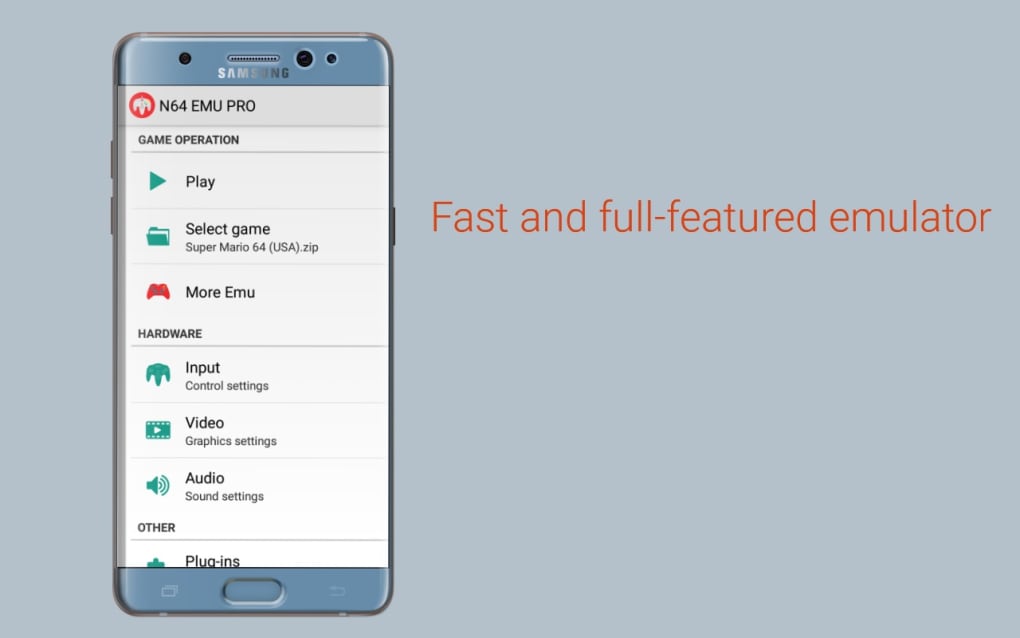
A user-friendly interface is vital for any emulator, and N64 Emulator Pro strives to achieve this balance. The app should be intuitive to navigate, allowing users to easily manage their ROMs, configure settings, and launch games. A clean and uncluttered interface is preferred, minimizing distractions and allowing users to quickly access the features they need.
The level of customization offered is another crucial aspect. Beyond the aforementioned button remapping, there may be other settings to adjust, such as graphics rendering options, audio settings, and controller configurations. The ease with which users can access and modify these settings directly impacts their overall gaming experience. A well-designed settings menu allows for fine-tuning of performance and control preferences to suit individual needs and hardware limitations.
Strengths and Weaknesses: A Balanced Perspective
N64 Emulator Pro offers several notable advantages. Its primary strength lies in its commitment to providing a faithful emulation of classic N64 games. The emulator attempts to reproduce the original gaming experience as accurately as possible, prioritizing visual fidelity and gameplay responsiveness. The inclusion of save states and customizable controls further enhances the usability and convenience of the app. The support for multiplayer gaming also extends its potential for social interaction and collaborative gameplay.
However, some limitations must be acknowledged. The lack of bundled ROMs means users must obtain their own game files legally. Performance can vary depending on the device’s hardware, and some users may encounter compatibility issues or performance bottlenecks with certain titles. While the emulator aims for user-friendliness, the interface and settings menu’s effectiveness will depend on individual preferences and familiarity with emulators. Thorough testing and user reviews can provide a more comprehensive understanding of the emulator’s strengths and weaknesses.
Alternatives and Comparisons: Navigating the Emulator Landscape
The Android market offers several N64 emulators, each with its own strengths and weaknesses. Comparing N64 Emulator Pro to other popular options can help users make an informed decision. Some emulators may boast superior performance on specific hardware, while others might offer more advanced features or a more refined user interface. Factors to consider when comparing emulators include compatibility, performance, accuracy of emulation, user interface design, and the availability of additional features such as save states and controller customization options. User reviews and benchmark comparisons can prove valuable in understanding how N64 Emulator Pro stacks up against the competition.
Ultimately, the best N64 emulator for any individual will depend on their specific needs and preferences. Some users may prioritize raw performance, others might favor a user-friendly interface, and still others may focus on compatibility with a particular range of games. By carefully considering these factors and exploring user reviews and benchmark data, users can choose the emulator that best fits their requirements.
Disclaimer: The legality of using ROMs varies depending on the region and copyright laws. PhanMemFree.org does not endorse or encourage the use of ROMs if it violates any applicable laws. Users are responsible for ensuring they comply with all relevant copyright regulations.
File Information
- License: “Free”
- Version: “23”
- Latest update: “August 14, 2023”
- Platform: “Android”
- OS: “Android 9.0”
- Language: “English”
- Downloads: “13.8K”
- Size: “11.98 MB”
- Download Options: “APK, Google Play”
- Filename: “com-nikidogames-n64emu-23-45281011-d689e63e4b0ace4d580595b533274f8e.apk”


