
Narrator’s Voice - TTS is a free text-to-speech (TTS) utility application for Android devices, developed by Escolha Tecnologia. This app provides users with a convenient method to convert text files into audio tracks, boasting a straightforward interface and a wide array of customizable features. This review delves into the app’s functionality, strengths, weaknesses, and overall user experience.
Core Functionality and User Interface
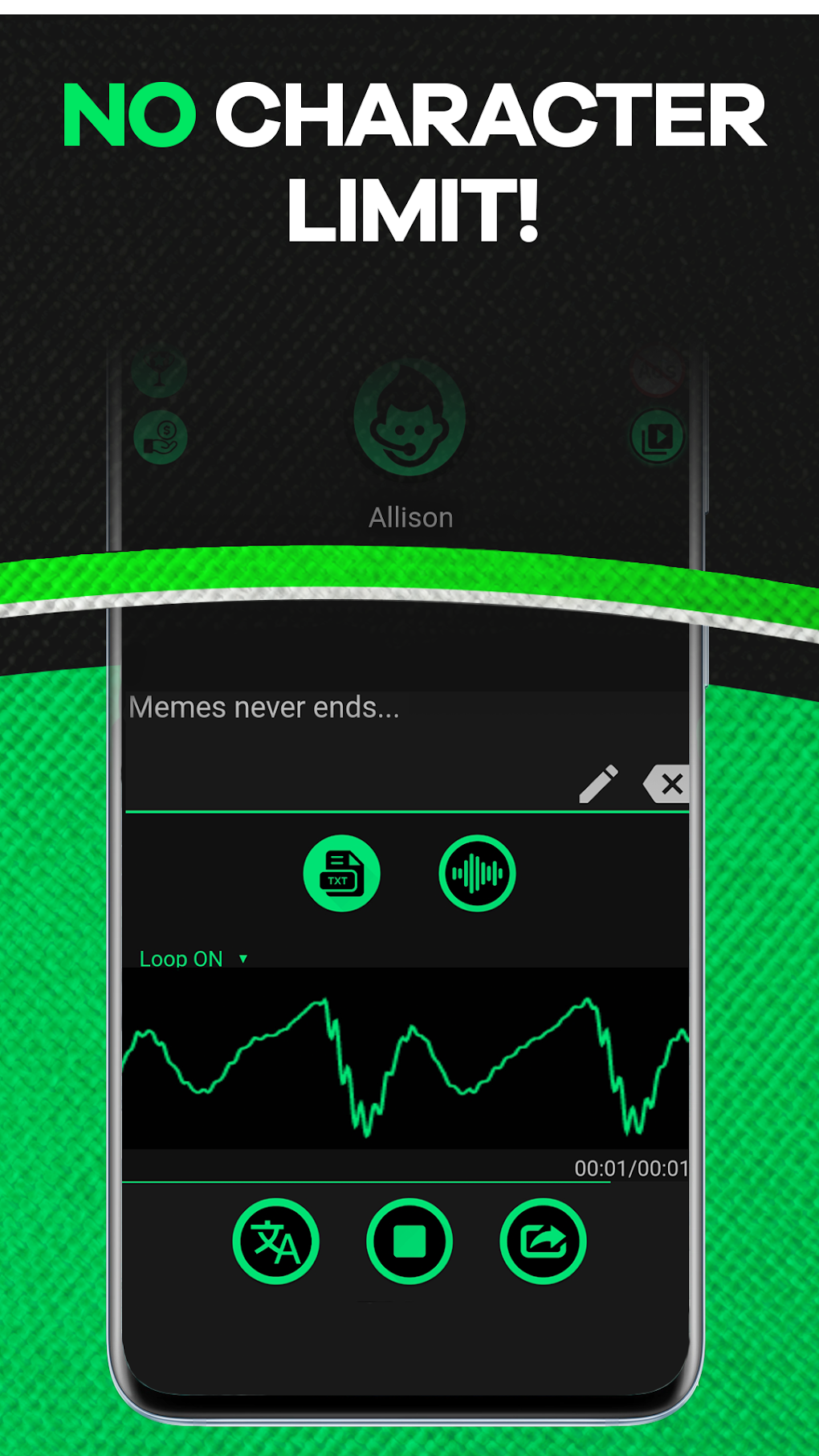
Narrator’s Voice - TTS offers a dual approach to text-to-speech conversion. Users can either directly input text within the app, which is then immediately converted into speech, or they can upload existing text files for processing. This flexibility caters to various user needs, whether it’s a quick conversion of a short passage or the transformation of a lengthy document. Furthermore, the app extends its capabilities beyond simple text files, allowing users to convert images to text and subsequently to audio. This feature is particularly useful for users who need to process visually presented information, such as scanned documents or images containing textual data.
The app’s interface is designed for ease of use. Its intuitive layout allows users to navigate the various functions and options without difficulty, making it accessible to both tech-savvy individuals and those with limited experience with similar applications. The simplicity of the interface is a key strength, minimizing the learning curve and enabling users to focus on the core task of text-to-speech conversion.
Voice Options and Customization
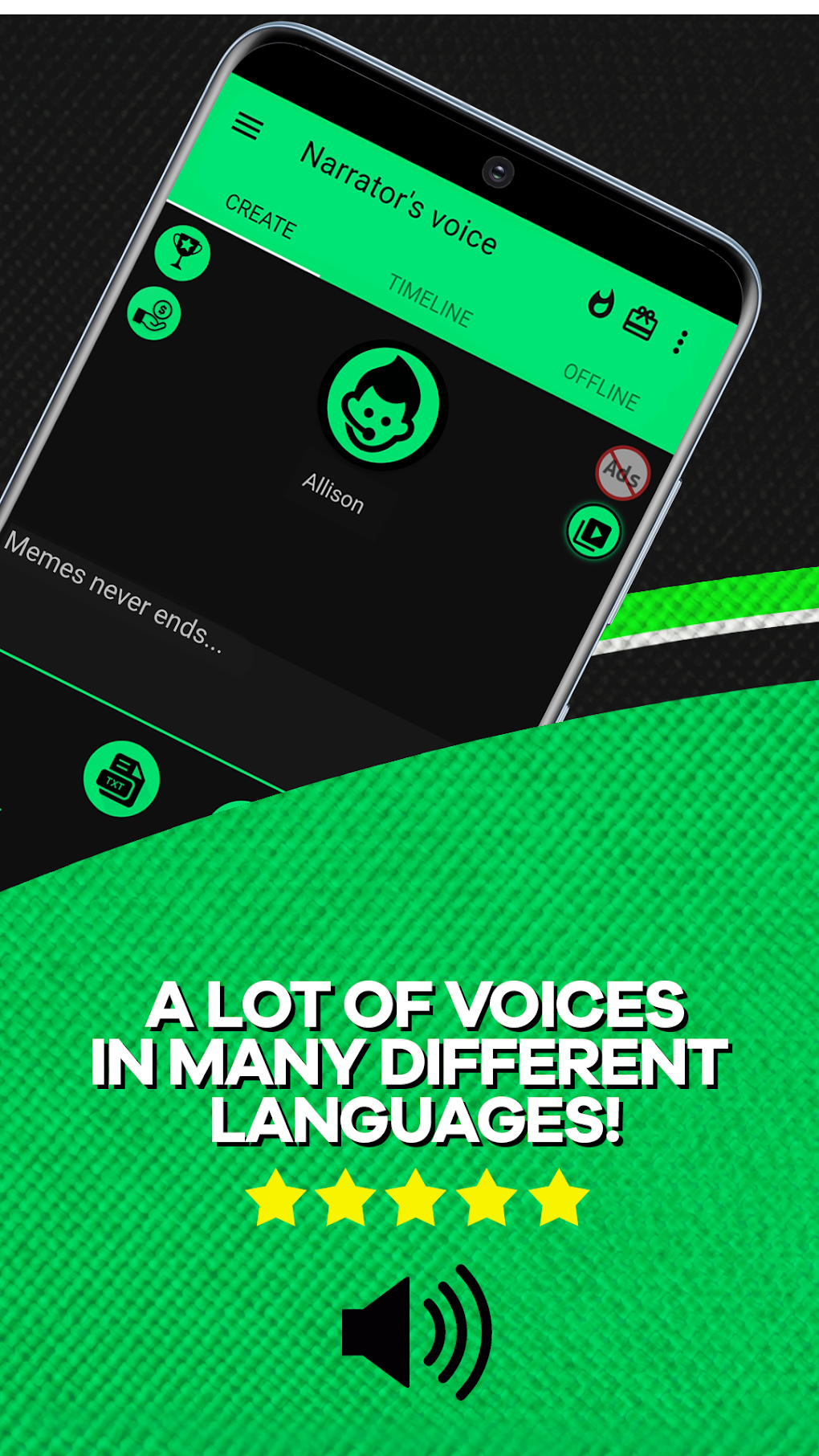
One of the standout features of Narrator’s Voice - TTS is its extensive library of voices. The app provides access to over 500 realistic voices, encompassing both male and female speakers. This wide selection allows users to choose voices that best suit their preferences and the intended context of the audio. The variety of accents and tones adds to the overall realism of the spoken words, enhancing the listening experience.
Beyond the choice of voice, the app also offers audio effect customization options. Users can apply various audio effects, including distortion and compression, to further tailor the audio output. This level of customization allows for a more personalized experience, enabling users to fine-tune the audio to their specific requirements. Whether you need a natural-sounding voice for audiobooks or a more stylized voice for a multimedia project, Narrator’s Voice - TTS provides the flexibility to achieve the desired outcome.
Language Support and Output Formats
Narrator’s Voice - TTS supports multiple languages, making it a versatile tool for a global audience. This multilingual support caters to a diverse user base, transcending geographical boundaries and language barriers. The app’s ability to handle various languages expands its utility significantly, making it a valuable asset for individuals who work with multiple languages or who need to convert text in different languages into audio.
While the app offers a wide range of features and customization options, it does have a limitation regarding output formats. The app currently only supports MP3 and MP4 formats as output options. This limitation may restrict its use in certain scenarios where different audio file formats are required. This is a significant drawback that might deter users who require compatibility with other audio formats.
Performance and Overall User Experience
In terms of performance, Narrator’s Voice - TTS generally performs well. The conversion process is relatively fast, and the audio quality is generally good, reflecting the high-quality voices available within the app. However, the performance may vary depending on the length of the text and the device’s processing power. For extremely large text files, users might experience a slightly longer processing time.
The overall user experience is positive, thanks to the intuitive interface and a wide range of features. The app’s simplicity ensures that users can quickly learn to use the app without requiring extensive technical knowledge. The ability to directly input text or upload files, combined with the diverse voice options and audio effects, makes the app a highly versatile and user-friendly tool.
Comparison with Other TTS Applications
Narrator’s Voice - TTS stands out among other TTS applications due to its extensive voice library and customization options. While many other TTS applications offer basic text-to-speech functionality, Narrator’s Voice - TTS goes further by providing a wider selection of voices, various audio effects, and support for multiple languages. However, the limitation in output file formats is a key differentiator that may place it at a disadvantage compared to applications that offer broader format support.
Other competing apps may have advantages in specific areas. For instance, some apps might offer superior cloud integration or more advanced features like voice cloning or real-time transcription. However, Narrator’s Voice - TTS compensates for these potential shortcomings with its user-friendly interface, extensive voice selection, and multilingual support. The decision to choose this app over other options depends largely on individual user priorities and the specific requirements of their task.
Pros:
- Multi-language support: Caters to a global user base with support for numerous languages.
- Hundreds of voices: Offers a vast selection of realistic voices with diverse accents and tones.
- Audio effects: Allows users to customize the audio output with various effects.
- Image-to-text conversion: Enables conversion of images containing text into audio.
- Simple and intuitive interface: Easy to learn and use, even for users without technical expertise.
- Free to use: Accessible to a wide range of users without any cost.
Cons:
- Limited output formats: Only supports MP3 and MP4 formats, potentially limiting compatibility.
- Performance may vary: Processing time may depend on text length and device capabilities.
Conclusion:
Narrator’s Voice - TTS is a robust and user-friendly text-to-speech application that provides a comprehensive set of features. Its extensive voice library, multilingual support, and customization options make it a valuable tool for various purposes, from creating audiobooks to generating audio content for educational or professional use. While the limitation in output formats is a notable drawback, the app’s overall strengths make it a worthwhile option for users seeking a reliable and versatile text-to-speech solution. The app’s ease of use, coupled with its extensive features, make it a valuable addition to any Android user’s toolkit. For users who can work within the MP3 and MP4 format constraints, Narrator’s Voice - TTS offers an excellent free text-to-speech experience. Users should carefully weigh the pros and cons before deciding if this app meets their specific needs. If broader format support is crucial, exploration of alternative applications may be necessary.
File Information
- License: “Free”
- Version: “14.0.66”
- Latest update: “July 25, 2025”
- Platform: “Android”
- OS: “Android 13.0”
- Language: “English”
- Downloads: “7.4K”
- Download Options: “Google Play”


