
Nexus, a free productivity and personalization tool developed by Winstep, offers Windows users a compelling alternative to the standard taskbar and system tray. This macOS-inspired dock provides a sleek, customizable interface for launching applications, accessing widgets, and enhancing overall desktop efficiency. Its extensive customization options, coupled with a range of modules and widgets, make it a powerful tool for both casual users and those seeking advanced system control.
A macOS-Inspired Interface and Functionality
Nexus’s primary function is to act as an application launcher, providing quick and easy access to frequently used programs. Unlike the traditional Windows taskbar, which often becomes cluttered and difficult to navigate, Nexus offers a cleaner, more visually appealing alternative. Its design borrows heavily from macOS’s dock, featuring a horizontally oriented arrangement of application icons that can be easily rearranged and customized. This familiar layout makes the transition for users accustomed to macOS relatively seamless.
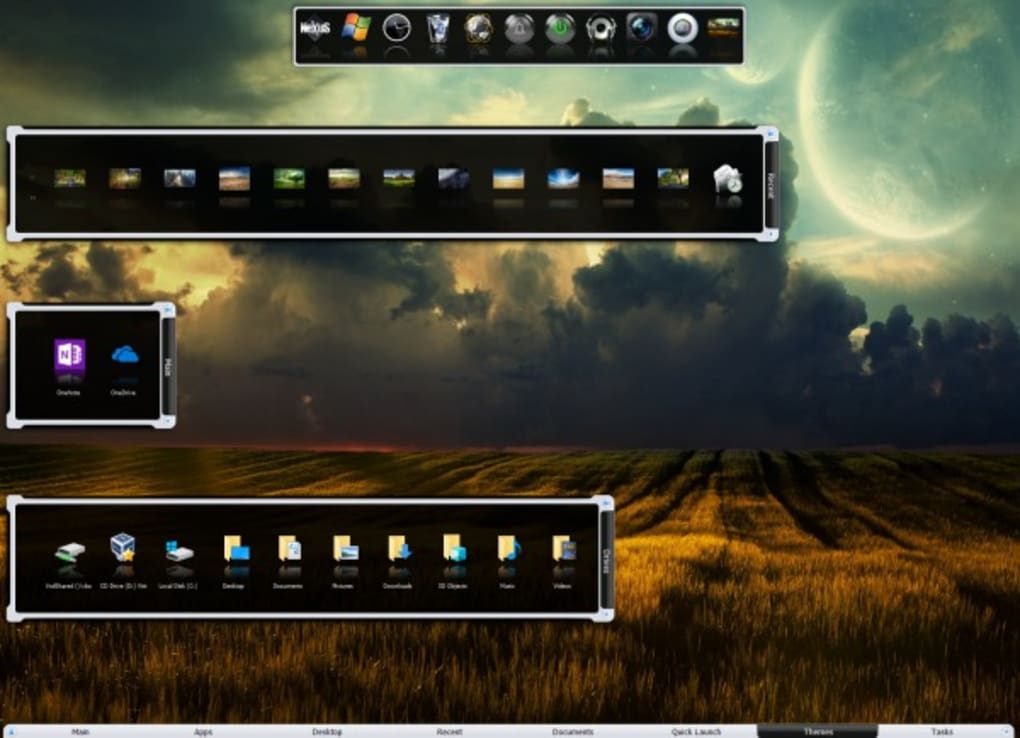
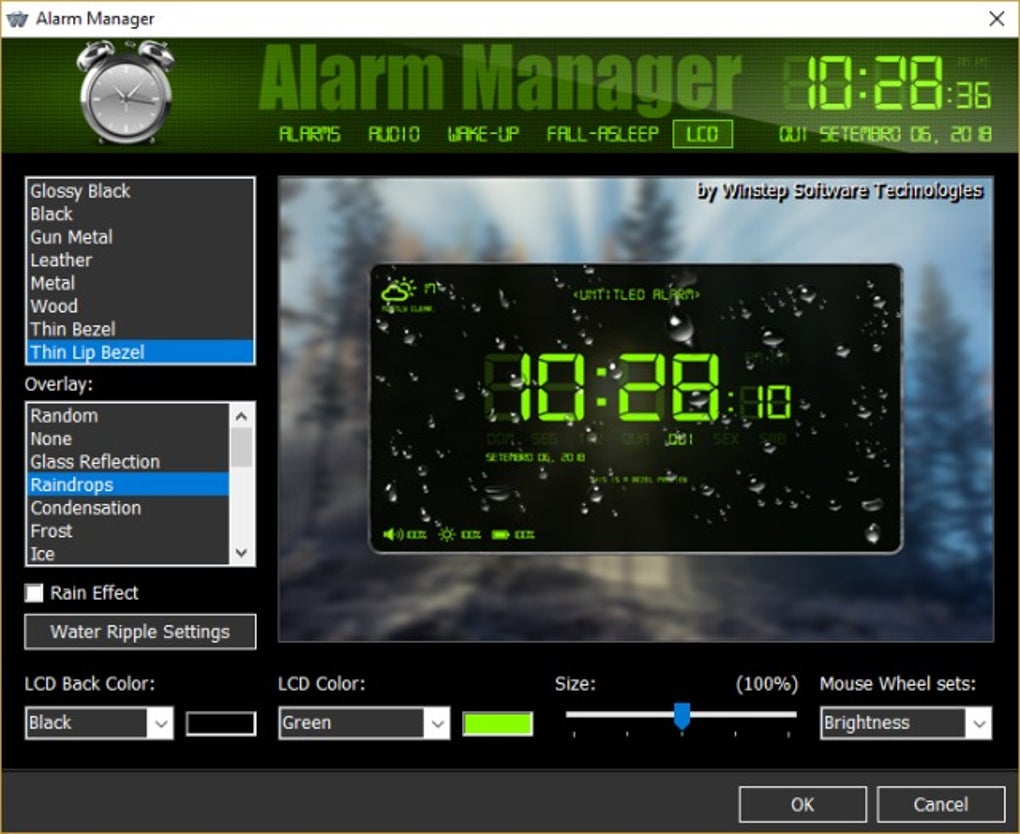
Beyond its core functionality as an application launcher, Nexus differentiates itself through its rich collection of modules and widgets. These add-ons significantly expand the dock’s capabilities, transforming it from a simple launcher into a comprehensive system management and productivity hub. Users can choose from a variety of modules, each offering unique functionalities, including:
-
System Monitoring: Modules dedicated to displaying real-time system statistics such as CPU usage, RAM consumption, and disk space. This allows users to keep a constant eye on their system’s performance without needing to open separate monitoring applications.
-
System Commands: Integration of frequently used system commands directly into the dock, providing convenient access to functions like shutting down the computer, restarting, or logging out. This eliminates the need to navigate through system menus.
-
Notification Center: Some modules act as a notification center, consolidating email alerts, calendar reminders, and other notifications into a single, easily accessible location on the dock. This streamlines information management and reduces interruptions from pop-up notifications.
- Customizable Widgets: Beyond pre-built modules, Nexus supports customizable widgets that enable users to tailor the dock to their specific needs. Users can add widgets for weather information, news feeds, to-do lists, and other relevant data, transforming the dock into a personalized information dashboard.
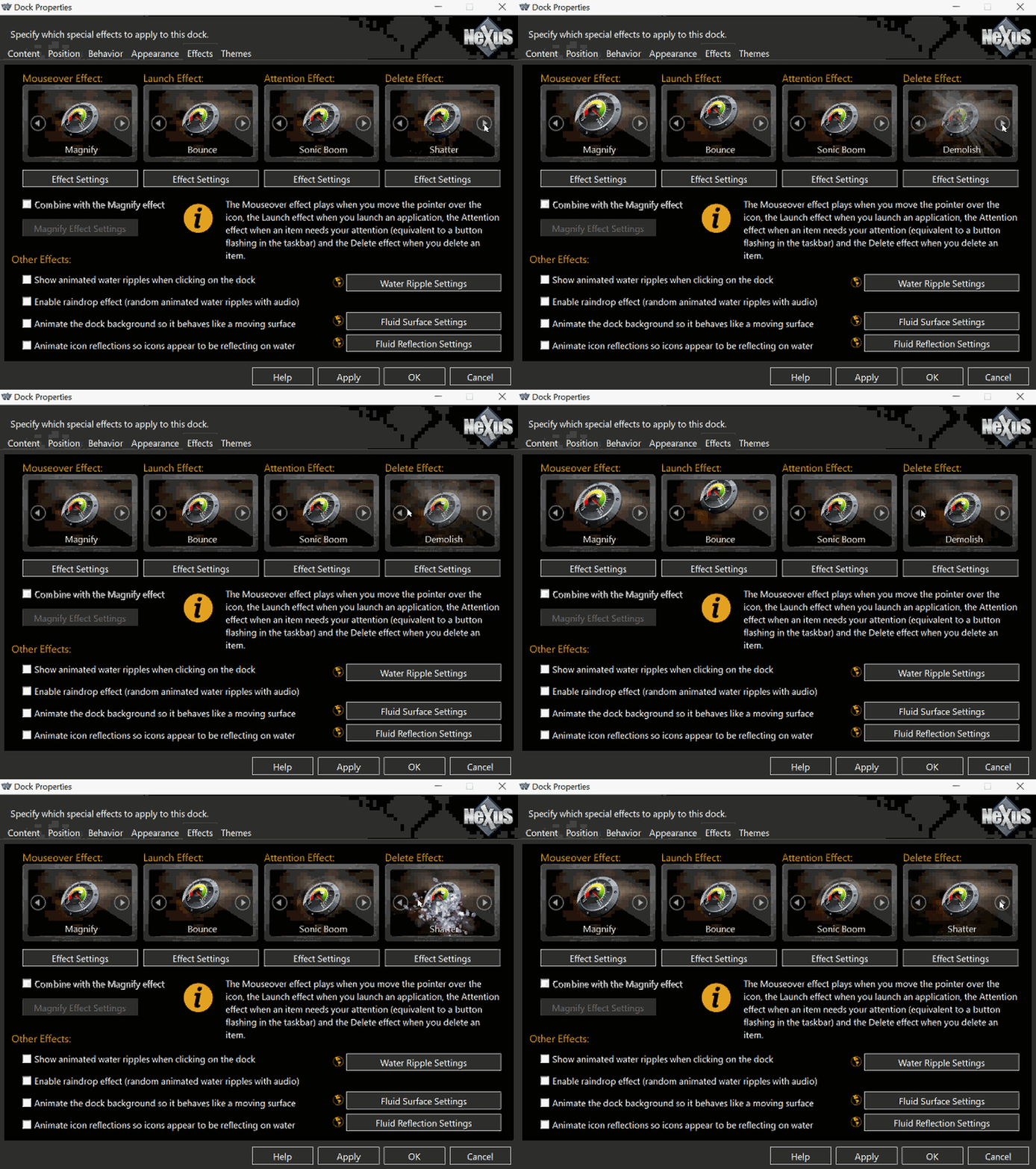
The visual presentation of Nexus is highly customizable. Users can select from a wide array of themes, modifying the dock’s appearance to match their preferred aesthetic. This includes altering icon sizes, adding visual effects on hover, and adjusting the dock’s overall transparency and placement on the screen. The options allow for a highly personalized experience, ensuring the dock seamlessly integrates with the user’s existing desktop setup.
Comparison to Similar Applications
Nexus shares significant similarities with other popular dock applications such as ObjectDock and RocketDock. All three offer similar core functionalities, including application launching and customizable themes. However, subtle differences in usability and feature implementation distinguish them. While Nexus boasts a wide array of features and customization options, some users might find the interface less intuitive than ObjectDock, which is generally considered to be more user-friendly in terms of navigation and customization.
ObjectDock, in particular, stands out for its intuitive interface and straightforward customization process. While both applications offer a comparable range of features, ObjectDock’s layout and options are often perceived as more logically organized, leading to a smoother learning curve for new users. This doesn’t diminish Nexus’s capabilities; rather, it highlights the difference in design philosophies and the varying preferences of different users. The choice between Nexus and ObjectDock (or other similar applications) often boils down to individual user preferences regarding interface design and the desired level of customization.
Nexus’s Free and Paid Versions
Nexus offers both a free and a paid version, each catering to different user needs and levels of customization. The free version provides a comprehensive suite of features, including the core application launching functionality, a wide range of themes, and access to several essential modules and widgets. This is sufficient for most casual users who simply want a visually appealing and efficient alternative to the standard Windows taskbar.
The paid versions, however, unlock significantly more advanced features, catering to power users who demand greater control and customization. These features include the ability to create multiple docks, nest docks within each other, and create shelves for organizing applications and widgets. Furthermore, the paid versions often unlock access to additional modules and themes, offering even greater flexibility and personalization options.
A Commercial License is also available for users intending to deploy Nexus across multiple PCs within an organization or for commercial use. This license provides the necessary legal framework for such deployments, ensuring compliance with software licensing agreements.
Choosing between the free and paid versions depends heavily on individual needs and budget. The free version is more than adequate for many users, providing a robust and visually appealing dock experience without requiring a financial investment. The paid versions, however, are justifiable for power users who need the advanced features and extensive customization capabilities they offer.
Strengths and Weaknesses of Nexus
Nexus presents a compelling package of features and customization options, but like any software application, it has both strengths and weaknesses.
Strengths:
- High degree of customization: Nexus offers an unparalleled level of customization, allowing users to tailor the dock to their exact preferences. This extends to visual aspects (themes, icon sizes, effects) and functional aspects (modules, widgets, arrangement).
- Useful modules and widgets: The included modules and widgets significantly enhance the dock’s functionality, transforming it into a productivity tool beyond a simple application launcher.
- Feature-packed free version: The free version offers a generous selection of features, making it accessible and attractive to a broad range of users. It offers a powerful alternative to the standard Windows taskbar without any financial commitment.
- Cross-platform compatibility (limited): While primarily focused on Windows, Nexus’s presence on other platforms (like Android, as noted in the source material) indicates some cross-platform support, broadening its appeal.
Weaknesses:
- Steep learning curve: The extensive customization options, while a strength, can also contribute to a steep learning curve for new users. Navigating the multitude of settings and options might be initially overwhelming.
- Disorganized menus: The organization of menus and options has been criticized for being somewhat scattered and less intuitive than competing products, such as ObjectDock. This can hinder the user experience, particularly for those less familiar with customization software.
Conclusion
Nexus provides a powerful and visually appealing alternative to the standard Windows taskbar. Its macOS-inspired design, combined with a wide array of customization options and useful modules, makes it a valuable tool for users seeking to enhance their desktop productivity and personalize their computing experience. While the learning curve might be somewhat steep and the menu organization could be improved, the free version offers a comprehensive set of features that justify its consideration. The paid versions, with their expanded capabilities, further solidify Nexus’s position as a strong contender in the realm of desktop dock applications, particularly for users who value extensive customization and control. Users should weigh the strengths and weaknesses against their own needs and preferences before deciding whether Nexus is the right dock application for them.
File Information
- License: “Free”
- Latest update: “March 9, 2025”
- Platform: “Windows”
- OS: “Windows 8.1”
- Language: “English”
- Downloads: “520.2K”
- Size: “39.77 MB”


