
NFC Tools is a free Android application designed to empower users to interact with Near Field Communication (NFC) technology. This versatile app allows users to read, write, and program tasks on NFC tags and compatible NFC chips, offering a wide range of functionalities for both personal and professional use. This guide provides an in-depth look at NFC Tools, exploring its features, functionalities, and how to effectively utilize its capabilities.
Understanding NFC and NFC Tools
Near Field Communication (NFC) is a short-range wireless technology that enables two devices to communicate when they are very close together, typically within a few centimeters. NFC is widely used in various applications, from contactless payments and access control to data transfer and interactive marketing. NFC tags, small chips embedded in stickers or objects, store data that can be read and written by NFC-enabled devices like smartphones and tablets.
NFC Tools acts as an interface between your Android device and NFC tags. It bridges the gap between the technical intricacies of NFC communication and the user, providing a user-friendly environment to manage and utilize NFC capabilities effectively. The app is not merely a simple reader and writer; it’s a comprehensive platform for task automation and NFC tag manipulation.
Key Features and Functionalities of NFC Tools
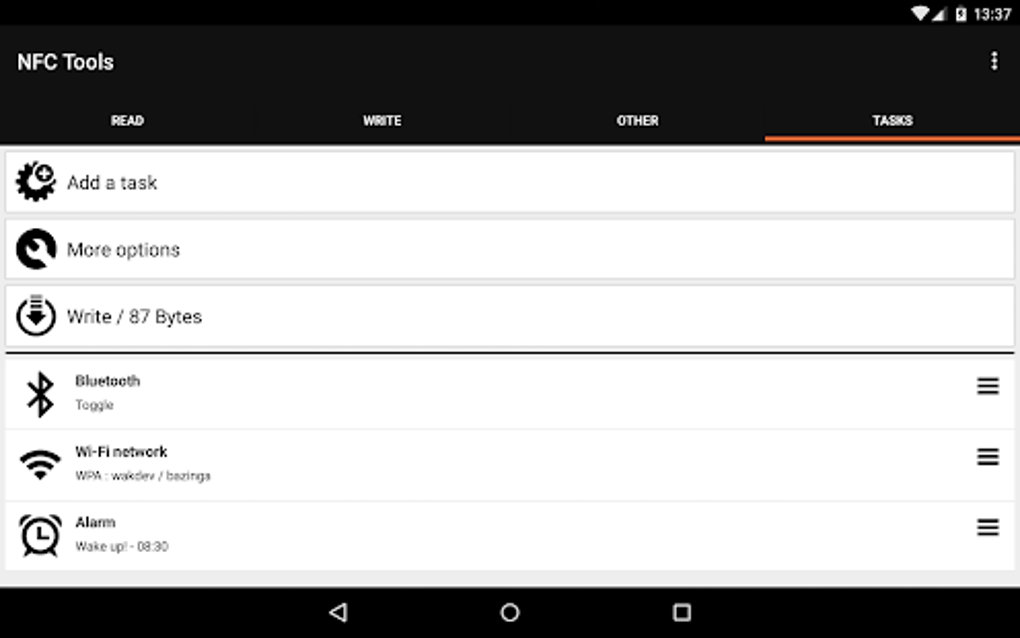
NFC Tools offers a trio of operational modes, each catering to different levels of user expertise and application needs:
1. Record Mode: This mode provides a straightforward method for recording standard information onto NFC tags. Users can input text-based data such as addresses, phone numbers, URLs, location coordinates, email addresses, and even personal identification numbers (PINs – though caution is advised regarding sensitive data storage on NFC tags due to potential security vulnerabilities). This is the ideal mode for users who need simple data storage and retrieval on NFC tags. The process is intuitive and requires minimal technical understanding. For example, a user might record their contact details on a tag for easy sharing.
2. Make Mode: The Make mode allows users to move beyond simple data recording and delve into creating and managing tasks associated with their NFC tags. This mode empowers users to add and remove tasks, enriching the functionality of their NFC tags beyond static data. The ability to add variables to existing tasks or create entirely new tasks from scratch enhances customization significantly. Tasks are categorized into “Actions for daily use”, “Automatic tasks”, and “Simple tasks,” providing organization and clarity. This opens up a realm of possibilities for automation and streamlining daily routines. Imagine creating a tag that, upon scanning, automatically initiates a specific playlist, sends an email, or launches a particular app.
3. Advanced Mode: For power users, the Advanced mode unlocks the full potential of NFC Tools. This sophisticated mode offers advanced controls over task creation and management. Users can define conditions and variables to build complex, multi-step tasks, far exceeding the capabilities of the simpler Record and Make modes. The Advanced mode introduces temporal categorization, allowing users to assign tasks to specific timeframes such as “For Today,” “Tomorrow,” “Next week,” “Next month,” and “Yearly.” This feature enables sophisticated scheduling and automation of tasks based on time-sensitive needs.
How to Use NFC Tools: A Step-by-Step Guide
The process of using NFC Tools varies depending on the chosen mode, but the core principle remains consistent: interaction with NFC tags via your device.
Using Record Mode:
- Launch the App: Open the NFC Tools application on your Android device.
- Select Record Mode: Choose the “Record” mode from the app’s main menu.
- Input Data: Enter the desired information into the text field provided by the application. This could range from a simple phone number to a more complex piece of information like a URL or address.
- Hold the Tag: Bring your NFC-enabled Android device close to the NFC tag you wish to write to. Ensure the device and tag are properly aligned for optimal communication.
- Write the Data: The app will prompt you to write the data to the tag. Confirm the action to proceed. The data will now be stored on the NFC tag.
- Verify: Scan the tag again to verify that the data has been successfully written.
Using Make Mode:
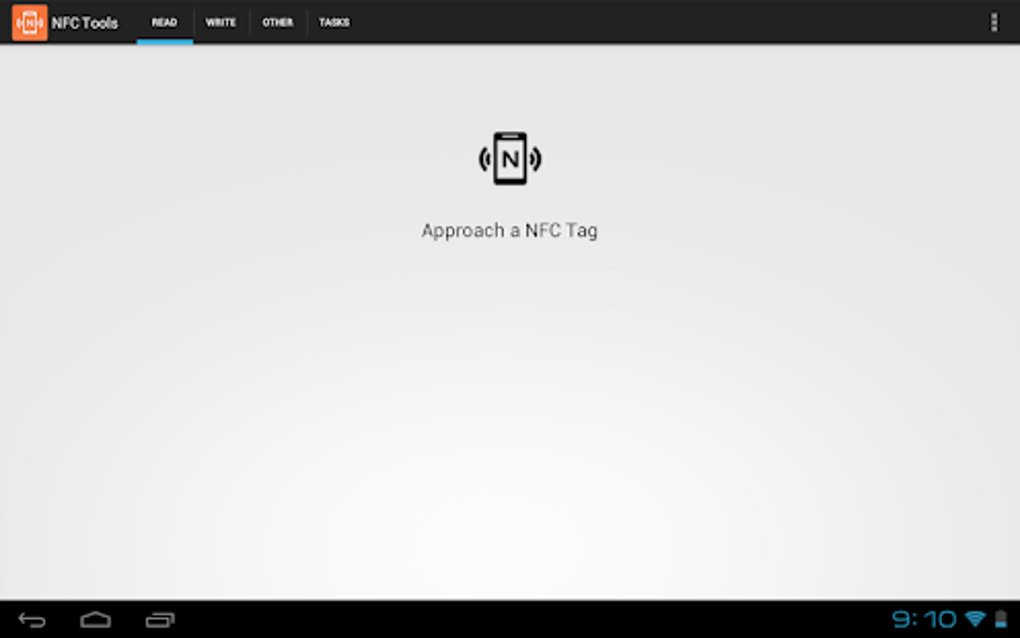
- Launch the App and Select Mode: Launch NFC Tools and select the “Make” mode.
- Create or Select a Task: Either create a new task from scratch or choose from a pre-defined task template.
- Add Variables: Add variables to your chosen task by assigning variable names and their corresponding values. For instance, you might add a variable called “Name” with the value “John Doe.”
- Hold the Tag: Hold your NFC-enabled device close to the NFC tag.
- Write the Task: Confirm to write the task to the tag, which will now execute the defined action when scanned.
Using Advanced Mode:
- Launch and Select Advanced Mode: Open NFC Tools and choose the “Advanced” mode.
- Create a New Task: Create a new task, detailing the specific actions and conditions you want the task to execute. This involves defining input variables, output actions, and conditional logic.
- Set Conditions and Variables: Define intricate conditions and variables that govern the task’s execution. For example, you could create a task that only triggers if a specific variable has a particular value. The possibilities for customization are extensive in this mode.
- Categorize and Schedule: Categorize the task into one of the pre-defined time categories or create custom categories.
- Write and Test: Write the task to the NFC tag and thoroughly test it to ensure it functions as intended under various conditions.
NFC Tools: Beyond the Basics
While the core functionalities of NFC Tools revolve around reading, writing, and task creation on NFC tags, the app’s true potential lies in its adaptability and ability to integrate into various aspects of daily life. The app can be a valuable tool for personal organization, automated task management, and even business applications.
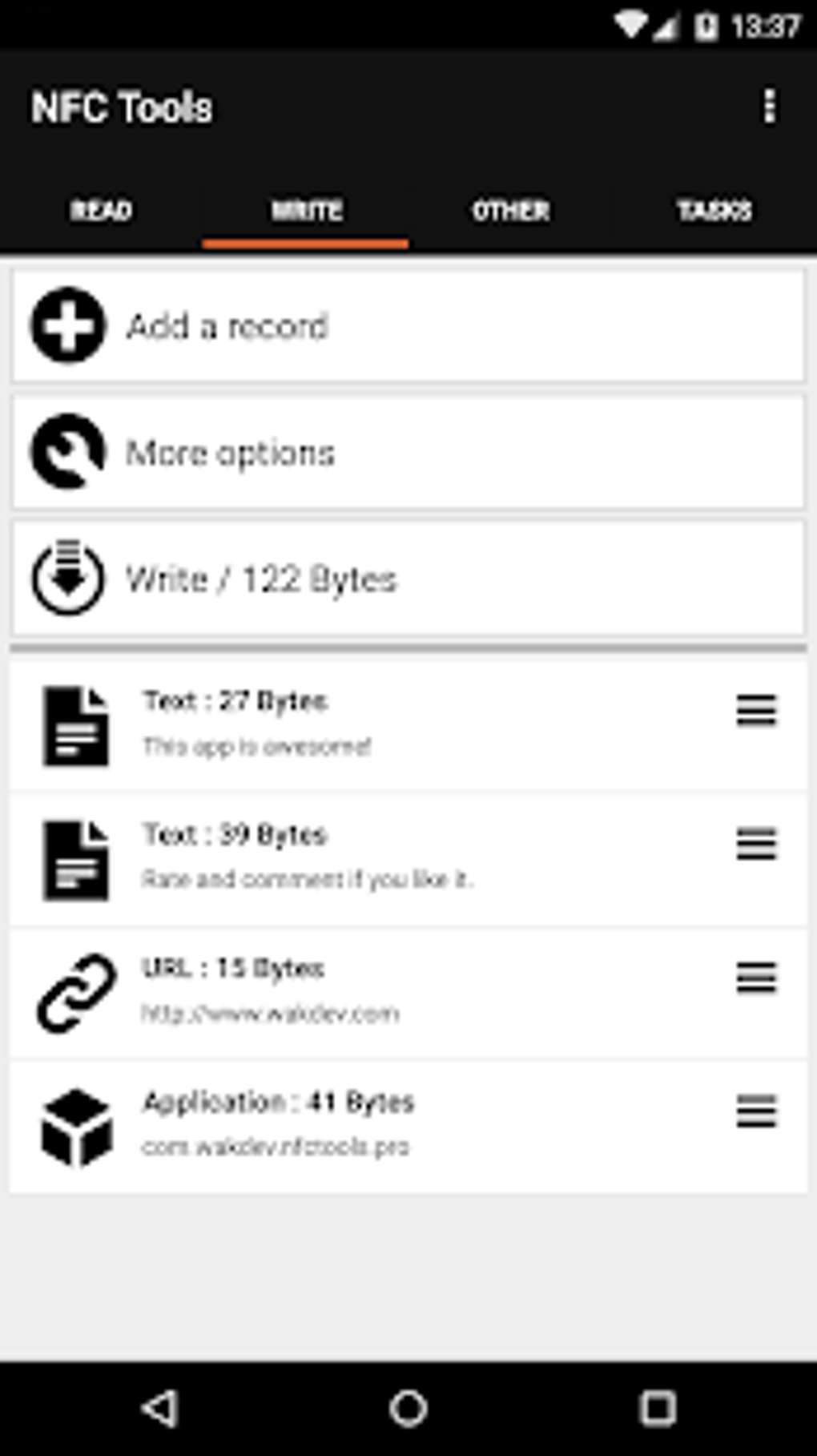
Personal Applications:
- Smart Home Automation: Control various aspects of a smart home by creating NFC tags that trigger specific actions, such as turning on lights, adjusting the thermostat, or activating security systems.
- Daily Routine Management: Automate repetitive tasks like starting a workout playlist, launching a specific app, or setting reminders for appointments.
- Contact Information Sharing: Quickly share contact details by scanning a custom NFC tag containing your information.
- Access Control: Control access to physical items or areas, using NFC tags for authentication and authorization.
Business Applications:
- Inventory Management: Track inventory items by assigning NFC tags to each item and using NFC Tools to record data on location, status, and other relevant information.
- Marketing and Advertising: Create interactive marketing campaigns by using NFC tags to unlock additional content, discounts, or promotional offers.
- Employee Identification: Use NFC tags as employee identification badges, integrating them with internal systems and applications.
Alternative NFC Applications
Several alternative NFC applications exist on the market, each with its own unique strengths and weaknesses. While NFC Tools stands out for its comprehensive feature set and ease of use, considering alternatives could be beneficial depending on specific needs and preferences. Before choosing a specific app, researching and comparing features is advisable. Some alternatives might specialize in specific NFC tasks, such as only reading and writing data, rather than the advanced task automation capabilities of NFC Tools.
Safety and Security Considerations
While NFC technology is generally safe, users should exercise caution when storing sensitive information on NFC tags. Consider the security implications of storing data like PINs or other personally identifiable information that could be accessed by unauthorized individuals. It’s crucial to understand the limitations of security in NFC and to use appropriate safeguards to protect sensitive data.
Conclusion
NFC Tools stands as a powerful and versatile Android application, offering a compelling blend of user-friendliness and advanced features. Its ability to facilitate a broad range of NFC interactions makes it an invaluable asset for anyone seeking to leverage the potential of NFC technology. Whether for personal organization, business applications, or simply exploring the world of NFC, NFC Tools provides a comprehensive and user-friendly platform to achieve a multitude of tasks. Its clear categorization of modes and intuitive interface allow both novice and advanced users to seamlessly interact with NFC technology. Remember to always prioritize security when using NFC tags and to carefully consider the information stored on them.
File Information
- License: “Free”
- Latest update: “May 28, 2025”
- Platform: “Android”
- OS: “Android 13.0”
- Downloads: “5.3K”
- Size: “8.86 MB”
- Download Options: “APK, Google Play”
- Filename: “com-wakdev-wdnfc-146-70752128-cbb9c807cef0579c58cfb39df72e1f00.apk”


