
Nichi: Collage & Stories Maker is a free photo editing application available for Android devices. Designed primarily for creating visually appealing collages for Instagram stories, Nichi offers a robust suite of features aimed at simplifying the process of crafting engaging and aesthetically pleasing content. This review will delve into the app’s functionalities, user experience, pros and cons, and compare it to alternative applications in the market.
Feature Overview: A Blend of Simplicity and Sophistication
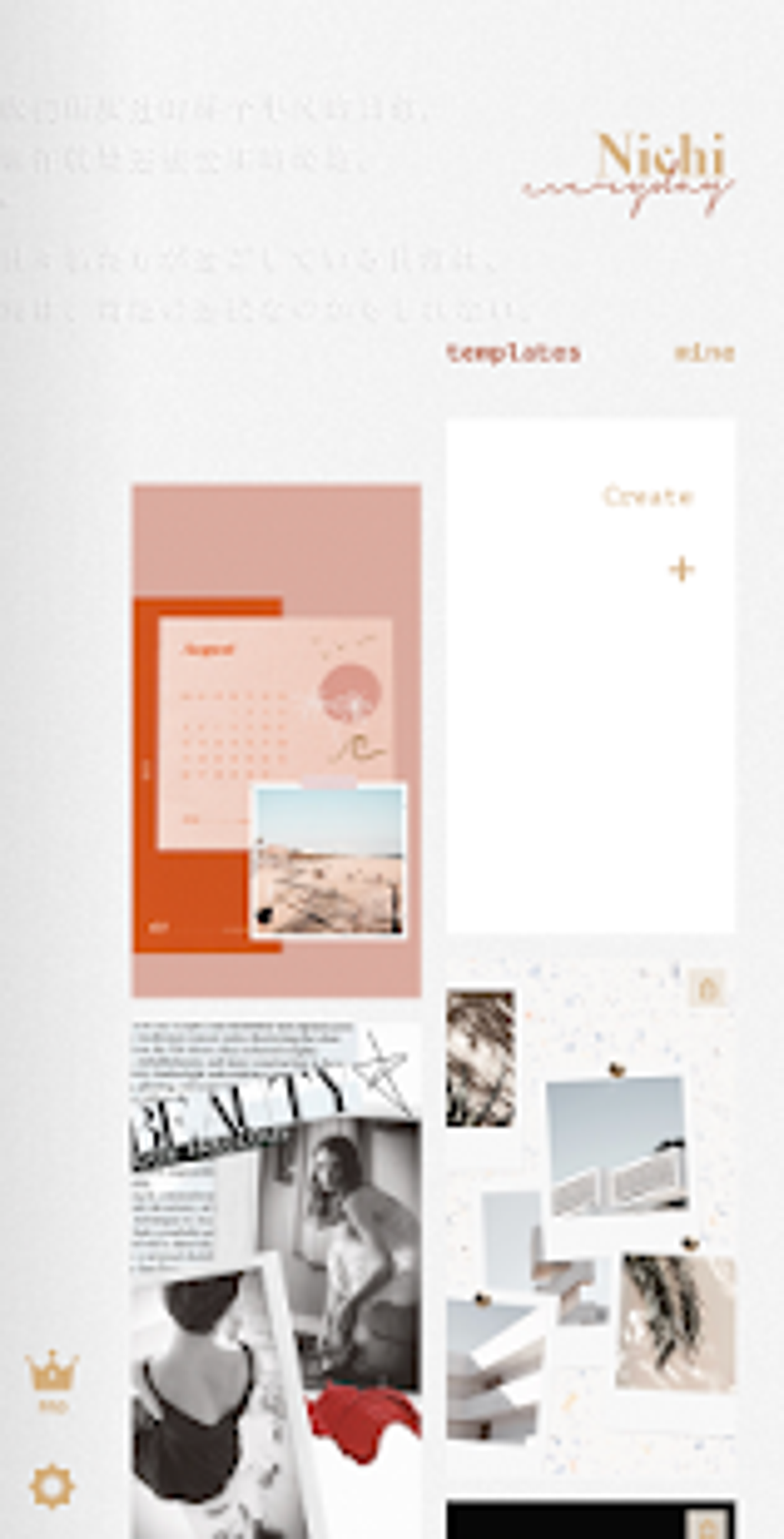
Nichi’s core functionality revolves around collage creation, but it goes beyond simply arranging photos. The app boasts a comprehensive library of templates, frames, stickers, filters, fonts, and backgrounds, all designed to enhance the visual appeal of your creations. This extensive collection provides users with a vast array of stylistic options, catering to diverse tastes and content themes.
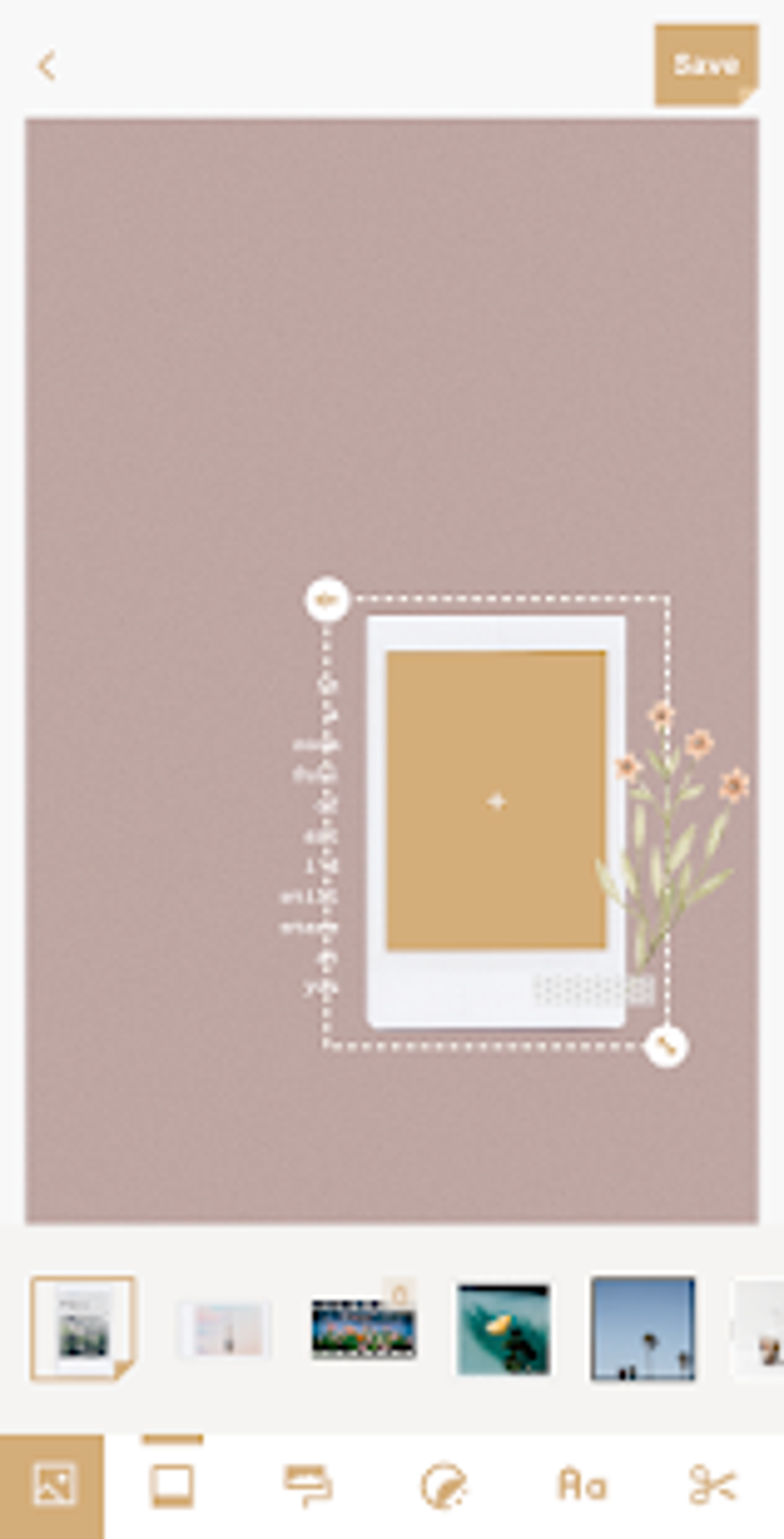
The application’s intuitive interface makes it easy to navigate, even for novice users. Users can choose from pre-designed templates, complete with coordinated stickers and fonts, or opt for a blank canvas to build their collages from scratch. This flexibility allows users to either leverage pre-set designs for quick creation or exercise complete creative control over their projects. The customization options are extensive, allowing adjustments to colors, font sizes, and the arrangement of elements within the collage.
Beyond its collage-making capabilities, Nichi offers several additional features that enhance the user experience:
- Extensive Template Library: Hundreds of templates are available, categorized by style, providing a solid foundation for creating various types of collages.
- Customizable Frames: A vast selection of frames adds another layer of visual interest and customization, helping to define the overall aesthetic of the collage.
- Diverse Sticker Collection: Nichi includes a wide range of stickers, catering to various themes and occasions, allowing users to add personality and flair to their creations.
- Versatile Filter Options: A selection of filters enables users to adjust the overall color and tone of their photos within the collage, enhancing the mood and visual harmony.
- Adjustable Fonts: Numerous font options ensure that text elements seamlessly integrate with the visual style of the collage, promoting readability and aesthetic consistency.
- Background Selection: A range of backgrounds provides a backdrop for the collage, allowing users to further personalize and customize their creations.
User Experience: Intuitive Design and Occasional Glitches
Nichi’s user-friendly interface is a significant strength. The app is remarkably straightforward, making it accessible to users with varying levels of technical expertise. The layout is clean and uncluttered, and the tools are logically organized, allowing for a smooth and efficient workflow. The drag-and-drop functionality is intuitive, allowing easy manipulation of images and other elements within the collage.
However, some users have reported encountering recurring errors that necessitate restarting the application. While these glitches don’t appear to be widespread, they do represent a significant drawback for those who experience them. These occasional issues detract from the overall user experience and highlight a need for ongoing improvements in the app’s stability.
Advantages and Disadvantages: Weighing the Pros and Cons
Pros:
- Extensive Design Options: The sheer volume of templates, frames, stickers, filters, fonts, and backgrounds provides unparalleled creative flexibility. This allows users to express their unique style and tailor their collages to specific themes or occasions.
- User-Friendly Interface: The app’s intuitive design makes it accessible to a broad range of users, regardless of their prior experience with photo editing applications.
- Free to Use: Nichi is available at no cost, making it an attractive option for users looking for a free and feature-rich collage maker.
- Regular Updates: The developers demonstrate commitment to improvement through regular updates, suggesting ongoing efforts to enhance functionality and stability.
Cons:
- Occasional Glitches: As mentioned, some users have reported encountering errors that require app restarts. This inconsistency in performance could be a significant deterrent for some users.
- Limited Advanced Editing Tools: While Nichi excels at basic collage creation, it may lack the advanced editing features found in more professional-grade photo editing software. Users seeking intricate adjustments or specialized effects might need to look elsewhere.
- Potential for Ads: Being a free app, the presence of ads is a possibility, which can occasionally disrupt the workflow and detract from the user experience.
Comparison with Alternative Apps: Finding the Right Fit
Several alternative apps offer similar collage-making functionalities. While direct comparison requires individual testing, some key differentiators among competing applications often include the range of available templates, the quality of filters and effects, the ease of use, and the presence of in-app purchases or ads. Some alternatives might focus on more advanced editing capabilities, while others prioritize simplicity and ease of use. The best choice will depend on the individual user’s needs and preferences. Users should research and compare different options to find the application that best meets their specific requirements and creative vision. Consider aspects such as the availability of specific templates, the types of filters available, and the overall ease of use before choosing an alternative app.
Conclusion: Nichi – A Solid Choice with Room for Improvement
Nichi: Collage & Stories Maker presents a compelling proposition for users seeking a free and versatile tool for creating Instagram story collages. Its extensive library of design elements and user-friendly interface make it accessible and enjoyable to use. However, the occasional glitches and the lack of advanced editing features could be drawbacks for certain users. Those seeking a simple and effective collage-making solution will likely find Nichi to be a suitable choice. However, individuals requiring more advanced editing capabilities or seeking absolute app stability may prefer to explore alternative applications offering a smoother and more consistent user experience. The developers’ commitment to updates suggests continued improvement, potentially addressing reported glitches and adding new features in the future. Ultimately, Nichi provides a solid foundation for creating visually captivating collages, but the occasional instability remains a factor to consider.
File Information
- License: “Free”
- Latest update: “August 18, 2024”
- Platform: “Android”
- OS: “Android 13.0”
- Downloads: “12K”
- Size: “9.81 MB”
- Download Options: “APK, Google Play”
- Filename: “com-bybutter-nichi-410-61962127-7a695cd7d664b368337710360e3d3f24.apk”


