
The Nick app brings the vibrant world of Nickelodeon directly to your Android device, offering a comprehensive collection of popular shows, new episodes, and a seamless viewing experience. Developed by Nickelodeon, the world’s leading kids’ television network, the app provides a vast library of content catering to diverse tastes, from slapstick comedy and thrilling adventures to suspenseful narratives. Whether you’re a fan of SpongeBob SquarePants, The Loud House, or countless other beloved Nickelodeon series, Nick has something to entertain everyone. This comprehensive review delves into the app’s features, functionality, and overall user experience.
Apps: A Deep Dive into the Nick App Experience
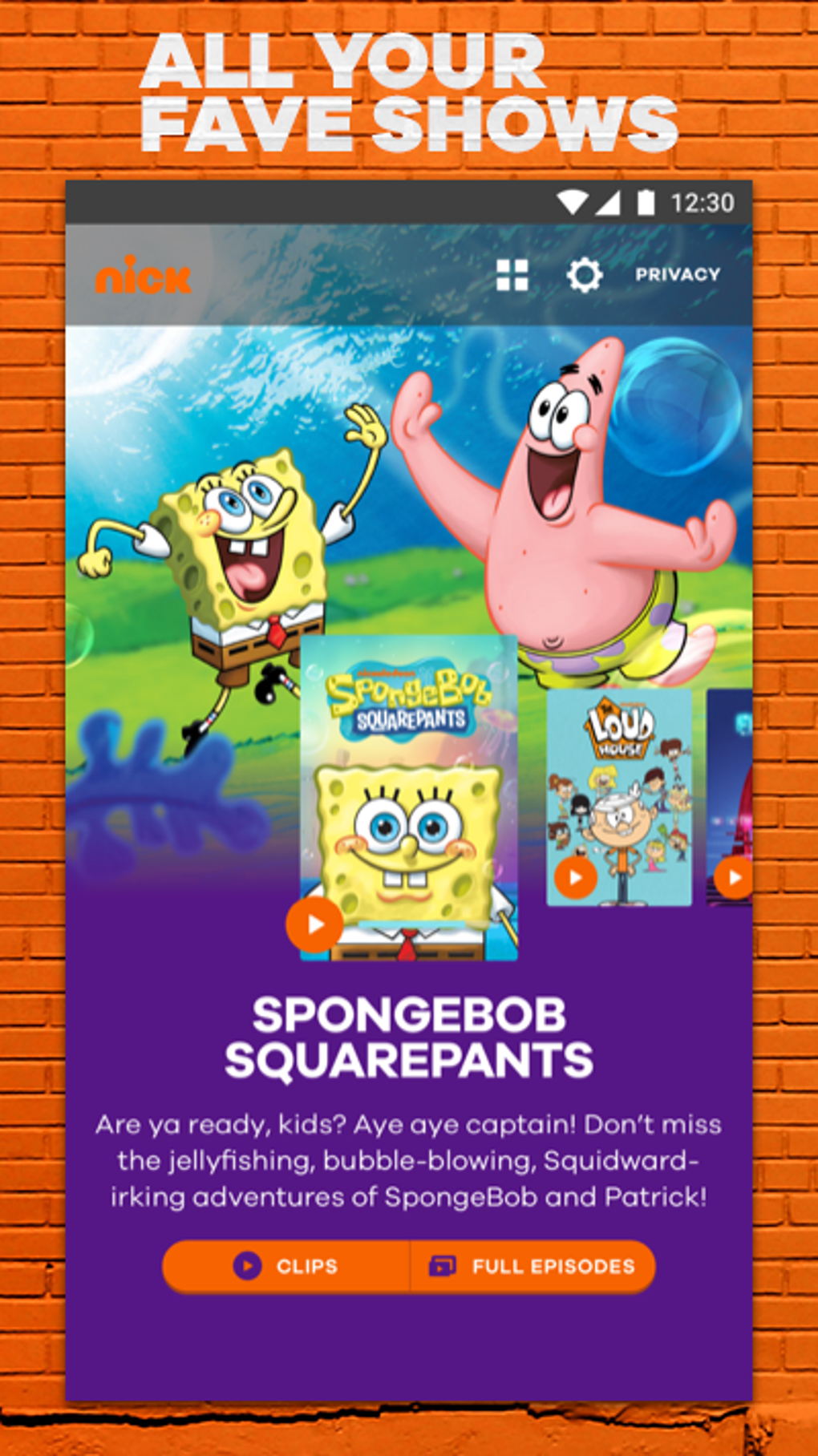
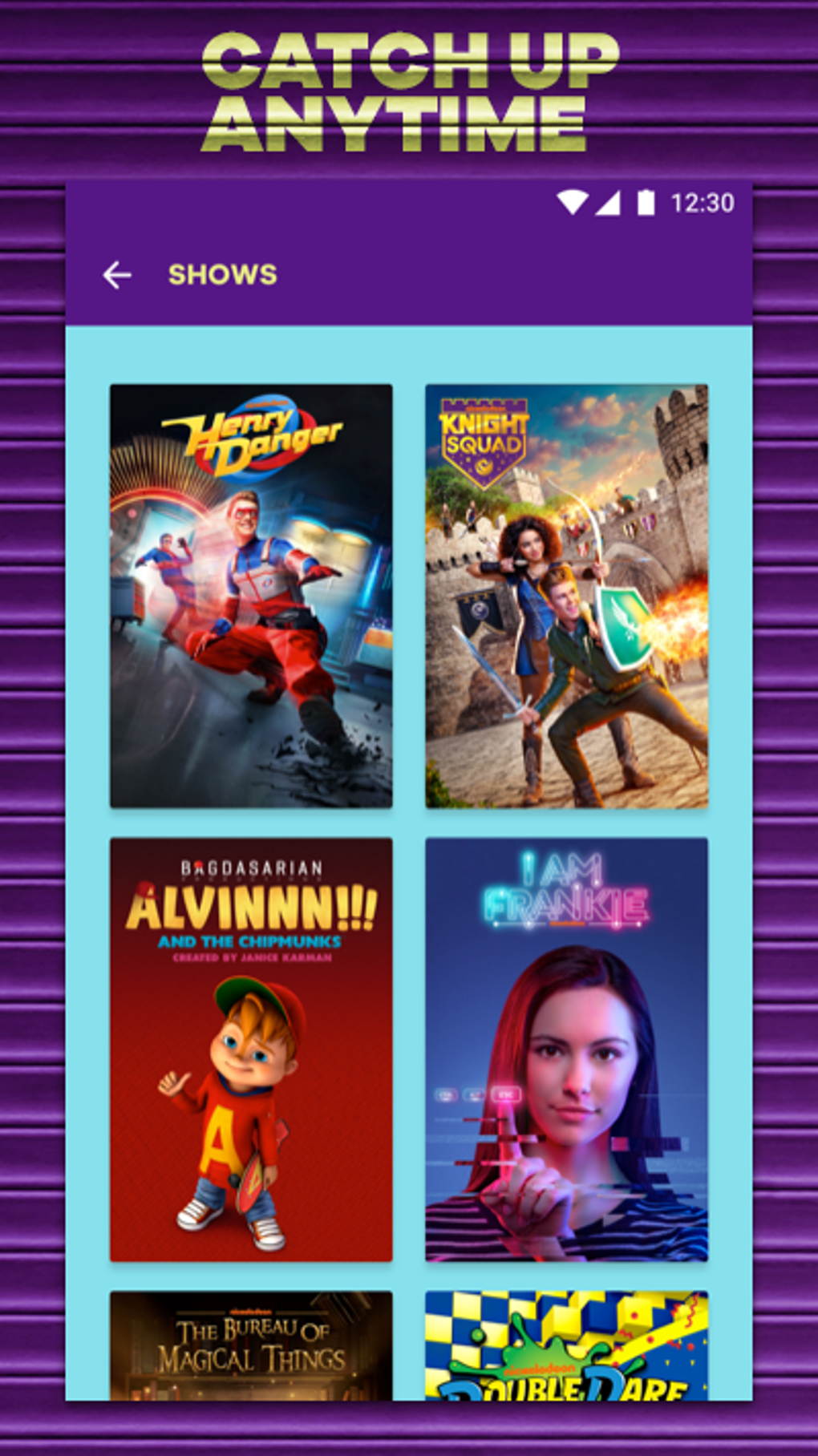
The Nick app stands out for its user-friendly interface and intuitive navigation. The main screen presents a curated selection of featured shows and episodes, ensuring easy access to popular content. A search function allows users to quickly locate specific shows or characters, while categorized sections help to navigate the vast library. The app’s layout is clean and uncluttered, avoiding overwhelming users with excessive information or complicated menus. This simplicity is particularly valuable for younger viewers who might find more complex interfaces challenging to navigate.
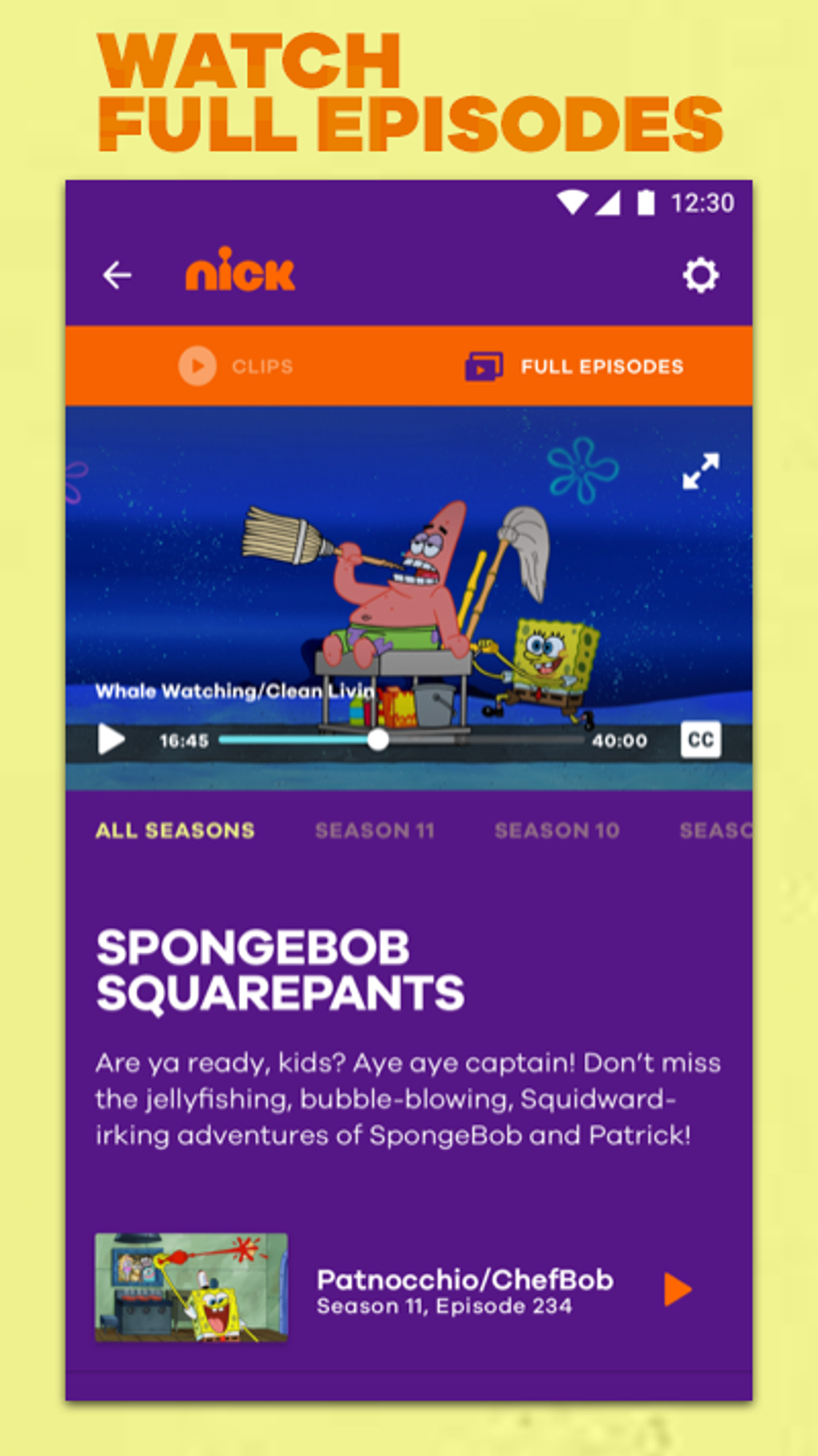
One of the app’s key strengths is its regularly updated content. New episodes of popular shows are often added shortly after their television premiere, ensuring users always have access to the latest content. This ensures that the app remains fresh and engaging, preventing users from quickly exhausting its offerings. The app also includes behind-the-scenes content, such as clips, interviews, and games, adding another layer of engagement and enriching the overall viewing experience.
Furthermore, the Nick app prioritizes parental controls. While designed primarily for children, the app includes features that allow parents to monitor and manage their children’s viewing habits. This often includes the ability to set time limits, restrict access to certain content, and track viewing history. This is crucial for parents looking to provide a safe and controlled viewing environment for their children. The inclusion of these parental control features significantly enhances the app’s appeal to families, adding a layer of responsibility and accountability that is often missing in other similar applications.
Games: Beyond the Screen – Interactive Fun
Beyond the streaming of its shows, the Nick app also includes a selection of interactive games based on popular Nickelodeon franchises. These games often tie into the storylines and characters of the shows, providing an extended experience beyond simply watching episodes. The game selection is diverse, ranging from puzzle games to action-adventure titles, ensuring there is something to appeal to a broad range of interests and age groups.
These integrated games are not merely an add-on; they are a significant part of the overall user experience. They serve to extend the engagement with the shows, allowing users to actively participate in the world of Nickelodeon. The inclusion of games also contributes to the app’s appeal by providing a variety of entertainment options beyond just passive viewing. The games are often designed to be simple and intuitive, making them accessible to even the youngest users. The user-friendly nature of these games ensures that children can easily engage with them without needing extensive tutorials or explanations.
Regular updates add new games to the app’s collection, keeping the gaming experience fresh and preventing stagnation. This continuous expansion is vital in maintaining user interest and engagement. By constantly providing new content and interactive experiences, the Nick app ensures that there is always something new to discover and explore. This dynamic approach to content delivery keeps the app appealing to users and prevents them from becoming bored or disengaged.
News: Staying Up-to-Date with Nickelodeon
The Nick app isn’t just a platform for watching shows and playing games; it also serves as a source of news and updates regarding Nickelodeon’s programming and events. While not a dedicated news section, users can stay updated on new episodes, upcoming premieres, and special events directly within the app. This integrated news feature is seamlessly woven into the user experience, ensuring that users are always informed about the latest developments within the Nickelodeon universe.
This information is presented in a concise and easily digestible format, avoiding overwhelming users with unnecessary detail. Instead, the app focuses on delivering key information in a way that is visually appealing and easy to understand. The subtle integration of news and updates within the main interface prevents it from feeling like an intrusive feature. It cleverly blends informational value with user-friendliness, enhancing the overall experience rather than disrupting it.
For Business: A Potential Marketing Platform
While primarily aimed at children and families, the Nick app holds significant potential for businesses looking to reach a younger demographic. The app’s massive user base offers a substantial opportunity for targeted advertising and brand promotion. The sheer number of users translates to a significant potential audience for marketing campaigns. The app’s integration of games and interactive features could also be leveraged for branded tie-ins and sponsored content, creating more immersive and engaging advertisements.
The app’s popularity amongst families could also lead to opportunities for cross-promotion with other products or services targeting the same demographic. The app’s potential for business use extends beyond simply advertising. The data collected from user activity could provide valuable insights into consumer behavior and preferences, allowing businesses to refine their marketing strategies and create more effective campaigns. This data-driven approach to marketing could significantly improve the targeting and impact of advertising efforts.
Android: A Seamless Mobile Experience
The Nick app is specifically designed for the Android operating system, providing a tailored and optimized experience for Android users. The app’s interface is seamlessly integrated with the Android platform, ensuring smooth functionality and compatibility with various Android devices. This focus on Android optimization results in a streamlined and user-friendly experience, making it readily accessible to a wide range of users. This dedicated development for Android demonstrates a commitment to delivering a high-quality user experience on the platform.
Browsers: Accessibility and Convenience
While the app itself provides a dedicated viewing experience, its accessibility extends to the broader digital landscape. Users can find news and information about the Nick app and its content through various web browsers. This enhances the app’s overall reach and provides alternative avenues for users to access information about the app and its offerings. This broader accessibility ensures that the app’s information remains accessible beyond the confines of the app itself.
Older Versions: Maintaining Compatibility and Access
The Nick app maintains a record of older versions, ensuring continued compatibility and access for users with older Android devices or those who prefer previous iterations of the app. This dedication to maintaining compatibility highlights the developers’ commitment to user satisfaction. This proactive measure prevents older devices from being left behind and helps retain a wider range of users.
Conclusion: Nick – A Family-Friendly Entertainment Hub
The Nick app provides a comprehensive entertainment experience for children and families, combining streaming capabilities, interactive games, and regularly updated content. Its intuitive interface, parental controls, and commitment to accessibility make it a standout offering in the children’s entertainment app market. Whether you’re a devoted fan of Nickelodeon’s classic shows or looking for a safe and engaging entertainment option for your children, the Nick app is a compelling choice. Its combination of entertainment, parental controls, and regular updates solidifies its position as a valuable addition to any family’s mobile device.
File Information
- License: “Free”
- Latest update: “May 19, 2025”
- Platform: “Android”
- OS: “Android 13.0”
- Language: “English”
- Downloads: “10.4K”
- Size: “49.38 MB”
- Download Options: “APK, Google Play”
- Filename: “com-nickonline-android-nickapp-173066186-69333412-a5788b080ebb529c3de58d28db2aa324.apk”


