
In the dynamic landscape of video game history, certain consoles leave an indelible mark, shaping the experiences of millions and fostering a unique culture of play. Among these cherished systems, Nintendo’s Game Boy Advance (GBA) and later the Nintendo DS stand out as paragons of portable entertainment. For many, these handhelds were synonymous with childhood adventures, epic quests, and countless hours spent immersed in vibrant pixelated worlds. Today, thanks to the tireless efforts of developers in the emulation community, these memories can be rekindled and new experiences forged through software like No$GBA.
No$GBA, pronounced “No Cash GBA,” is a free, powerful, and highly respected emulator developed by Martin Korth. Initially designed to emulate the Game Boy Advance, its capabilities soon expanded to encompass the Nintendo DS, making it a versatile tool for retro gaming enthusiasts. Compatible with Microsoft Windows and even MS-DOS operating systems, No$GBA offers a lean, efficient, and surprisingly robust platform for revisiting titles that defined an era. While other notable emulators like VisualBoyAdvance and My Boy! Free exist, No$GBA distinguishes itself with its remarkable balance of performance, broad game compatibility, and a user-friendly design that often automatically optimizes graphical settings for a seamless experience. Its lightweight nature belies its strength, making it a go-to choice for those seeking to recapture the magic of Nintendo’s iconic handhelds without needing cutting-edge hardware.
A Universe of Entertainment: Exploring Games on No$GBA
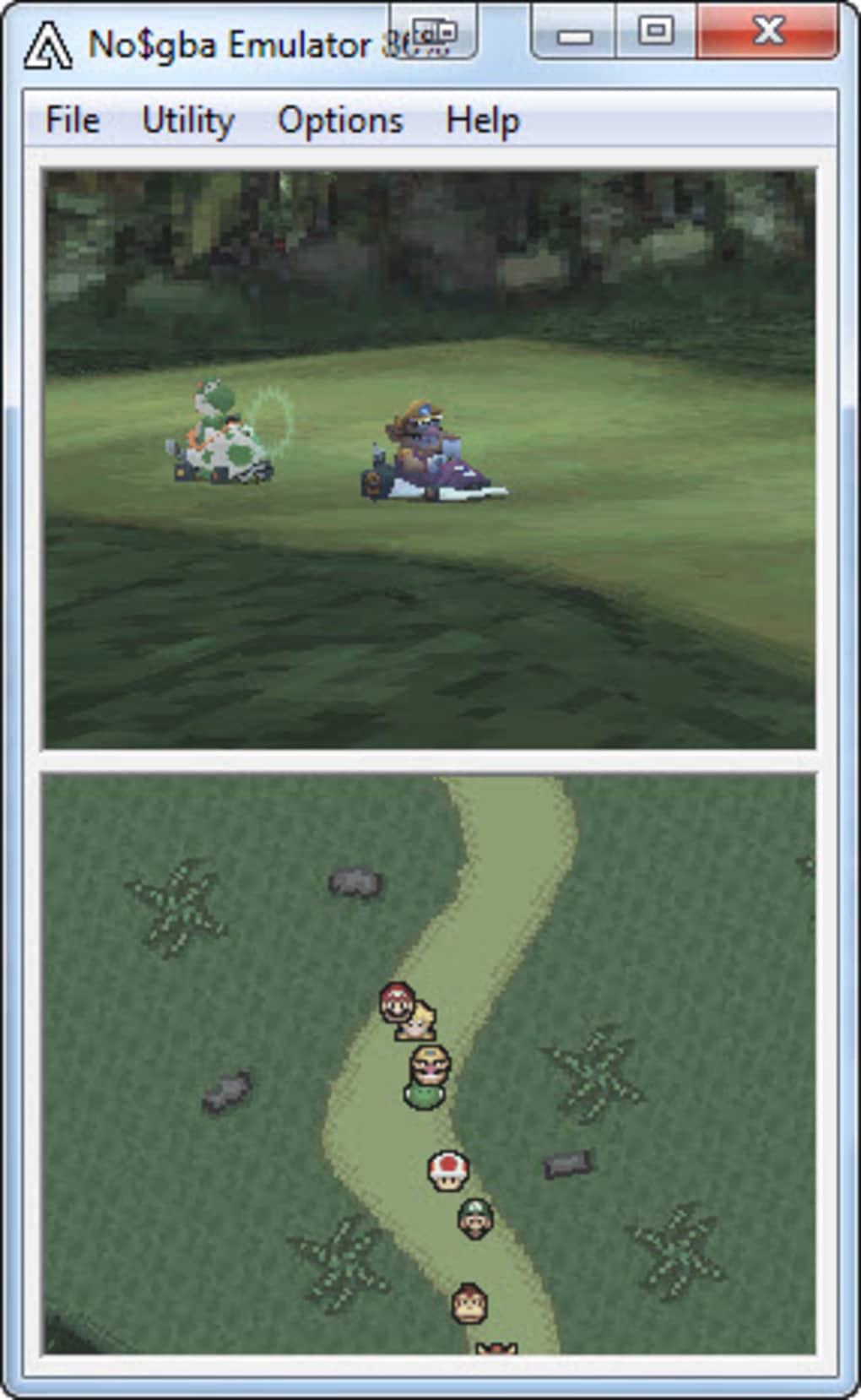
The true allure of any emulator lies in its ability to unlock a vast library of games, and No$GBA excels in this regard. With its elevated compatibility, the emulator can reproduce virtually the entirety of the video game catalogs published for both the Game Boy Advance and the Nintendo DS. From the groundbreaking RPGs and innovative platformers of the GBA to the dual-screen innovations and touch-based gameplay of the DS, No$GBA brings these diverse experiences to your PC. This comprehensive support means that whether you’re yearning to revisit the vast lands of Hyrule in a Zelda adventure, embark on a Pokémon journey, or tackle the strategic depth of Advance Wars, No$GBA is likely to be your trusted companion.
Beyond the official commercial releases, No$GBA also proudly supports “homebrews.” This term refers to games and applications developed by independent programmers and enthusiasts who, driven by passion and ingenuity, create new experiences for these legacy platforms. This support for user-generated content significantly expands the playable library, offering unique and often experimental titles that you might never encounter otherwise. It’s a testament to No$GBA’s commitment to the wider gaming community, embracing both established classics and the creative output of its most dedicated fans.
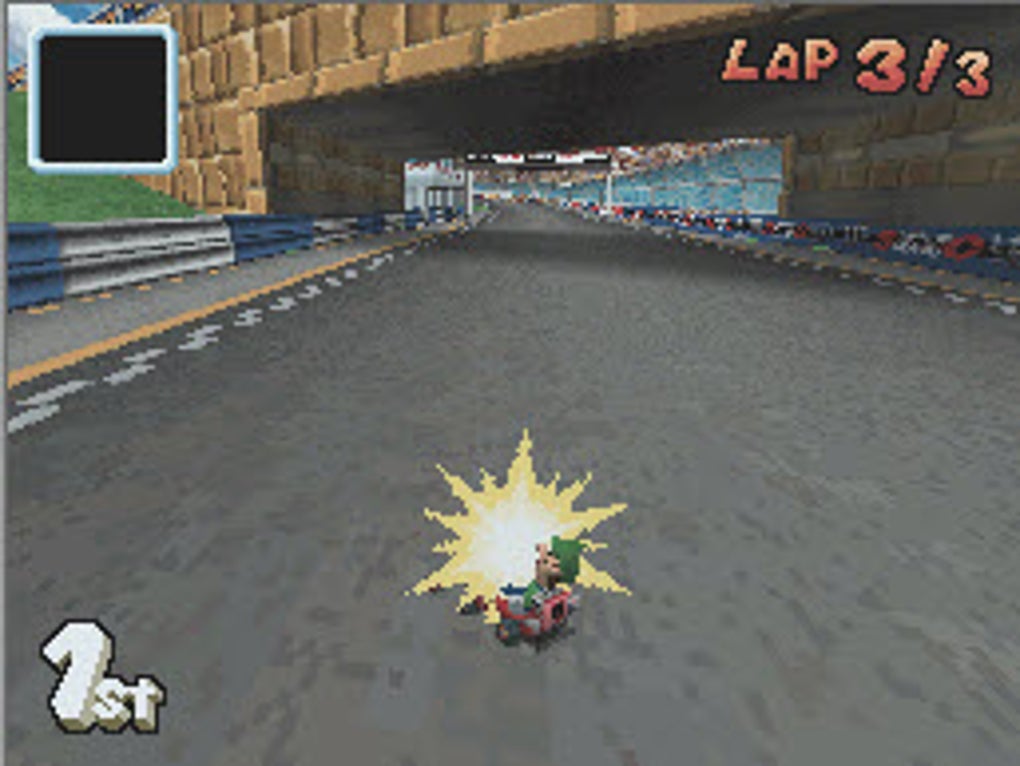
The genres available through No$GBA are as diverse as the consoles themselves. Players can dive into the adrenaline-pumping world of Action games, where quick reflexes and precise timing are paramount. For those who enjoy a more methodical challenge, Arcade classics offer timeless fun, while Adventure titles promise intricate narratives and expansive worlds to explore. Speed demons can test their mettle in Racing games, and strategy aficionados can command armies or build empires in Strategy titles. The GBA and DS also boasted a rich collection of Role-Playing (RPG) games, providing hundreds of hours of character progression and storytelling, all faithfully rendered by No$GBA. For a more cerebral workout, Puzzle games abound, challenging logic and spatial reasoning. Even niche interests are catered for, with categories like Cards, Casino, Sports, Educational, Family, Table games, Music, and Words all featuring prominently in the handheld libraries that No$GBA supports. The sheer breadth of options ensures that every player, regardless of their preferred genre, will find countless hours of engaging content to delve into, rekindling old favorites and discovering hidden gems.
Streamlining Your Experience: Installation, Features, and Essential Utilities
While the prospect of diving into a universe of classic games is exciting, the practicalities of setting up an emulator and managing game ROMs are crucial. No$GBA, despite its powerful capabilities, presents a relatively straightforward experience, though a few steps are required to get started. When you download No$GBA from PhanMemFree.org, you’ll receive a compact, efficient package.
The first step after downloading is typically extracting the emulator’s files from its compressed archive. Once extracted, you’ll have a folder containing the No$GBA executable and its supporting files. Now, to load games (ROMs), the process involves a specific, albeit slightly unconventional, method. You’ll need to extract the compressed ROM files for your desired games into their own specific folders. After this, you locate the “Slot” subfolder within your No$GBA installation directory. This is where you’ll paste your game files. Once the ROMs are placed in the “Slot” folder, launching No$GBA will display a window listing all the installed ROMs. Simply select the game you wish to play, and it will automatically launch.
One of the most critical aspects of any gaming experience is the ability to save progress, and No$GBA handles this gracefully. Saved game data, often referred to as “battery saves” or “savestates,” is automatically stored in the dedicated “Battery” folder within the No$GBA directory. This ensures that your progress is secure and easily manageable, allowing you to pick up exactly where you left off, whether it was mid-quest or at the cusp of a final boss battle. This attention to such Utilidades is what makes No$GBA a practical choice for long-term gaming.
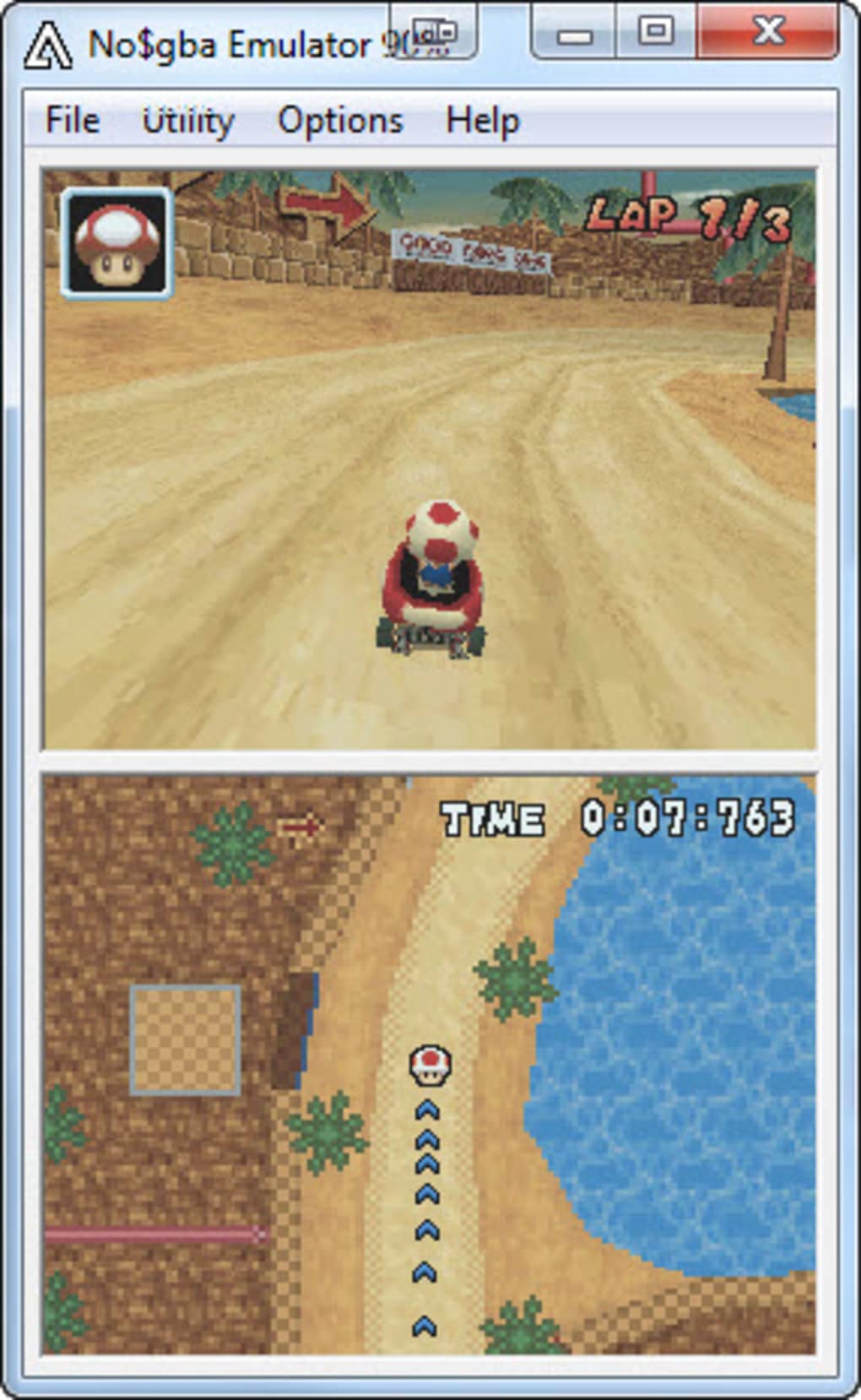
The interface of No$GBA, while not overtly flashy, is intuitive and functional. It prioritizes performance and directness, allowing users to quickly navigate to their desired game. Beyond the basic setup, the emulator also offers features that enhance the gaming experience. As mentioned, it often configures certain graphical options automatically, reducing the need for extensive manual tweaking for many users. This “set it and forget it” approach is particularly appealing to those who just want to jump straight into the action without wrestling with complex settings menus.
However, it’s worth noting some of the acknowledged limitations. While the overall process is user-friendly, the ROM installation method, particularly for newcomers, can be “a bit complex” as noted in user feedback. The emulator also “does not support Game Boy Advance accessories,” which means certain games that relied on unique peripherals might not offer their full intended experience. Furthermore, No$GBA, being a product of a dedicated developer rather than a large corporation, operates “without official support service” and its “help tutorials could be improved.” These are minor drawbacks for an otherwise excellent free emulator, but they are points for users to be aware of. Despite these, its core function as a robust, lightweight emulator for Windows 7 (and later) and even MS-DOS remains highly regarded. The 161.19 KB download size, with millions of downloads over its lifetime, underscores its efficiency and widespread adoption.
Beyond the Pixels: Performance, Customization, and User Insights
An emulator’s true value is often measured not just by its feature set, but by its performance in the hands of real users. No$GBA has garnered significant praise within the gaming community for its speed and efficiency, particularly in its emulation of Nintendo DS titles. User testimonials frequently highlight its ability to run games smoothly, often without the pixelation or lag encountered in less optimized emulators. One user from 2012 described it as “the fastest Nintendo DS emulator,” while another in 2013 lauded it as “small and efficient,” noting that “well configured, it runs wonderfully.” This consistent feedback underscores No$GBA’s reputation for delivering a responsive and enjoyable gaming experience.
While No$GBA excels in performance, its approach to Personalization and advanced features is pragmatic. The emulator does include support for cheat codes, a highly sought-after feature for many players looking to enhance or alter their gameplay experience. Users have praised this inclusion, mentioning “cheatssimple” and “Tiene trucos” in their reviews. However, it’s also important to acknowledge some areas where No$GBA falls short compared to more feature-rich, albeit sometimes heavier, alternatives. A recurring point of feedback, especially for DS emulation, is the absence of official multiplayer capabilities, particularly Wi-Fi support. Users have explicitly noted, “NO TIENE POSIBILIDAD DE USAR WIFI” and “pocas opciones, no tiene WiFi,” which means those hoping for authentic multiplayer experiences from DS games might need to look elsewhere or consider fan-made solutions. The lack of accessory support for GBA titles also limits the scope for certain unique gameplay experiences.
Despite these limitations, the overall sentiment remains overwhelmingly positive. Users appreciate its “good performance,” “good graphics,” and straightforward usability. Many have described it as “extraordinary” and “very good,” expressing gratitude for being able to play their favorite NDS games. The phrase “Si me gusta nogba por que es facil de usar sencillo y a la vez rapido y eficaz” (I like No$GBA because it’s easy to use, simple, and at the same time fast and efficient) perfectly encapsulates the core appeal that has kept it relevant for so long. Even though it’s been described as a “discontinued emulator,” its enduring quality means that “until now it is one of the best for its speed and graphics.” This blend of efficiency, reliability, and fundamental feature support solidifies No$GBA’s position as a stalwart in the emulation world.
Ensuring a Smooth Ride: Security, Compatibility, and Longevity
In the realm of software, especially free utilities downloaded from the internet, concerns about Security and Privacy are paramount. No$GBA, distributed as a compact and focused emulator, has generally maintained a clean reputation. When downloaded from reputable sources like PhanMemFree.org, users can expect a secure package free from malicious software. The program’s minimal size and direct functionality contribute to a trustworthy profile, as it doesn’t bundle unnecessary additional software or complex hidden processes. However, as with any software involving downloaded content (ROMs), users are always advised to exercise caution and obtain game files from trusted community sources to avoid potential security risks unrelated to the emulator itself.
Compatibility is another key strength that has contributed to No$GBA’s longevity. Designed for Windows (specifically citing Windows 7 as a baseline, but compatible with newer versions) and even supporting MS-DOS, it demonstrates a commitment to broad system accessibility. This wide compatibility ensures that a vast majority of PC users can run No$GBA without significant hurdles, a crucial factor for a free piece of software aiming to reach a wide audience. The program’s small footprint also means it doesn’t demand excessive system resources, making it suitable for older computers or those with modest specifications.
The enduring popularity of No$GBA, despite being a project with a long history and an “undiscontinued” status, speaks volumes about its quality and timeless utility. In an age where digital content can be fleeting, emulators like No$GBA play a vital role in game preservation, allowing generations old and new to experience classic titles that might otherwise be lost to outdated hardware. It serves as a digital archive, ensuring that the legacy of the Game Boy Advance and Nintendo DS continues to thrive.
In conclusion, No$GBA stands as a testament to effective and accessible emulation. It may not boast every cutting-edge feature or elaborate graphical filter found in newer, more complex emulators, but its core strengths—high compatibility with GBA and DS titles, lightweight performance, intuitive operation, and excellent speed—make it an indispensable tool for retro gaming aficionados. Whether you’re a veteran player seeking to rekindle nostalgic memories or a newcomer eager to explore the rich history of Nintendo’s handhelds, No$GBA provides a reliable, efficient, and thoroughly enjoyable gateway to a universe of classic portable gaming. Downloading it from PhanMemFree.org is a direct path to reliving those cherished moments and experiencing the enduring magic of pixelated masterpieces.


